AI Video to Prompt GeneratorCopy Any Viral Formula
Saw a hit and wondered how it was made? Upload it — AI breaks it down shot by shot into a full prompt. Change a few words and it’s your own.
Upload a hit video — AI breaks it down shot by shot into a prompt you can remix.
Trusted by Businesses and Creators Worldwide


Discover the Secrets Behind Viral Videos
Explore trending video formats, uncover the prompts behind them, and recreate viral-style content with your own assets.
Stop Guessing Why It Went Viral — See the Formula
Saw a hit and just envied it? DeeVid breaks its shots, camera moves and lighting into a prompt you can edit into your own version.
Break Down Any Video, Shot by Shot
Love a video but don’t know how to recreate its look? Upload it and DeeVid analyzes every shot, identifying subjects, actions, and settings to reveal the structure behind the video.
Decode Camera Moves, Framing & Lighting
Dolly moves, camera orbits, shot sizes, lighting, and color grading — DeeVid identifies the techniques behind every shot and turns them into clear, AI-ready descriptions. Understand professional visual styles without a film degree.
Make the Prompt Yours with a Few Edits
Edit the extracted prompt directly. Change the subjects, settings, actions, or visual style while keeping the camera language you love. Turn a video reference into a creative concept of your own.
Generate Your Own Version in One Click
Send your edited prompt directly to an AI video generator and bring your creative vision to life. Skip the guesswork and go from video reference to your own creation in just a few clicks.
How to Use AI Video to Prompt Generator
Three steps. No download needed, just open your browser and start.
STEP 01
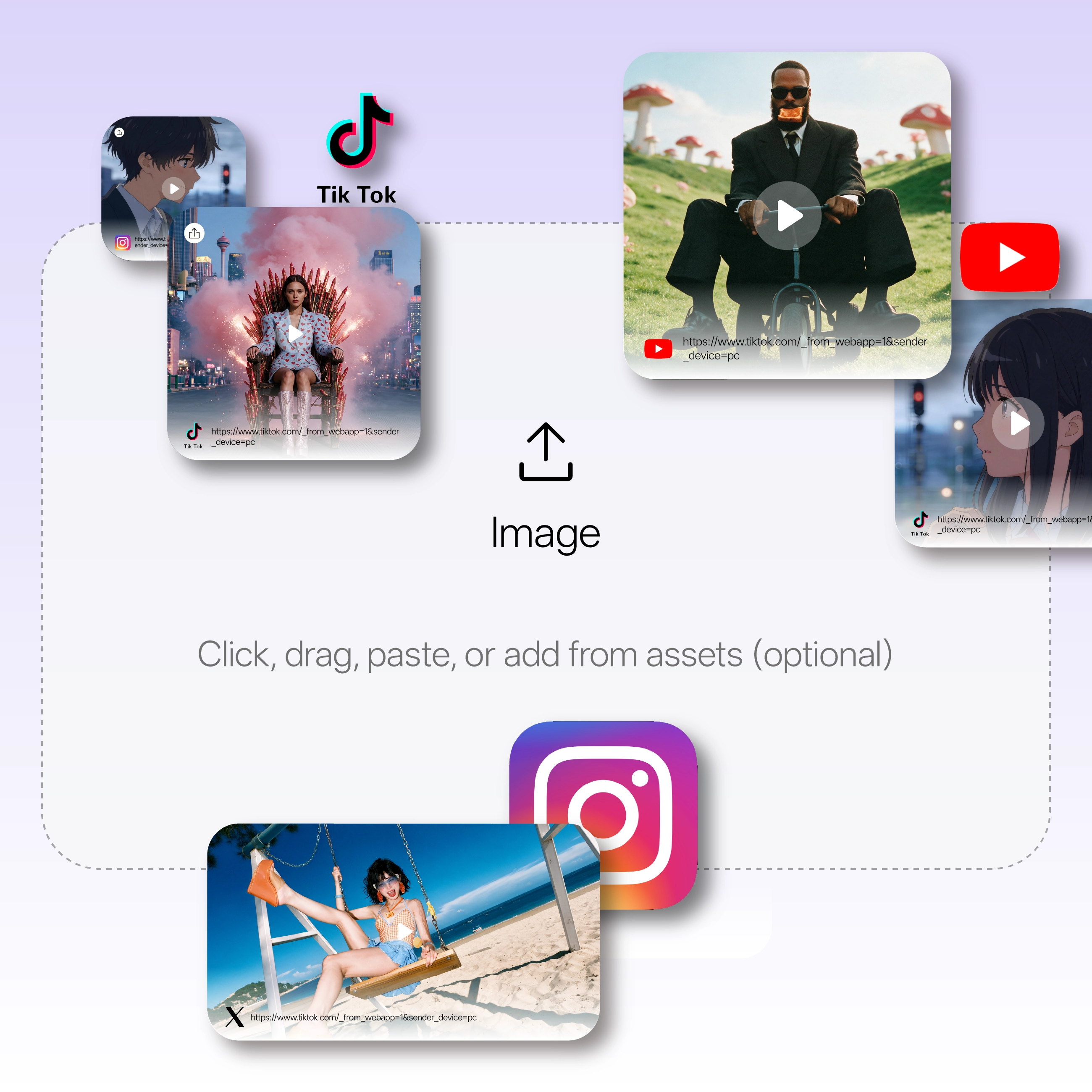
Upload a Reference Video
Upload a video or paste a video link to get started.
STEP 02
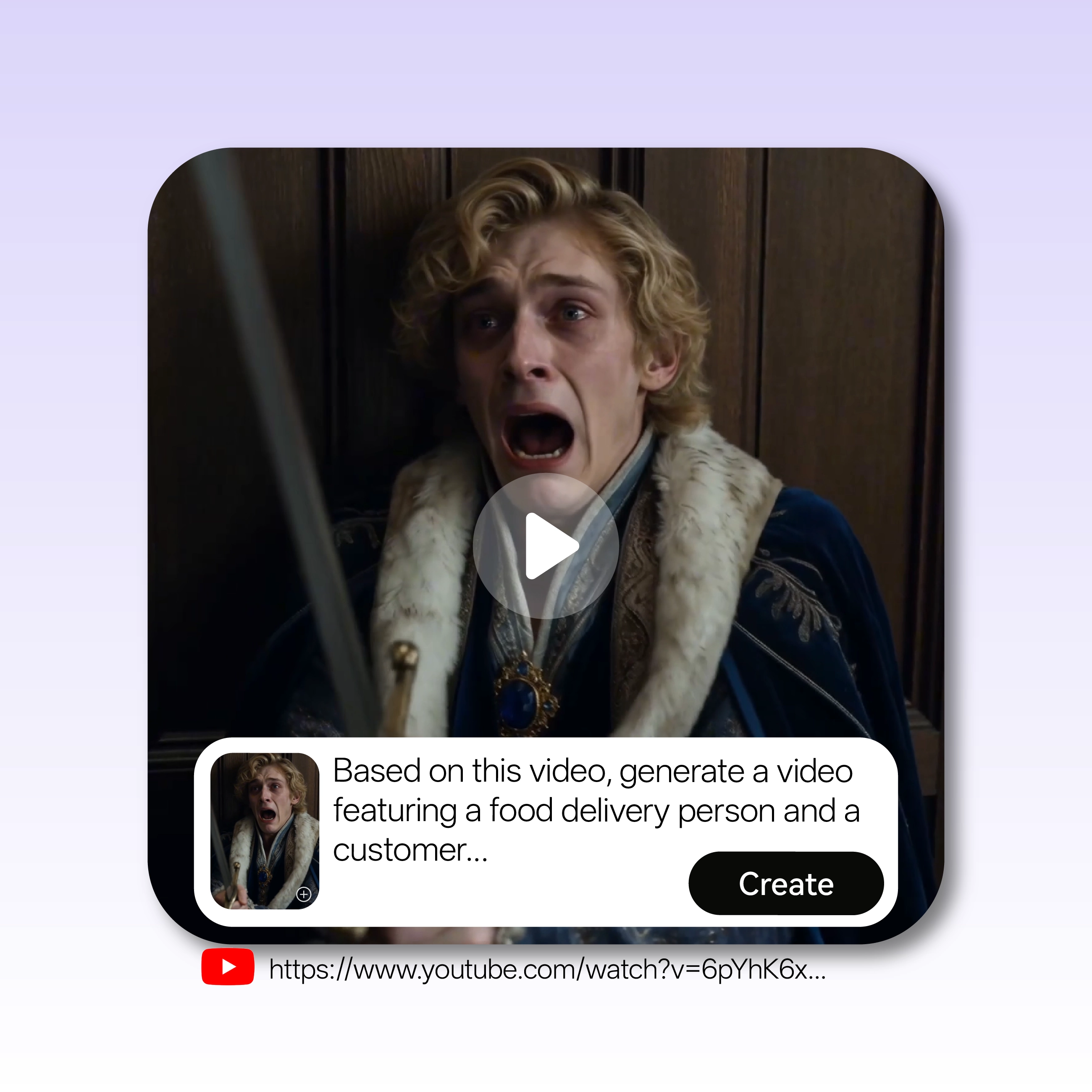
Get Shot-by-Shot Prompts
AI analyzes the video and extracts detailed prompts covering shots, subjects, actions, settings, camera moves, and lighting.
STEP 03
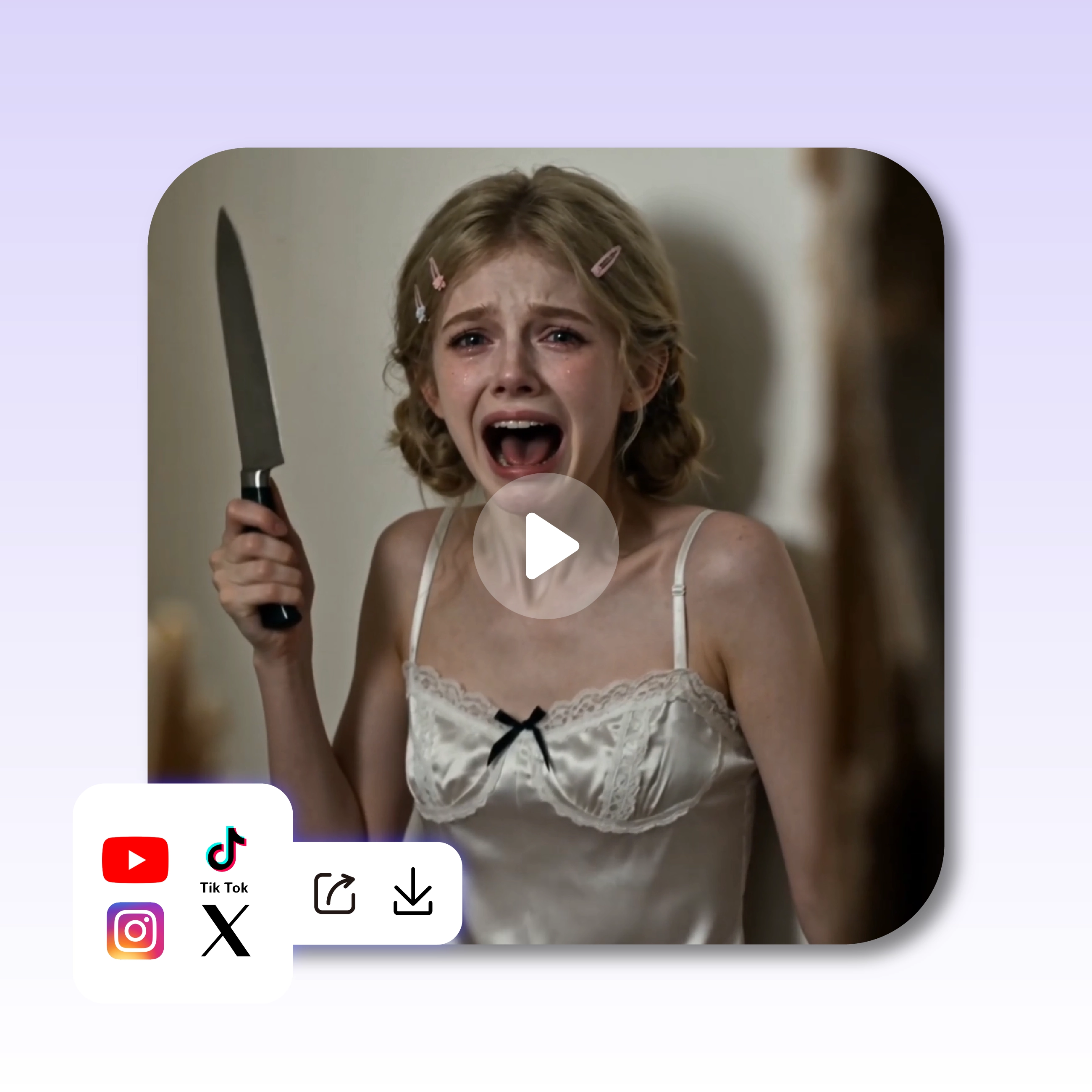
Generate Your Version
Customize the subjects, scenes, and visual style, then send your prompt to an AI video model to create your own version.
More Marketing & Growth Tools
Take the same product and idea further on every channel.
Loved by Creators
Feedback from real creators.
Reference assets keep characters and scene styles consistent, making them ideal for a series of social posts.
I can quickly explore product visuals and camera directions, leaving more time for creative ideas.
Starting with text or images makes turning ideas into visuals feel more intuitive.
Matching visuals to music and movement helps me develop a complete visual concept faster.
Exploring variations within one visual direction makes it easier to develop a cohesive content series.
Turning abstract scene descriptions into video previews makes creative proposals easier to explain.
Matching visuals to music and movement helps me develop a complete visual concept faster.
Exploring variations within one visual direction makes it easier to develop a cohesive content series.
Turning abstract scene descriptions into video previews makes creative proposals easier to explain.
Reference assets keep characters and scene styles consistent, making them ideal for a series of social posts.
I can quickly explore product visuals and camera directions, leaving more time for creative ideas.
Starting with text or images makes turning ideas into visuals feel more intuitive.
Frequently Asked Questions
What is a video to prompt generator?
Video to prompt analyzes a video’s shots, subjects, camera moves and style, and outputs prompts you can use directly for AI video generation.
Which video links are supported?
You can upload a local video or paste a public link from common platforms; see the input box for supported sources.
How accurate is the extracted prompt?
It recovers most of the shot structure, camera moves and style, and you can fine-tune it to get closer to what you want.
Can I edit the prompt before generating?
Yes. Every shot description can be edited individually before you generate.
Can I copy someone else’s video?
Prompts are for learning techniques and structure. Don’t copy other people’s original content, people or brand elements — add your own creative ideas.
Which model is used to remake it?
A suitable video model is recommended by default, and you can switch to Kling 4.0, Seedance 2.5, Veo 3.1 or any other model before generating.
Extract Video Prompts Free on DeeVid
Upload a video and get its prompt in seconds. Sign up now and start creating for free.