AI Product Video GeneratorProduct Photos That Sell
Upload a product photo or paste a product link to create 360° spins, lifestyle scenes, virtual try-ons, and unboxing videos — while keeping your product exactly as it is. No studio. No models. No samples required.
Upload a product photo or link for 360° spins, try-ons and unboxings — your product kept exact.
Trusted by Businesses and Creators Worldwide


Turn Any Product into a Video That Sells
Choose a proven video style, upload your product, and create scroll-stopping product videos in minutes.
Key Features
Everything you need to make content that performs.
Turn a Product Link into Video in Minutes
Paste a product page link and DeeVid pulls in the images and key selling points automatically, then turns them into a captioned product video. Launch fast and keep your videos moving just as quickly.
No Models. No Photo Shoot.
Skip model fees, studio bookings, and production schedules. Upload one product image to create try-on videos, motion shots, close-ups, and multi-scene creatives in one go — ready for different markets and channels.
One Upload, Ready for Every Channel
Export formats for product pages, Amazon listings, TikTok Shop, and Meta ads in one go. Wherever you sell, DeeVid helps you get the right video for the right channel.
Keep Your Product Accurate in Every Frame
Shape, color, print, logo and fit match your product photo in every frame. AI makes it move — it never “redesigns” it.
How to Use AI Product Video Generator
Three steps. No download needed, just open your browser and start.
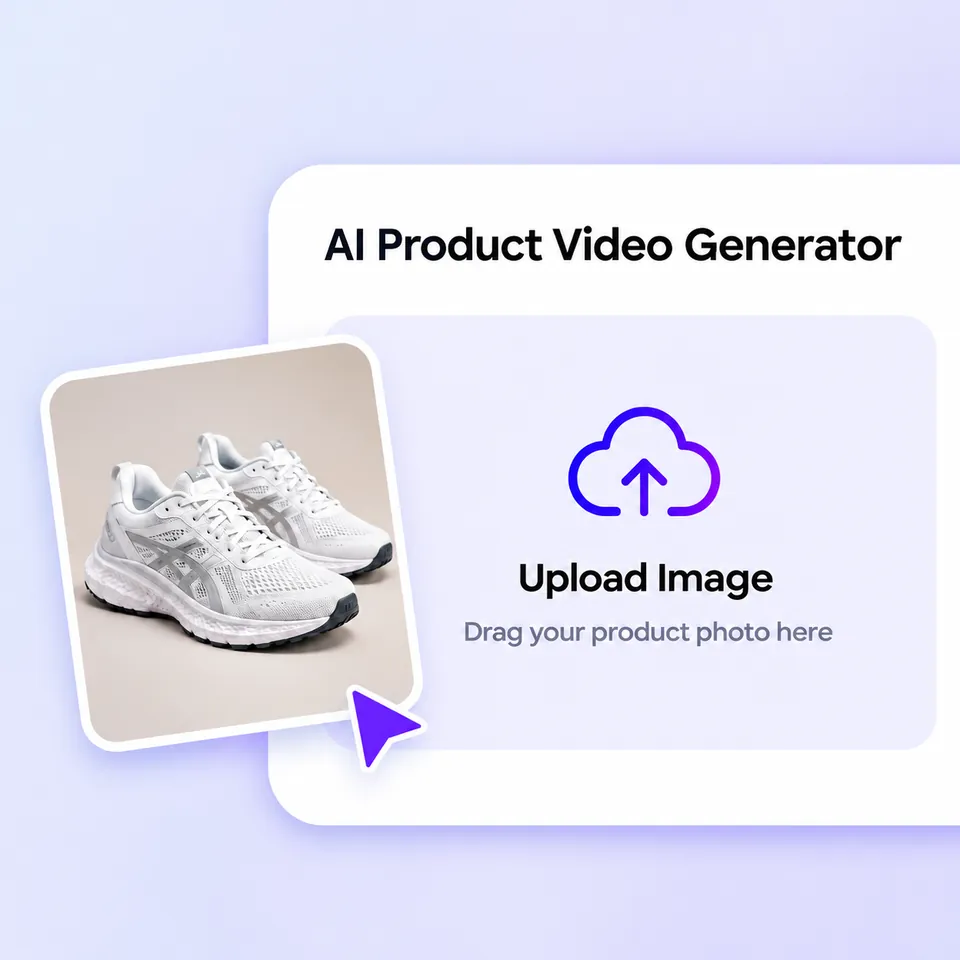
STEP 01
Upload a Photo or Paste a Link
Start with a clean product photo or a product page link.
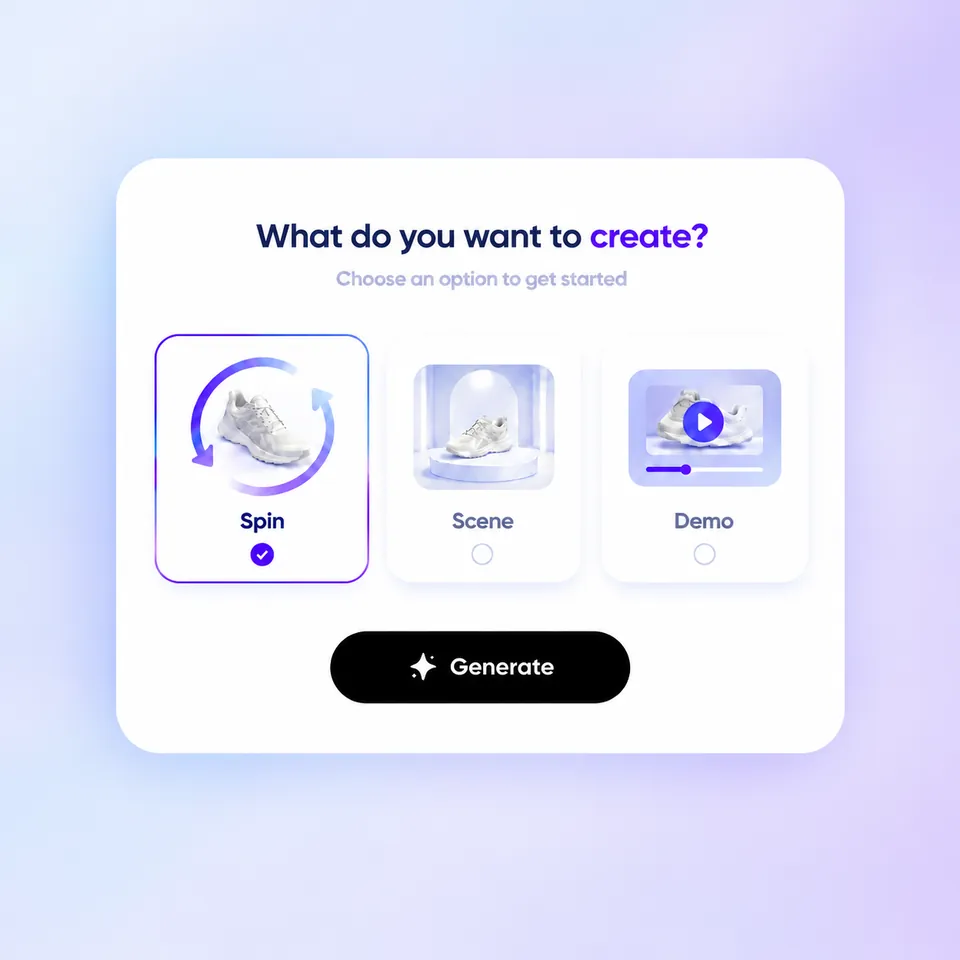
STEP 02
Pick a video format
Choose from spins, lifestyle scenes, try-ons, or unboxing videos.
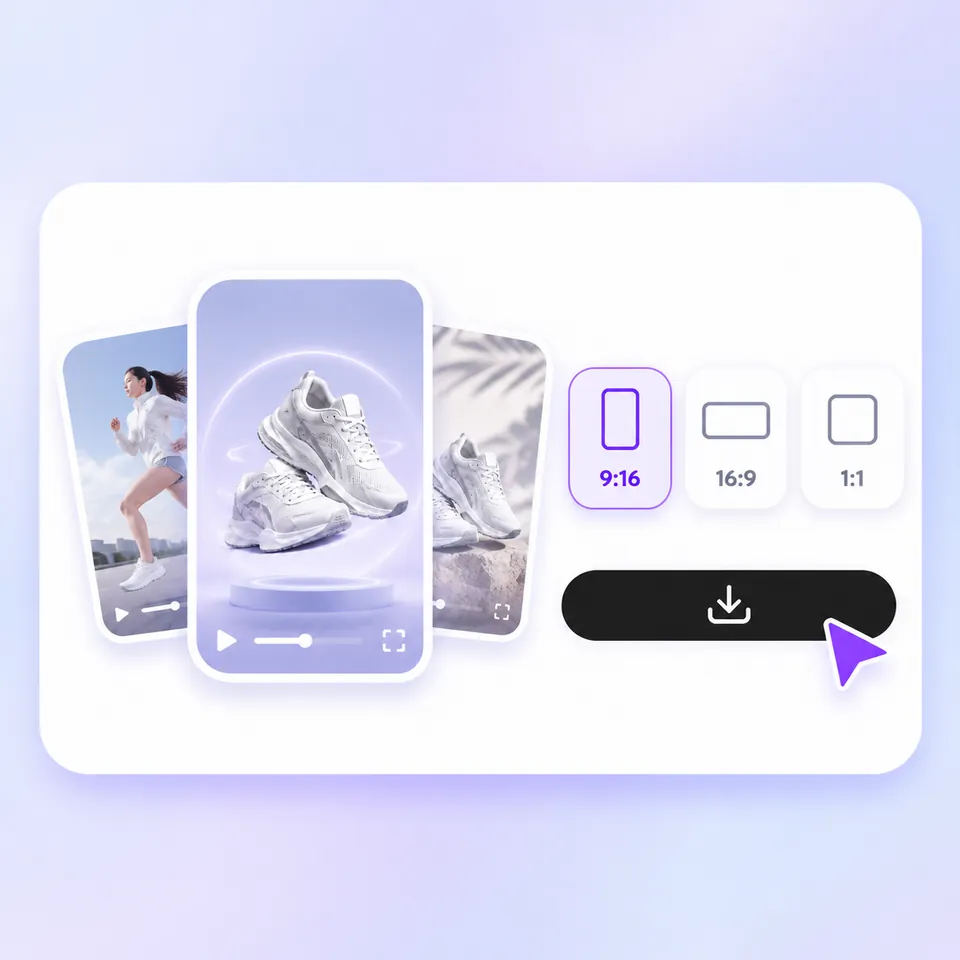
STEP 03
Export and Start Selling
Upload straight to your product page, listing, TikTok Shop or ad account.
More Marketing & Growth Tools
Take the same product and idea further on every channel.
Loved by Creators
Feedback from real creators.
Reference assets keep characters and scene styles consistent, making them ideal for a series of social posts.
I can quickly explore product visuals and camera directions, leaving more time for creative ideas.
Starting with text or images makes turning ideas into visuals feel more intuitive.
Matching visuals to music and movement helps me develop a complete visual concept faster.
Exploring variations within one visual direction makes it easier to develop a cohesive content series.
Turning abstract scene descriptions into video previews makes creative proposals easier to explain.
Matching visuals to music and movement helps me develop a complete visual concept faster.
Exploring variations within one visual direction makes it easier to develop a cohesive content series.
Turning abstract scene descriptions into video previews makes creative proposals easier to explain.
Reference assets keep characters and scene styles consistent, making them ideal for a series of social posts.
I can quickly explore product visuals and camera directions, leaving more time for creative ideas.
Starting with text or images makes turning ideas into visuals feel more intuitive.
FAQs
Will AI change how my product looks?
No — and that’s the biggest difference between DeeVid and other tools. Every video is generated from your product photo, so shape, color, print and logo stay consistent. A sharp, front-facing photo works best.
Do I need professional product photos?
No. A clear phone photo on a plain background is enough — just avoid heavy shadows and reflections.
Can I show clothes on a model?
Yes. Upload your garment and get a video of a virtual model wearing it — walking, turning and posing.
Can I start from a product link?
Yes. Paste a product page link and the images and selling points are pulled in automatically.
Can I use the videos on Amazon, Shopify and TikTok Shop?
Yes. You get standard MP4s in every channel’s sizes. Check each marketplace’s video guidelines before uploading.
Is it free? What do I get with Pro?
Yes — sign up and get free credits to start creating right away. Go Pro to unlock watermark-free HD exports, commercial use and more credits. Once your first video takes off, you’ll want them.
Every Product Deserves a Great Video.
Join 42M+ users and 300K+ brands on DeeVid. Upload a product photo and turn it into a polished product video that showcases its best features and captures buyers’ attention.