AI Reels MakerReels with Big-Brand Polish
Turn product or shop photos into Reels with cinematic moves, smooth transitions and music on the beat — so new customers find you on Explore.
Turn product or shop photos into Reels with cinematic moves and music on the beat.
Trusted by Businesses and Creators Worldwide


Create Reels That Capture Attention and Drive Sales
Choose a ready-made style, upload your photos, and create engaging Reels for your brand in minutes.
Key Features
Everything you need to make content that performs.
Studio-Quality Reels That Stop the Scroll
Viewers decide in seconds whether to keep watching. Add cinematic camera moves, professional lighting, and seamless transitions to turn ordinary photos into polished, studio-quality Reels.
Reach Beyond Your Existing Followers
Create Reels with platform-friendly pacing, vertical framing, and attention-grabbing hooks. Add beat-synced music and compelling openings to make your content more engaging and discoverable.
Captions That Drive Engagement and Action
From attention-grabbing hooks to clear benefits and compelling calls to action, create Reels captions that encourage viewers to follow, comment, save, and send you a DM.
A Month of Reels, Steady Growth
Create multiple Reels variations in one go and plan your content calendar ahead. Spend less time scrambling for daily content and more time growing your Instagram presence.
How to Use AI Reels Maker
Three steps. No download needed, just open your browser and start.
STEP 01
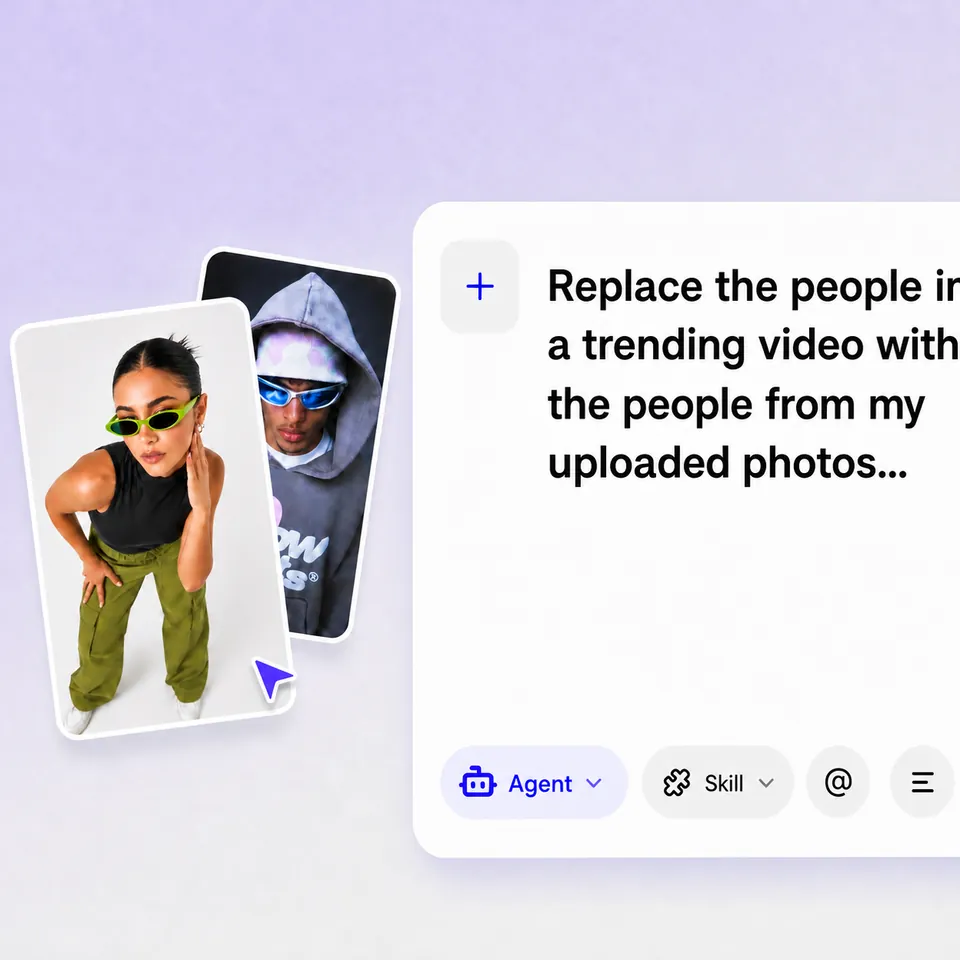
Upload Your Photos
Product shots, shop photos or menus. Takes about a minute.
STEP 02
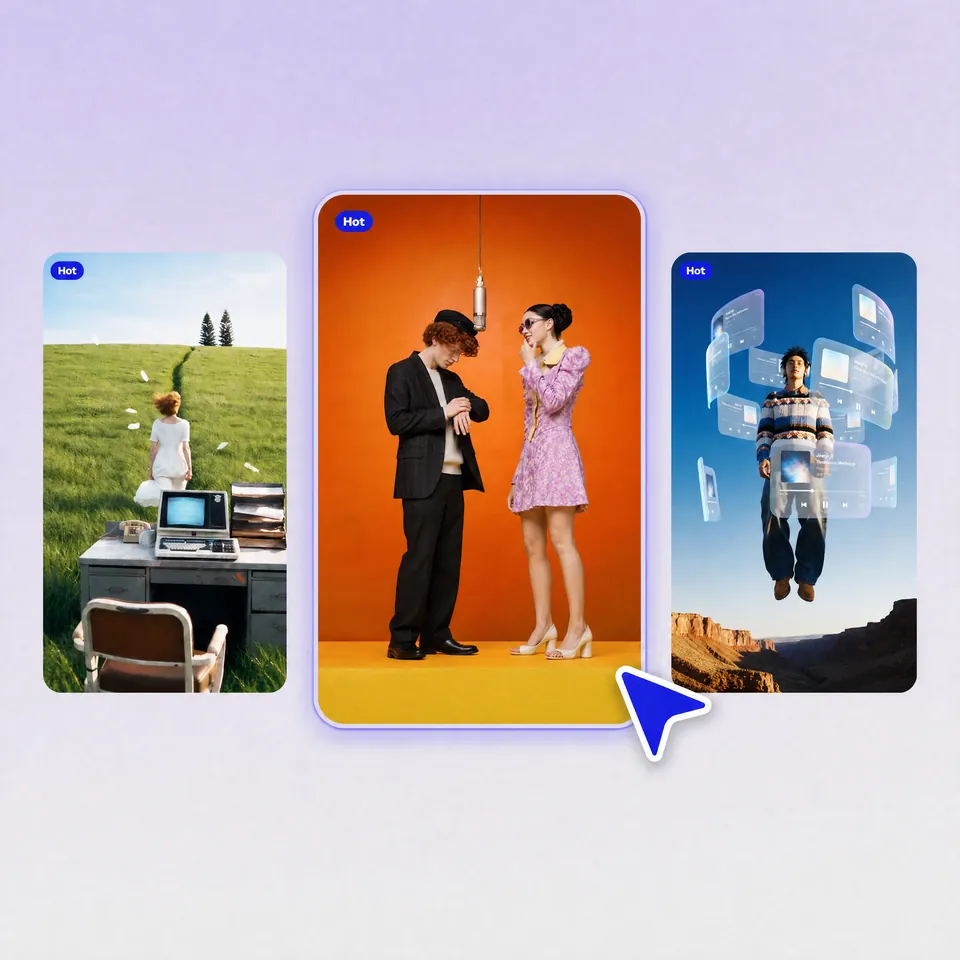
Pick a Style
New arrival, lookbook, food or before & after — choose what fits your feed.
STEP 03
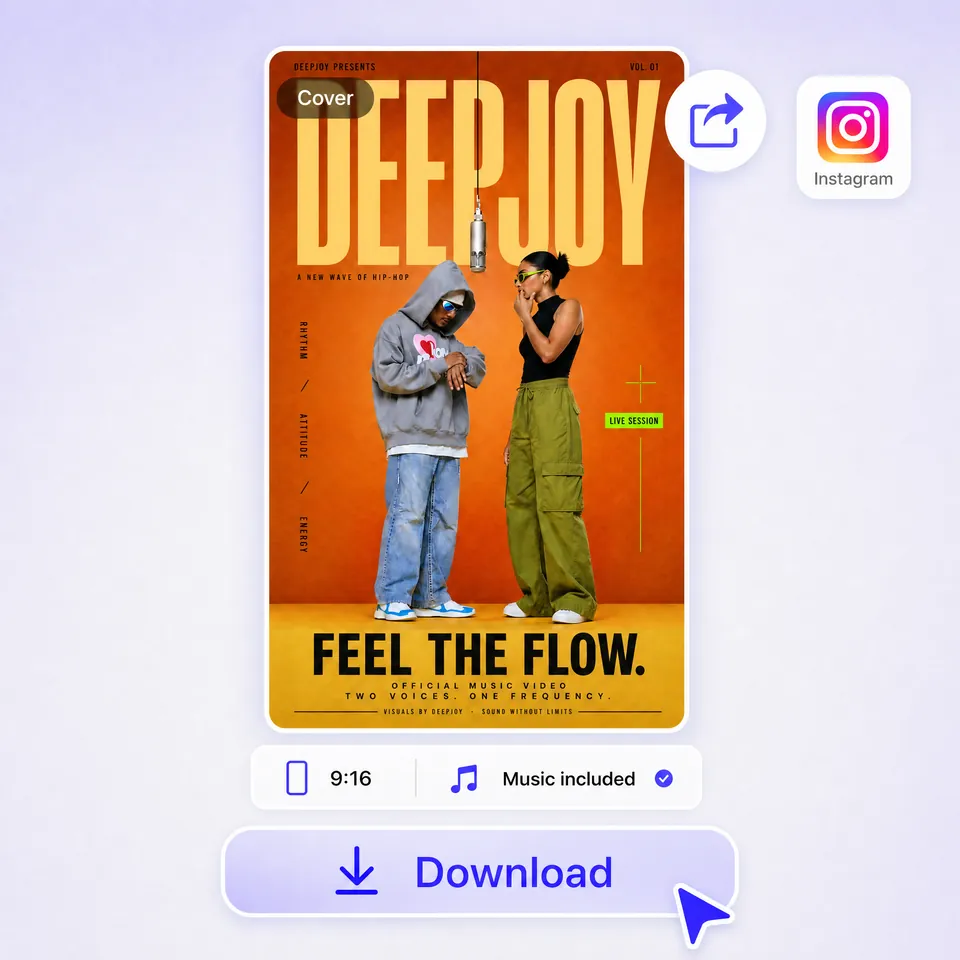
Download and Post
Get a 9:16 Reel with music, ready for Reels or Stories.
More Marketing & Growth Tools
Take the same product and idea further on every channel.
Loved by Creators
Feedback from real creators.
Reference assets keep characters and scene styles consistent, making them ideal for a series of social posts.
I can quickly explore product visuals and camera directions, leaving more time for creative ideas.
Starting with text or images makes turning ideas into visuals feel more intuitive.
Matching visuals to music and movement helps me develop a complete visual concept faster.
Exploring variations within one visual direction makes it easier to develop a cohesive content series.
Turning abstract scene descriptions into video previews makes creative proposals easier to explain.
Matching visuals to music and movement helps me develop a complete visual concept faster.
Exploring variations within one visual direction makes it easier to develop a cohesive content series.
Turning abstract scene descriptions into video previews makes creative proposals easier to explain.
Reference assets keep characters and scene styles consistent, making them ideal for a series of social posts.
I can quickly explore product visuals and camera directions, leaving more time for creative ideas.
Starting with text or images makes turning ideas into visuals feel more intuitive.
FAQs
Can I make great Reels from phone photos?
Yes — that’s exactly what DeeVid does best. One decently lit phone photo becomes a studio-quality Reel with real camera motion and transitions.
Will AI change how my product looks?
No. DeeVid uses your photo as the reference, so colors, packaging and logos stay the same. Upload a sharp, front-facing photo and double-check small text before posting.
Can I use trending audio?
Every Reel comes with background music. For trending audio, add it inside Instagram when you post — business accounts are limited to Instagram’s royalty-free library.
What kind of business is it for?
Boutiques, restaurants, cafés, salons, gyms, studios, online shops — if you need to show up on Instagram every week, it’s for you.
Can I run my Reels as ads?
Yes. Boost the exported MP4 directly, or run it in Meta Ads Manager on Reels and Stories placements.
Is it free? What do I get with Pro?
Yes — sign up and get free credits to start creating right away. Go Pro to unlock watermark-free HD exports, commercial use and more credits. Once your first video takes off, you’ll want them.
Look Like the Big Brands. Starting Today.
Join 42M+ creators and brands on DeeVid. Make your first Reel free — your customers will tell you it was worth it.