AI Text to Video GeneratorOne Line, One Film
Just write what you want to see — AI handles the shots, light and pacing. No footage, no editing: one prompt is all it takes.
Trusted by Businesses and Creators Worldwide


From a Simple Prompt to a Cinematic Video
See how a single prompt becomes a stunning video. Explore the prompts and create your own.
From Windowsill to Tunnel
A Home Grows from Bare Ground
The Magic Library
Golden Moment on the Wrist
Flying Over the Peaks
Ballet Among the Flowers
Key Features of Text to Video
Everything you need on one platform, with zero learning curve.
One Prompt, Full Scene
No jargon needed. Write shots, light and action the way you talk — “slowly push in”, “sunset light from the side” — and the model follows.
Any Style, One Word Away
Photoreal film, 2D animation, 3D cartoon, retro film stock — name the style in your prompt and the same idea takes on a completely different look, with no new tools to learn.
Native 30s
One prompt creates a complete long take where actions, scene changes and camera moves flow together naturally.
Accurate Text, Crisp Detail
Titles, signs and packaging text come out exactly as written — no typos, no warping — in high-definition footage that stays sharp up close. Ideal for openers, product shots and title cards.
Top Text-to-Video Models
Kling 4.0, Seedance 2.5, Veo 3.1 and more.
How to Use AI Text to Video Generator
Three steps. No download needed, just open your browser and start.
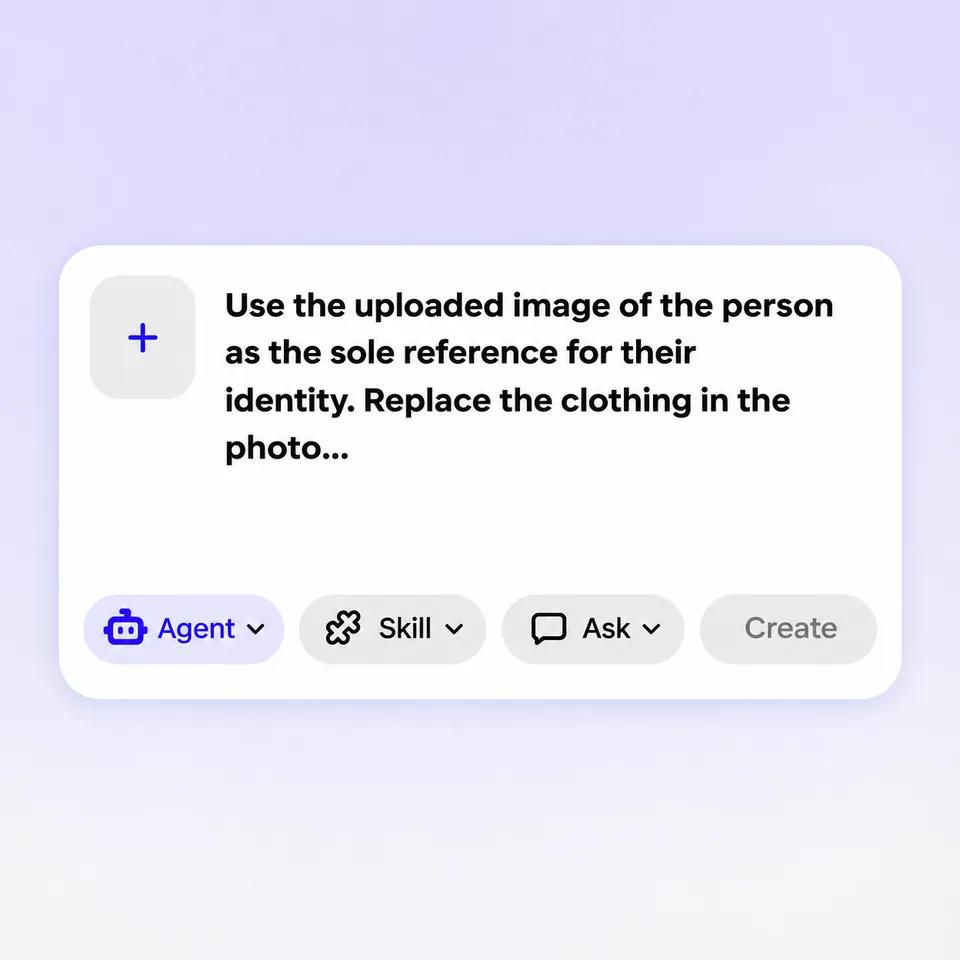
STEP 01
Enter Your Prompt
Describe the scene, characters, camera movement and any dialogue or sound you want.
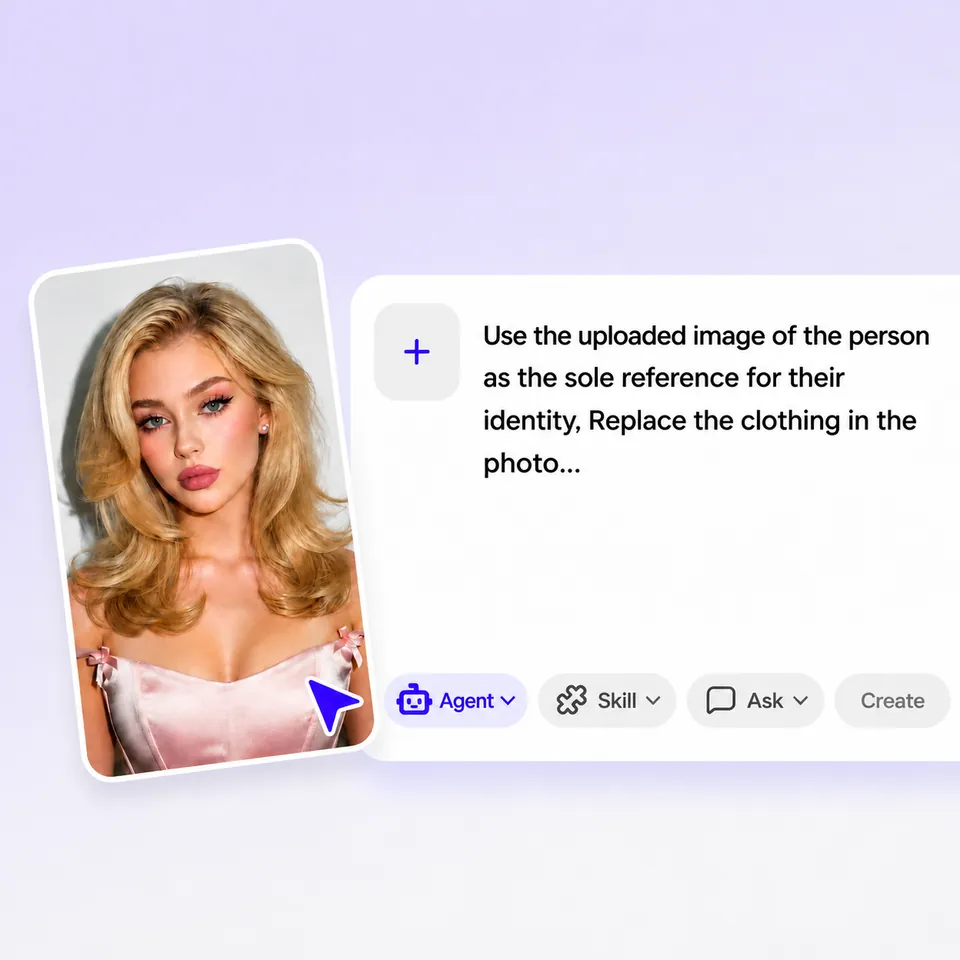
STEP 02
Customize
Optionally upload an image as the starting frame or visual reference.
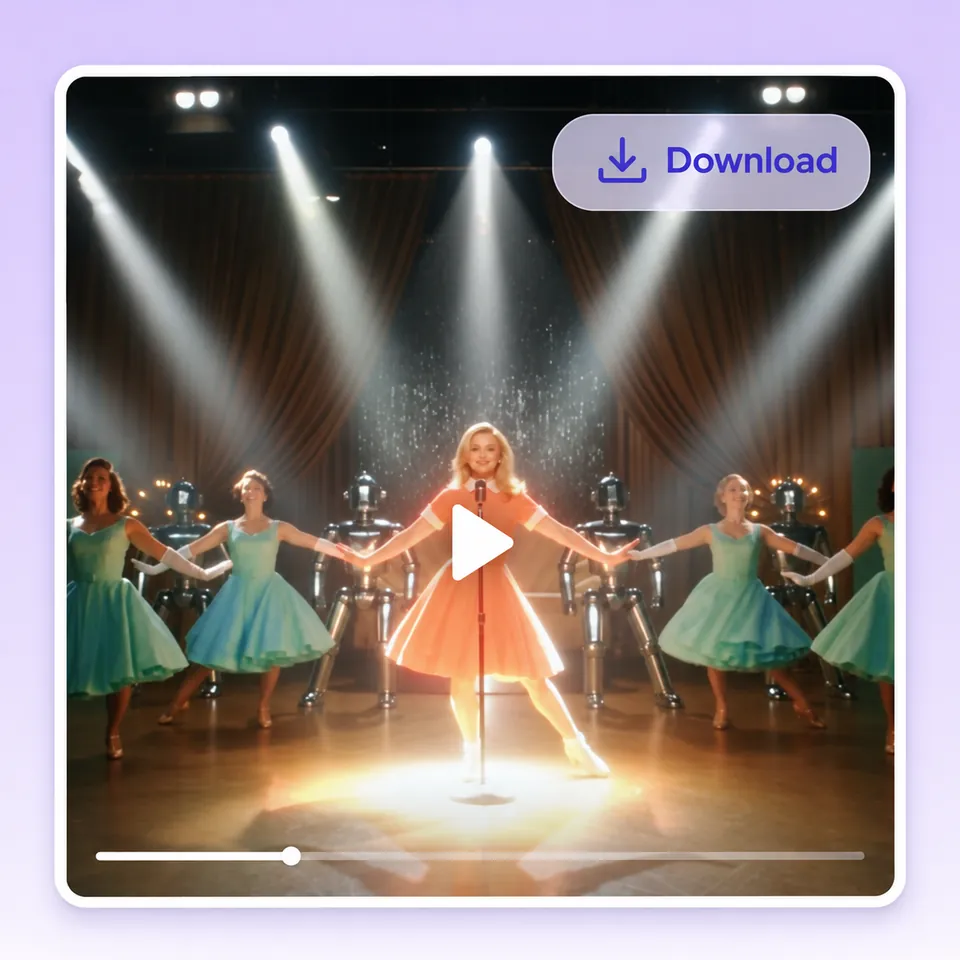
STEP 03
Generate
DeeVid creates a result that matches your description. Preview it, refine your prompt and download.
More AI Tools
One account unlocks every creative tool on DeeVid.
Loved by Creators
Feedback from real creators.
Reference assets keep characters and scene styles consistent, making them ideal for a series of social posts.
I can quickly explore product visuals and camera directions, leaving more time for creative ideas.
Starting with text or images makes turning ideas into visuals feel more intuitive.
Matching visuals to music and movement helps me develop a complete visual concept faster.
Exploring variations within one visual direction makes it easier to develop a cohesive content series.
Turning abstract scene descriptions into video previews makes creative proposals easier to explain.
Matching visuals to music and movement helps me develop a complete visual concept faster.
Exploring variations within one visual direction makes it easier to develop a cohesive content series.
Turning abstract scene descriptions into video previews makes creative proposals easier to explain.
Reference assets keep characters and scene styles consistent, making them ideal for a series of social posts.
I can quickly explore product visuals and camera directions, leaving more time for creative ideas.
Starting with text or images makes turning ideas into visuals feel more intuitive.
Frequently Asked Questions
What is text to video AI?
Text to video AI generates a video — visuals, camera movement and sound — from a written description, with no footage or editing software needed.
How do I write a good video prompt?
Write it as subject + action + setting + camera + light/style, e.g. “a golden retriever surfing at sunset, slow motion, side tracking shot”. You can also reuse a prompt from the examples and tweak it.
Which model should I pick?
For cinematic realism try Veo 3.1 or Kling 4.0; for long takes choose Seedance 2.5. If you’re unsure, run the same prompt on a few models and compare.
How long does generation take?
Usually from a few seconds to a few minutes, depending on the model, length and resolution. You can leave the page and find the result in your library.
Can I add sound or dialogue?
Yes. Models with native audio generate sound effects, ambience and dialogue together with the video — just describe the sound you want in the prompt.
Can I use the result commercially?
Videos made on paid plans can be used commercially. See the DeeVid Terms of Service for the full license.
Turn Text into Video Free on DeeVid
Write one sentence and get a finished video in minutes. Sign up now and start creating for free.