AI Music to Video GeneratorAn MV for Every Song
Upload a track and AI matches the visuals, cuts to the beat and syncs the lips. No MV budget? Your song still gets seen.
Trusted by Businesses and Creators Worldwide


Turn Your Music into Visual Experiences
Bring every beat to life with AI-generated visuals. Explore creative examples and reuse their prompts and styles.
Retro Showtime MV
Retro Rock Live
Podcast Highlight
Audiobook Visuals
Tennis Beat-Sync Ad
Coffee Brand Film
Key Features of Music to Video
Everything you need on one platform, with zero learning curve.
Beat Detection
Upload audio and the beat, accents and sections are detected automatically, so cuts land on drum hits and choruses — a beat-synced edit straight away.
Lip Sync
Characters sing along with the vocals, with lips matched to the lyrics, so close-up performance shots look natural.
Lyric Captions
Lyrics are transcribed and aligned line by line, with switchable caption styles — ready for lyric and cover videos.
Style Presets
Apply animation, cinematic, retro film or neon styles in one click and quickly compare several versions of the same song.
How to Use AI Music to Video Generator
Three steps. No download needed, just open your browser and start.
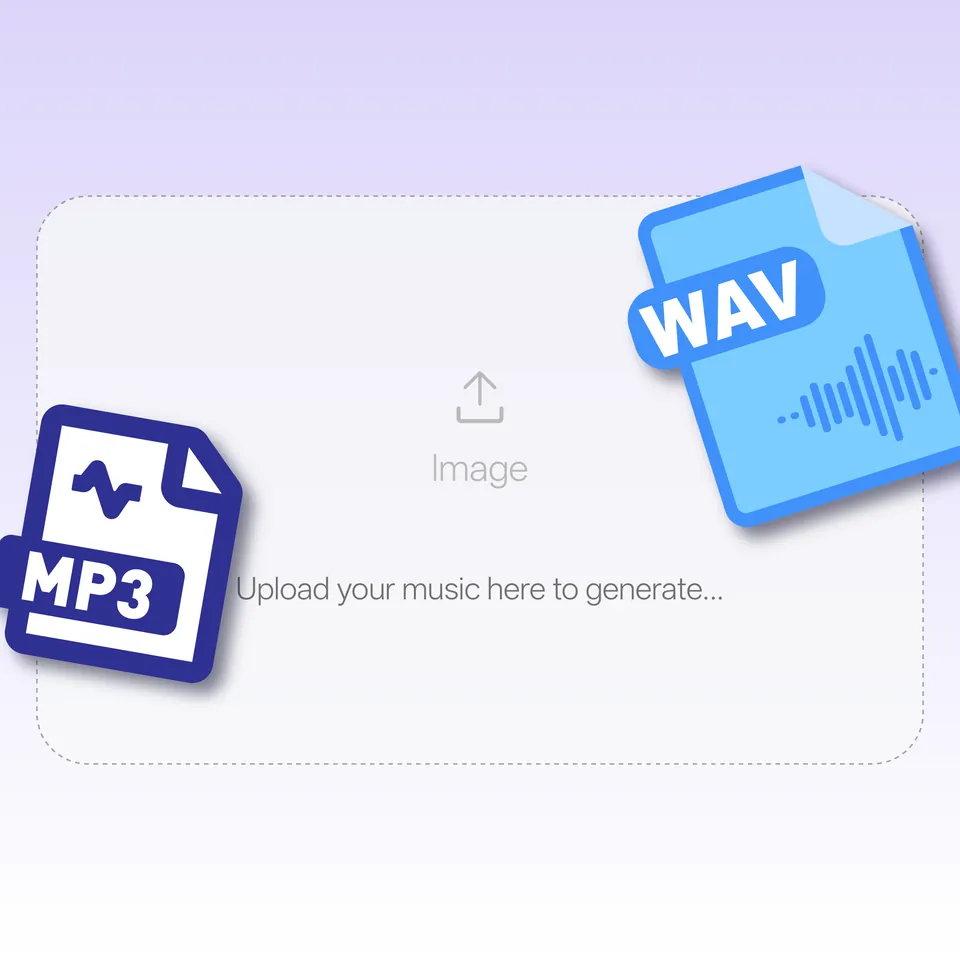
STEP 01
Upload Audio
Upload a song or any audio.
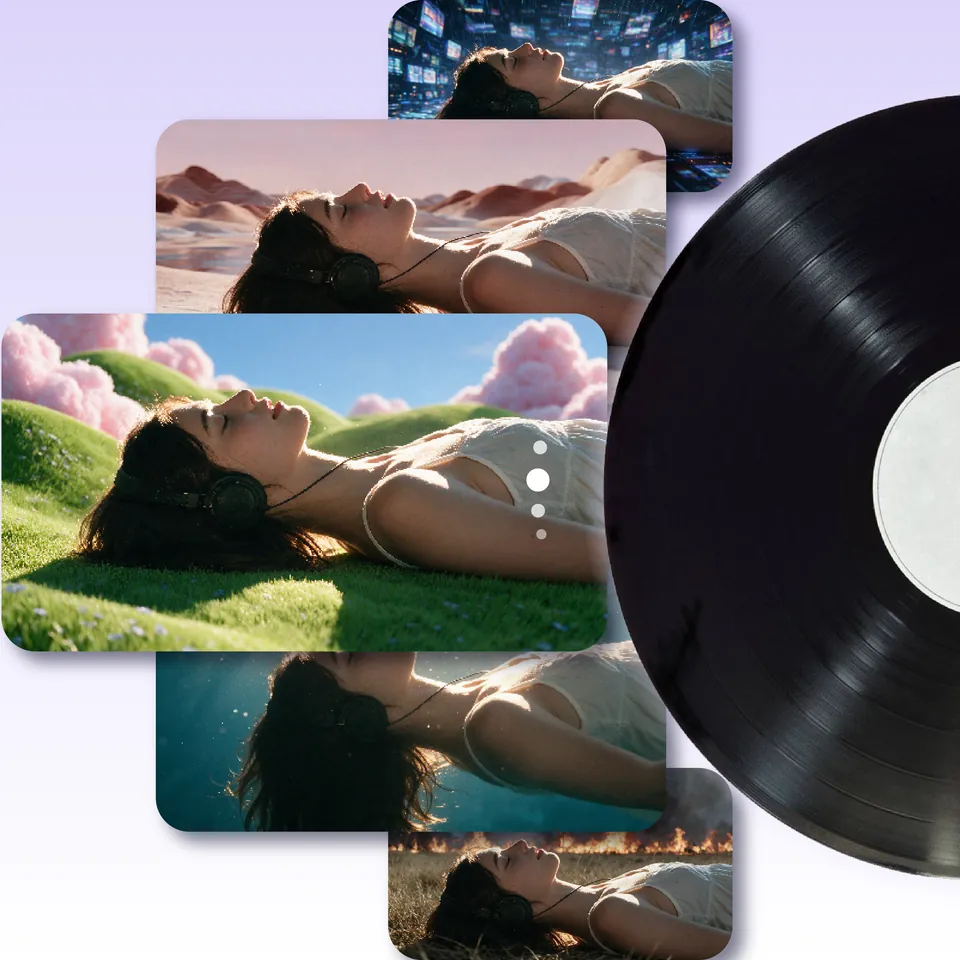
STEP 02
Pick a Style
Choose a style, add a character if you like.
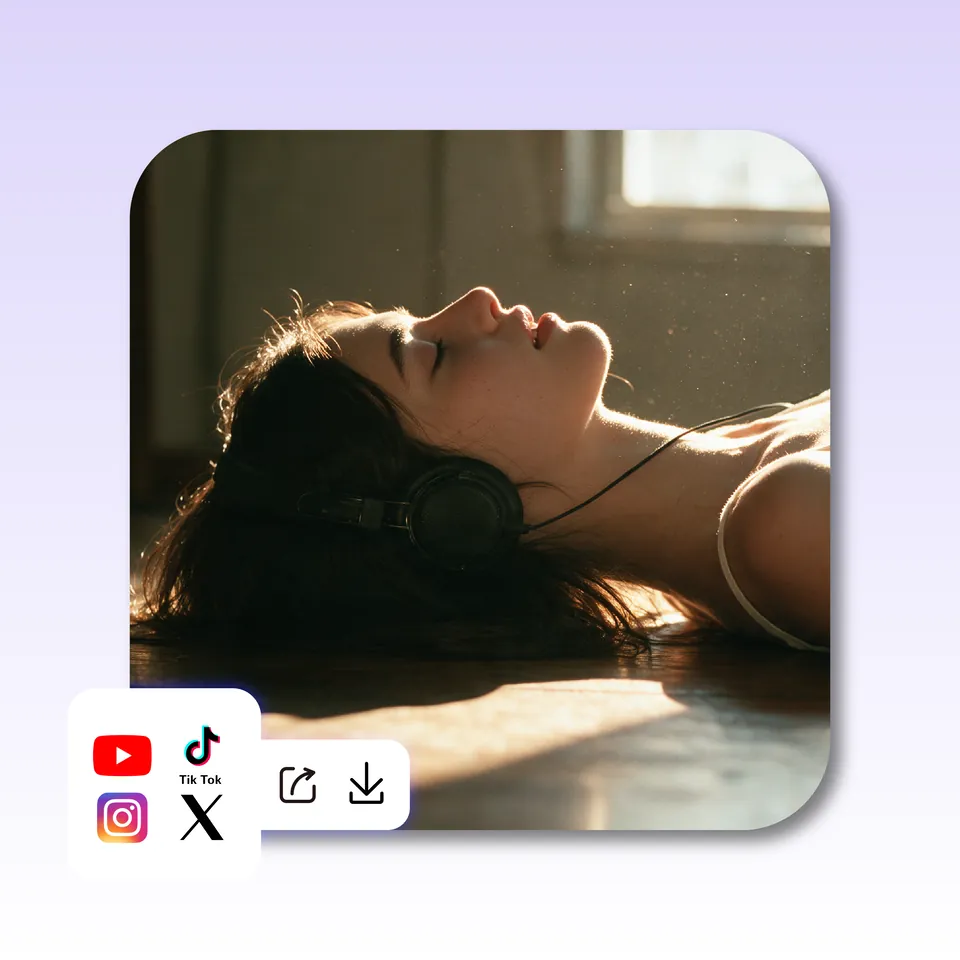
STEP 03
Generate & Export
Generate and export the ratio you need.
More AI Tools
One account unlocks every creative tool on DeeVid.
Loved by Creators
Feedback from real creators.
Reference assets keep characters and scene styles consistent, making them ideal for a series of social posts.
I can quickly explore product visuals and camera directions, leaving more time for creative ideas.
Starting with text or images makes turning ideas into visuals feel more intuitive.
Matching visuals to music and movement helps me develop a complete visual concept faster.
Exploring variations within one visual direction makes it easier to develop a cohesive content series.
Turning abstract scene descriptions into video previews makes creative proposals easier to explain.
Matching visuals to music and movement helps me develop a complete visual concept faster.
Exploring variations within one visual direction makes it easier to develop a cohesive content series.
Turning abstract scene descriptions into video previews makes creative proposals easier to explain.
Reference assets keep characters and scene styles consistent, making them ideal for a series of social posts.
I can quickly explore product visuals and camera directions, leaving more time for creative ideas.
Starting with text or images makes turning ideas into visuals feel more intuitive.
Frequently Asked Questions
What is music to video AI?
Music to video creates visuals that match the rhythm and mood of your song or audio — great for music videos, lyric videos and beat-synced clips.
Which audio formats are supported?
Common formats such as MP3 and WAV are supported; see the upload panel for size and length limits.
Do the visuals follow the beat?
Yes. The beat and sections are detected, and shots change on drum hits, accents and choruses.
Can characters lip-sync?
Yes. Turn on lip sync and characters will mouth the vocals; front-facing characters work best.
How long can the audio be?
The maximum length depends on your plan and model; longer songs can be generated section by section. See the generator for details.
Can I use the videos commercially?
Videos made on paid plans can be used commercially, as long as you have the rights to the music. See the DeeVid Terms of Service.
Turn Audio into Video Free on DeeVid
Upload audio and get a beat-synced video in minutes. Sign up now and start creating for free.