AI Script to Video GeneratorYour Story, Fully Filmed
Paste a script or story idea. Storyboards, voiceover, music and consistent characters are handled for you — just tell the story and post every day.
Trusted by Businesses and Creators Worldwide


Made by Creators on DeeVid
Real work from the DeeVid community. Click any one to make your own.
How AI Script to Video Helps You
From Page to Screen, Automatically
Scenes, shots and pacing planned from your script.
Keep Your Characters Consistent
Same face, outfit and voice across every scene.
Bring Your Video to Life with Sound
Narration and soundtrack added for you.
Use Cases
Who uses it, and what for.
Long Scripts, One Complete Film
Paste a full episode script or a whole novel chapter — no more chopping it into pieces. DeeVid splits it by scene, follows every line of dialogue and every cut, then stitches the scenes into one seamless long-form video.
One Script, Many Languages
Turn one script into narration, character dialogue and subtitles in multiple languages with a click. Write the story once and reach audiences it was never written for — one script, every market.
Kids’ Stories
Give bedtime stories warm visuals and gentle narration with consistent characters — one episode a night is easy.
Science Explainers
Pair complex science, history or finance topics with clear explanatory visuals, timed to the narration so viewers get it at a glance.
Storytelling & Audiobooks
Turn novel chapters, folk tales or audiobooks into videos with visuals, keeping characters and settings consistent so listeners keep watching.
Faceless YouTube Channels
Paste your script and it’s split into scenes with visuals, narration and captions, so you can publish daily on your own — no camera, no filming.
How to Use AI Script to Video Generator
Three steps. No download needed, just open your browser and start.
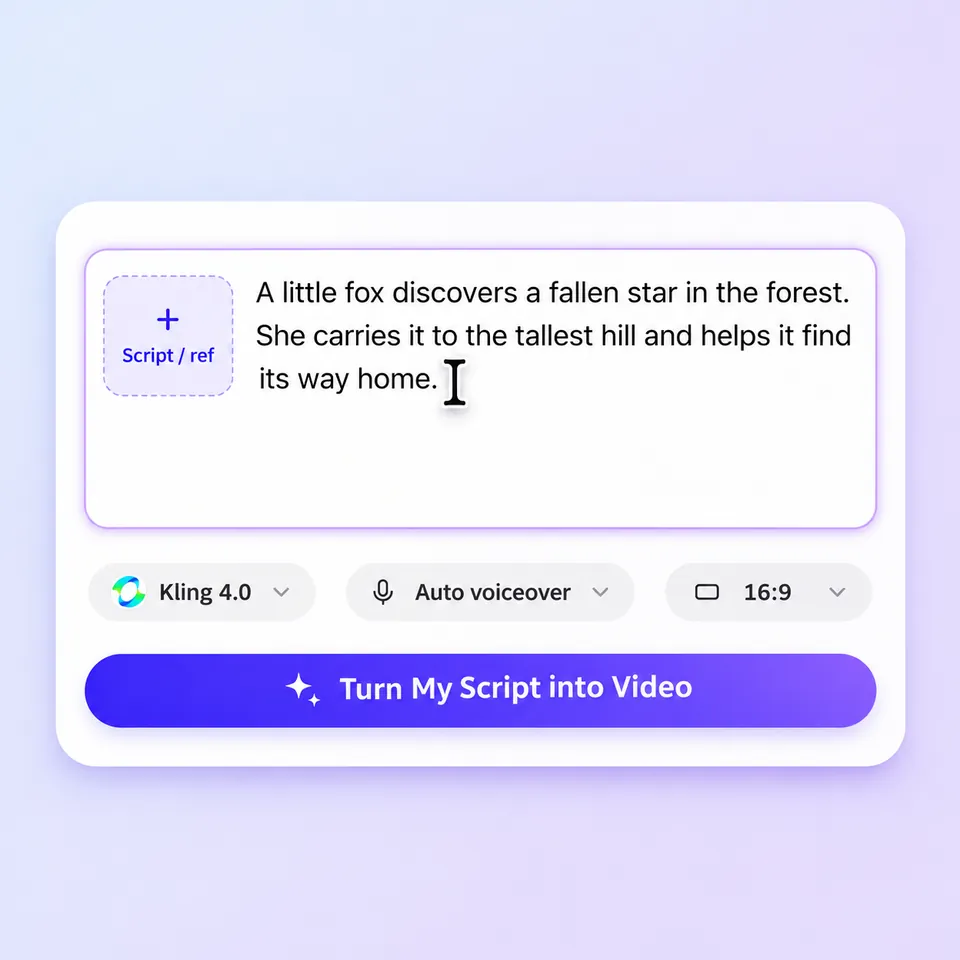
STEP 01
Paste Your Script
Paste a full script or a short story idea.
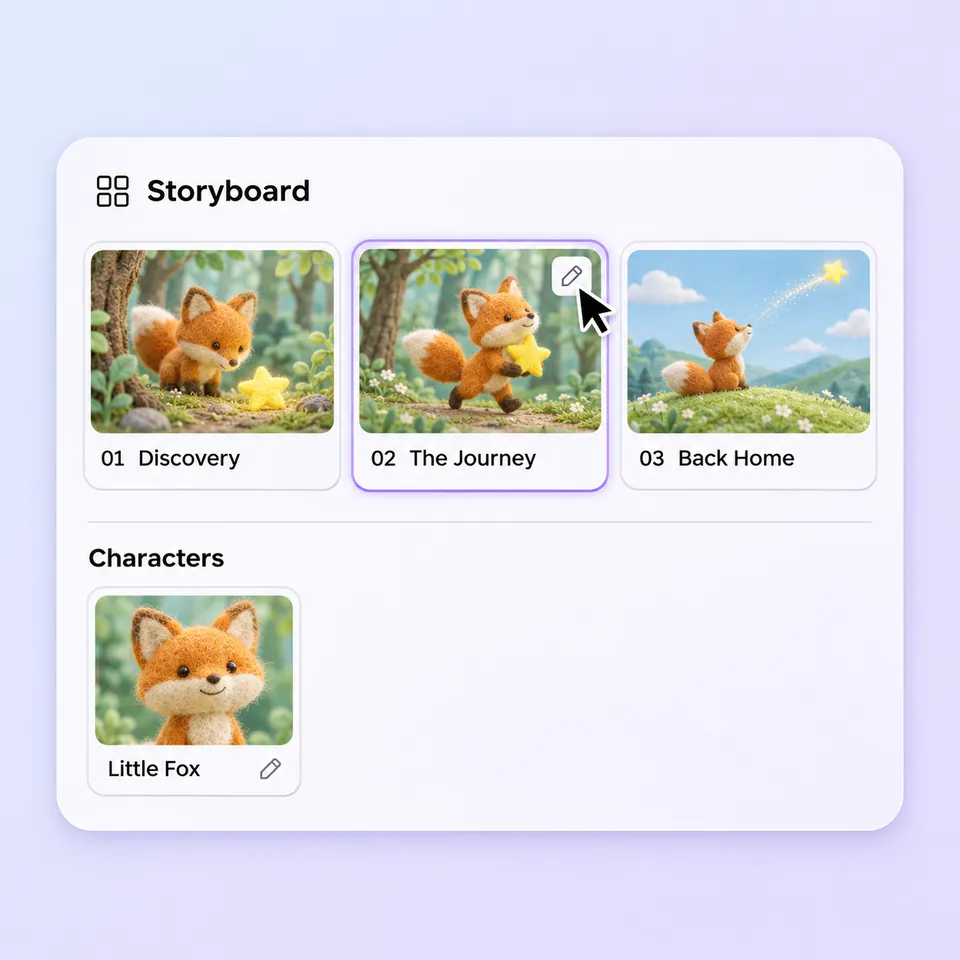
STEP 02
Review the Storyboard
Check the auto storyboard and characters, adjust if needed.
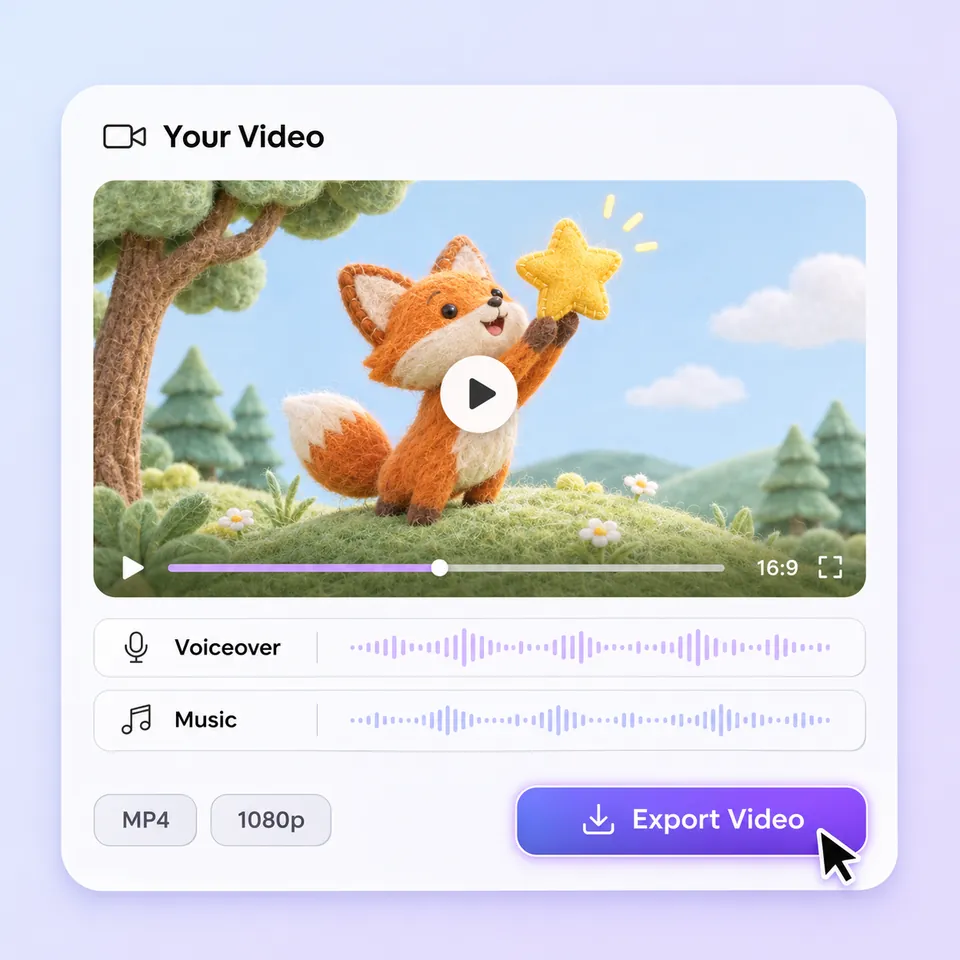
STEP 03
Export the Full Video
Export the full video with voice and music.
Powered by Top Models
The best model is matched to every shot automatically, or switch it yourself.
More Creative Scenarios
Same account — take your idea into another format.
AI Movie Maker
AI is your director, DP, cast and editor. All you need is a story to make a cinematic short with camera moves, action and dialogue.
OpenAI Anime Video Maker
Tired of characters that only sit still? Upload one character image and AI makes them run, fight and talk — cel-shaded, 3D or ink style.
OpenAI Anime Generator
No drawing skills needed. Describe your character and get turnarounds and expressions at once — then bring it to life in one click.
OpenAI Headshot Generator
No studio booking, no suit required. Upload a selfie and get professional headshots in multiple backgrounds and outfits within minutes — consistent across your whole team.
OpenLoved by Creators
Feedback from real creators.
Reference assets keep characters and scene styles consistent, making them ideal for a series of social posts.
I can quickly explore product visuals and camera directions, leaving more time for creative ideas.
Starting with text or images makes turning ideas into visuals feel more intuitive.
Matching visuals to music and movement helps me develop a complete visual concept faster.
Exploring variations within one visual direction makes it easier to develop a cohesive content series.
Turning abstract scene descriptions into video previews makes creative proposals easier to explain.
Matching visuals to music and movement helps me develop a complete visual concept faster.
Exploring variations within one visual direction makes it easier to develop a cohesive content series.
Turning abstract scene descriptions into video previews makes creative proposals easier to explain.
Reference assets keep characters and scene styles consistent, making them ideal for a series of social posts.
I can quickly explore product visuals and camera directions, leaving more time for creative ideas.
Starting with text or images makes turning ideas into visuals feel more intuitive.
Frequently Asked Questions
What is script to video AI?
Script to video AI reads your script or story outline, splits it into scenes, generates visuals, adds narration and music, and outputs a complete video.
How long can the final video be?
It depends on the script length and your plan. Long scripts are generated scene by scene and joined automatically; see the generator for details.
Will characters look the same in every scene?
Yes. Once a character’s look is set, every scene keeps the same face, outfit and voice.
Can I change a single scene?
Yes. Select any scene in the storyboard, edit its description or regenerate it — the other scenes stay untouched.
Which languages are supported for voiceover?
Voiceover is available in Chinese, English and many other common languages; see the voice panel for the full list.
Can I monetize these videos on YouTube?
Monetization depends on YouTube’s policies and how original your content is. Add your own ideas and writing, and follow the platform’s AI disclosure rules.
Turn Scripts into Videos Free on DeeVid
Bring your story and get a finished video with voice and music in minutes. Sign up now and start creating for free.