AI Video GeneratorIdeas to Blockbusters
Can’t shoot or edit? No problem. Describe the scene in your head or drop in a photo — DeeVid taps the world’s top video models and hands you a cinematic clip in minutes.
Trusted by Businesses and Creators Worldwide


Turn Your Ideas into Videos Worth Watching
Explore stunning AI video creations, discover the prompts behind them, and bring your own ideas to life.
Perfume in the Cave
Street Supercar Vlog
Pop the Case, Take the Stage
The Office Cat’s Monday
Reunion in the Meadow
The Circus Lion
Key Features of AI Video Generator
Everything you need on one platform, with zero learning curve.
Text to Video
Describe a scene, an action or a mood and DeeVid returns a finished clip with camera moves and lighting. No storyboard, no editing — one sentence becomes a video you can post.
Image to Video
Upload a photo, illustration or design and make people talk, push the camera in, or set wind and water in motion — while keeping the original subject and composition.
Omni Reference
Drop in character art, product shots, motion clips and audio, and tell each one what to do. The model follows your references so a whole series stays consistent.
Native 30s Videos
Generate longer continuous shots where big actions and complex camera moves play out in a single take — a more complete story with no stitching afterwards.
Every Top Video Model, One Place
Pick the right model for every shot: native 30s, up to 4K, lip sync and multi-camera.
How to Use AI Video Generator
Three steps. No download needed, just open your browser and start.
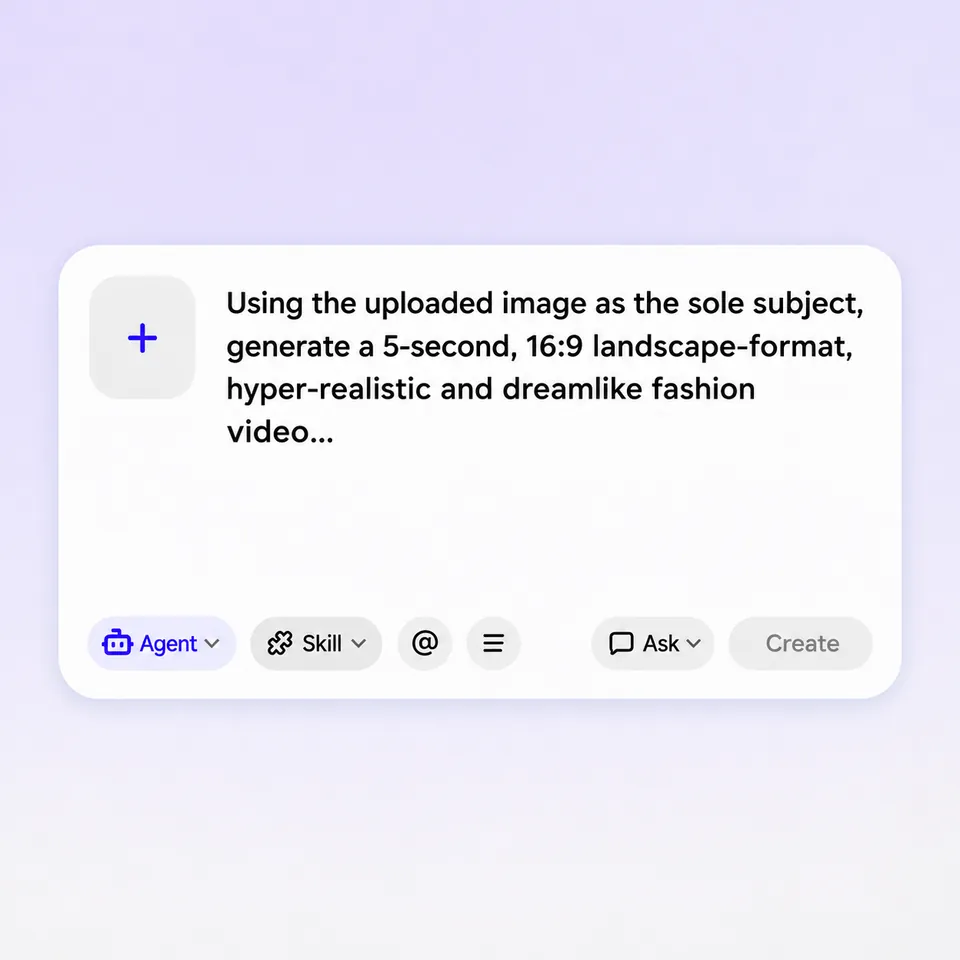
STEP 01
Enter Your Prompt
Describe the scene, characters, camera movement and any dialogue or sound you want.
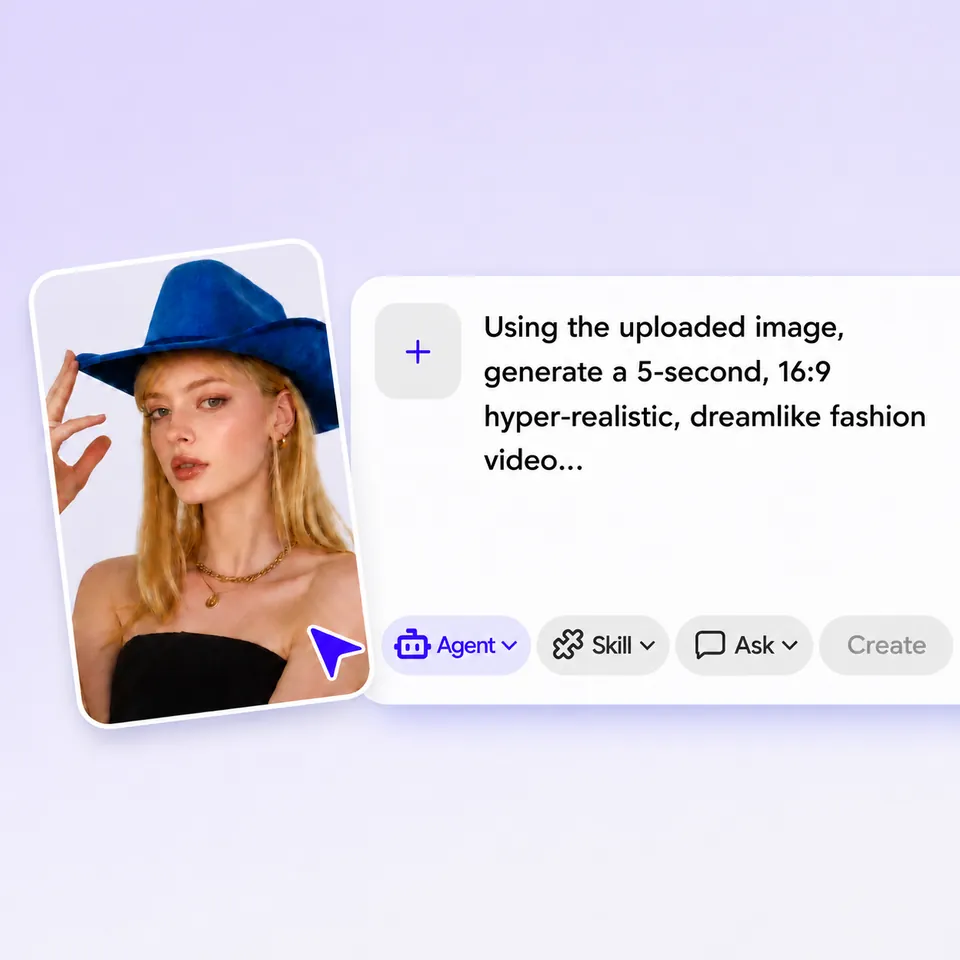
STEP 02
Customize
Optionally upload an image as the starting frame or visual reference.
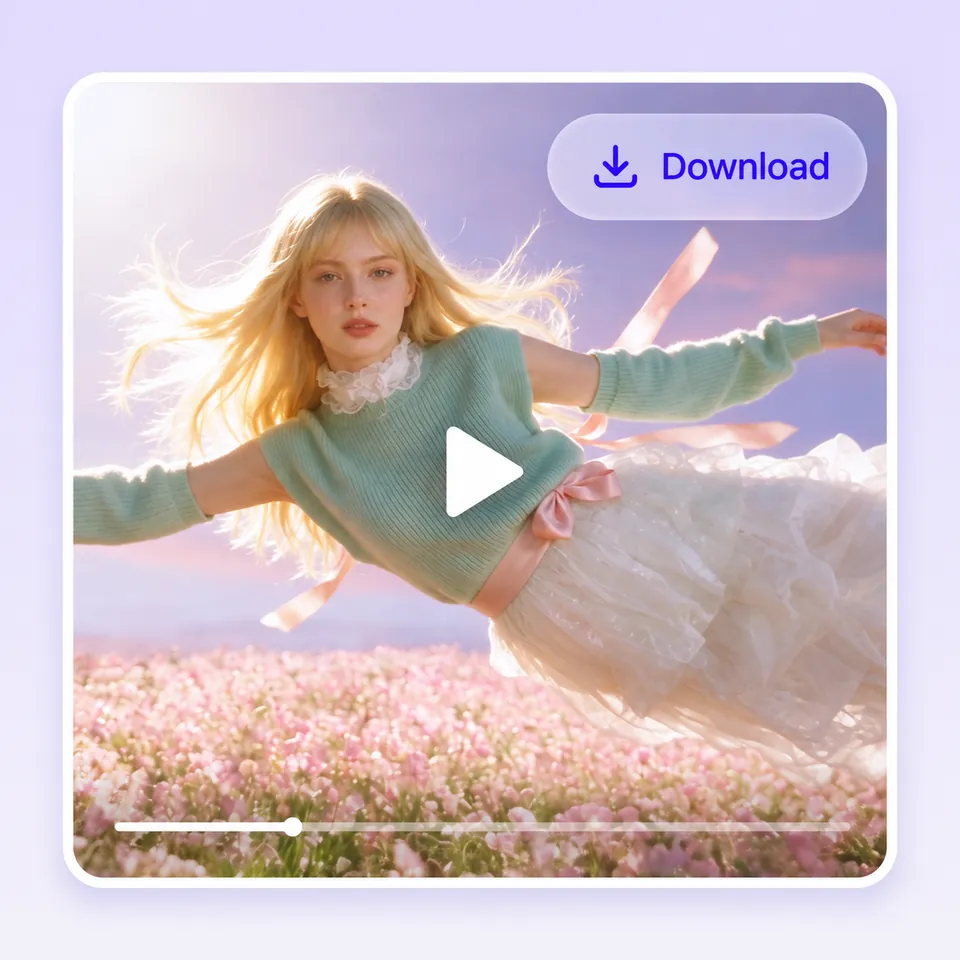
STEP 03
Generate
DeeVid creates a result that matches your description. Preview it, refine your prompt and download.
More AI Tools
One account unlocks every creative tool on DeeVid.
Loved by Creators
Feedback from real creators.
Reference assets keep characters and scene styles consistent, making them ideal for a series of social posts.
I can quickly explore product visuals and camera directions, leaving more time for creative ideas.
Starting with text or images makes turning ideas into visuals feel more intuitive.
Matching visuals to music and movement helps me develop a complete visual concept faster.
Exploring variations within one visual direction makes it easier to develop a cohesive content series.
Turning abstract scene descriptions into video previews makes creative proposals easier to explain.
Matching visuals to music and movement helps me develop a complete visual concept faster.
Exploring variations within one visual direction makes it easier to develop a cohesive content series.
Turning abstract scene descriptions into video previews makes creative proposals easier to explain.
Reference assets keep characters and scene styles consistent, making them ideal for a series of social posts.
I can quickly explore product visuals and camera directions, leaving more time for creative ideas.
Starting with text or images makes turning ideas into visuals feel more intuitive.
Frequently Asked Questions
What is an AI video generator?
An AI video generator turns text, images or reference files into video. On DeeVid you can switch between leading video models on one page and pick the right one for each shot.
Which AI video models can I use on DeeVid?
DeeVid offers Kling 4.0, Seedance 2.5, Veo 3.1, Sora 2, Runway Gen-4.5, Pika H3 Flex and more, and the list grows as new versions launch.
How long and how sharp can my videos be?
It depends on the model: some generate native 30-second takes, others upscale to 4K. Each model’s options are shown right in the generator before you create.
Can I animate my own images?
Yes. Upload a photo or design, choose Image to Video and describe the motion and camera you want — the subject and composition are preserved as closely as possible.
Can I use the videos commercially?
Videos made on paid plans can be used commercially, including ads, social content and product promotion. See the DeeVid Terms of Service for the full license.
Do I need editing experience?
No. Everything happens in your browser: write a prompt, pick a model and generate. To change something, just edit the prompt and generate again.
Create Cinematic AI Videos Free on DeeVid
Bring your idea and get videos with sound in minutes. Sign up now and start creating for free.