AI Avatar GeneratorA 24/7 Presenter
No camera, no hired talent. Upload a photo, write the script, and your avatar presents, trains and sells for you — in any language with one click.
Trusted by Businesses and Creators Worldwide


One Photo. Your Next On-Camera Star.
Turn a single photo into a talking avatar. Explore different styles, scripts, and ready-to-create examples.
Key Features of AI Avatar Generator
Everything you need on one platform, with zero learning curve.
Photo to Talking Avatar
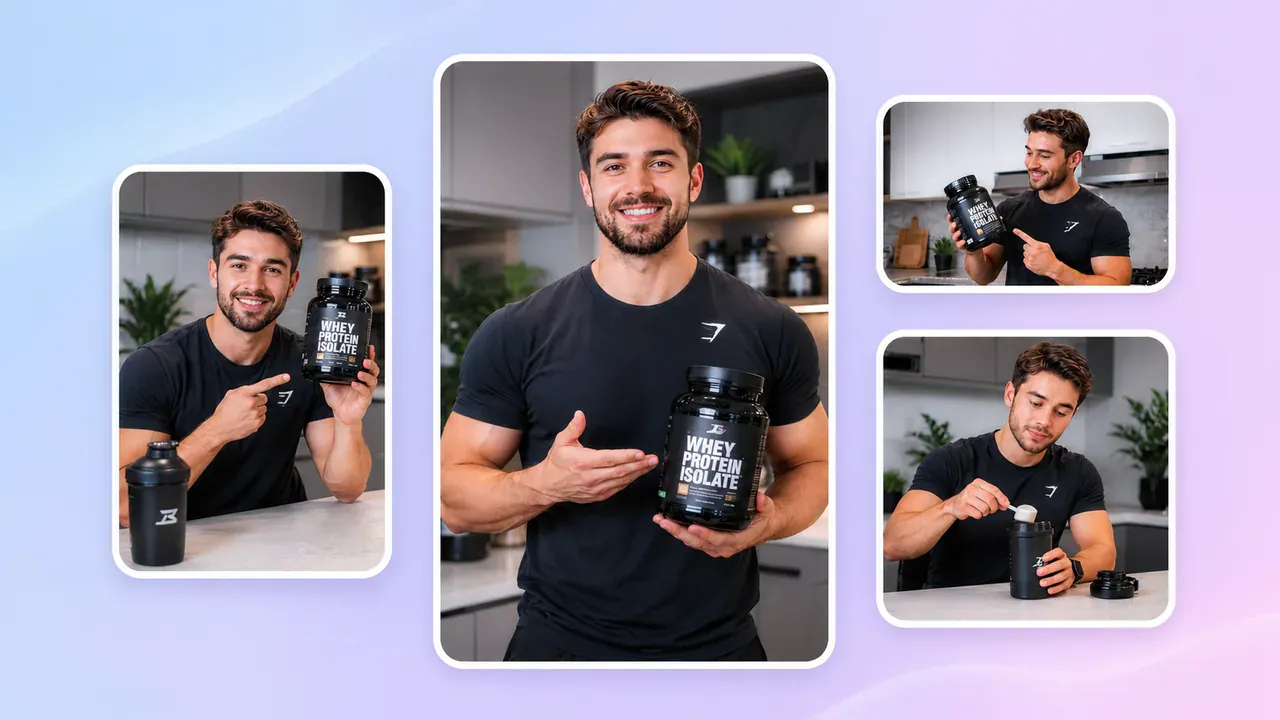
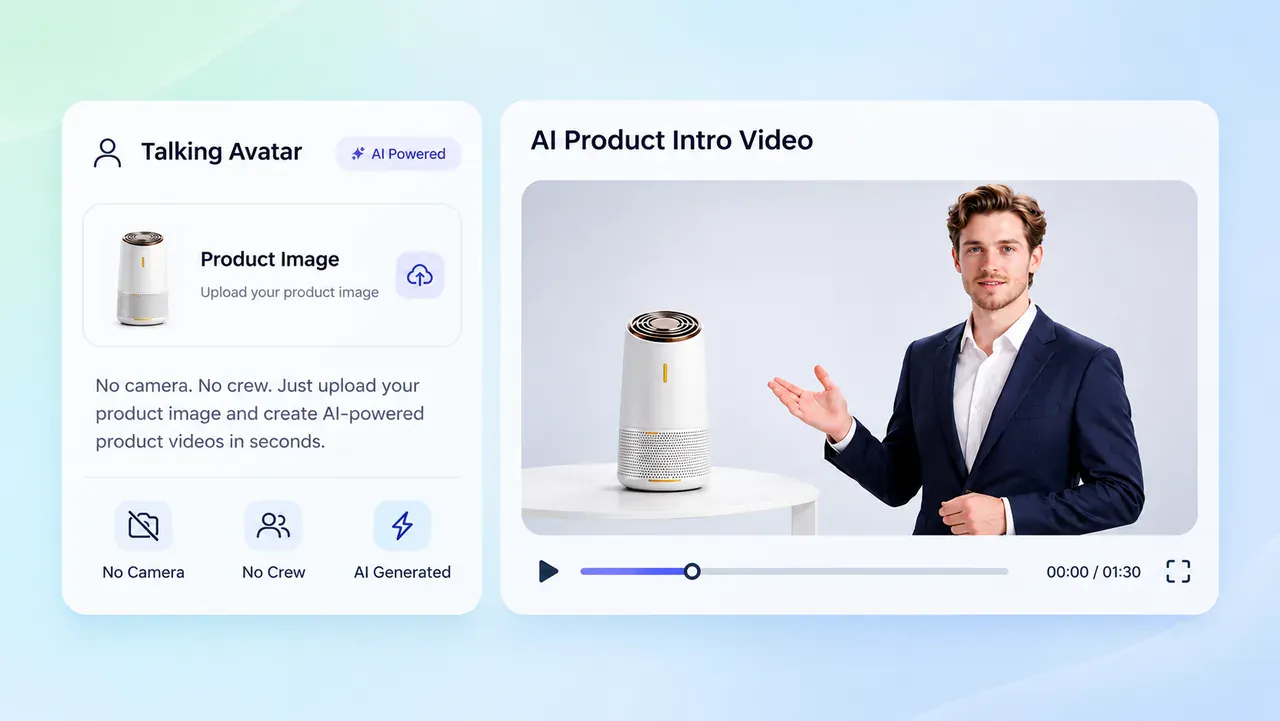
Upload a front-facing photo, add a script or audio, and get a talking avatar video in minutes — no camera, no filming.
Speaks Every Language
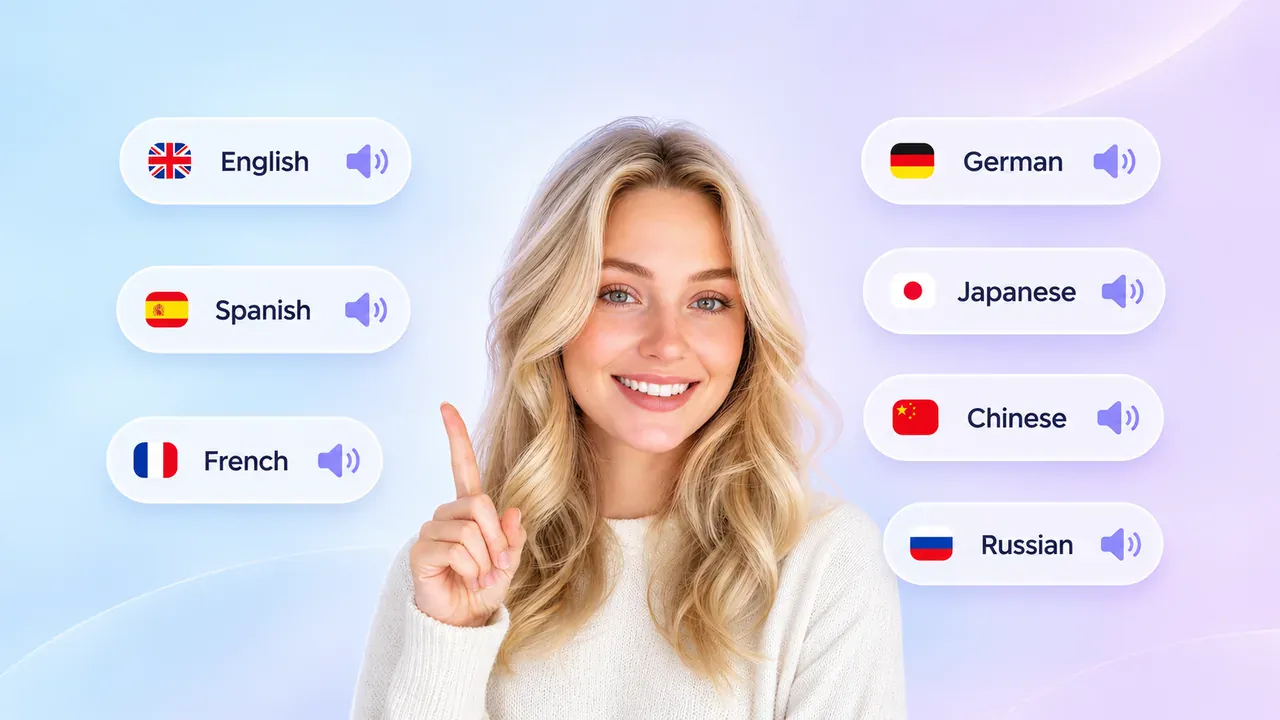
The same avatar speaks Chinese, English, Japanese, Spanish and more in one click, with lip sync re-aligned for each language. Turn one script into versions for every region — no reshoots.
Any Character
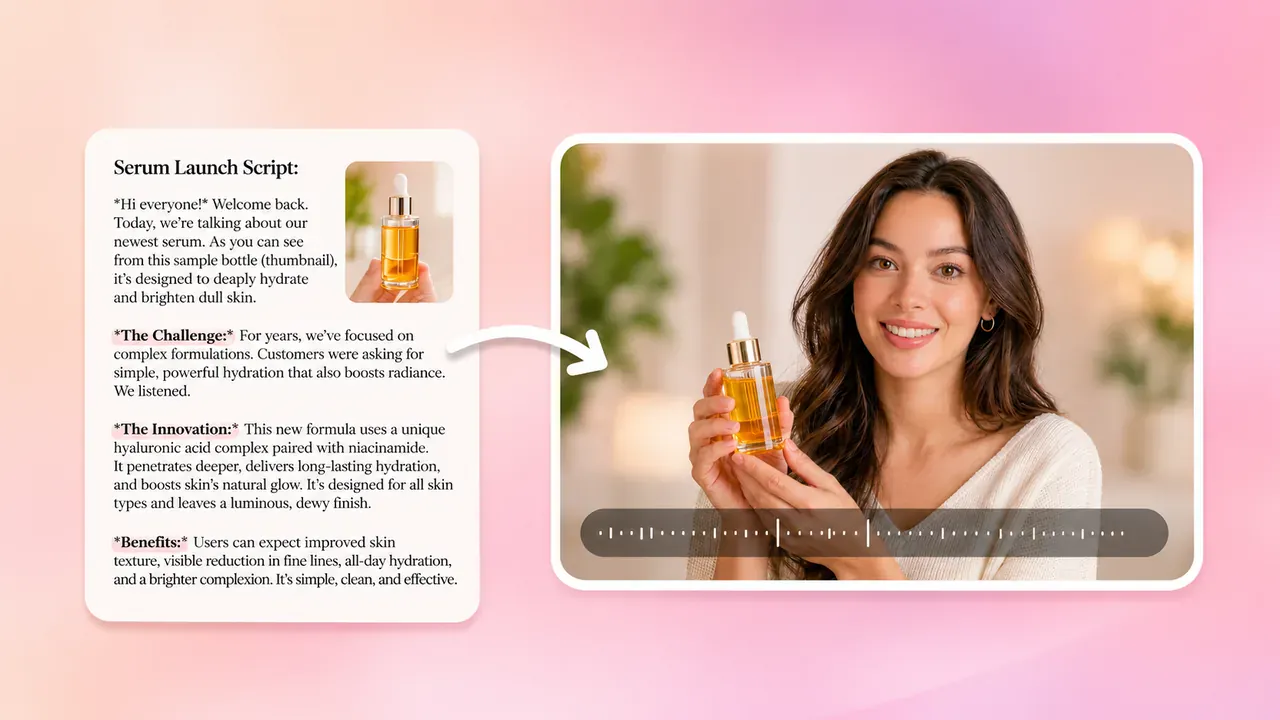
Real photos, brand mascots, illustrated characters or cartoons can all be animated — ideal for brand spokespeople and regular show hosts.
Natural Lip Sync & Expressions
Lips match every syllable, with natural blinks, nods and eye movement, so even close-up talking shots look natural.
How to Use AI Avatar Generator
Three steps. No download needed, just open your browser and start.
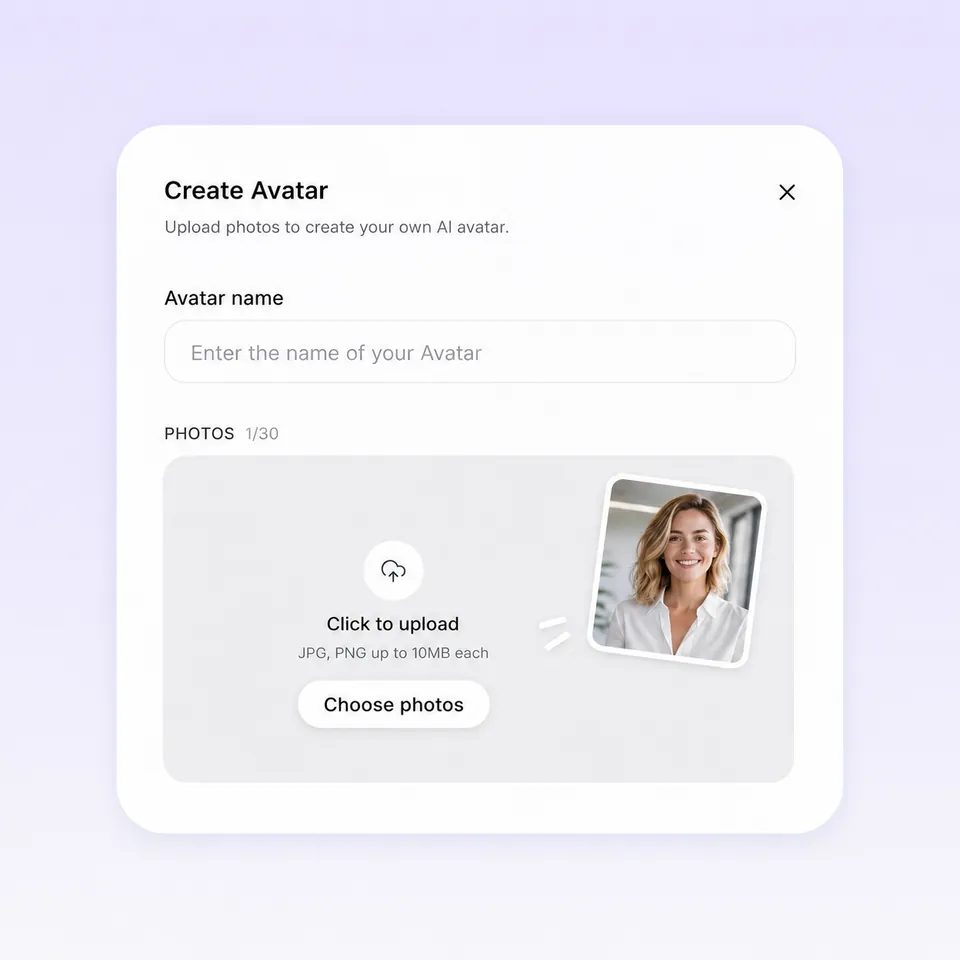
STEP 01
Upload a Photo
Upload a portrait or a character image.
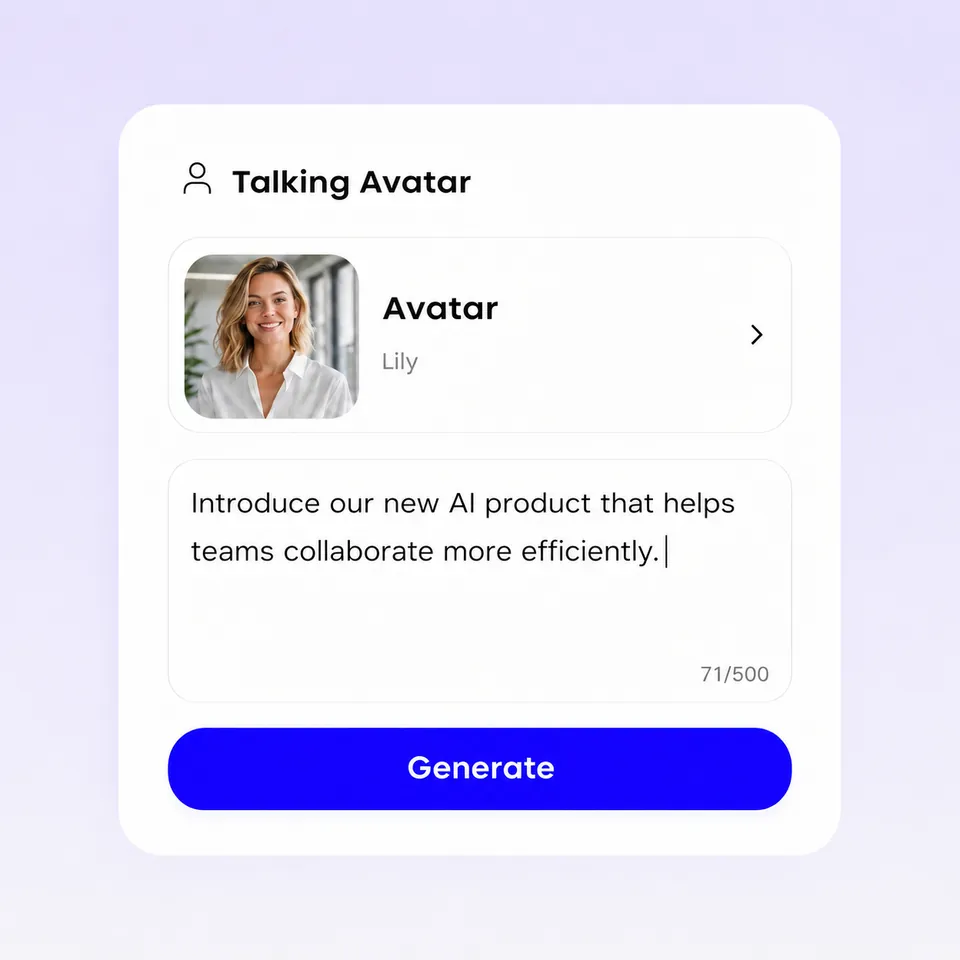
STEP 02
Add a Script or Audio
Type a script or upload audio.
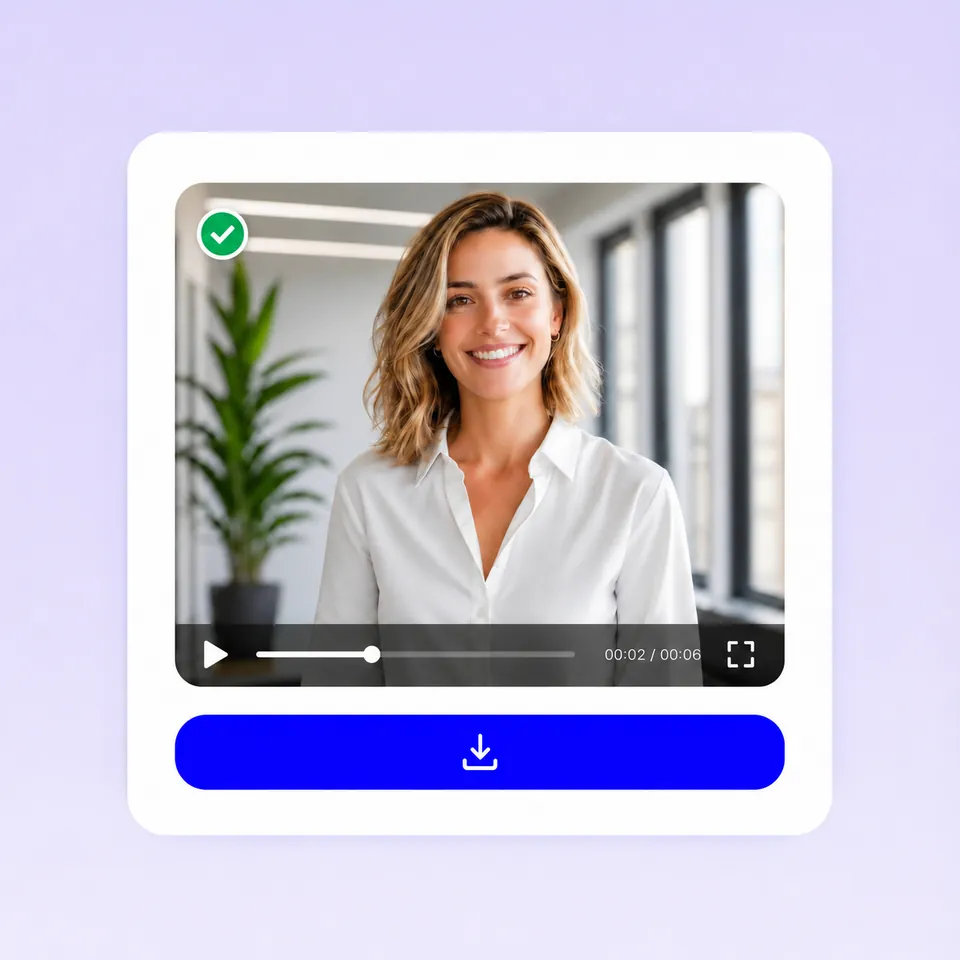
STEP 03
Generate
Generate the talking avatar video.
More AI Tools
One account unlocks every creative tool on DeeVid.
Loved by Creators
Feedback from real creators.
Reference assets keep characters and scene styles consistent, making them ideal for a series of social posts.
I can quickly explore product visuals and camera directions, leaving more time for creative ideas.
Starting with text or images makes turning ideas into visuals feel more intuitive.
Matching visuals to music and movement helps me develop a complete visual concept faster.
Exploring variations within one visual direction makes it easier to develop a cohesive content series.
Turning abstract scene descriptions into video previews makes creative proposals easier to explain.
Matching visuals to music and movement helps me develop a complete visual concept faster.
Exploring variations within one visual direction makes it easier to develop a cohesive content series.
Turning abstract scene descriptions into video previews makes creative proposals easier to explain.
Reference assets keep characters and scene styles consistent, making them ideal for a series of social posts.
I can quickly explore product visuals and camera directions, leaving more time for creative ideas.
Starting with text or images makes turning ideas into visuals feel more intuitive.
Frequently Asked Questions
What is an AI avatar generator?
An AI avatar generator turns a photo or character into a talking video presenter — all you need is a script or audio.
Can I use my own photo?
Yes. Use a photo of yourself or one you have permission to use; a front-facing, evenly lit photo with a natural expression works best.
Which languages and voices are available?
Many common languages and voices of different genders and ages are available, and you can also upload your own recording to drive the lip sync.
How long can an avatar video be?
Length depends on the model and plan; longer scripts can be generated in parts and joined. See the generator for current options.
Can I use a cartoon or anime character?
Yes. Illustrated, 3D and cartoon characters all work; front-facing characters with clear features give the most stable results.
Can I use avatar videos in ads?
Videos made on paid plans can be used in ads. Make sure you have rights to the likeness and voice; see the DeeVid Terms of Service.
Create AI Avatars Free on DeeVid
One photo and a script is all it takes. Sign up now and start creating for free.