
Grok Imagine Image Generator
Key Features of Grok Imagine Image
Details of Grok Imagine Image Model
Here's a quick overview of how Grok Imagine Image handles its output settings and what each editing workflow supports.
- Output Settings: Supported aspect ratios include 1:1, 16:9, 9:16, 4:3, 3:4, 3:2, 2:3, 2:1, 1:2, 19.5:9, 9:19.5, 20:9, 9:20, and auto. Available image resolutions are 1k and 2k. For single-image edits, the output keeps the input image's original aspect ratio.
- Editing Workflows: Beyond basic prompt-to-image generation, you can edit an existing image with natural-language instructions, combine up to 5 images in one editing request, and generate multiple outputs in a single request.
Text to Image and Prompt-Based Creation
Create images directly from text prompts. Describe the subject, style, lighting, mood, or composition, and Grok Imagine Image can turn that prompt into a polished visual.
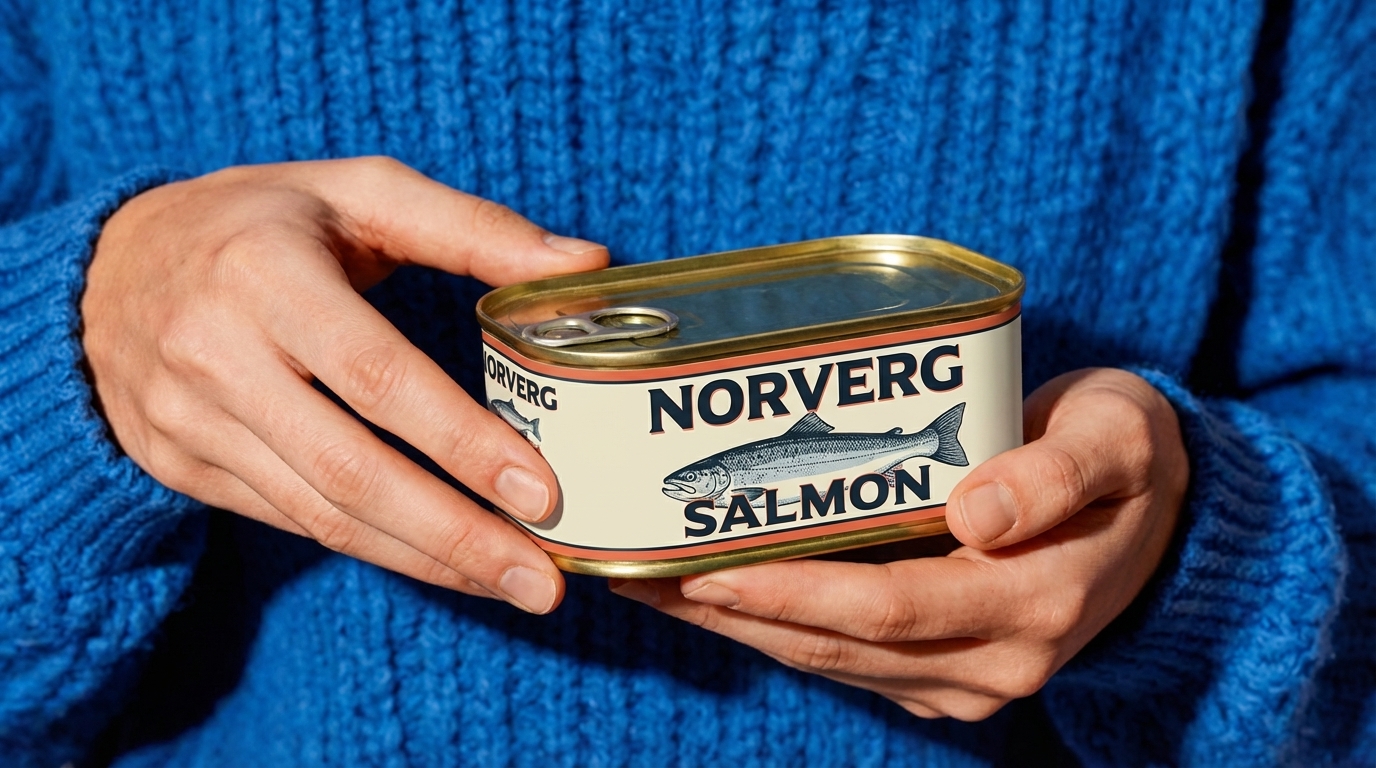
Image Editing and Style Transfer
Not limited to generation from scratch — edit an existing image using natural-language instructions. Restyle a photo, change the mood, adjust details, or transform a visual without rebuilding the image from zero.
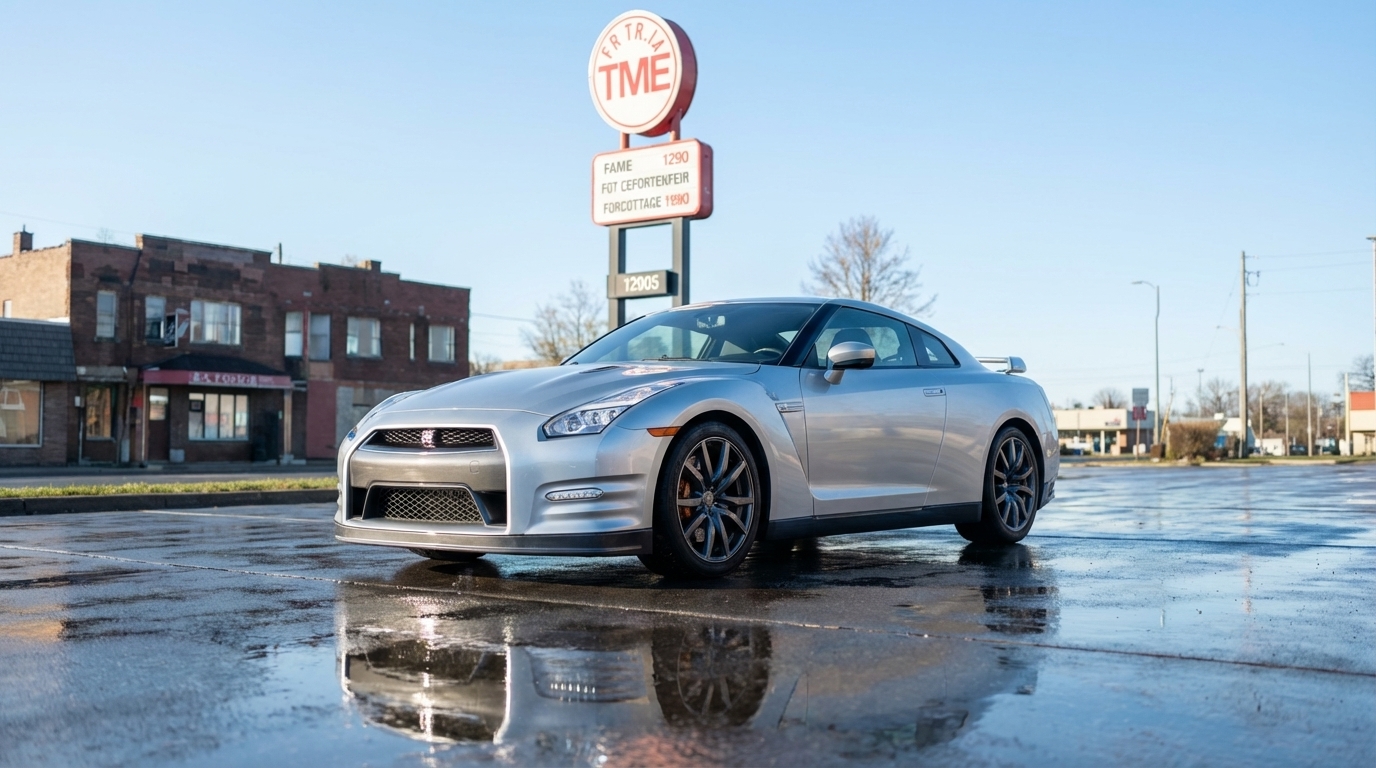
Multi-Image Editing Support
Instead of working from only one source image, you can provide up to 5 images in one request and use a prompt to merge subjects, preserve key visual elements, or create a new composite image with better consistency across people, products, or assets.
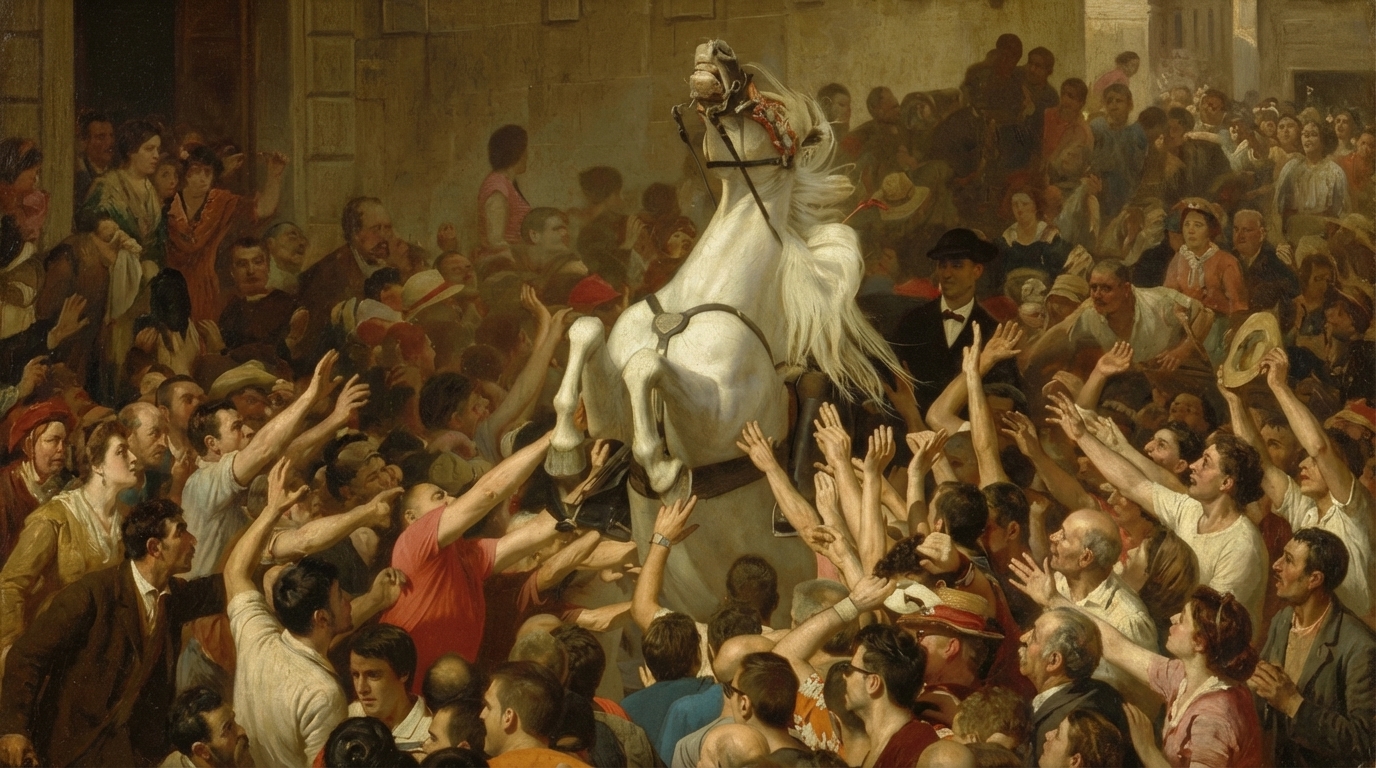
How Grok Imagine Image Works Here?
Other Best AI Image Generation Models to Try
FAQ
Ready to create with Grok Imagine Image?
Try Grok Imagine Image on DeeVid today and explore a faster way to generate, edit, and refine AI images.