
 REFERENCE INPUT
REFERENCE-LED CREATION
Start with the look you want.
Upload a source image or video to give Flux 3 a clear visual direction before you create.
- Use your own references.
- Keep the visual intent in view.
Upload a reference image or video, then use Flux 3 in DeeVid to generate polished visuals, new scenes, and motion that stays close to your creative direction.
Start from a file you already like, then generate images and videos in one DeeVid workflow.
REFERENCE INPUTREFERENCE-LED CREATION
Upload a source image or video to give Flux 3 a clear visual direction before you create.
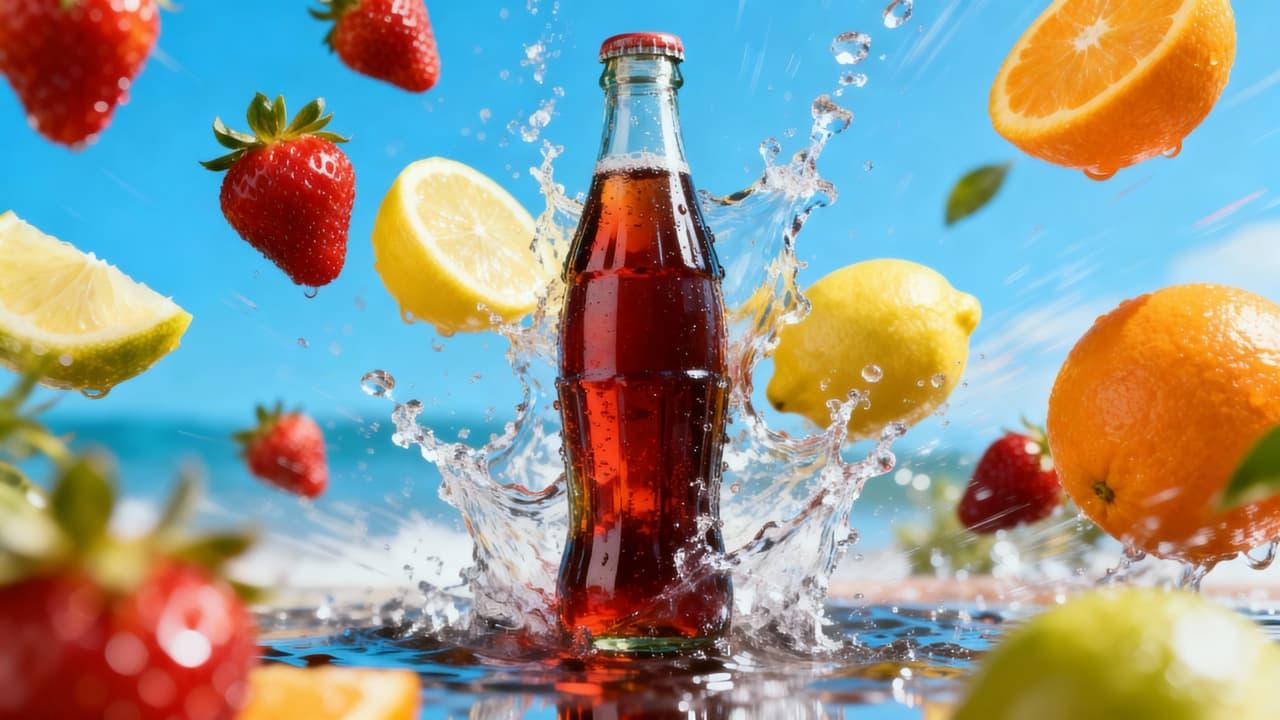 STYLE EXPLORATION
AI IMAGE GENERATION
Build fresh images from prompts and references, then refine the subjects, scenes, and style you need.
 MOTION READY
AI VIDEO GENERATION
Move from a reference to video-ready scenes, then keep exploring directly inside DeeVid.

OMNI REFERENCE
Open your upload in DeeVid's Omni Reference workflow and use it as a practical starting point for the next generation.
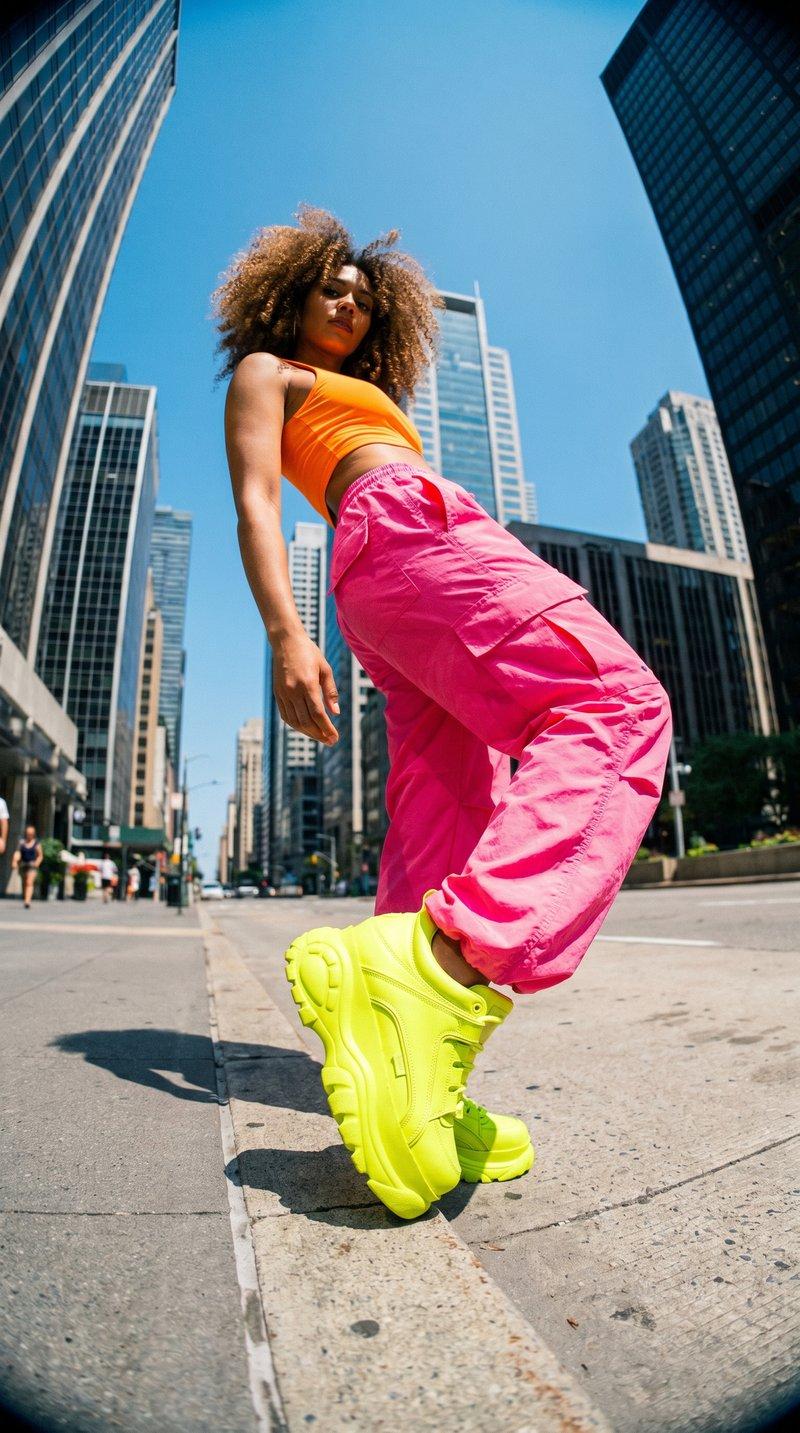
IMAGE TO VIDEO
Use an image reference to establish the look, then turn it into a video concept with DeeVid's generation workflow.

FAST ITERATION
Generate, compare, and refine variations without losing the reference that started the idea.
Upload a reference file, save it to your session, and continue in DeeVid's Omni Reference workflow.
Try for Free