AI Image GeneratorOne Line, Ready to Post
Posters, product shots, illustrations, avatars — just say it. Top image models side by side, in crisp 4K with clean text, ready to post.
Trusted by Businesses and Creators Worldwide


Create Images That Make People Stop Scrolling
Turn your imagination into stunning visuals. Explore creative examples, discover the prompts, and generate your own.
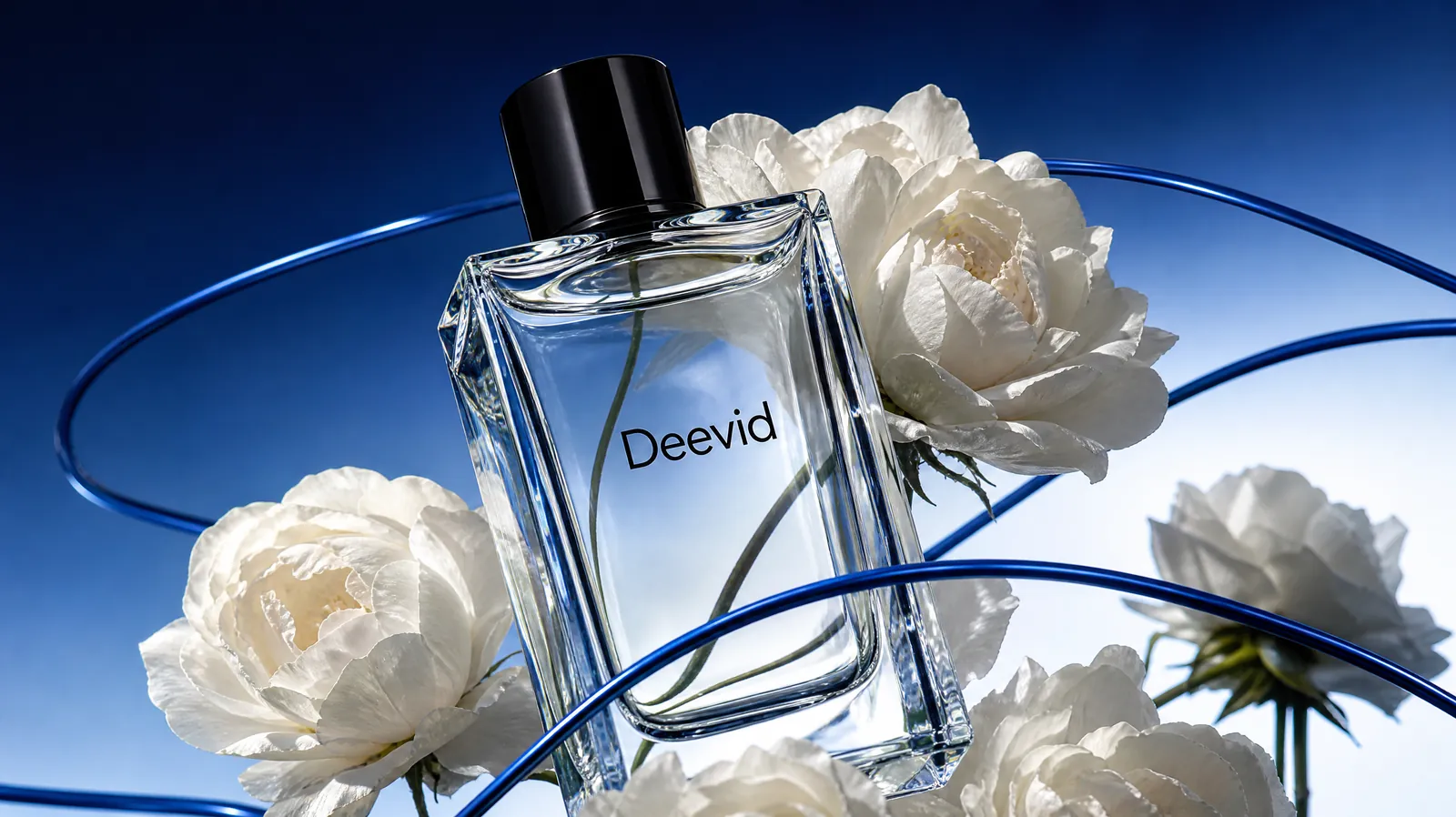
Perfume with White Peonies
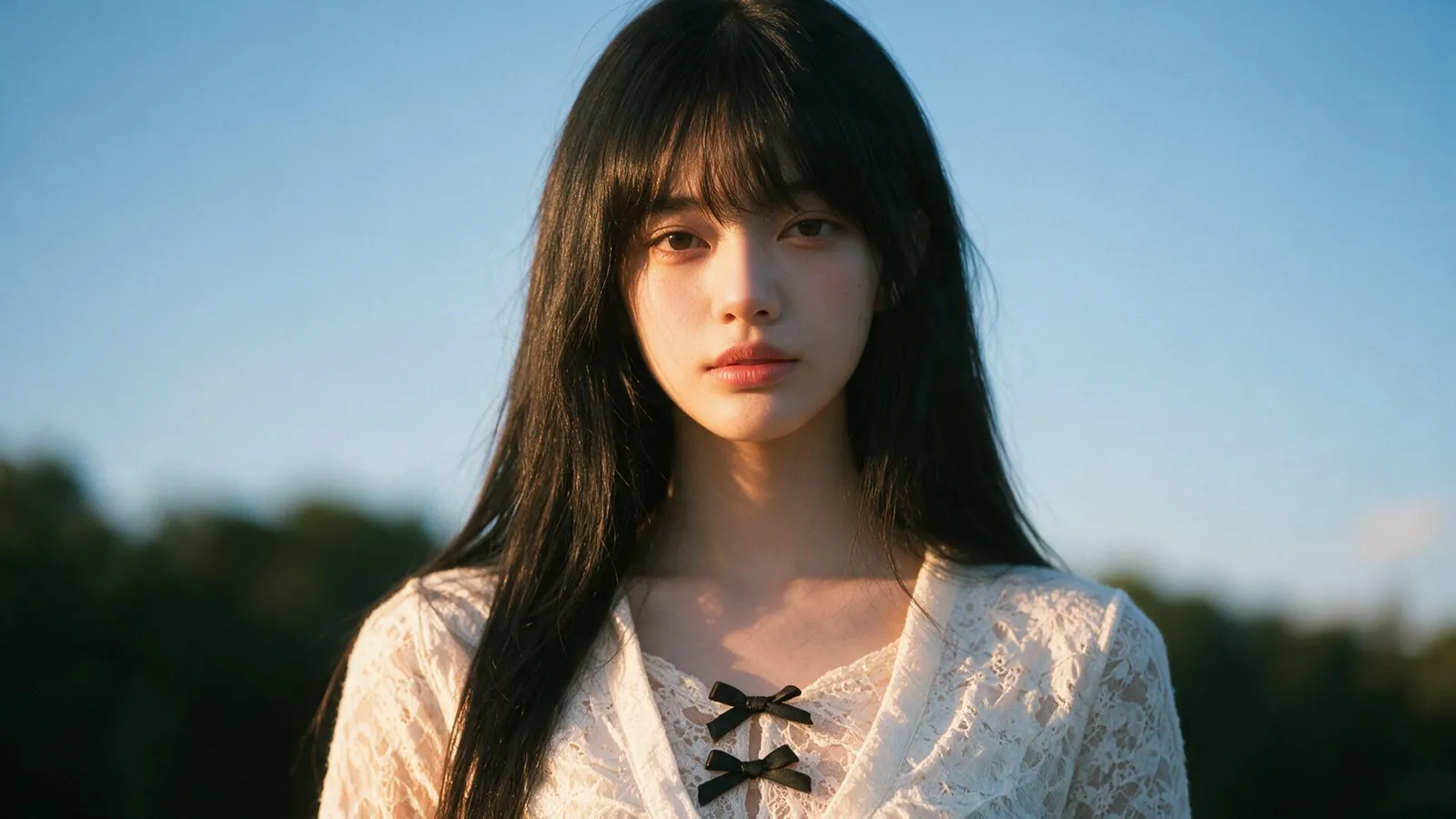
Film-Look Portrait
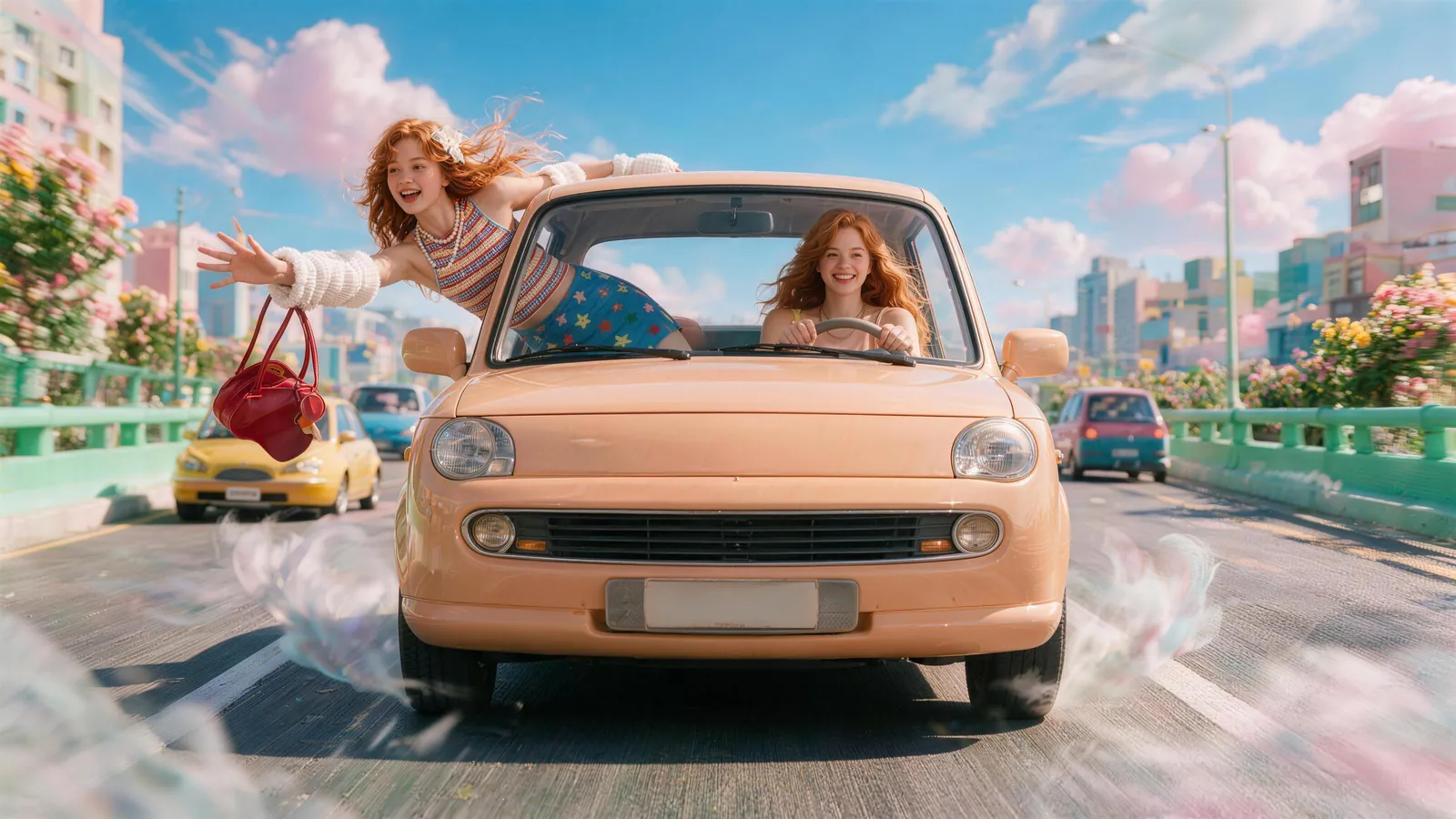
Summer Road Trip
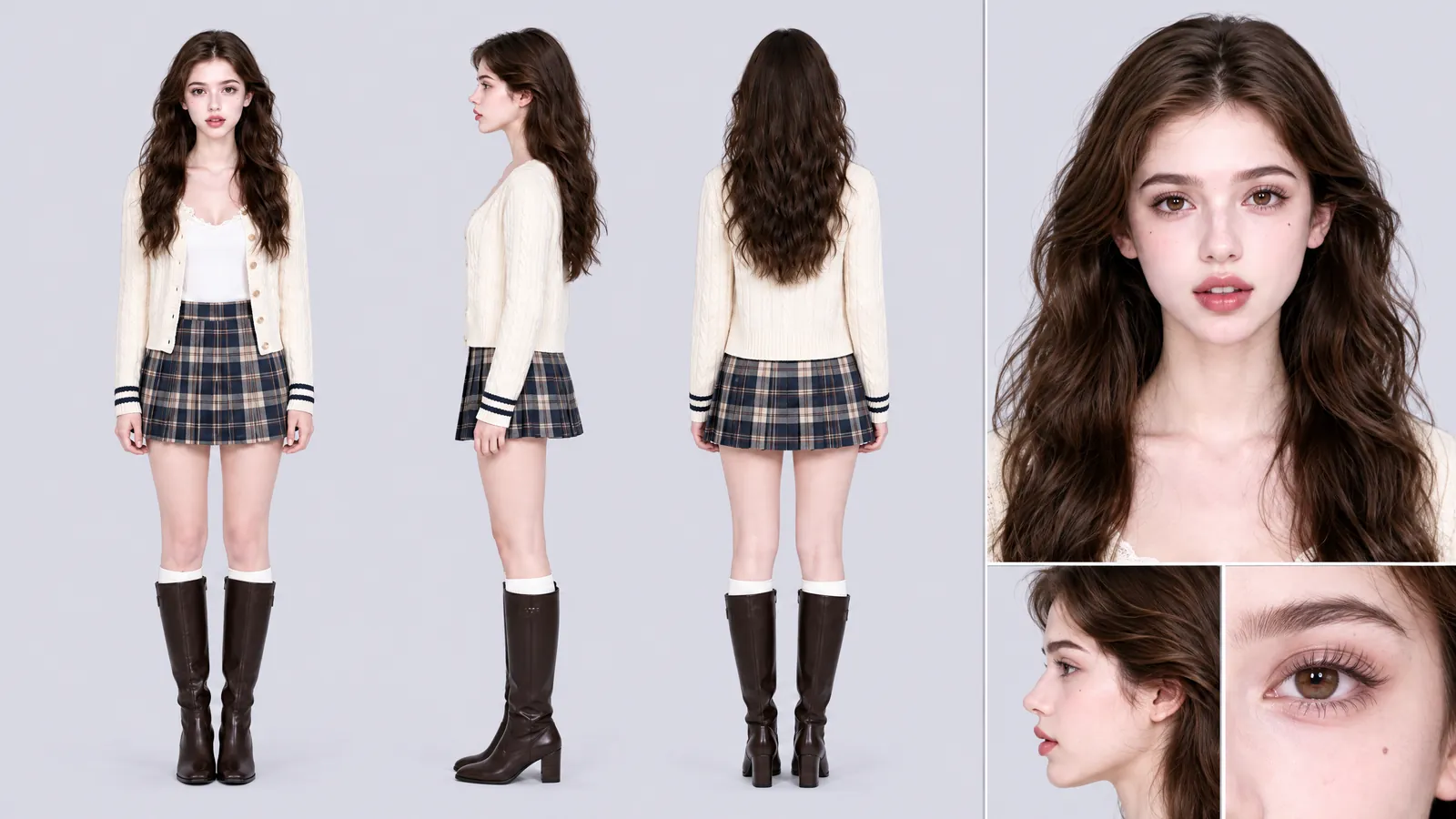
Character Turnaround Sheet
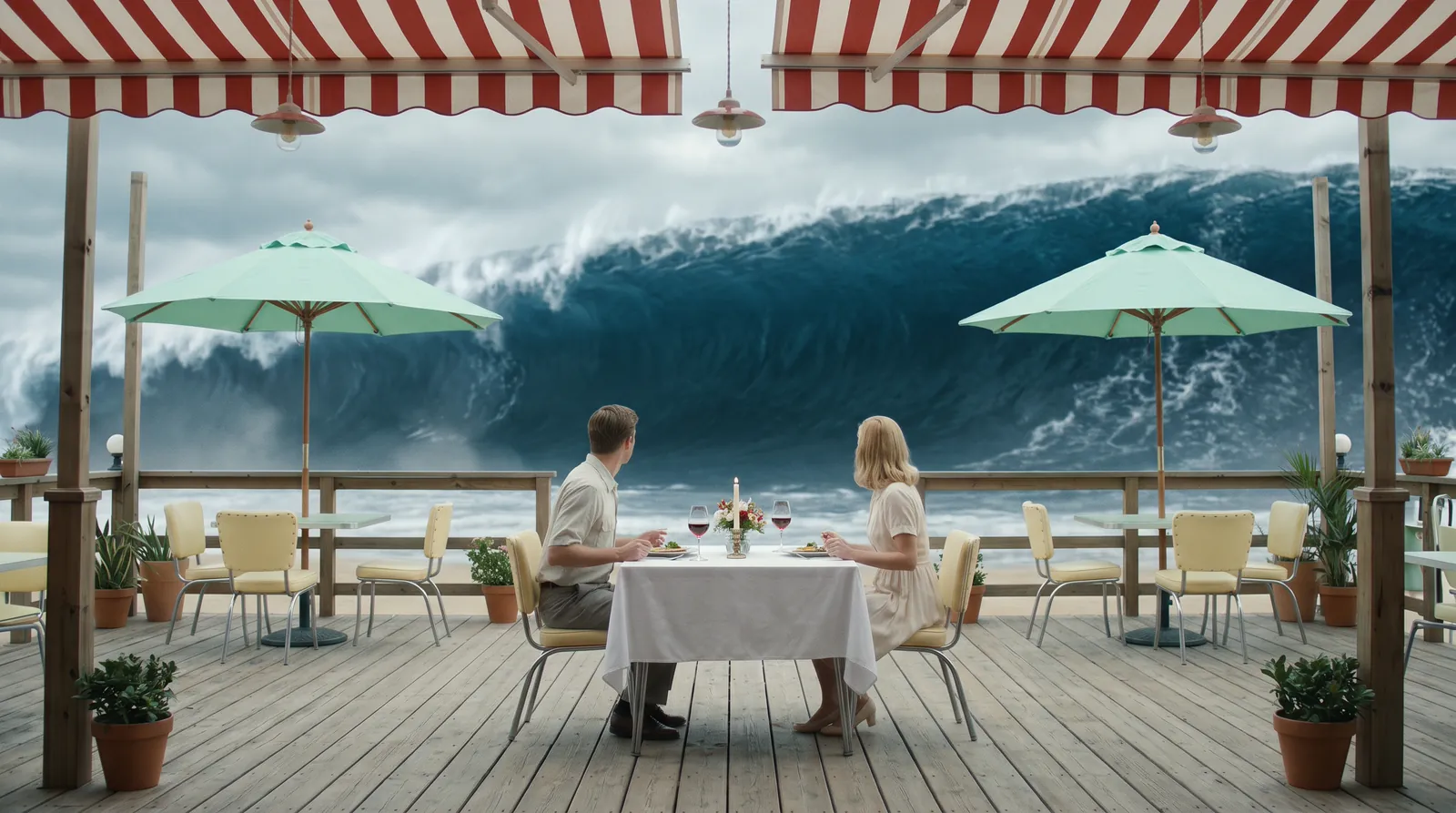
Dinner Before the Wave
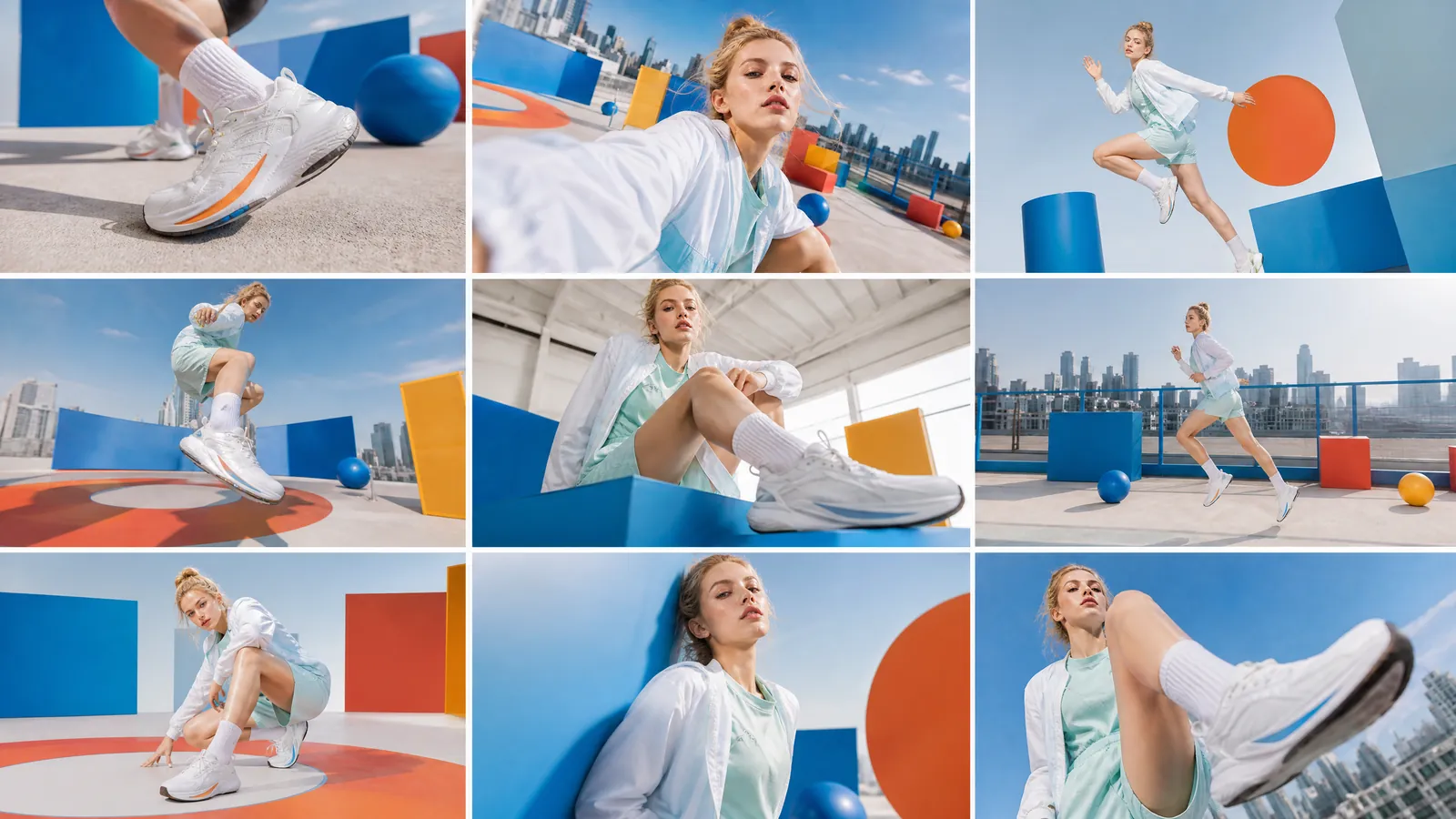
Sneaker 9-Grid Campaign
Key Features of AI Image Generator
Everything you need on one platform, with zero learning curve.
Text to Image
Write one line and get a ready-to-use image in seconds — product shots, posters, illustrations or concept art with composition and light already worked out.
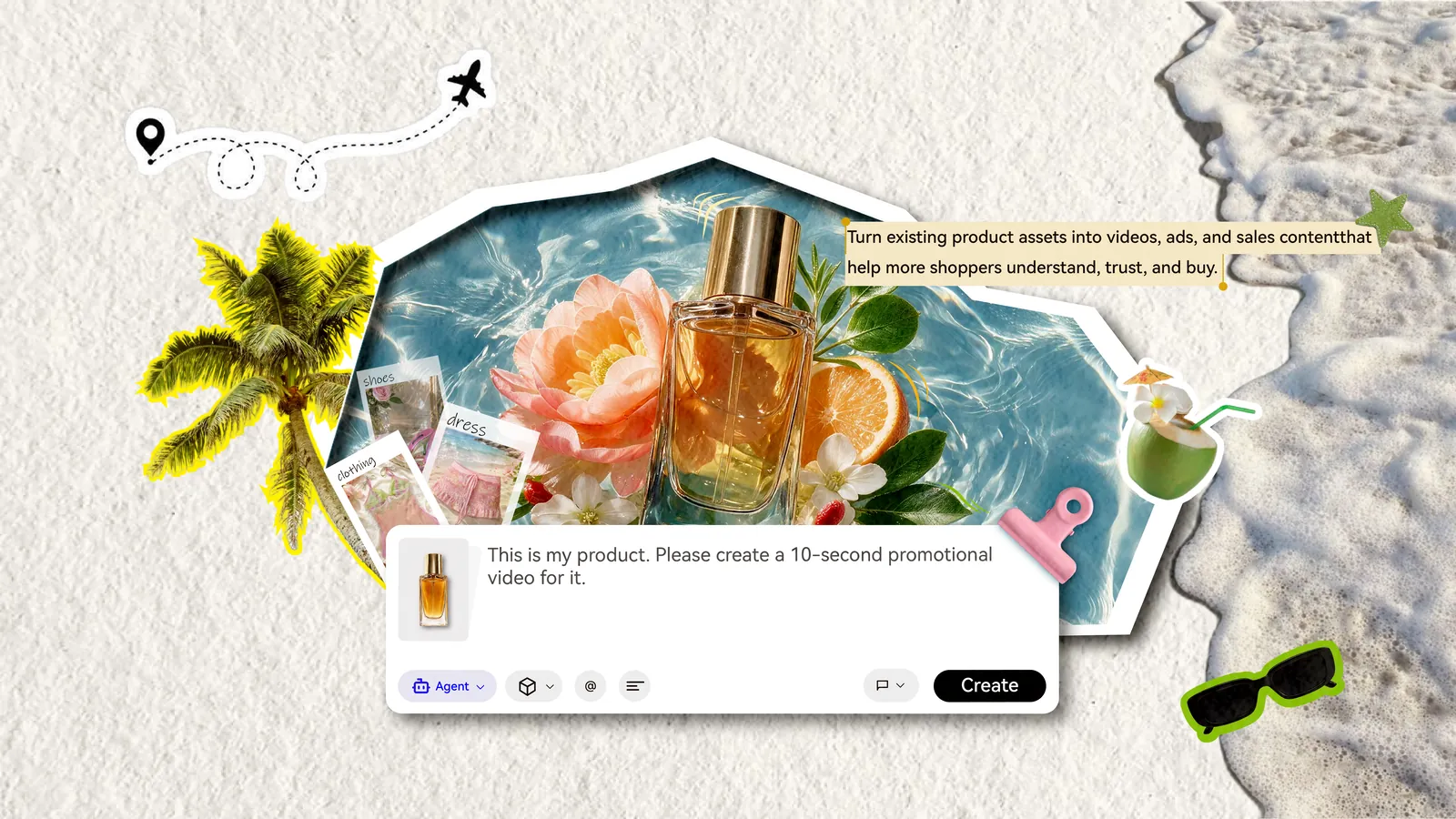
Multi-Image Reference
Upload product, face or style references and keep the subject and look consistent across a whole series — perfect for sets and campaign posters.
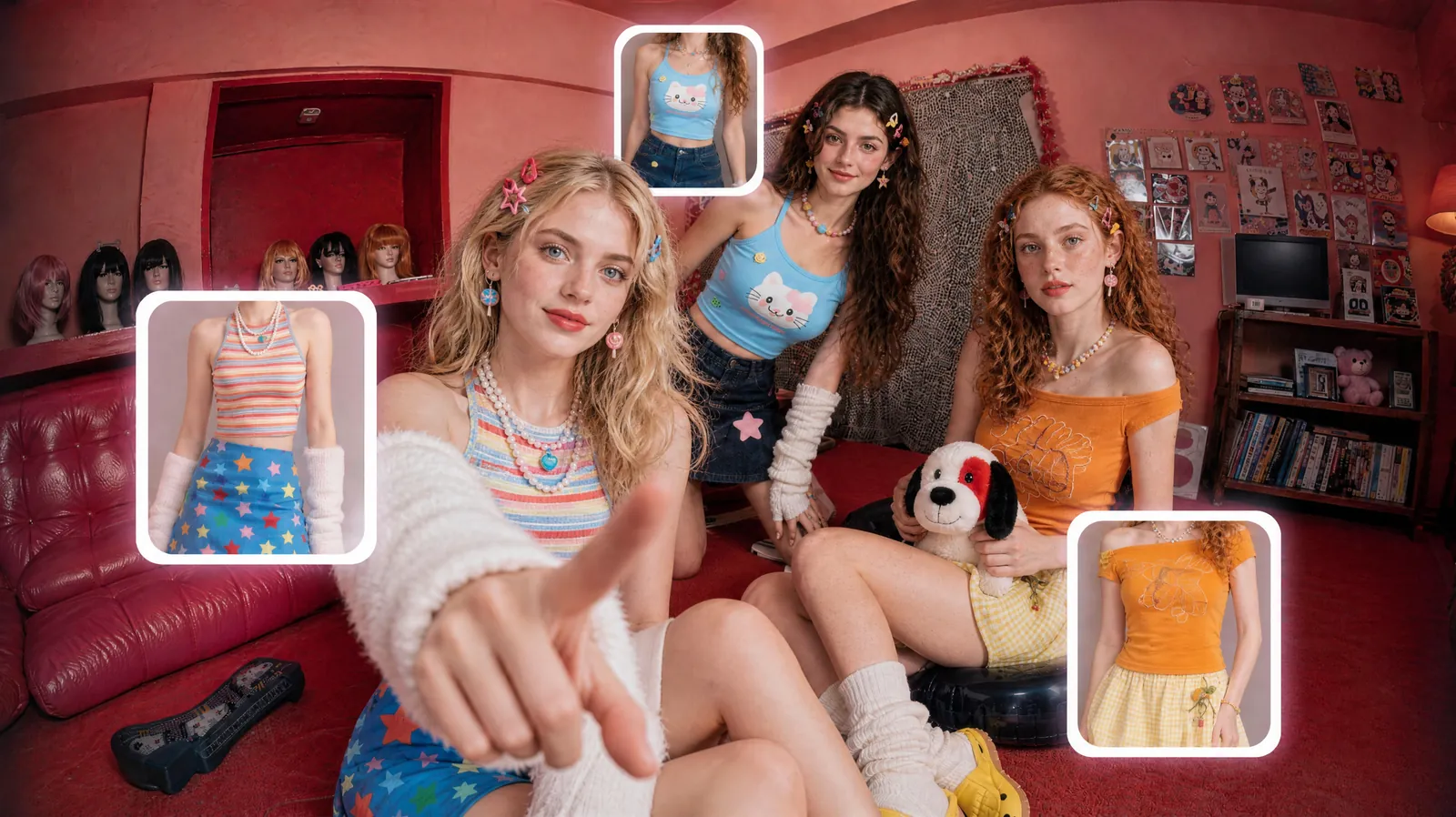
Sharp Text Rendering
Headlines, slogans and price tags render clearly in Chinese and English, so posters and ads need no text fixes afterwards.
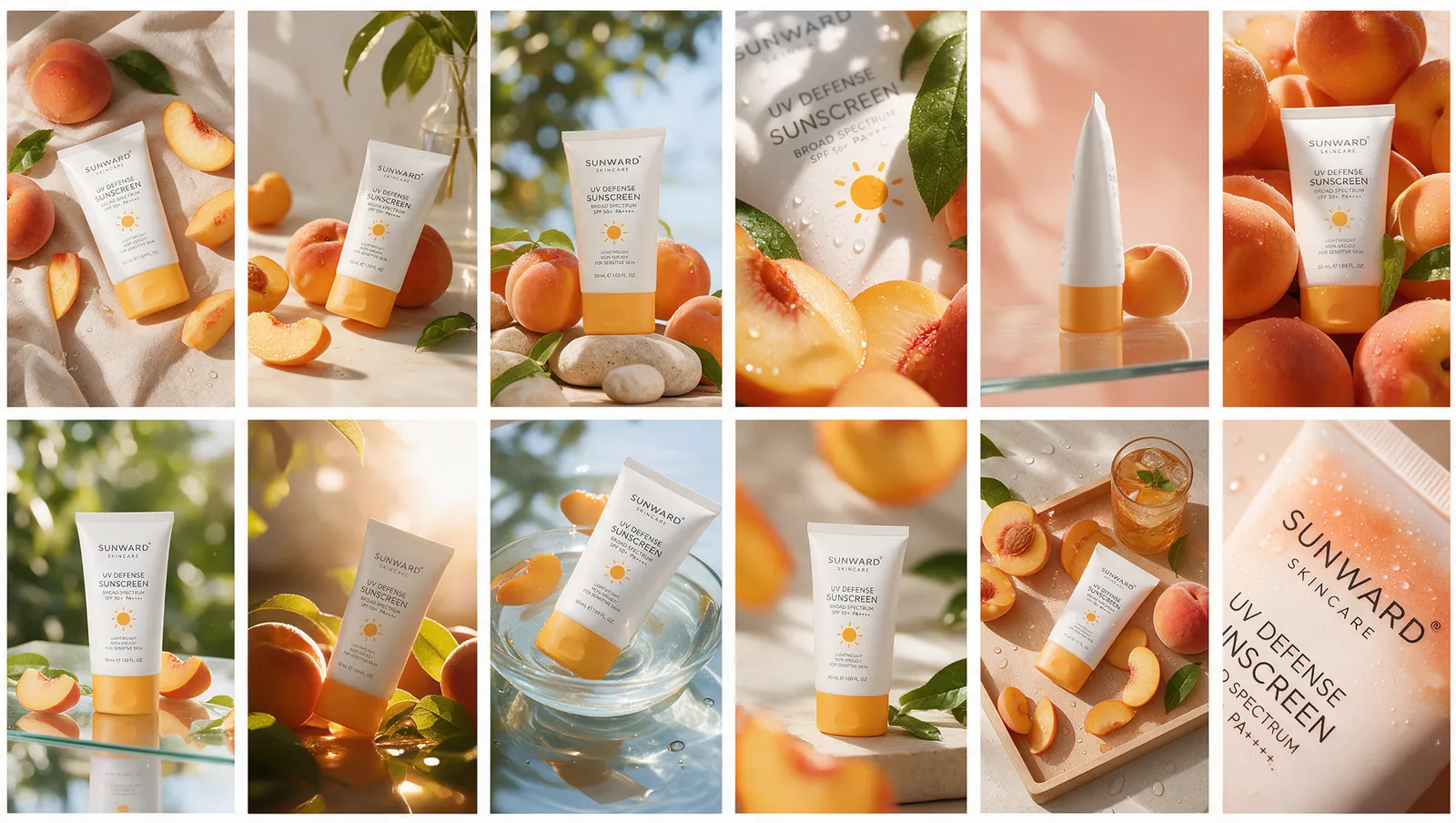
Up to 4K
Output up to 4K with crisp detail, ready for print, product detail pages and large screens.
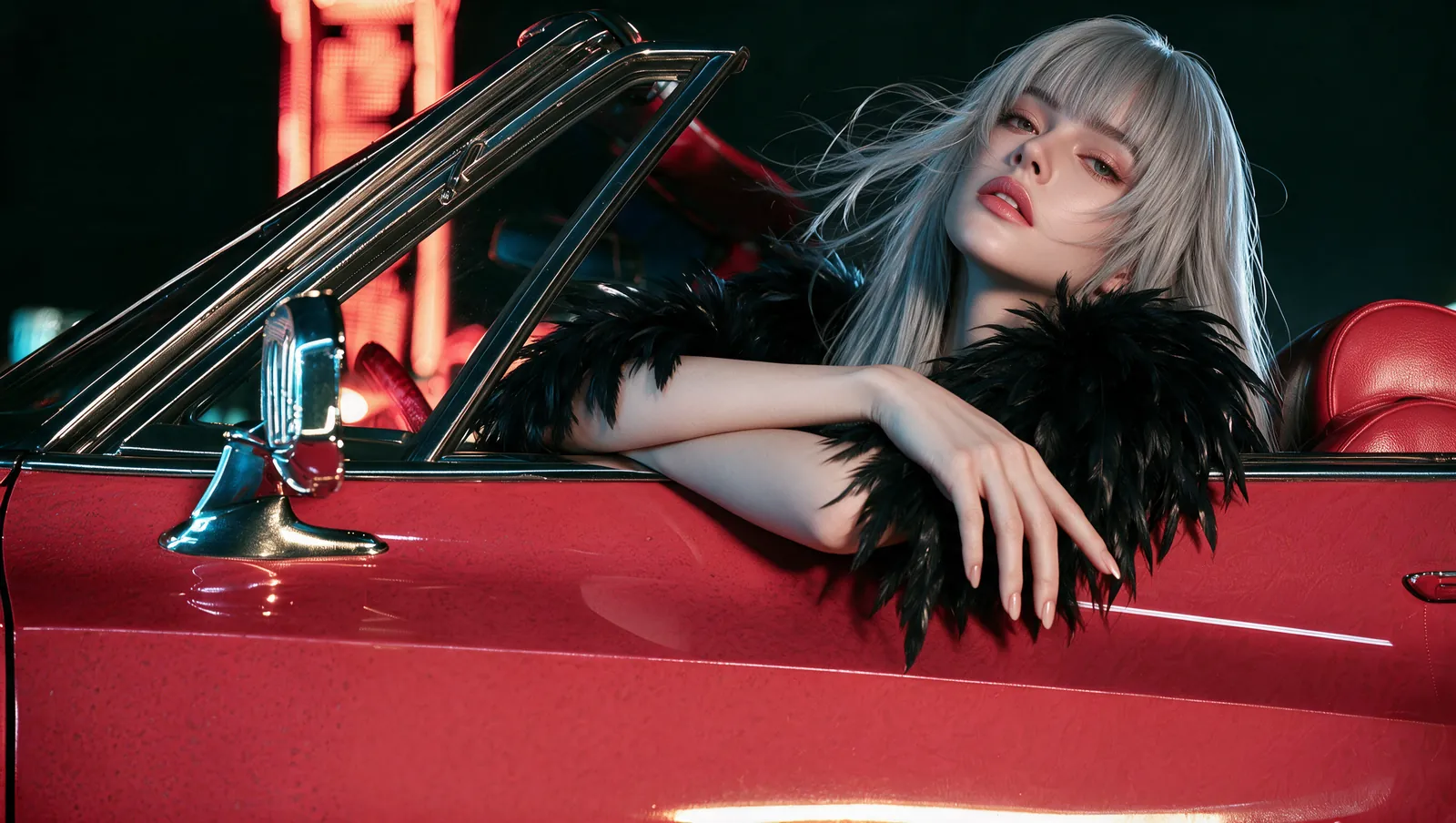
The Best Image Models, Side by Side
Seedream 5.5, GPT Image 2.6 Pro, Nano Banana Pro 2.1 and Grok Image 2.0 — compare them on the same prompt.
How to Use AI Image Generator
Three steps. No download needed, just open your browser and start.
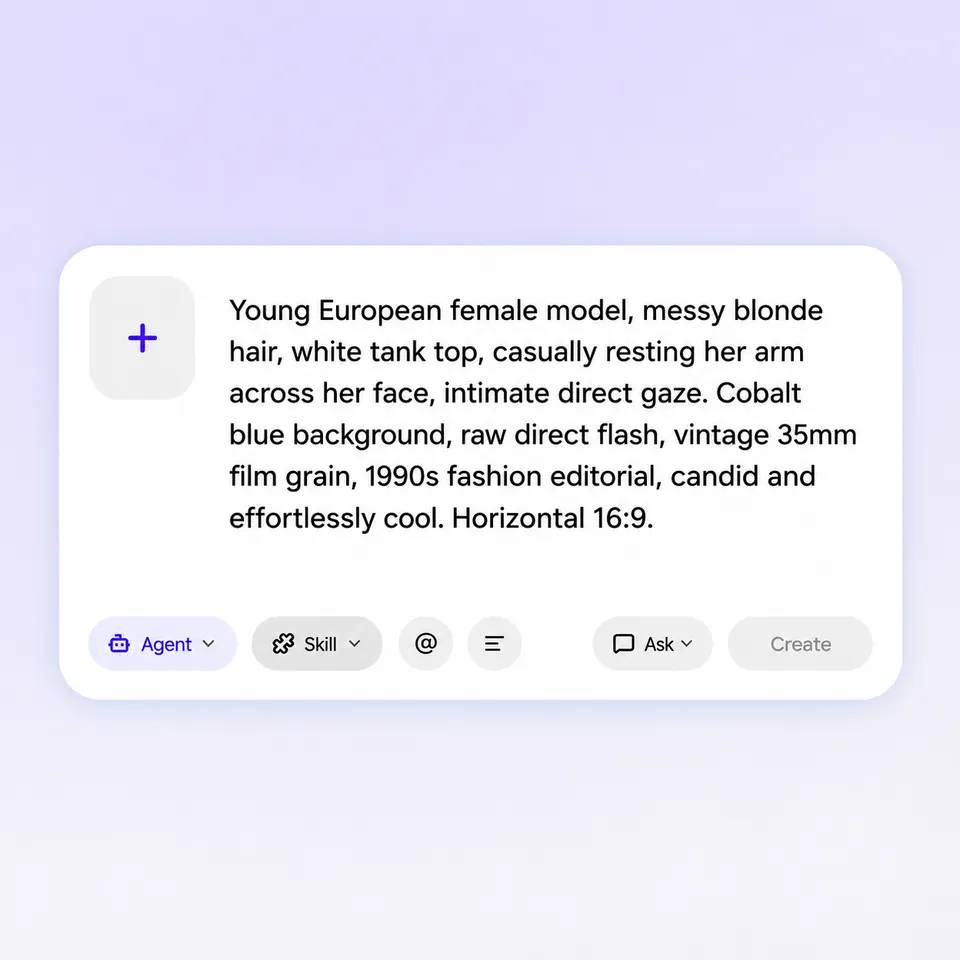
STEP 01
Enter Your Prompt
Describe the scene, characters, camera movement and any dialogue or sound you want.
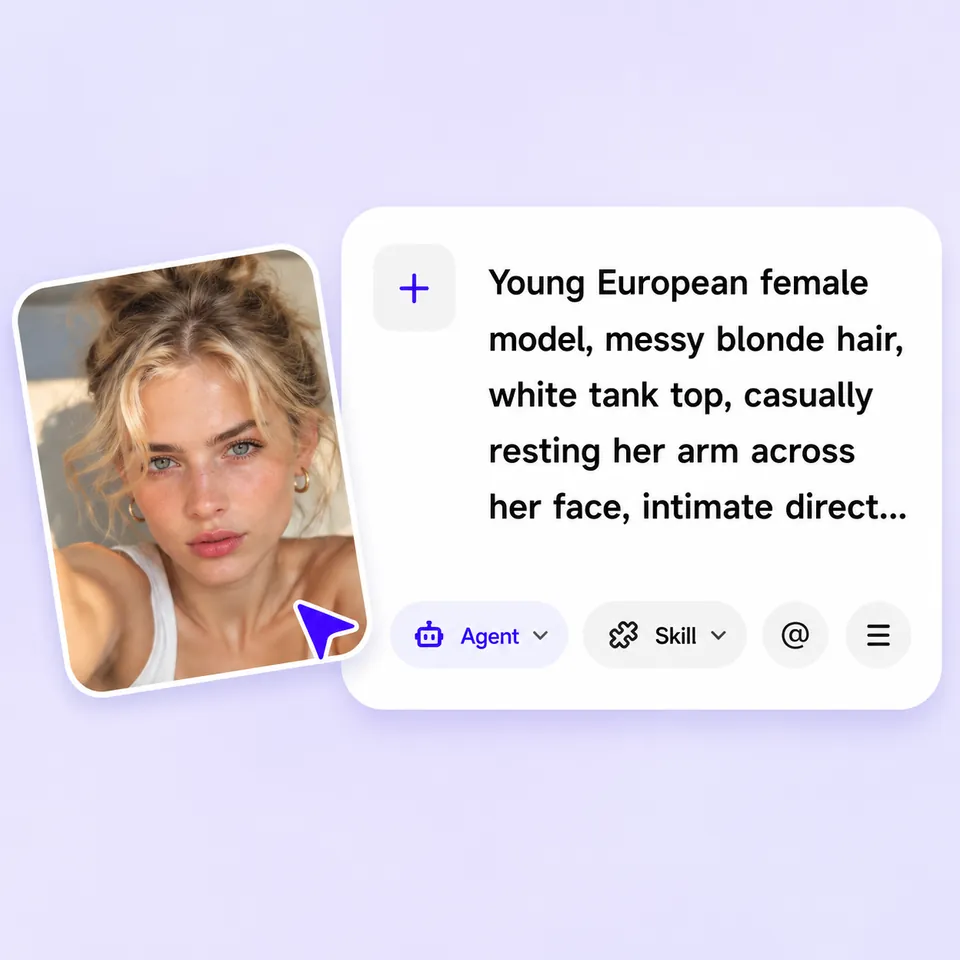
STEP 02
Customize
Optionally upload an image as the starting frame or visual reference.
STEP 03
Generate
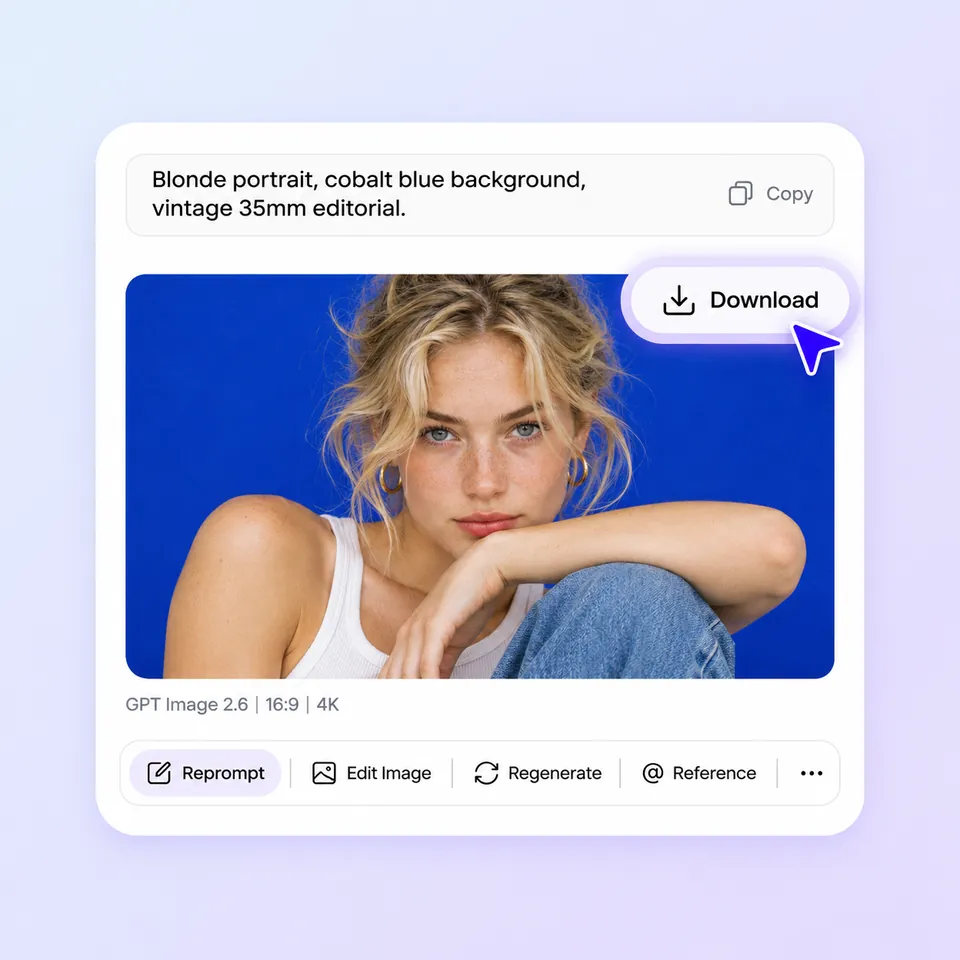
DeeVid creates a result that matches your description. Preview it, refine your prompt and download.
More AI Tools
One account unlocks every creative tool on DeeVid.
Loved by Creators
Feedback from real creators.
Reference assets keep characters and scene styles consistent, making them ideal for a series of social posts.
I can quickly explore product visuals and camera directions, leaving more time for creative ideas.
Starting with text or images makes turning ideas into visuals feel more intuitive.
Matching visuals to music and movement helps me develop a complete visual concept faster.
Exploring variations within one visual direction makes it easier to develop a cohesive content series.
Turning abstract scene descriptions into video previews makes creative proposals easier to explain.
Matching visuals to music and movement helps me develop a complete visual concept faster.
Exploring variations within one visual direction makes it easier to develop a cohesive content series.
Turning abstract scene descriptions into video previews makes creative proposals easier to explain.
Reference assets keep characters and scene styles consistent, making them ideal for a series of social posts.
I can quickly explore product visuals and camera directions, leaving more time for creative ideas.
Starting with text or images makes turning ideas into visuals feel more intuitive.
Frequently Asked Questions
What is an AI image generator?
An AI image generator creates new images from a text description or reference photos. DeeVid brings top image models together for product shots, posters, illustrations and concept art.
Which image models are available?
Nano Banana Pro 2.1, GPT Image 2.6 Pro, Grok Image 2.0, Seedream 5.5 and more, with new models added over time.
Can I use my own photos as reference?
Yes. Upload a photo as a reference and the model keeps the face, product or style while creating a new scene from your description.
What resolutions and ratios are supported?
Common ratios such as 1:1, 4:3, 3:4, 16:9 and 9:16 are supported, and some models output up to 4K. See the generator for each model’s options.
Can I generate images with text in them?
Yes. GPT Image 2.6 and Nano Banana Pro 2.1 render text reliably — put the exact words in quotes in your prompt.
Can I use the images commercially?
Images made on paid plans can be used commercially. See the DeeVid Terms of Service for the full license.
Create AI Images Free on DeeVid
One sentence or one reference photo is all it takes. Sign up now and start creating for free.