AI Image EditorSkip Hours of Manual Edits
Swap backgrounds, remove strangers, change outfits or restyle — just type it. No masking, no complex editing tools, and your people and products stay exactly as they are.
Trusted by Businesses and Creators Worldwide


One Prompt. A Whole New Image.
Transform any image with simple instructions. Compare before and after, explore the edits, and create your own.
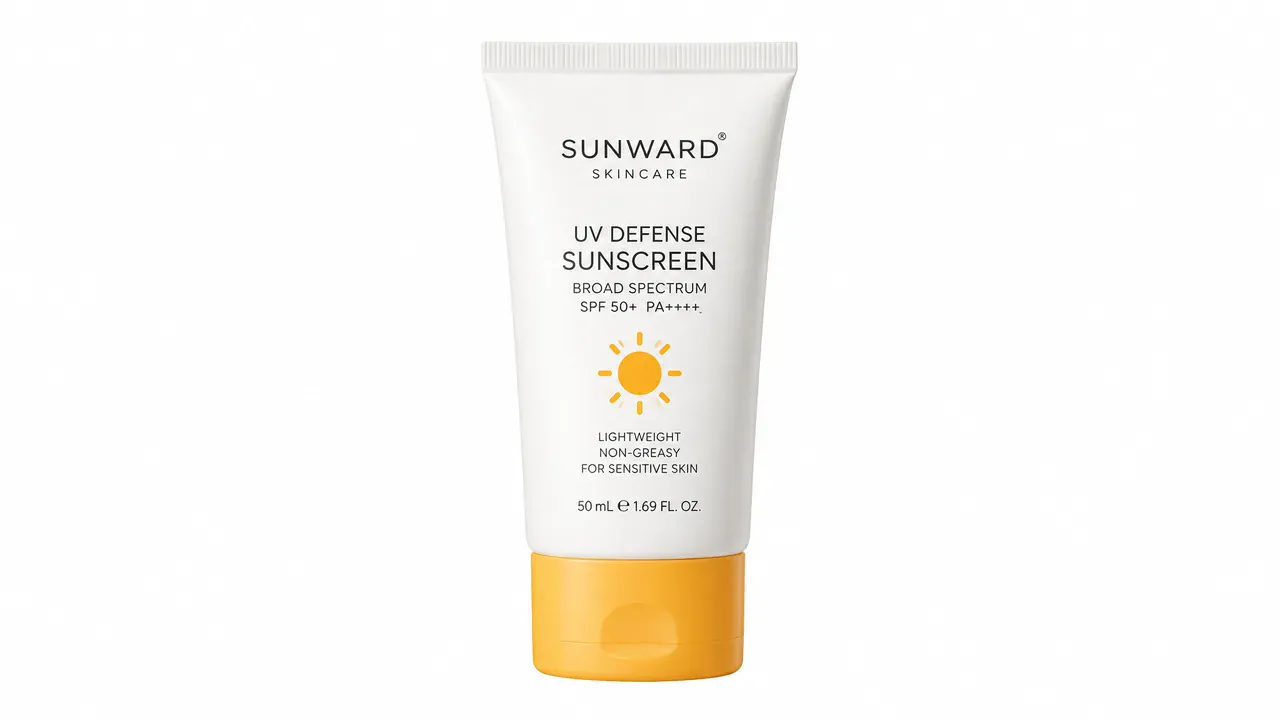
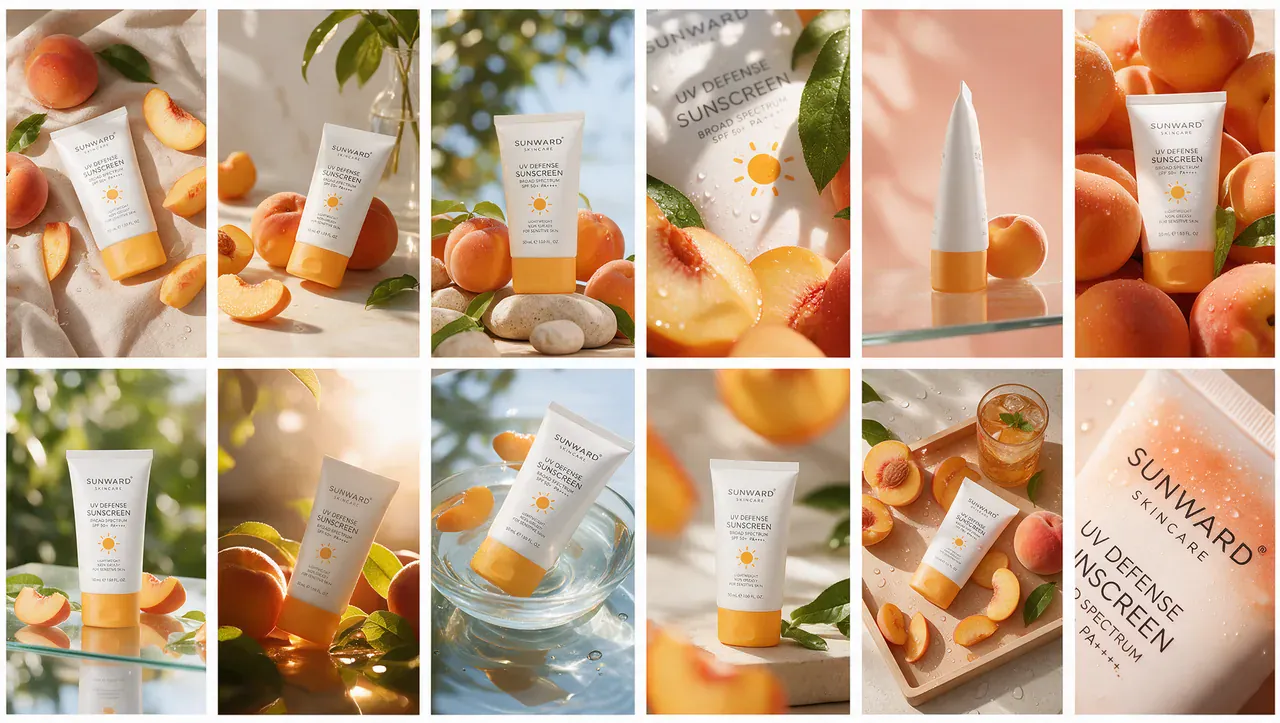 BeforeAfter
E-commerce Ads
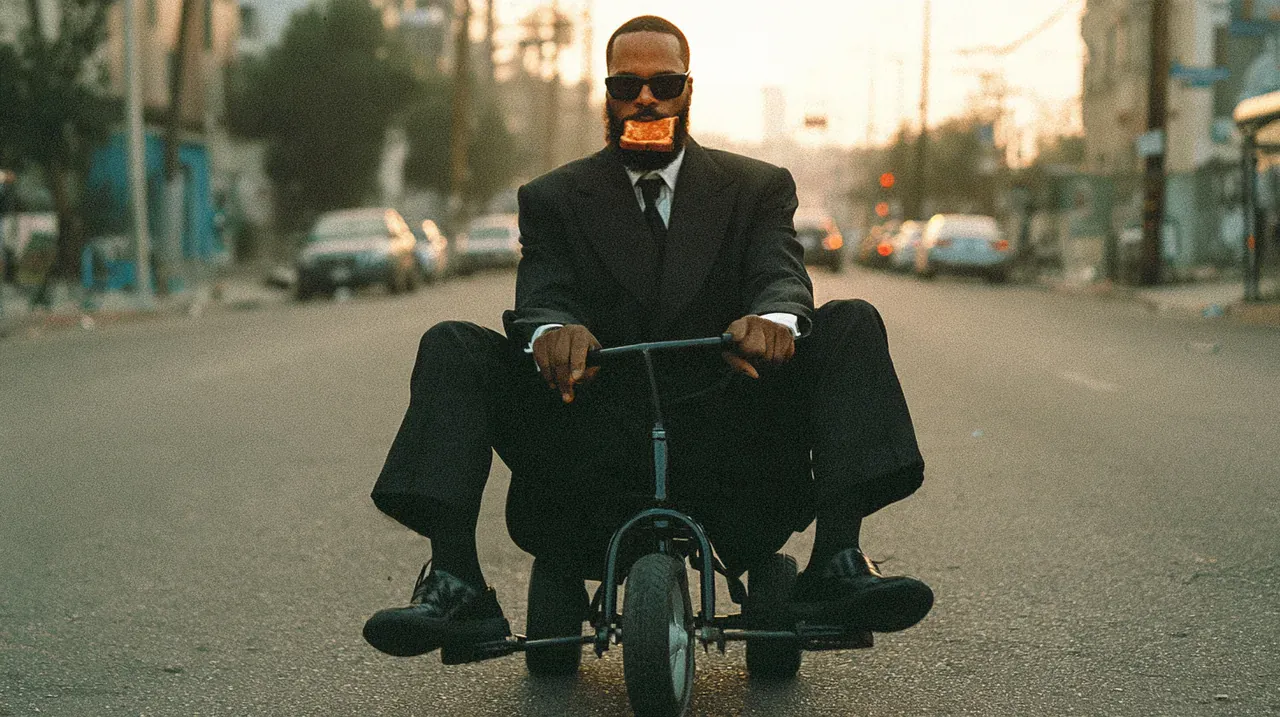
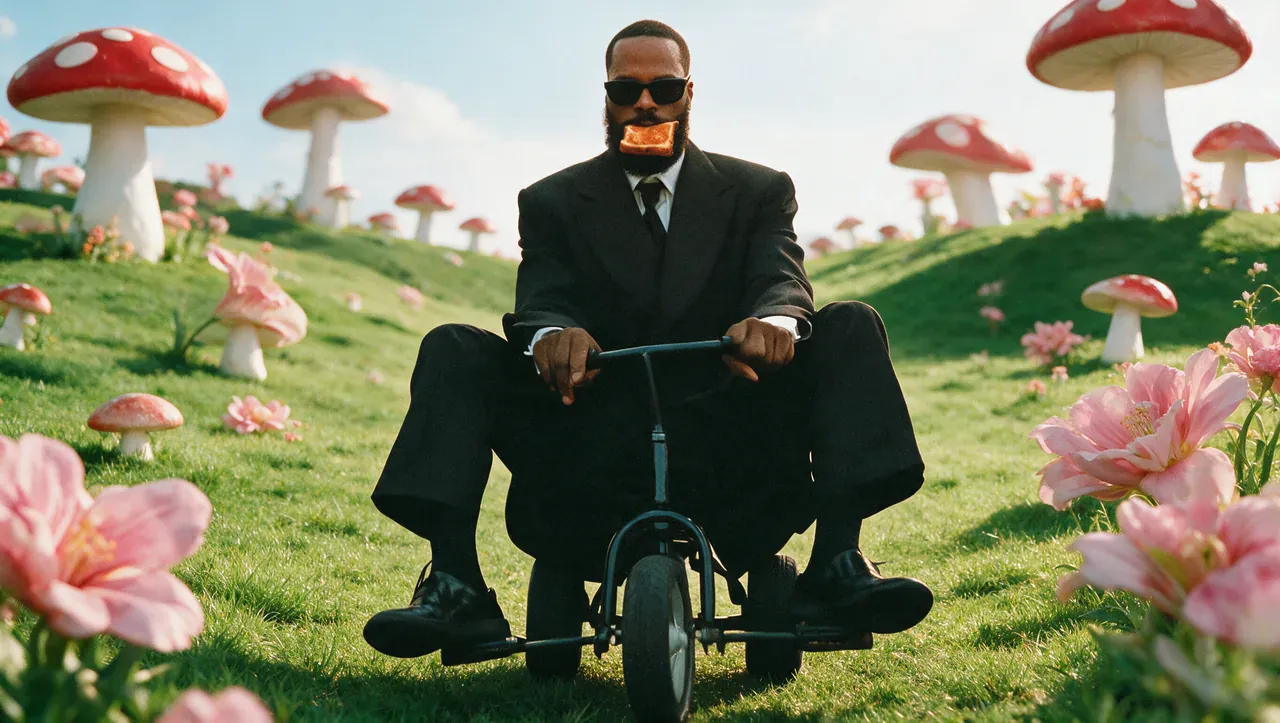 BeforeAfter
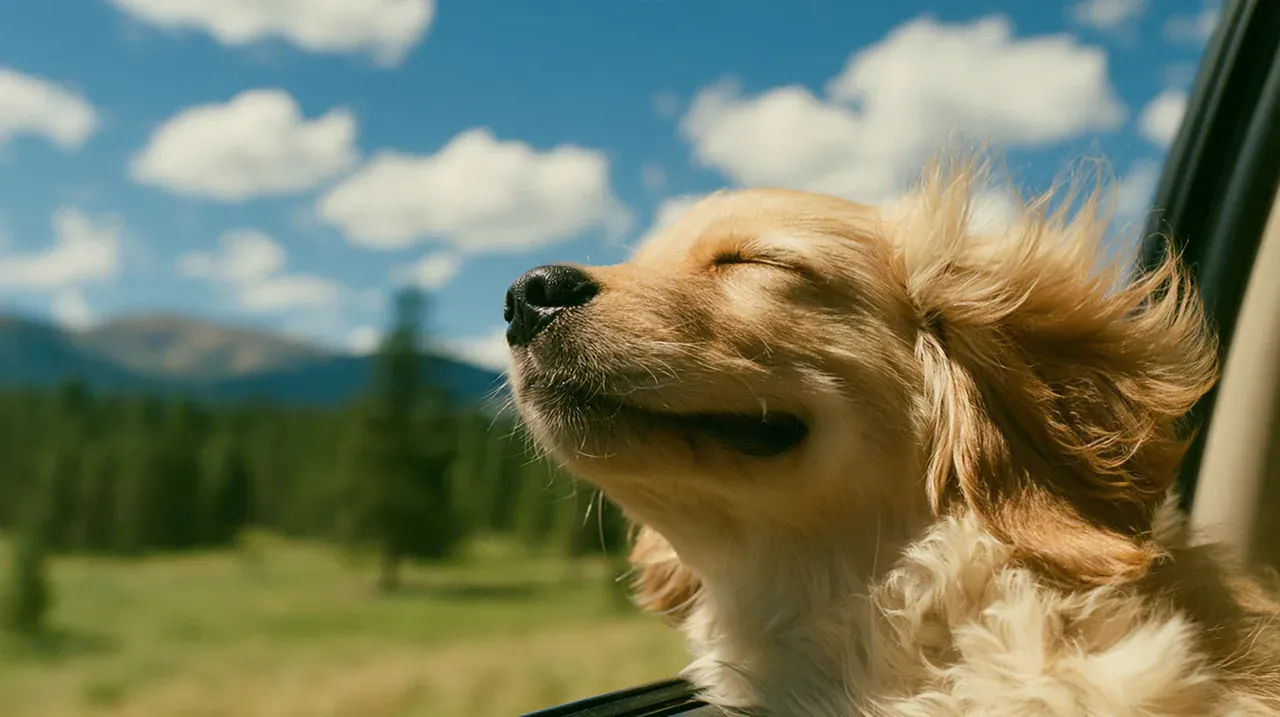
Background Swap
 BeforeAfter
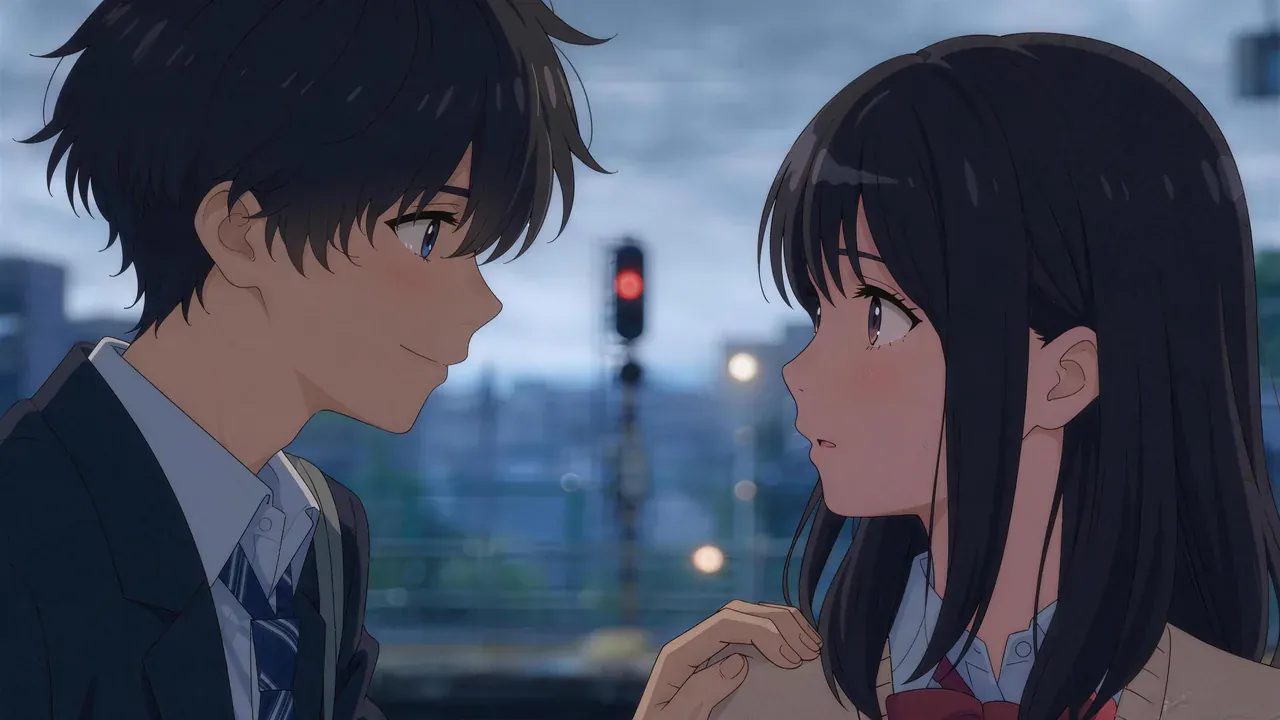
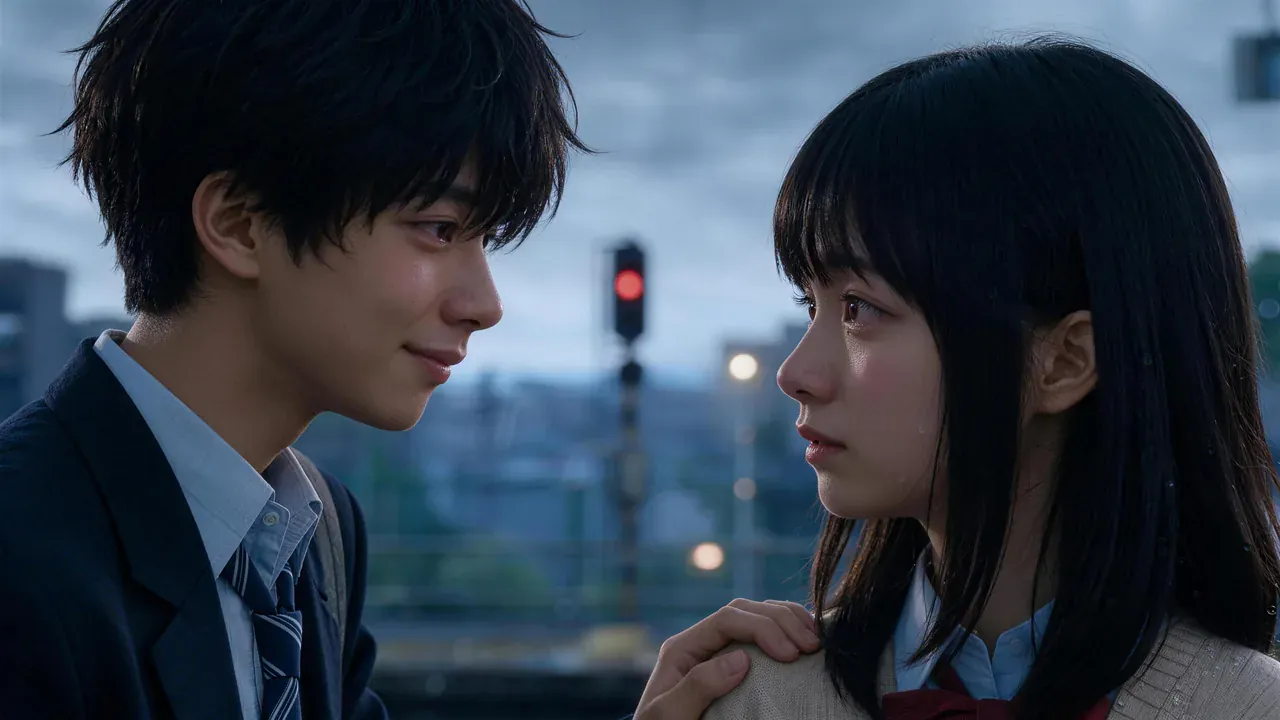
4K Upscale
 BeforeAfter
Style Transfer
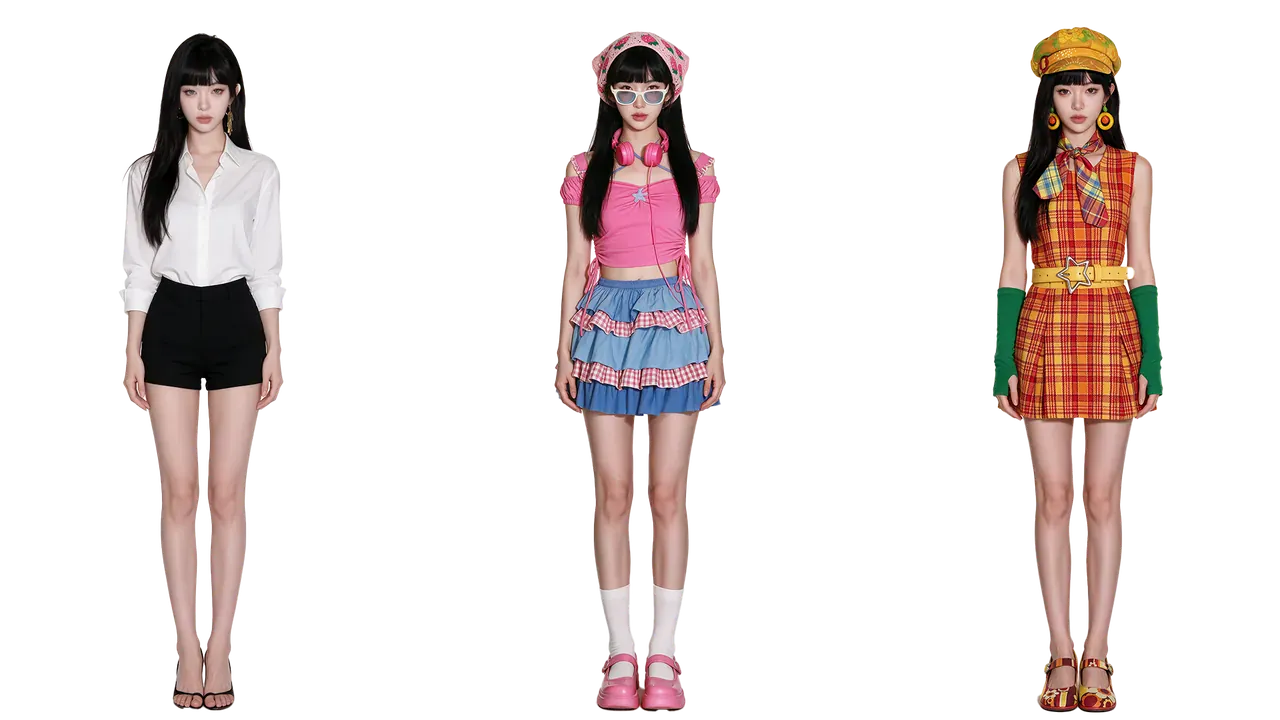
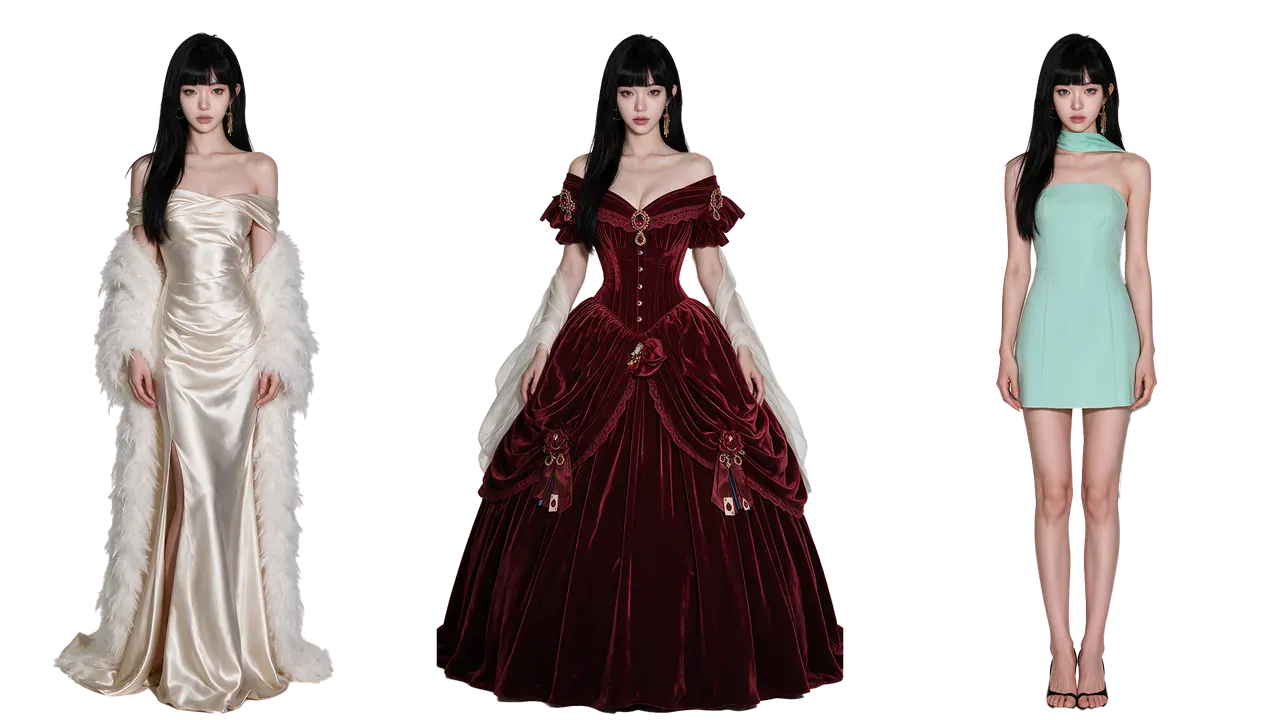 BeforeAfter
Outfit Swap
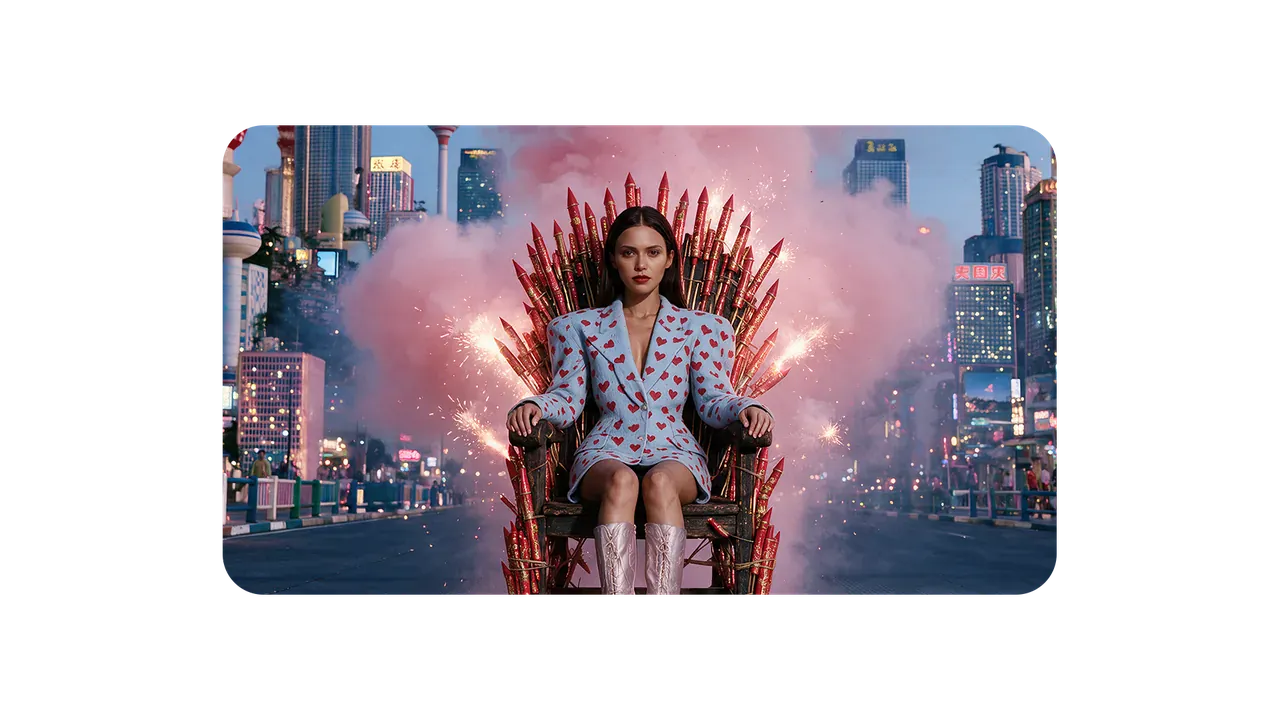
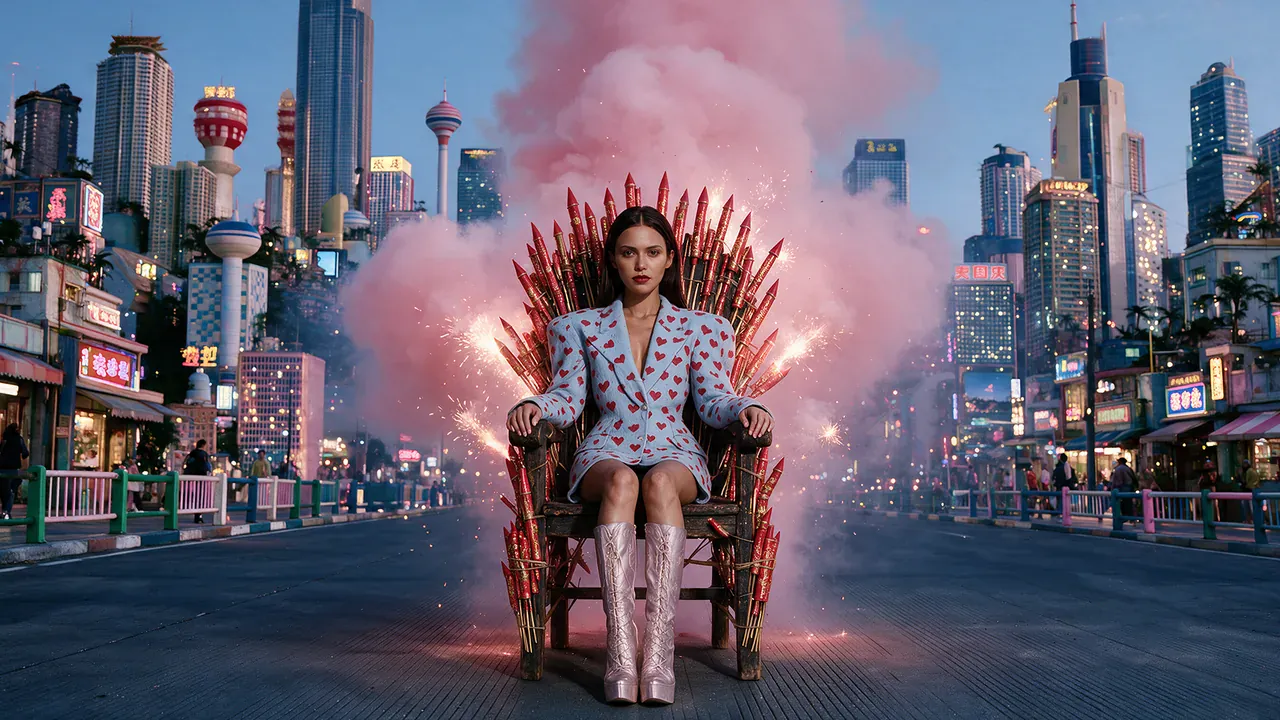 BeforeAfter
Smart Expand
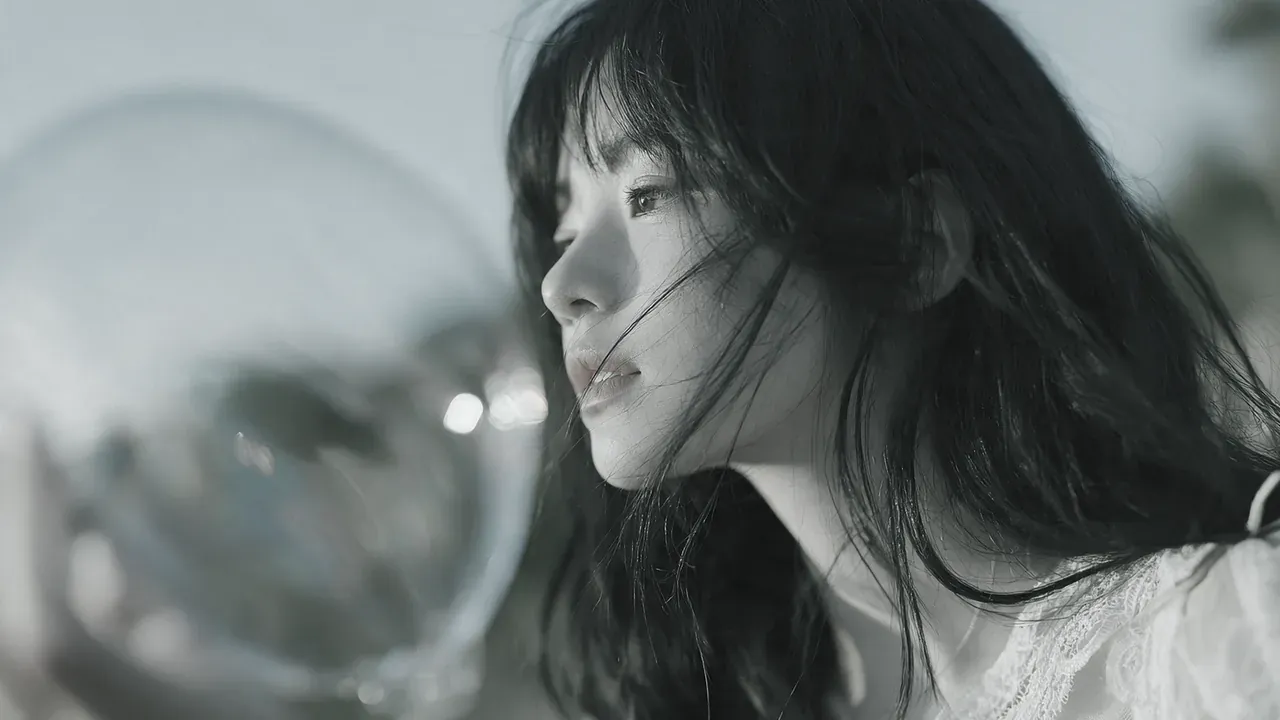
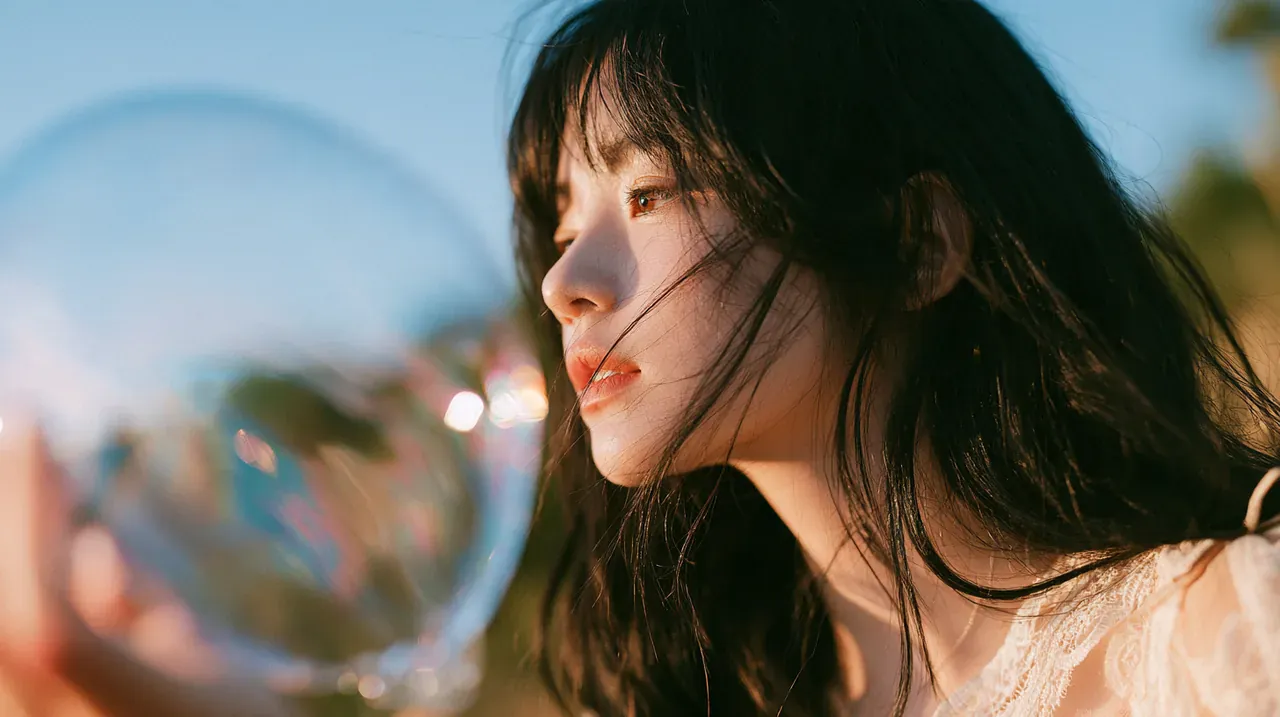 BeforeAfter
Relighting
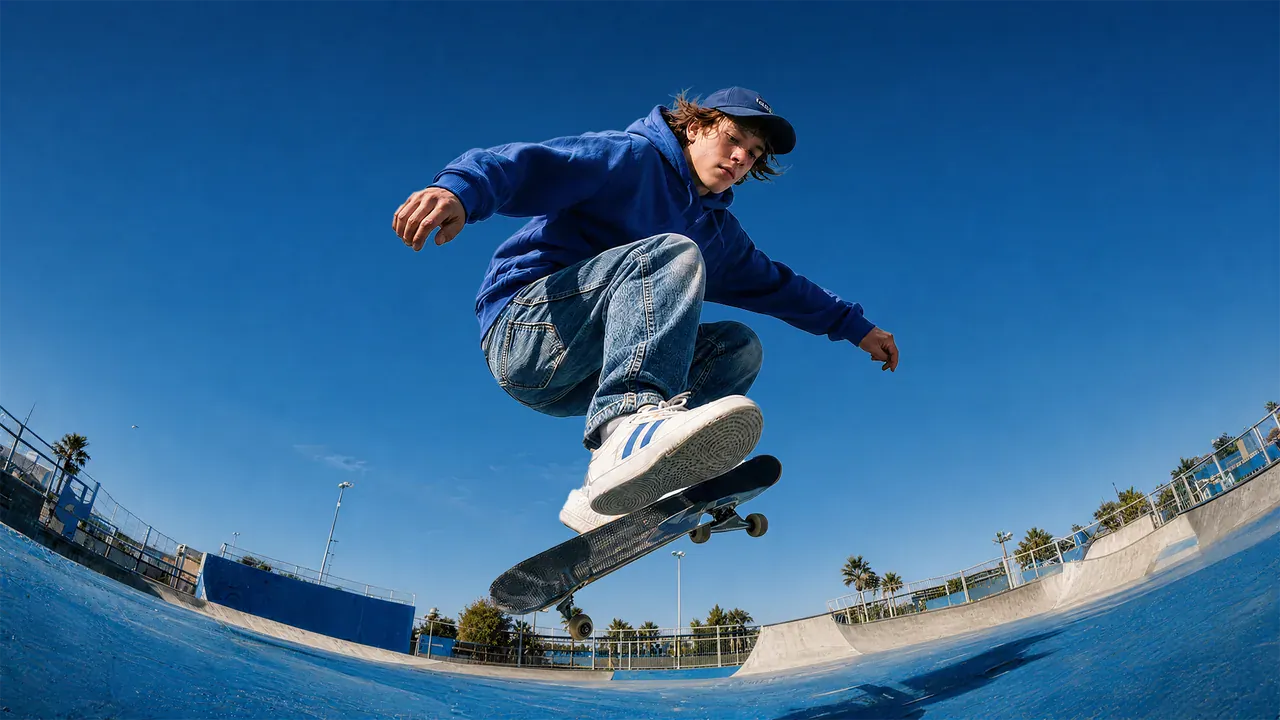
 BeforeAfter
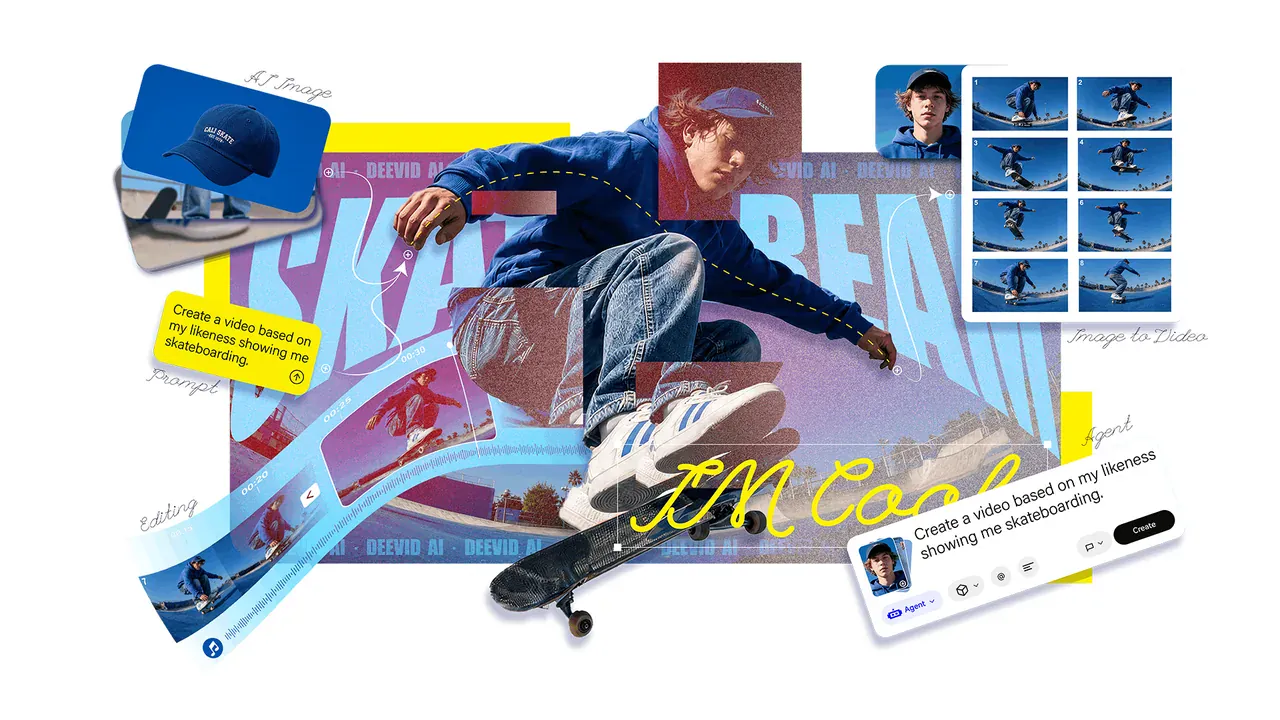
Poster
Key Features of AI Image Editor
Everything you need on one platform, with zero learning curve.
Change Backgrounds
Swap the background for a studio, a street, a beach or anywhere you describe in one line — light and shadows match automatically, with no visible compositing.
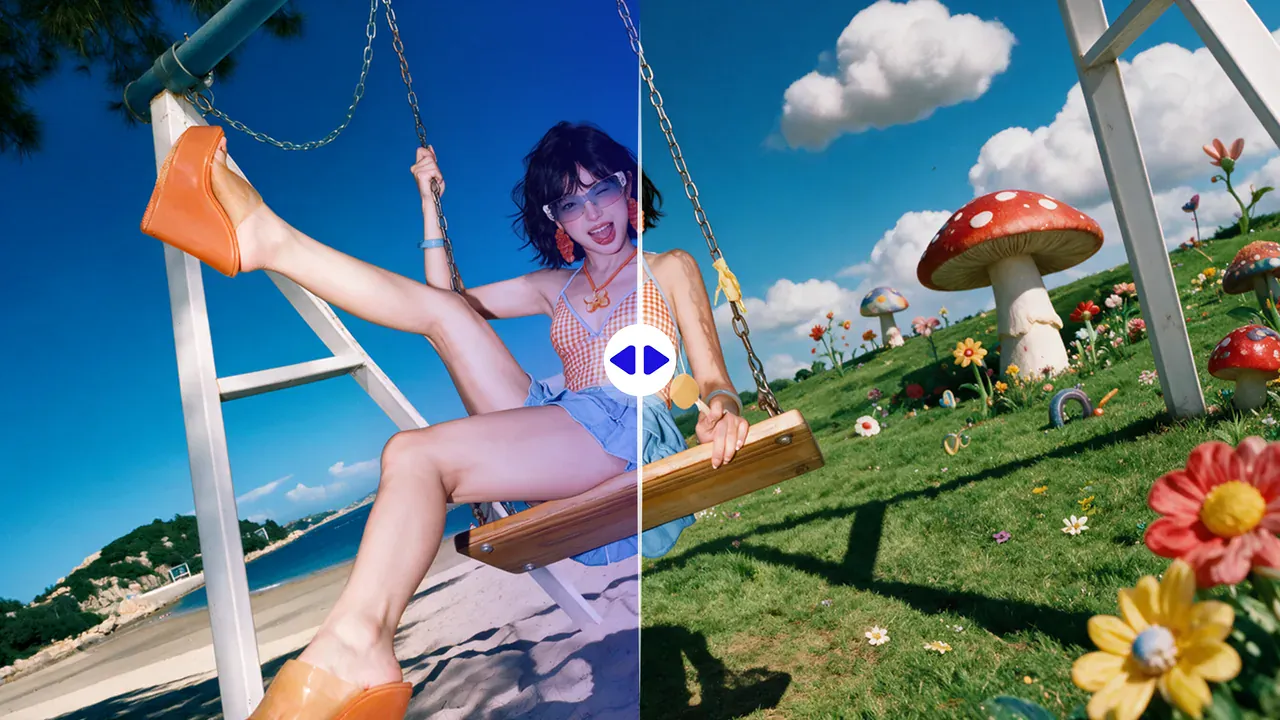
Add or Remove Objects
Remove passers-by, clutter and watermarks, or add a missing prop. Edits blend into the original and everything else stays the same.
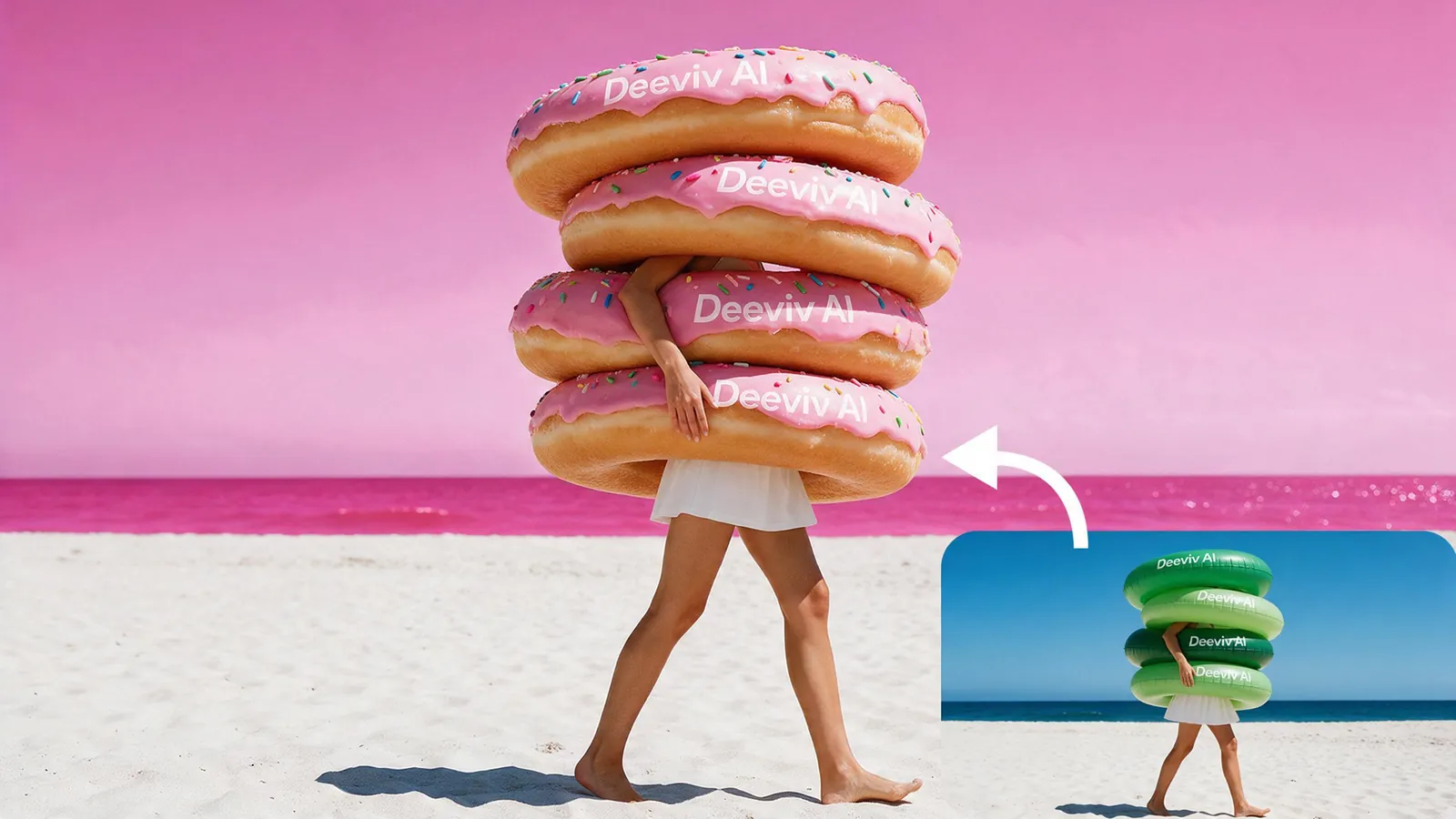
Restyle
Turn an ordinary photo into anime, film, oil painting or illustration while keeping people and composition — several versions from one image.
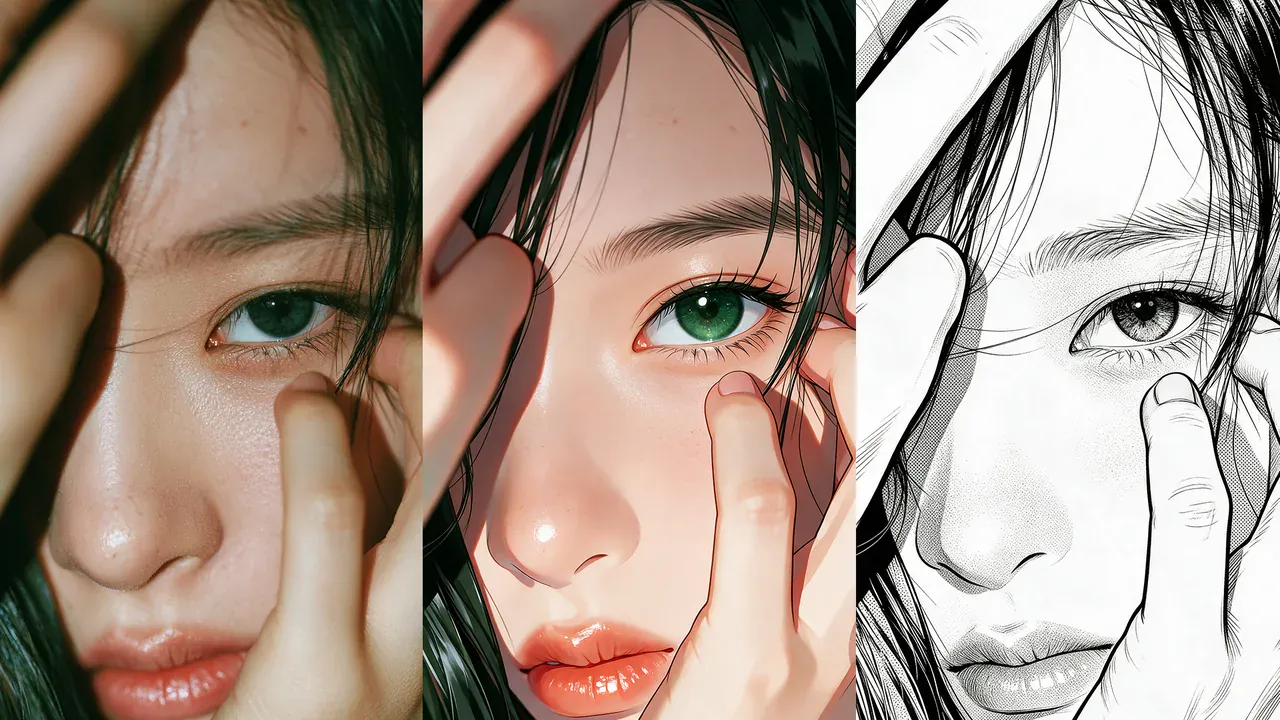
Multi-Image Editing
Combine products, people and scenes from several images into one picture with unified perspective and light — great for e-commerce scenes and creative posters.
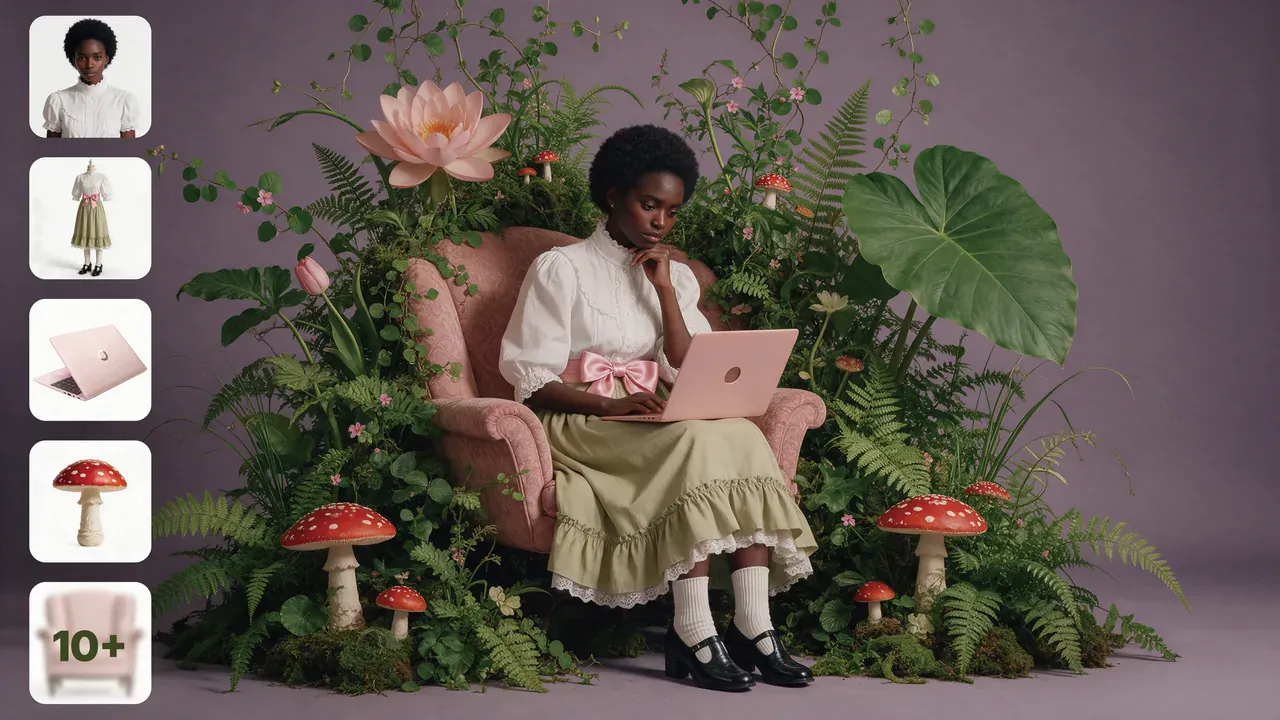
Models Built for Precise Editing
Seedream 5.5, GPT Image 2.6 Pro, Nano Banana Pro 2.1 and Grok Image 2.0 — switch any time.
How to Use AI Image Editor
Three steps. No download needed, just open your browser and start.
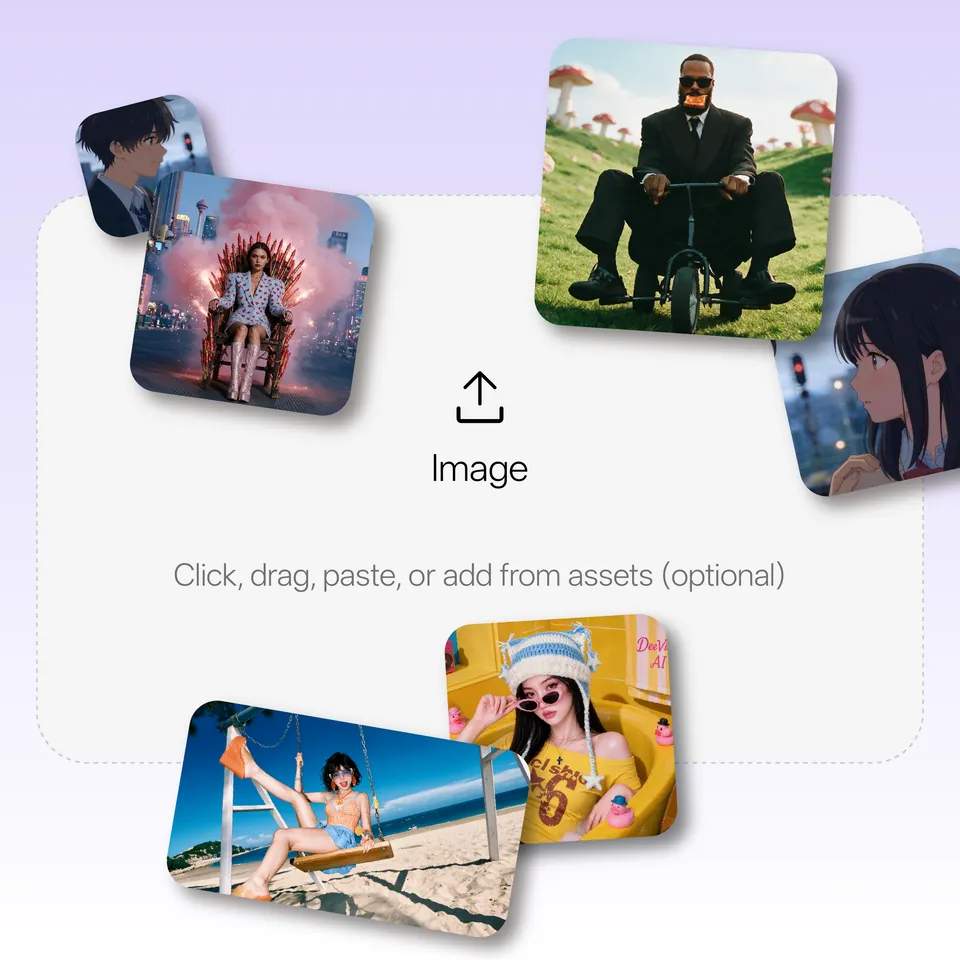
STEP 01
Upload a Photo
Upload the photo you want to change. Multiple images supported.
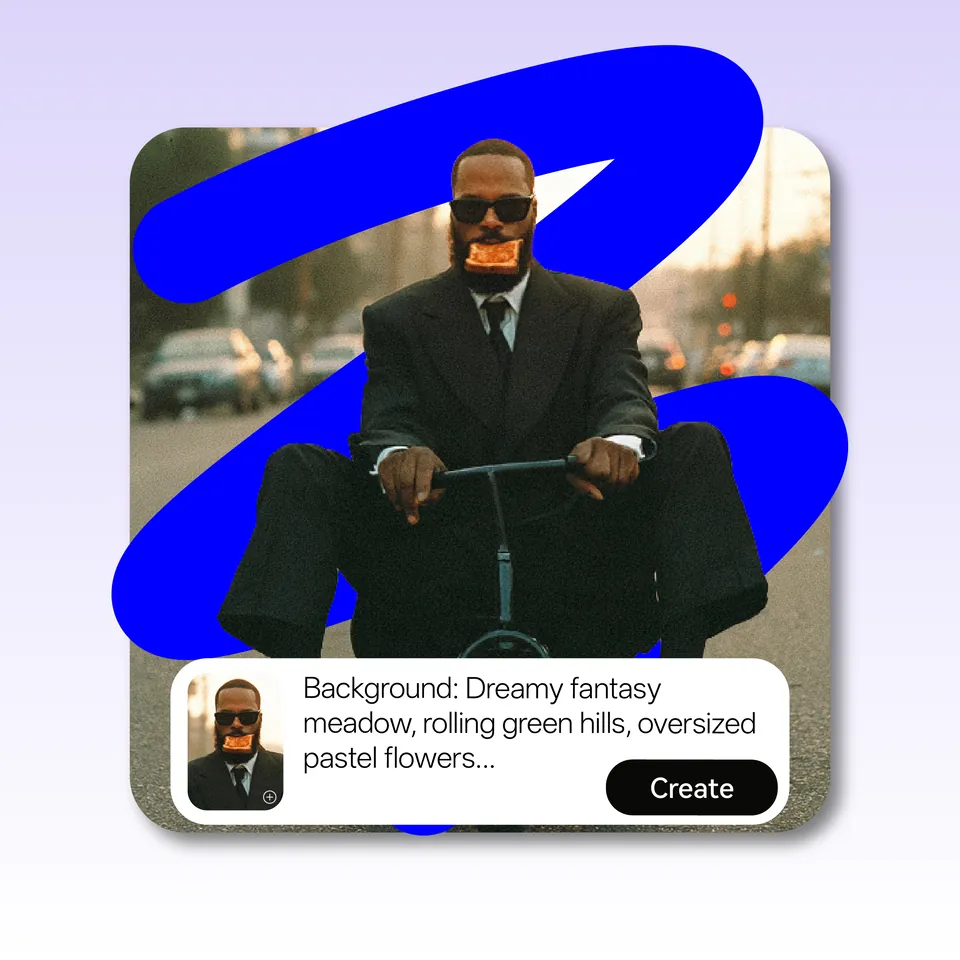
STEP 02
Describe the Edit
Say what you want to change in one sentence.
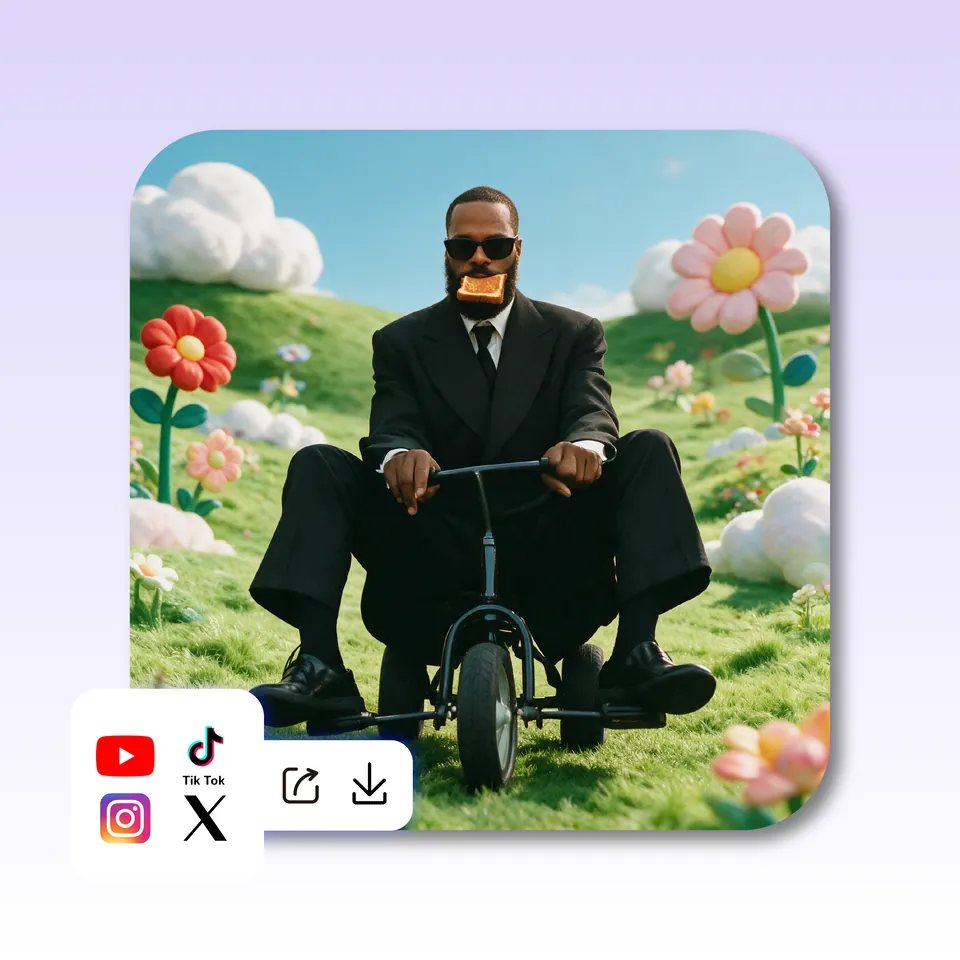
STEP 03
Download
Preview the result and download it.
More AI Tools
One account unlocks every creative tool on DeeVid.
Loved by Creators
Feedback from real creators.
Reference assets keep characters and scene styles consistent, making them ideal for a series of social posts.
I can quickly explore product visuals and camera directions, leaving more time for creative ideas.
Starting with text or images makes turning ideas into visuals feel more intuitive.
Matching visuals to music and movement helps me develop a complete visual concept faster.
Exploring variations within one visual direction makes it easier to develop a cohesive content series.
Turning abstract scene descriptions into video previews makes creative proposals easier to explain.
Matching visuals to music and movement helps me develop a complete visual concept faster.
Exploring variations within one visual direction makes it easier to develop a cohesive content series.
Turning abstract scene descriptions into video previews makes creative proposals easier to explain.
Reference assets keep characters and scene styles consistent, making them ideal for a series of social posts.
I can quickly explore product visuals and camera directions, leaving more time for creative ideas.
Starting with text or images makes turning ideas into visuals feel more intuitive.
Frequently Asked Questions
What can the AI image editor change?
You can swap backgrounds, change outfits, add or remove objects, change season and weather, restyle images, or merge several images — all by describing the edit in one sentence.
Do I need design skills?
No. No cut-outs, no layers — just say what you want to change and the AI does it.
Will my face or product stay the same?
As much as possible. The model locks the key features of faces and products and only changes what you describe.
Can I edit several images together?
Yes. Upload several images at once to apply the same edit in bulk or merge them into one picture.
What file types can I upload?
Common image formats such as JPG, PNG and WebP are supported; see the upload panel for size limits.
Can I use edited images commercially?
Images edited on paid plans can be used commercially, as long as you have the rights to the originals. See the DeeVid Terms of Service for the full license.
Edit Photos Free on DeeVid
Upload a photo, describe the edit, get the result in seconds. Sign up now and start editing for free.