AI Long Video Generator
The world’s first long-video workflow with No Editing required, automatically generating 30-minute videos
Community Creations
Explore AI-generated films, dramas, animated stories, and more. See how creators turn simple ideas and scripts into complete videos with AI.
From Idea to Finished Video
Turn your ideas into immersive long-form videos with connected scenes and stories that flow naturally.
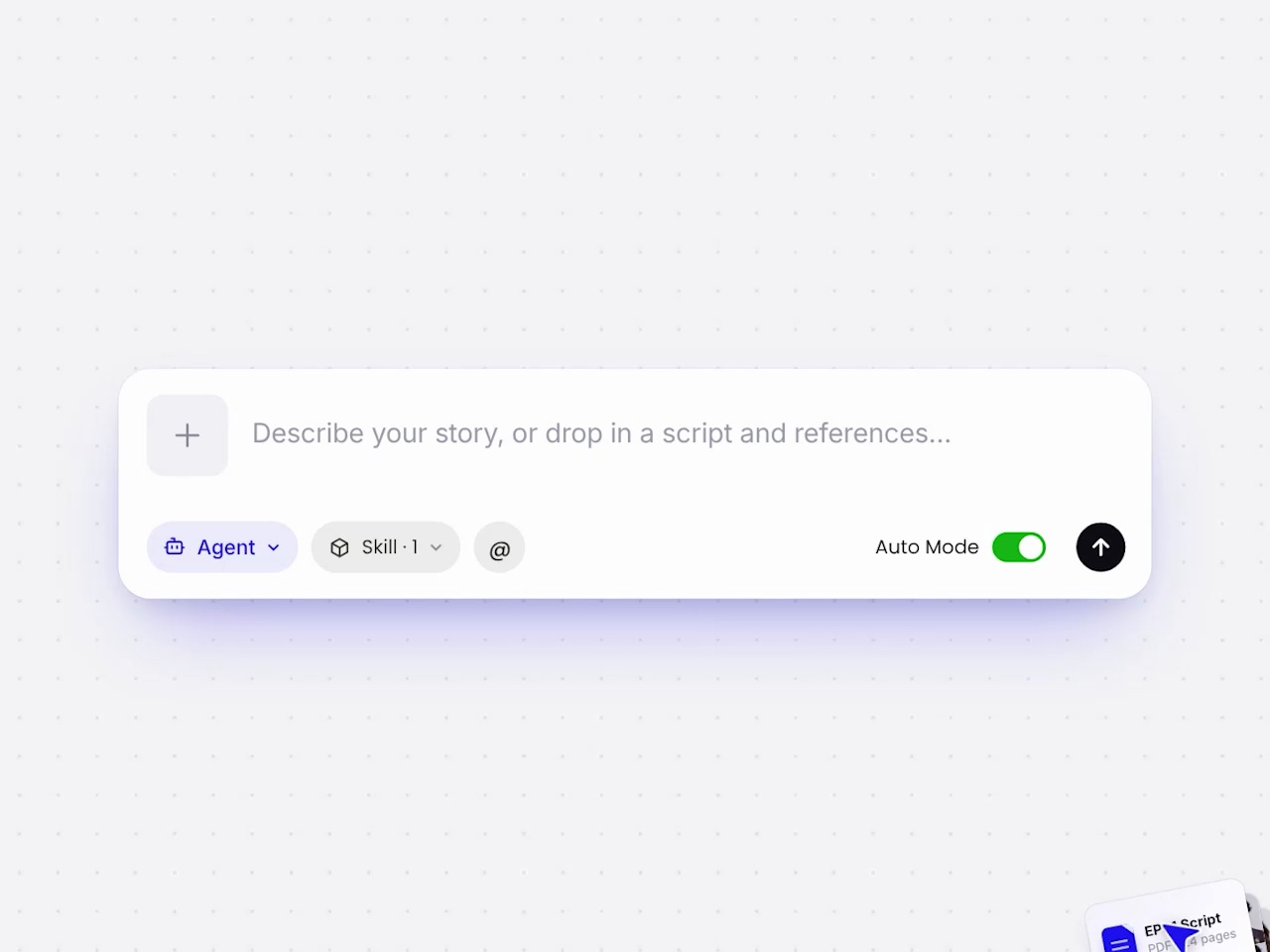
Script to Video
From script to finished video. Turn your story into scenes, dialogue, voiceovers, and a complete video with AI.
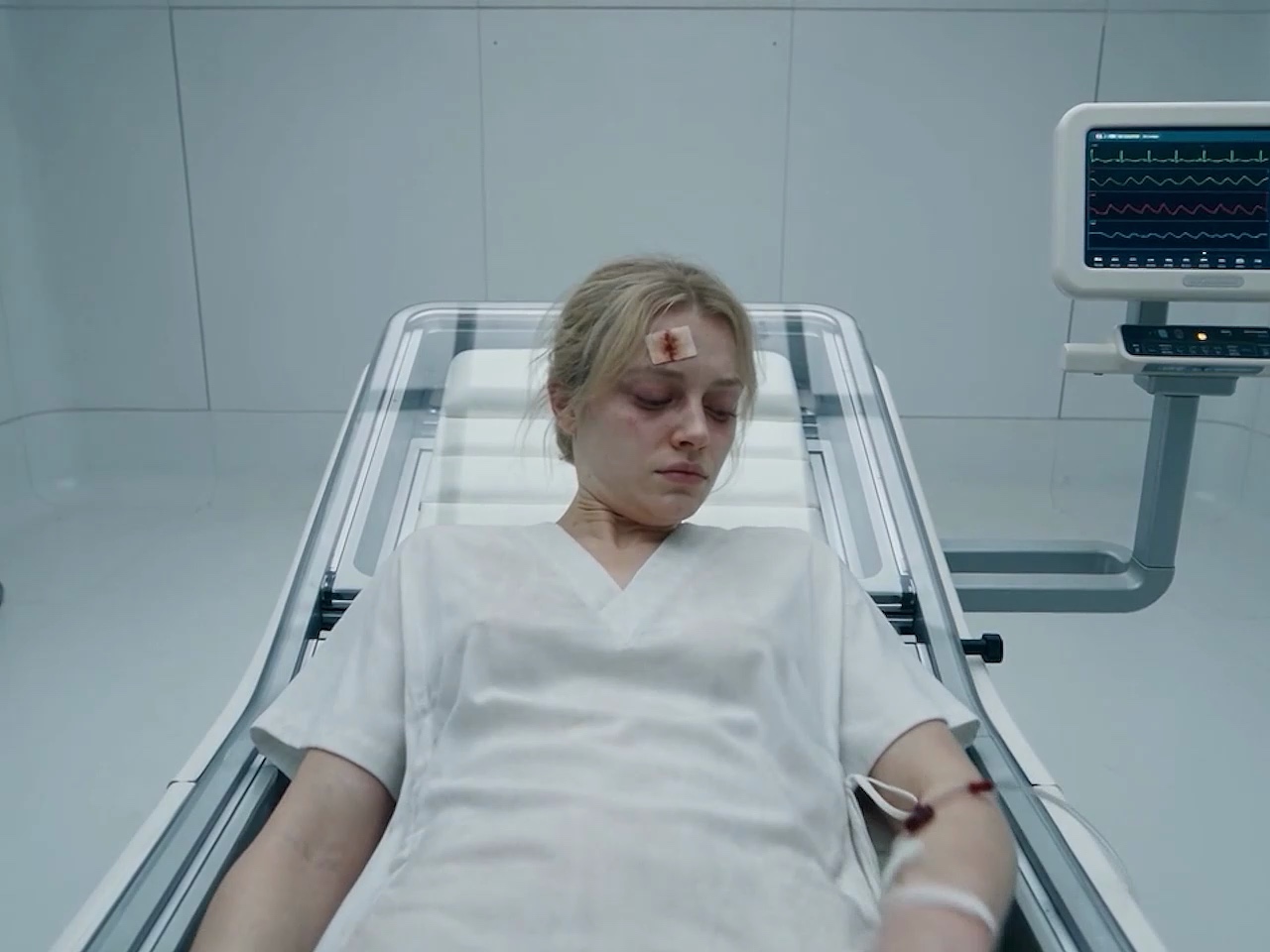
Long-form Storytelling
Go beyond short video clips. DeeVid helps you build long-form content with continuous plots, natural scene transitions, and a story that stays coherent from beginning to end.
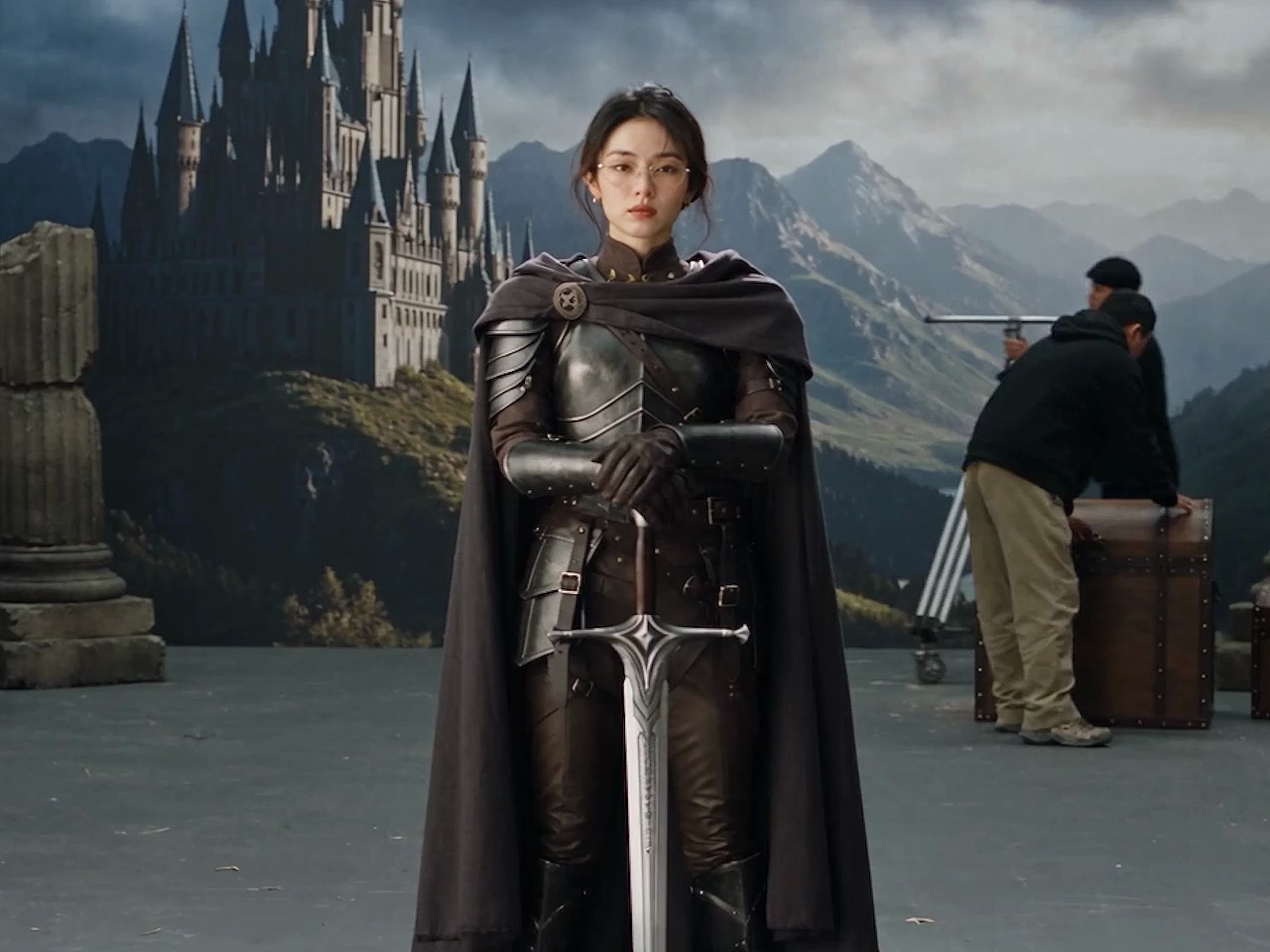
Character Consistency
Keep every character true to the story. Maintain consistent character appearances and identities across every scene.
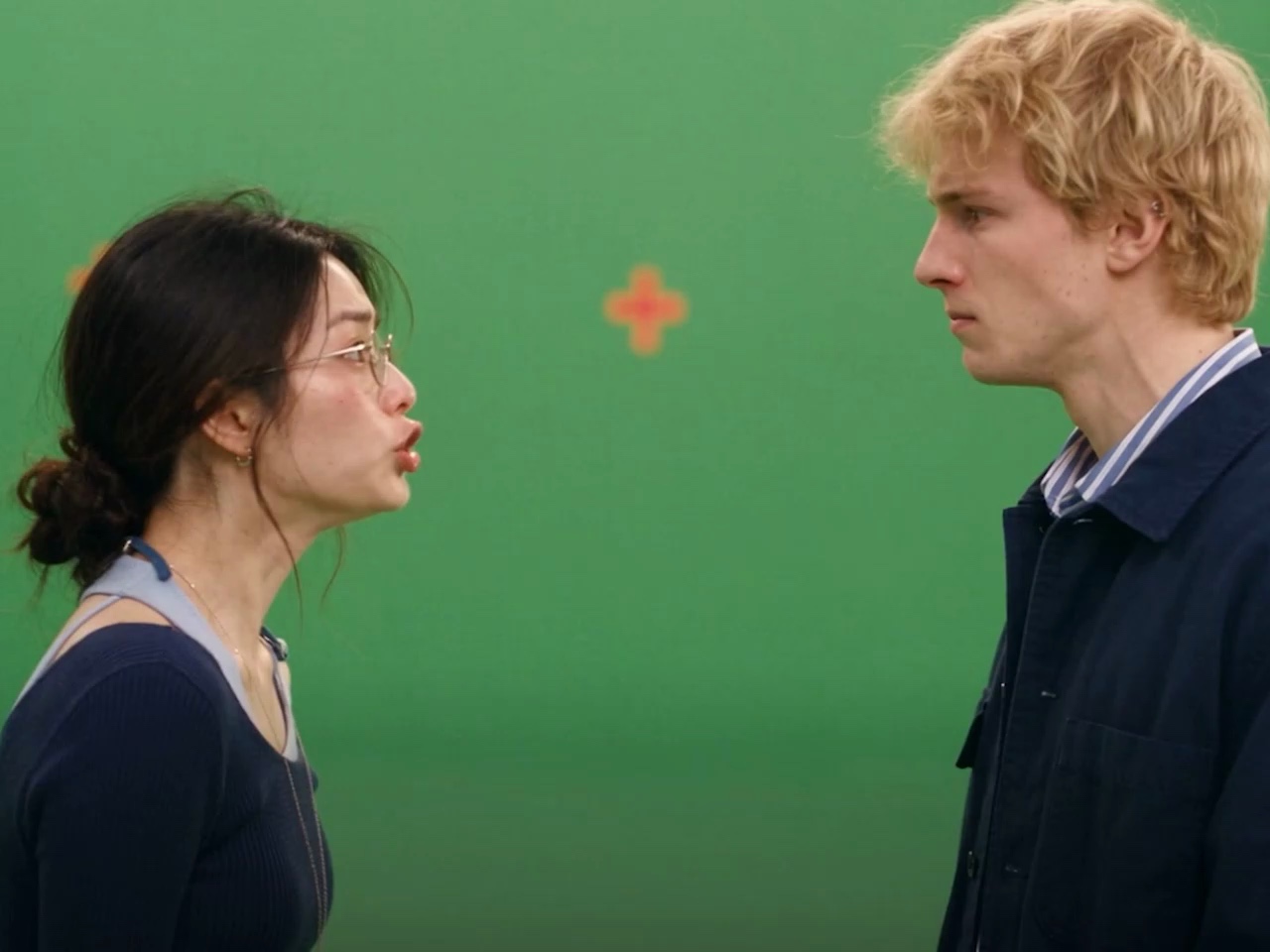
Multi-modal Input
Create with all your content. Combine scripts, images, videos, audio, and references in a single creative workflow.
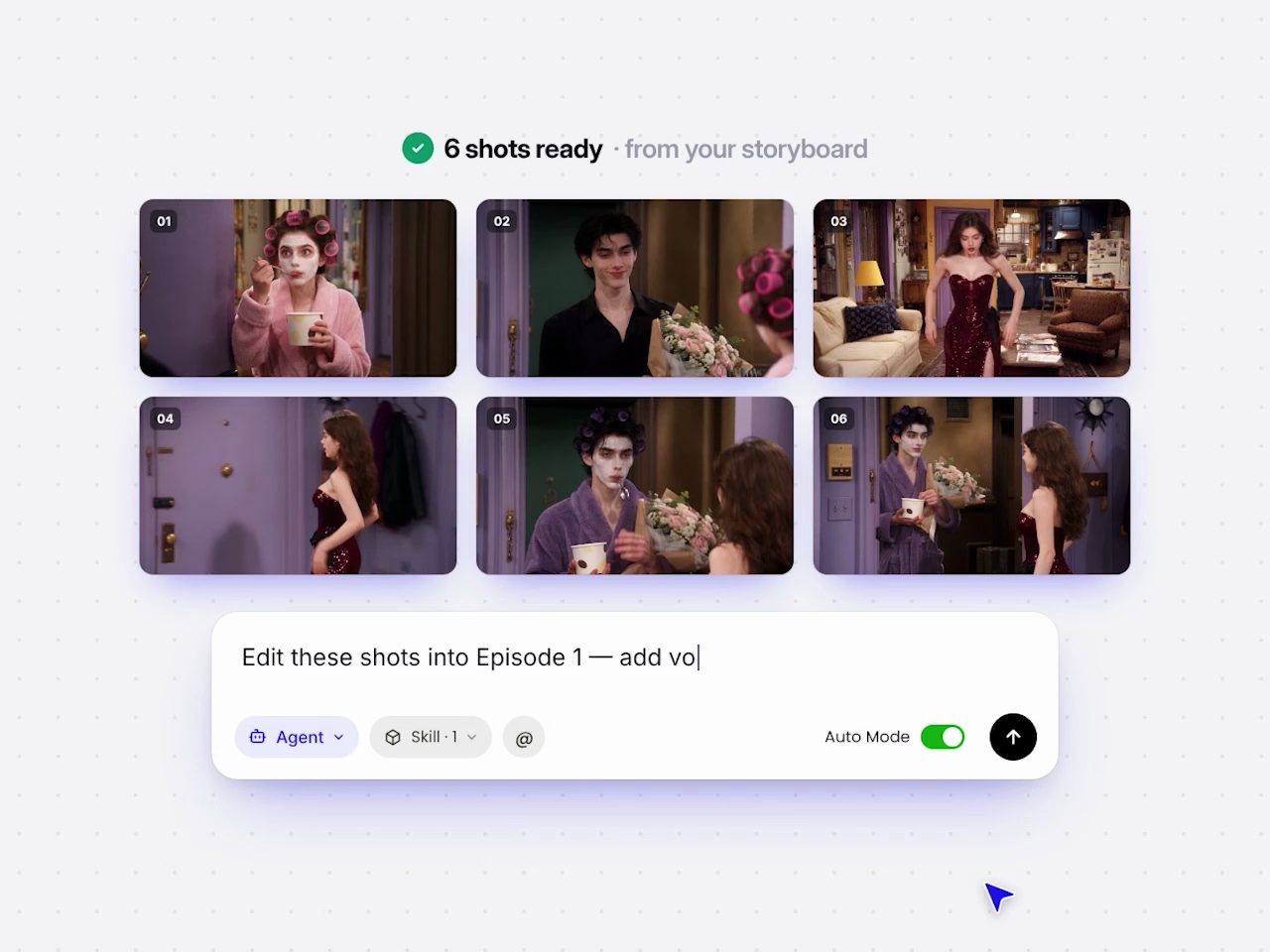
AI Production Agent
From story development and storyboarding to scene creation, voiceovers, subtitles, and editing, DeeVid brings the complete production workflow together in one place.
How to Make a Long Video with AI?
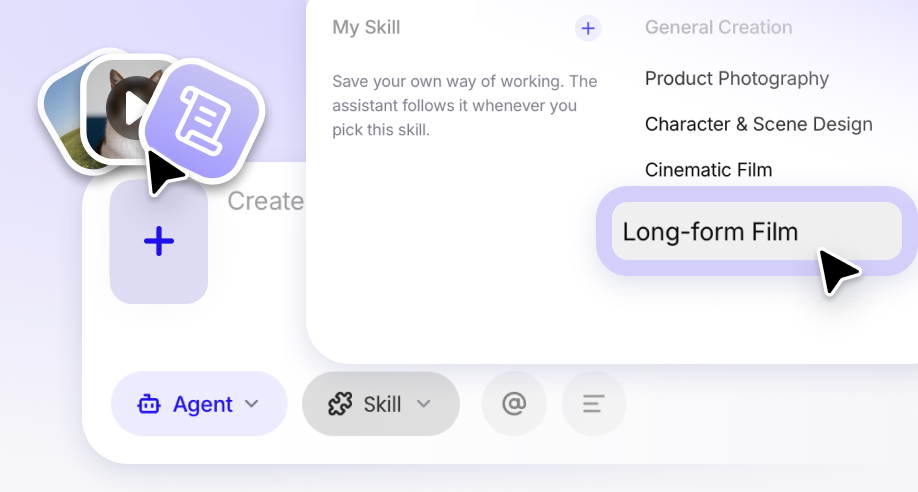
STEP 1
Upload Your Story & References
Upload your materials, scripts, and creative references, including images, videos, audio, documents, or URLs. Then select the Long-form Film skill to activate the dedicated workflow for long-form video creation.
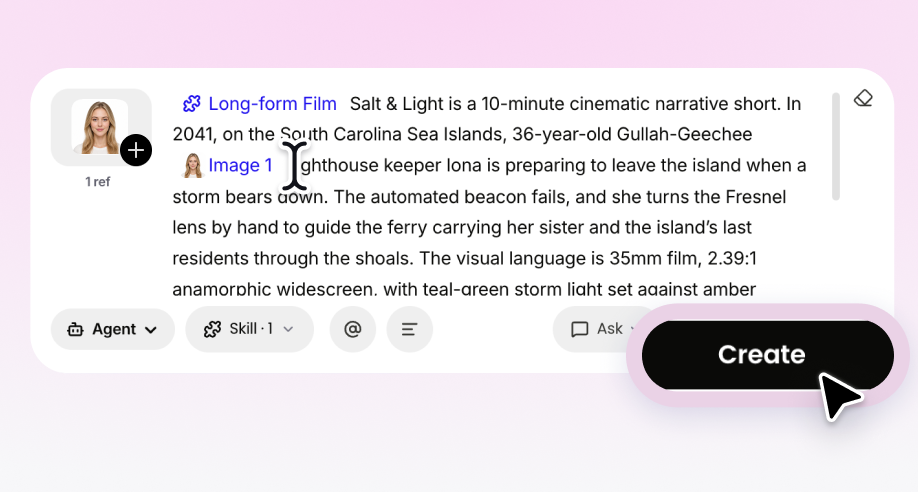
STEP 2
Describe Your Long Video & Create
Write a detailed prompt for your long video, including the story, characters, visual style, scene direction, pacing, and other creative requirements. When ready, click “Create” to start the generation process.
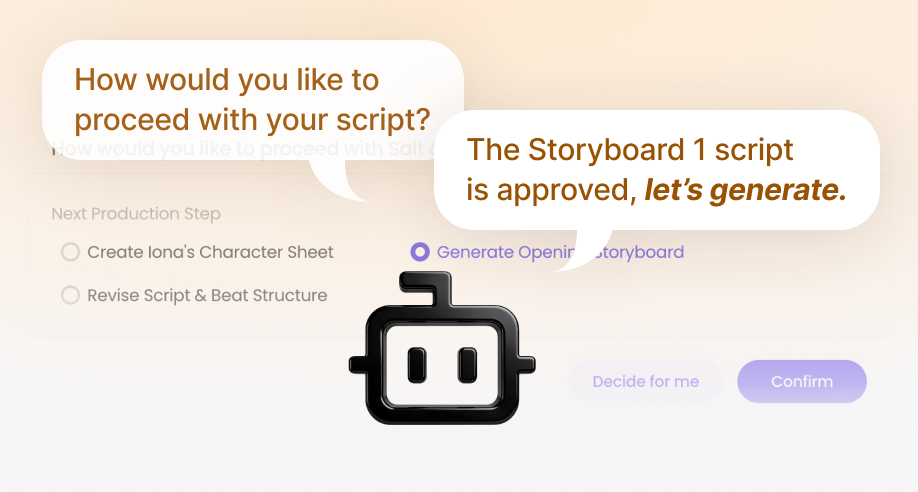
STEP 3
Complete Your Video with DeeVid Agent
After clicking “Create”, enter the Agent conversation. DeeVid Agent will guide you through each step, from refining the story and storyboard to generating scenes, maintaining character consistency, adding voiceovers and subtitles, and completing the final long video.
FAQ
Quick answers before you start your first DeeVid project.
What’s the difference between DeeVid 2.0 and 1.0?
DeeVid 2.0 is the current generation of DeeVid, with a redesigned workspace, longer video generation, more consistent characters, and an AI production agent that handles the full workflow. DeeVid 1.0 is the earlier version.
Can I customize the video output?
Yes. You can adjust the storyboard, characters, visual style, aspect ratio, voiceover, subtitles, and pacing before exporting.
Is there a free trial of AI Video Generator?
Yes. New users can try the AI Video Generator for free before choosing a paid plan.
How do I start with the AI Video Generator?
Describe your idea or upload a script, choose a style and aspect ratio, review the generated storyboard, then generate and export your video.
Can I use AI-generated videos for commercial purposes?
Commercial use depends on your plan and the terms of service. Paid plans include commercial usage rights; review the current terms for details.
What types of input can I use to create videos?
You can start from text, scripts, images, video clips, audio, documents, and reference assets. DeeVid combines them in one workflow.