
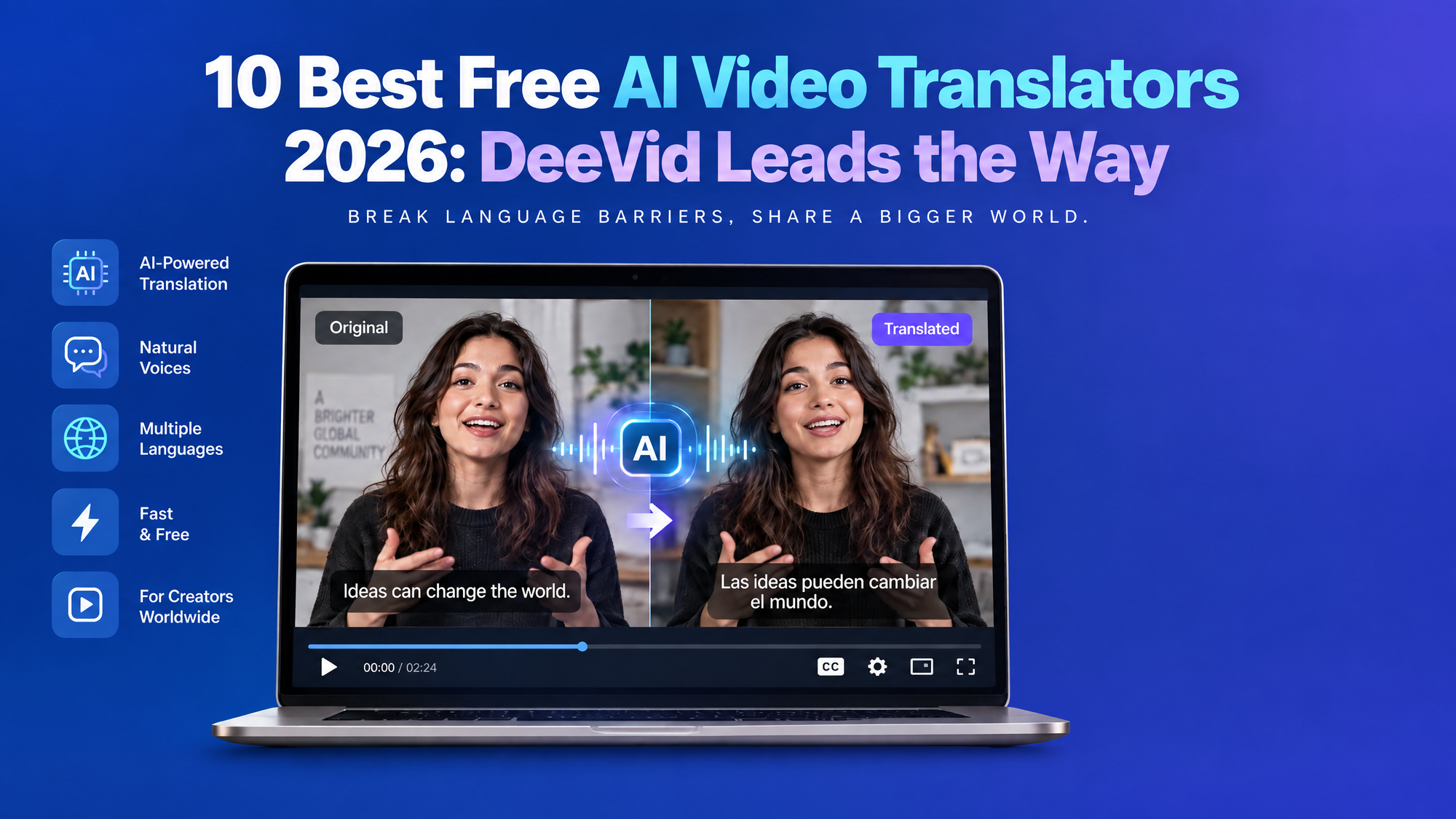
10 Best Free AI Video Translators 2026: DeeVid Leads the Way
Quick answer: The best free AI video translator in 2026 is DeeVid AI Video Translator for creators who want a simple, browser-based way to translate videos while staying inside a broader AI video creation workflow. VideoDubber takes our No. 2 spot for multilingual dubbing, voice cloning, multi-speaker support, and flexible translation tools.
Other strong choices include HeyGen for realistic lip-sync, Rask AI for professional localization, ElevenLabs for natural-sounding multilingual voices, and VEED or Kapwing for creators who also need video editing.
One thing to know before we start: “free” does not always mean unlimited. Some AI video translators offer a permanent free plan, while others provide free credits, limited video minutes, or a free trial. We’ve called out those differences below so you know exactly what to expect.
Best Free AI Video Translators in 2026 at a Glance
| Rank | AI Video Translator | Best For | Free Access | Key Strength |
|---|---|---|---|---|
| 1 | DeeVid AI Video Translator | Best overall | Free start | Simple translation inside an all-in-one AI video platform |
| 2 | VideoDubber | AI dubbing & voice cloning | Free trial | Multi-speaker dubbing, premium voice cloning and translation starting from $9 |
| 3 | HeyGen | Lip-synced translations | Free plan | Realistic lip-sync and multilingual video |
| 4 | Rask AI | Professional localization | 3 free minutes | Translation, voice cloning and editing |
| 5 | ElevenLabs | Natural AI voices | Free plan | Emotion-preserving multilingual dubbing |
| 6 | VEED | Translation + video editing | Limited free use | Edit, dub and subtitle in one editor |
| 7 | Kapwing | Social media videos | Free plan | Subtitles, translation and editing |
| 8 | Maestra | Subtitles + dubbing | Free trial | 125+ languages and localization workflow |
| 9 | BlipCut | Flexible online dubbing | Free to try | 140+ languages, voice cloning and transcript editing |
| 10 | Vidnoz | Short free translations | Free plan | 140+ languages and free short-video translation |
What Is an AI Video Translator?
An AI video translator automatically converts spoken dialogue in a video from one language into another.
The best AI video translation tools go further than basic subtitles. They can automatically transcribe speech, translate the script, generate a new voiceover, clone the original speaker's voice, synchronize the new audio with the video, create translated subtitles, and—in some cases—adjust lip movements to match the new language.
That means a single English marketing video, tutorial, course, or YouTube clip can be repurposed for Spanish, French, Japanese, Arabic, Hindi, Portuguese, and other audiences without recording every version again.
How We Chose the Best Free AI Video Translators
For this list, we looked at the things that matter most when translating real videos in 2026: translation workflow, voice quality, supported languages, lip-sync capabilities, subtitle support, ease of use, editing control, free access, and suitability for creators and businesses.
We also favored tools that reduce the number of separate apps you need to use. Translating a script is useful. Getting a finished multilingual video is much better.
1. DeeVid AI Video Translator — Best Overall Free AI Video Translator
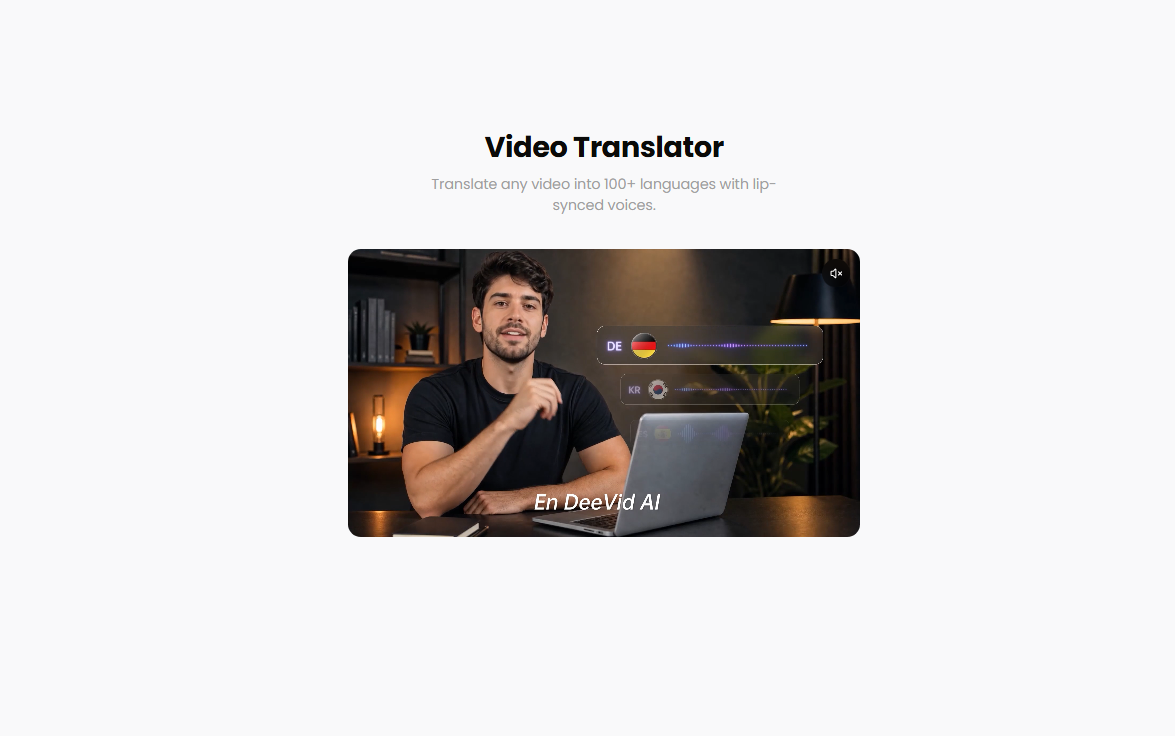
Best for: Creators, marketers, social media teams, educators and anyone who wants video translation inside a broader AI video workflow.
Our top pick for 2026 is DeeVid AI Video Translator.
The biggest advantage is simplicity. You can upload an existing MP4 or MOV video, select your target language and translation settings, and process the video directly in your browser. DeeVid's current translator accepts videos of up to 300 seconds and gives users control over translation mode, speed and subtitle handling.
But translation is only one part of the platform.
DeeVid also brings together text-to-video, image-to-video, video-to-video, AI avatars, lip-sync, text-to-speech, music and other AI video creation tools. That makes it particularly useful when translation is part of a larger content workflow rather than a one-off task. DeeVid also offers free credits for new users to start experimenting with its AI tools.
Why DeeVid ranks No. 1
Instead of translating a video and then jumping into another editor or AI platform, creators can keep more of the workflow in one place. That's especially convenient for marketers repurposing campaigns across languages or creators producing multiple versions of short-form content.
Pros:
- Fast, beginner-friendly browser workflow
- AI video translation plus wider AI creation tools
- Supports subtitle handling
- Useful for creators, ads, social videos and marketing content
- No complicated professional editing software required
- Free start available
Cons:
- Current translator uploads are limited to videos under 300 seconds
- Larger, long-form localization projects may need a more specialized enterprise workflow
Verdict: If you want an easy AI video translator that can also fit into your broader AI content production workflow, DeeVid AI Video Translator is our best overall choice for 2026.
2. VideoDubber — Best for Voice Cloning and Multi-Speaker Translation
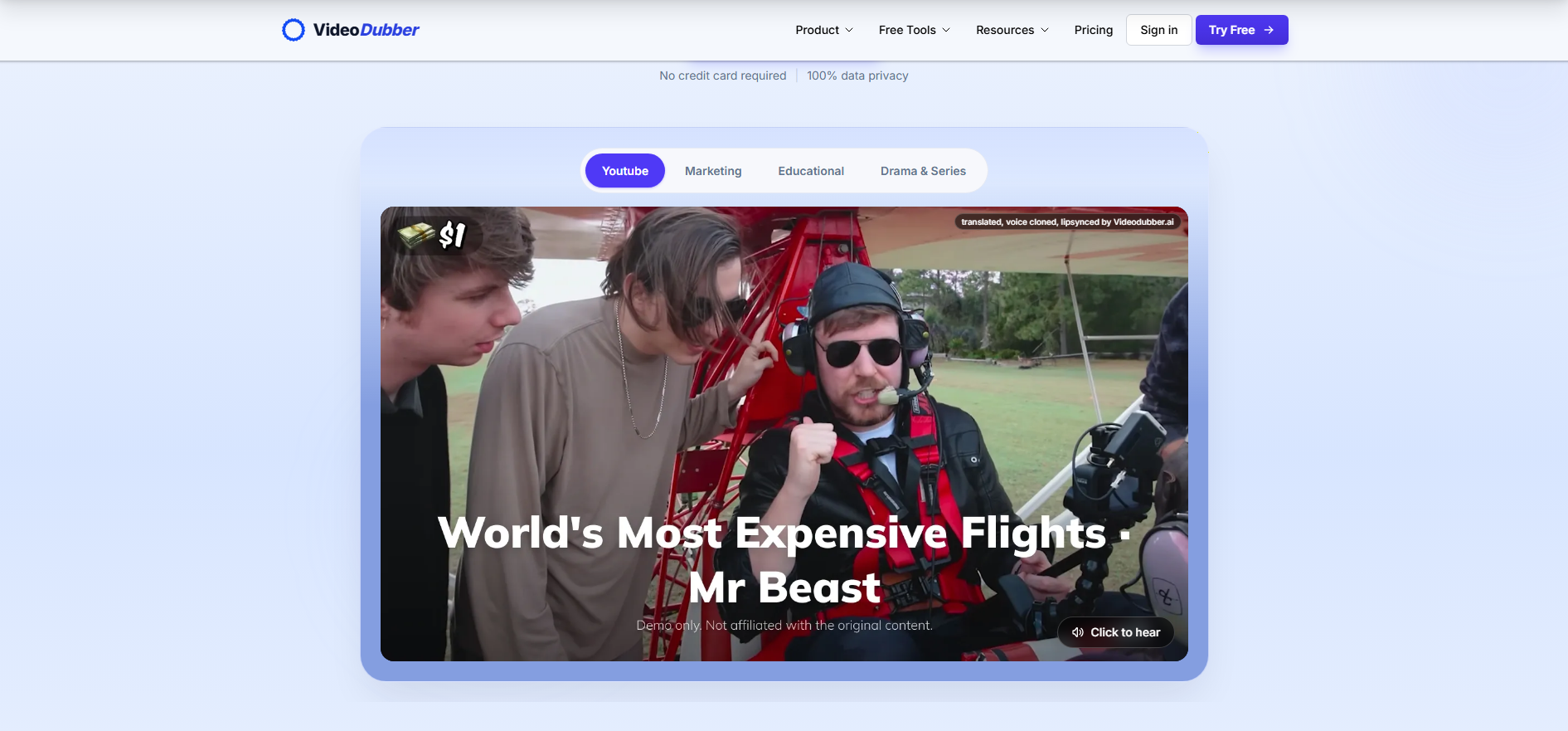
Best for: YouTubers, businesses, interviews, podcasts and videos with multiple speakers.
VideoDubber is one of the best video translators available in the market, because it focuses heavily on what multilingual creators actually need: translation, dubbing, voice cloning, speaker management and an intuitive editing studio with high affordability.
Its Starter tier includes translation minutes, instant voice cloning, multi-speaker tools, background-music retention and access to translation models including GPT-5 and DeepSeek. Higher plans add premium voice cloning, Gemini-powered translation, ElevenLabs voices and premium lip-sync. All of the plans have unlimited redubbing included for any project, offering video translation in 150+ languages and accents. The service currently offers free trials rather than a permanently unlimited free translation plan. VideoDubber has the most affordable paid plans among video translators in the market, starting from just $0.09/minute.
That combination makes VideoDubber particularly useful for interviews, tutorials, educational videos and creator content where maintaining the identity of each speaker matters.
Pros:
- Multi-speaker workflow
- Premium voice cloning
- Most affordable paid plans in the market from $0.09/minute
- Very intuitive editing studio with unlimited redubbing
- Background music retention
- Translation-focused interface
- Lip-sync available on higher tiers
- API access on all plans
- 5 free trial minutes
Cons:
- Full usage requires a paid plan
- Advanced lip-sync and premium voices sit on higher tiers
Verdict: Choose VideoDubber when dubbing quality, voice identity, an easy editing interface and multiple speakers matter more than general-purpose video creation.
3. HeyGen — Best for Realistic Lip-Sync Translation
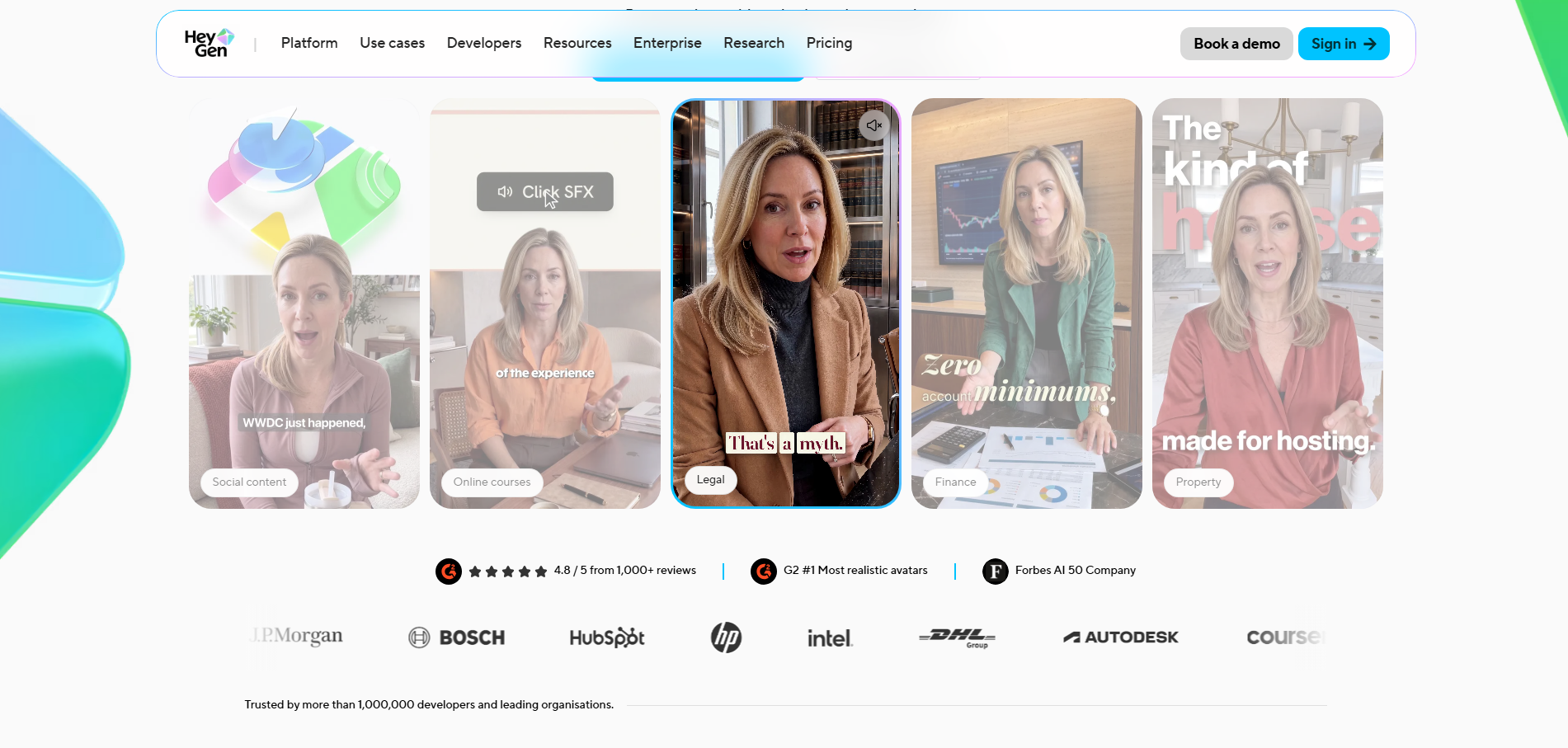
Best for: Talking-head videos, presenters, sales videos, training and international marketing.
HeyGen has become one of the best-known names in AI video localization, particularly when a person is speaking directly to the camera.
Its video translation system combines translated audio with AI lip-sync, helping the speaker appear to be speaking the target language rather than simply having a new soundtrack placed over the footage.
HeyGen's current Free plan allows short videos of up to one minute and provides access to 30+ languages, while paid plans expand the Global Language Suite to 175 languages and dialects. The company also provides limited free access to features including lip-sync translation.
Pros:
- Excellent for talking-head content
- Strong AI lip-sync
- Voice cloning
- Large language selection on paid tiers
- AI avatars included
- Genuine $0 plan available
Cons:
- Free videos are limited to around one minute
- Advanced translation controls require paid plans
Verdict: HeyGen is one of the strongest options when visual lip synchronization is more important than traditional video editing.
4. Rask AI — Best for Professional Video Localization
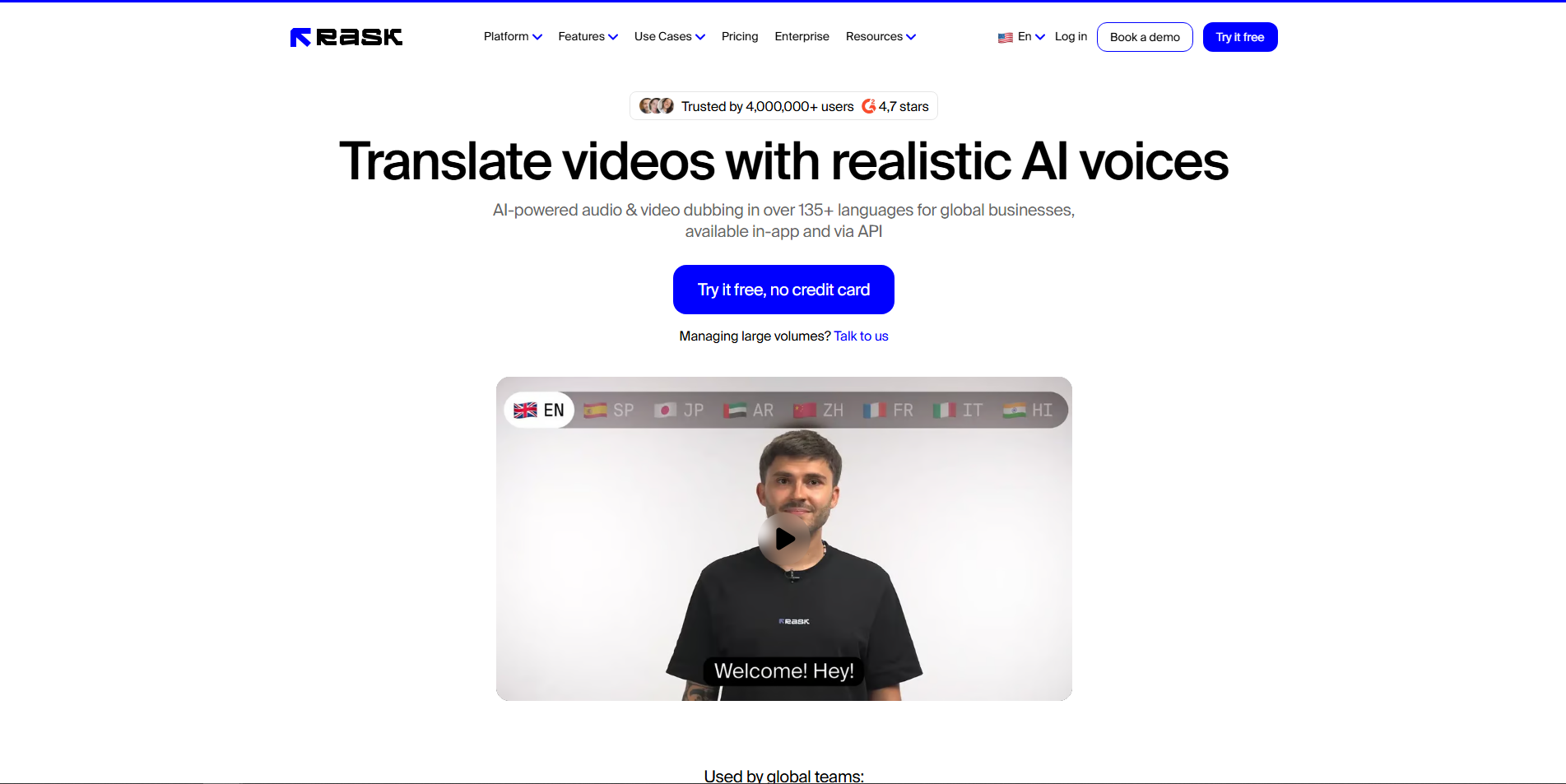
Best for: Businesses, agencies, training libraries, educational content and larger localization projects.
Rask AI is built more specifically around localization than many general AI video platforms.
Its video translator supports 135+ languages and combines AI dubbing with voice cloning, captions, editable transcripts, translation prompting and lip-sync. Users can also review translated scripts before exporting, which becomes important when brand terminology, names or industry vocabulary must stay accurate.
Rask currently provides a free trial with 3 minutes included and no credit card required.
Pros:
- 135+ languages
- Voice cloning
- Lip-sync
- Editable translation workflow
- Useful for professional localization
- 3 free trial minutes
Cons:
- Free allowance is small
- Regular localization requires a subscription
Verdict: Rask is a great fit when translation accuracy and review controls matter more than having a completely free long-term plan.
5. ElevenLabs — Best AI Video Translator for Natural Voices
Best for: Creators who care most about voice quality, emotion and preserving the original performance.
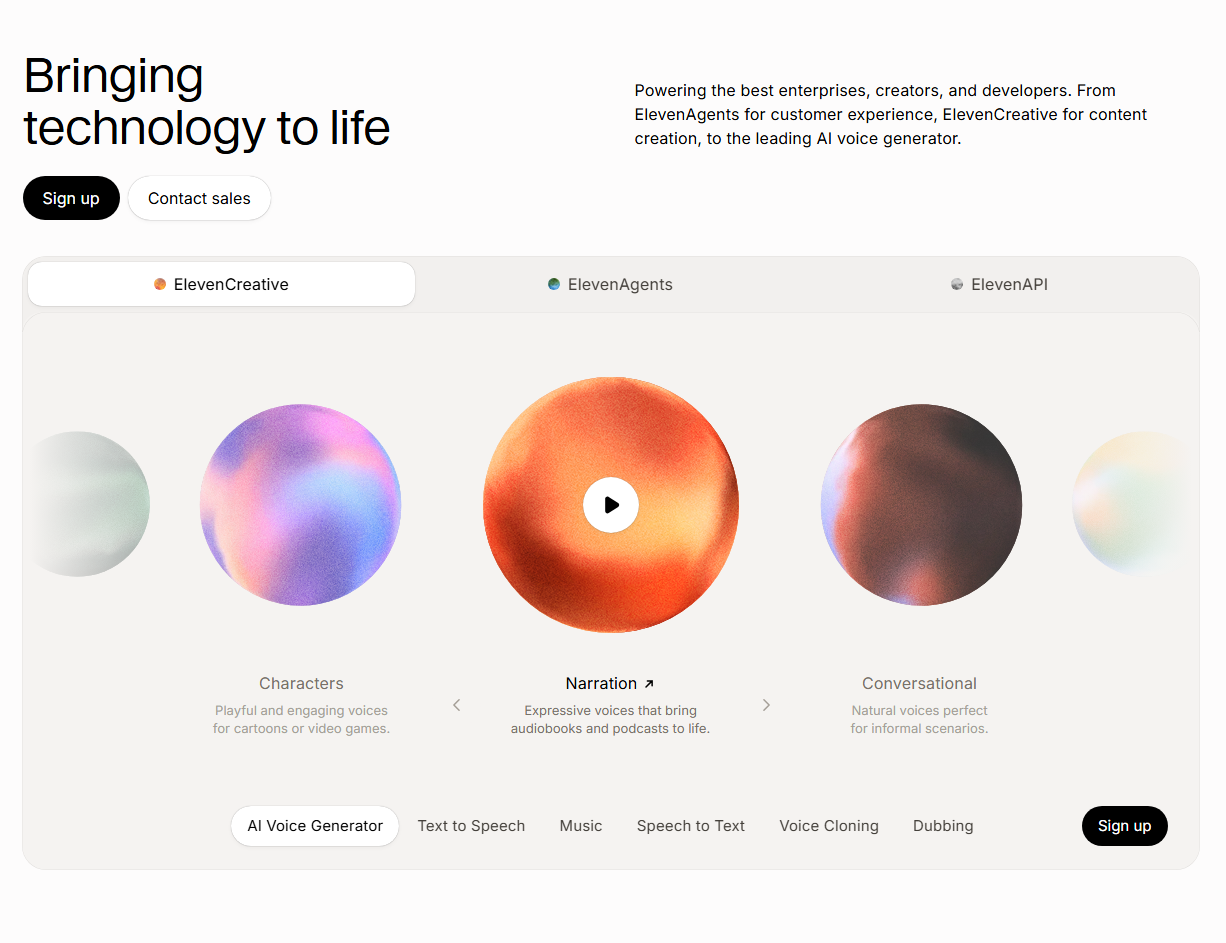
ElevenLabs built its reputation around realistic AI speech, so its dubbing technology is naturally one of the strongest choices for voice-focused localization.
Its newer Dubbing v2 supports more than 90 languages and accents and is designed to preserve elements of the original performance such as emotion, tone and delivery. It also automatically clones the source speaker's voice.
Dubbing is available on ElevenLabs' free plan, although free-plan dubs may carry limitations such as watermarking depending on the dubbing model used.
One tradeoff is lip-sync: ElevenLabs' core dubbing workflow focuses primarily on audio and does not currently include native lip-sync as part of Dubbing itself.
Pros:
- Excellent voice quality
- Emotion-preserving dubbing
- Automatic voice cloning
- 90+ languages and accents with Dubbing v2
- Free plan available
Cons:
- Not primarily a full video editor
- Core Dubbing does not include native lip-sync
Verdict: If the dubbed voice matters more to you than mouth movement, ElevenLabs is one of the best AI dubbing options available.
6. VEED — Best for Translating and Editing Videos in One Place
Best for: YouTubers, marketers and teams that need translation plus everyday editing.
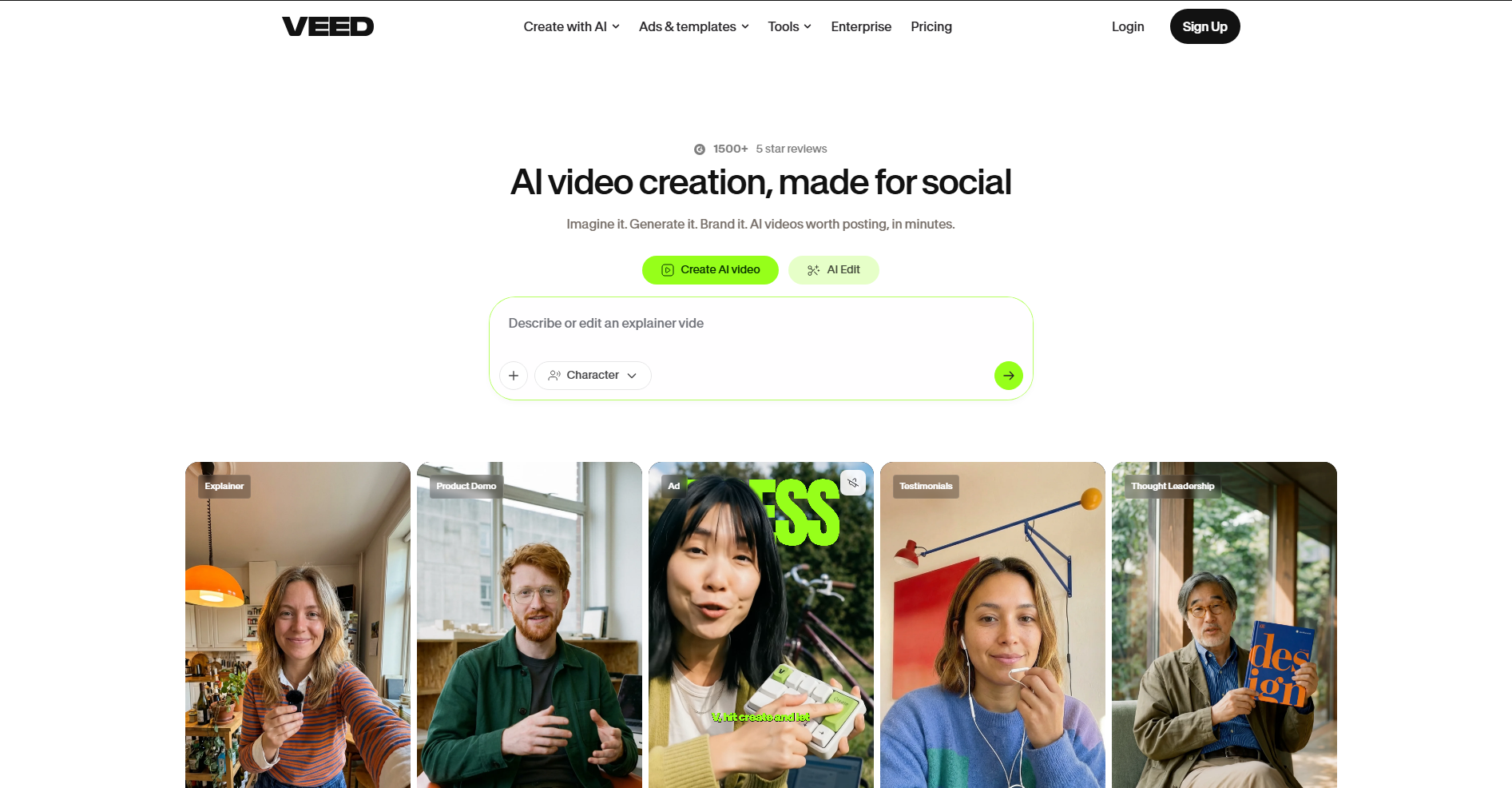
VEED makes sense for creators who already need a browser-based video editor.
Its AI Dubbing tool translates speech, generates AI voiceovers and synchronizes the translated audio with video. An optional lip-sync feature is also available. Free and Creator users can currently test AI Dubbing once, while higher plans include larger annual dubbing allowances.
The advantage is workflow. After translating your video, you can continue editing, cutting, captioning and preparing it for publishing inside the same platform.
Pros:
- Built-in video editor
- AI dubbing
- Optional lip-sync
- Subtitle and caption tools
- Good for social and YouTube workflows
Cons:
- Free AI dubbing use is very limited
- Frequent localization will require a paid plan
Verdict: VEED is best when translation is only one step in your editing workflow.
7. Kapwing — Best for Social Media Video Translation
Best for: TikTok, Instagram Reels, YouTube Shorts and collaborative social teams.
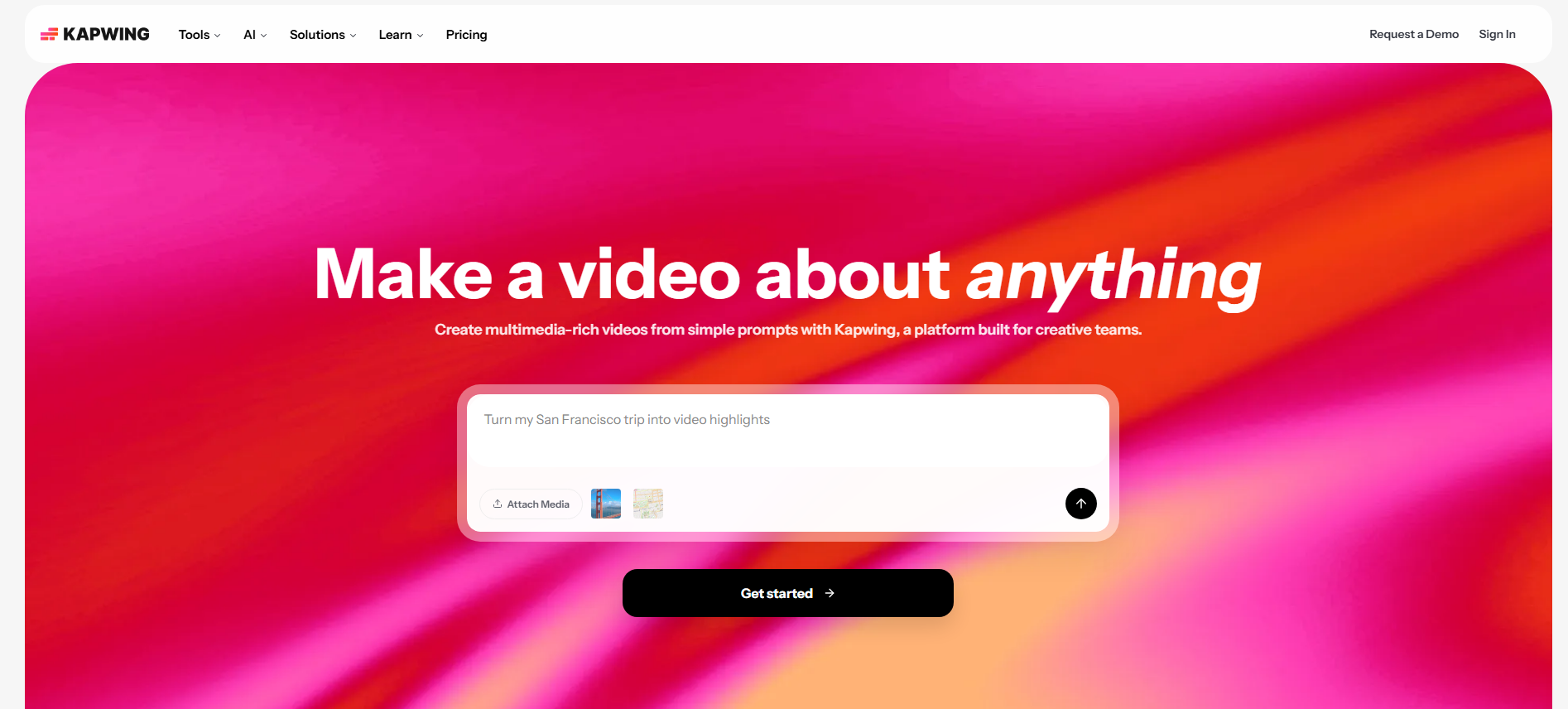
Kapwing combines translation with a creator-friendly online editor.
Its free plan provides 10 credits, video exports up to four minutes, auto-subtitling and other basic AI tools. Free users can auto-translate subtitles for up to 25 minutes, while AI dubbing becomes substantially more useful on paid plans.
Kapwing works especially well when the goal is not just dubbing but repurposing one video into several short-form versions with translated subtitles, graphics and platform-specific formatting.
Pros:
- Easy online editor
- Strong subtitle tools
- Free subtitle translation allowance
- Social-media-friendly workflow
- Collaboration features
Cons:
- Free exports include a watermark
- Full AI dubbing is more limited on the free tier
Verdict: Kapwing is a strong choice for social creators who prioritize translated captions and editing flexibility.
8. Maestra — Best for Dubbing, Subtitles and Transcription Together
Best for: Businesses, educators, teams and anyone managing multilingual transcripts alongside video.
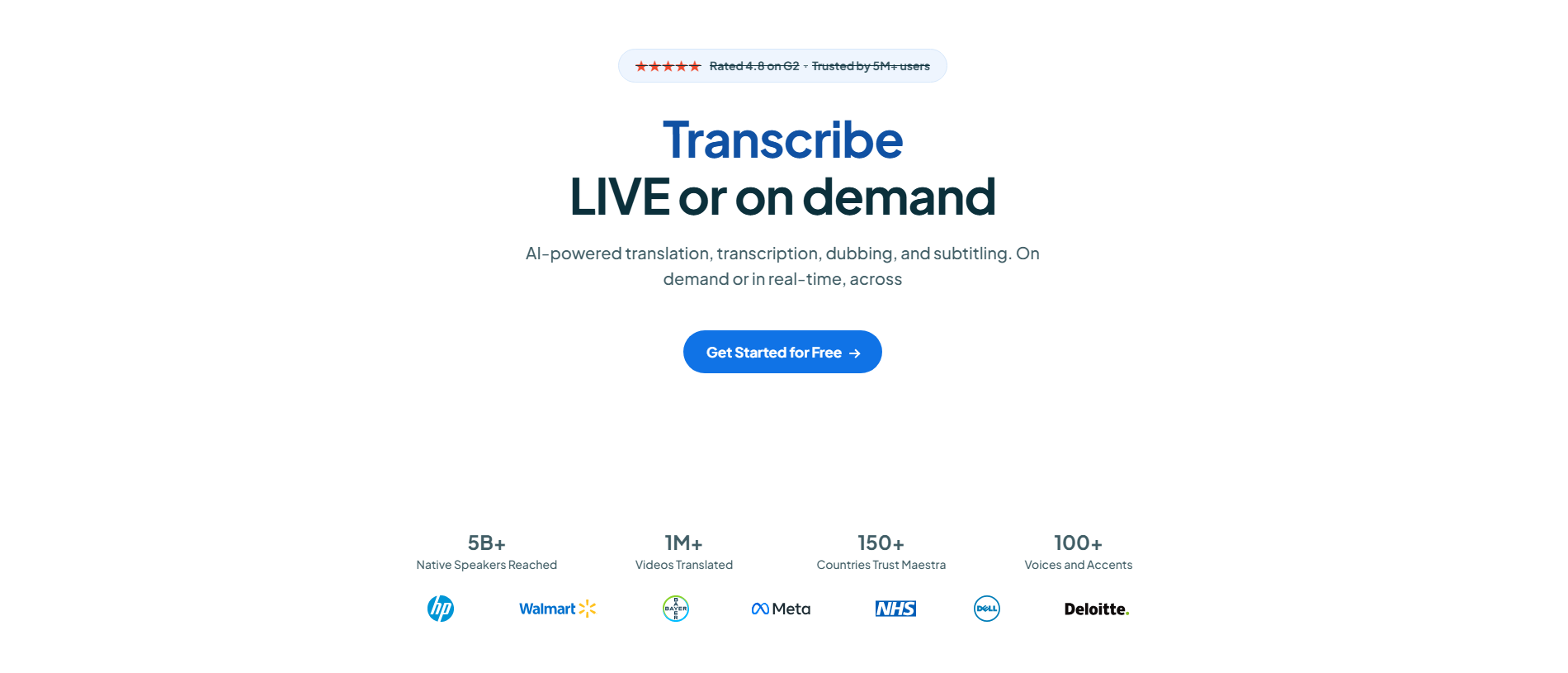
Maestra is an all-in-one media localization platform covering transcription, subtitles, translation and AI dubbing.
Its video dubber supports 125+ languages, along with voice cloning, multi-speaker dubbing, lip-sync, pacing adjustments and controls for emotional delivery.
A free trial is available without requiring a credit card, although ongoing use moves into paid plans.
Pros:
- 125+ languages
- Voice cloning
- Multi-speaker dubbing
- Lip-sync
- Strong transcription and subtitle tools
- Free trial
Cons:
- Not a permanent unlimited free solution
- Broader feature set may be more than casual creators need
Verdict: Maestra is worth considering when video translation, transcripts and subtitles all need to live inside the same localization workflow.
9. BlipCut — Best for Fine-Tuning AI Video Translations
Best for: YouTube creators and users who want more control over translated dialogue.
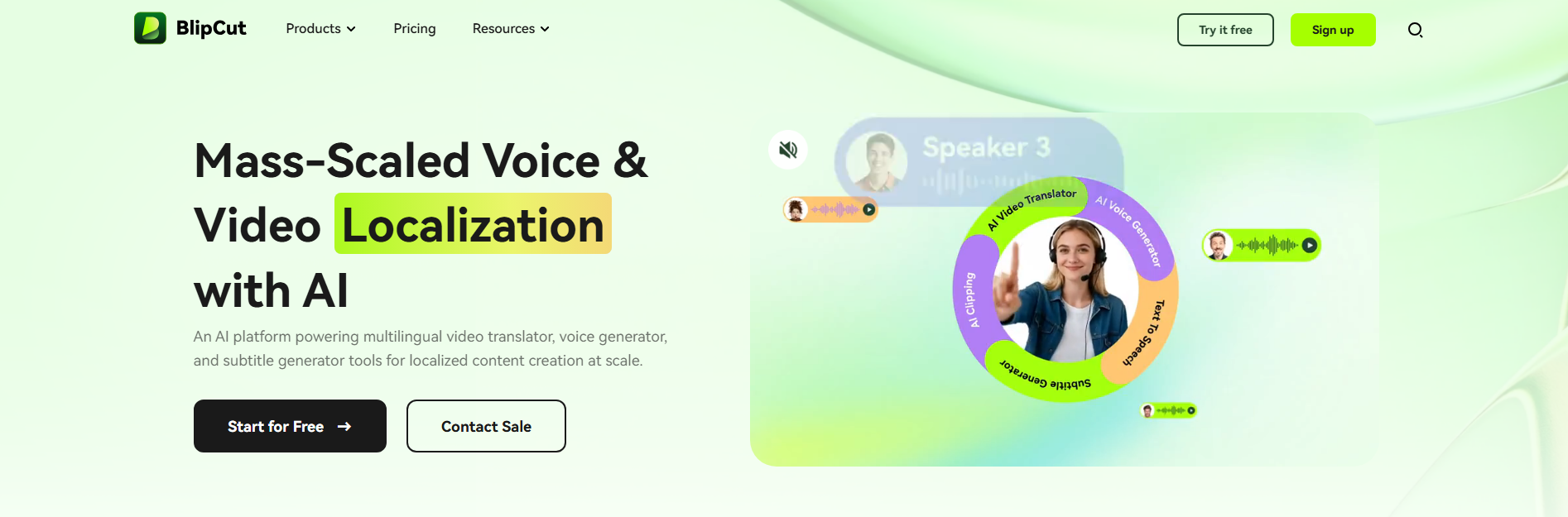
BlipCut combines AI video translation with voice cloning, automatic language recognition, multi-speaker detection and lip-sync.
It supports 140+ video and audio translation languages on its paid plans, while its browser interface lets users edit transcripts, translations, subtitle timing and speech speed.
That editing layer is particularly useful when an automatic translation is almost correct but needs a few phrases rewritten before publishing.
Pros:
- 140+ translation languages
- Voice cloning
- Multi-speaker recognition
- Lip-sync
- Editable transcripts and translations
- Online free-to-try workflow
Cons:
- Meaningful production usage is credit-based
- Pricing can become more relevant for long videos
Verdict: BlipCut works well when you want AI automation without giving up control over the final translation.
10. Vidnoz — Best Free AI Video Translator for Short Clips
Best for: Beginners and creators translating short social videos without paying upfront.
Vidnoz earns a place on this list because its free tier is unusually practical for short clips.
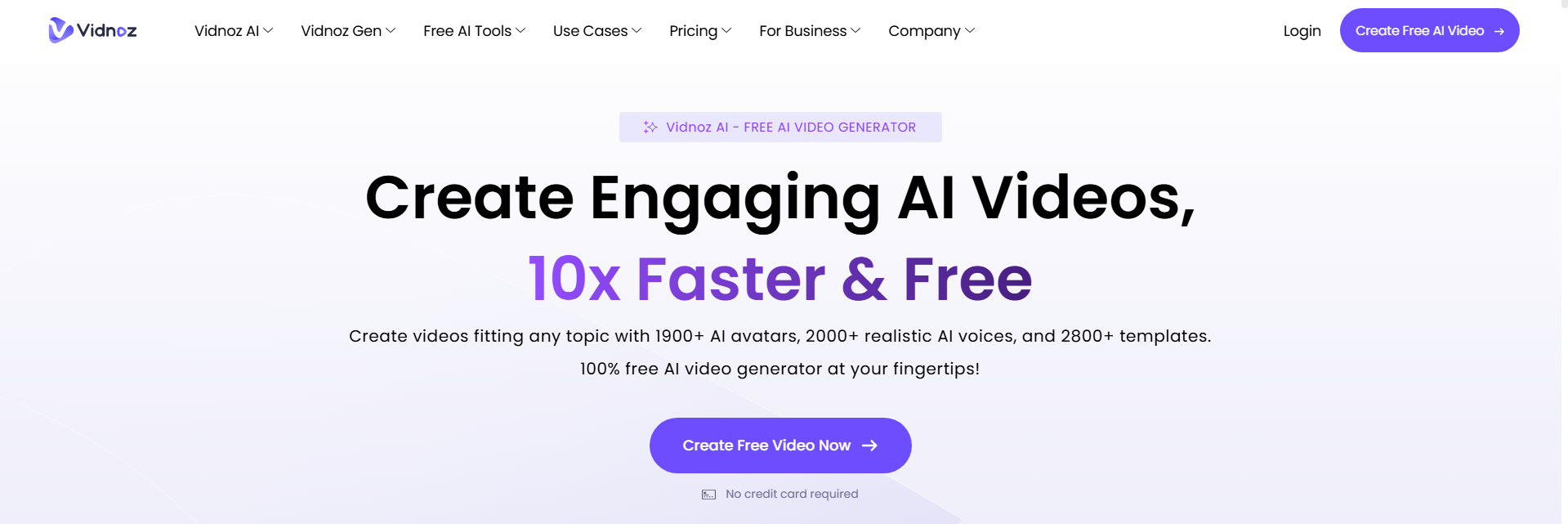
Its AI Video Translator supports 140+ languages, automatic subtitles, translation proofreading and speed adjustment. The current free plan supports short translation jobs, up to 1080p output and one-speaker workflows, with lip-sync available for up to one minute.
That makes it particularly easy to test AI video translation before buying anything.
Pros:
- 140+ languages
- Real free plan
- AI subtitles
- Short lip-sync translations
- Up to 1080p on the free tier
- Beginner-friendly
Cons:
- Free translation duration is limited
- Multi-speaker and longer-video features require upgrading
Verdict: Vidnoz is one of the easiest choices for translating short videos for free.
Which Free AI Video Translator Should You Choose?
There is no single translator that wins every category.
For most creators, DeeVid AI Video Translator is the best place to start because translation fits naturally alongside DeeVid's wider AI video creation tools.
For dubbing-heavy video translation workflows, VideoDubber gives you more specialized voice and multi-speaker controls with lipsync. Choose HeyGen when realistic lip-sync is your priority, Rask AI for professional localization, and ElevenLabs when natural multilingual voice quality matters most.
If editing is just as important as translation, VEED and Kapwing make more sense. And if you mainly want to test short clips without paying upfront, Vidnoz offers one of the clearest free entry points.
Best Picks by Use Case
- Best overall: DeeVid AI Video Translator
- Best for AI dubbing & translation: VideoDubber
- Best for lip-sync: HeyGen
- Best for business localization: Rask AI
- Best AI voice quality: ElevenLabs
- Best translation + video editor: VEED
- Best for social media: Kapwing
- Best for transcripts and subtitles: Maestra
- Best for editing translations: BlipCut
- Best for short free translations: Vidnoz
How to Get Better Results From an AI Video Translator
Even the best AI video translator works better with good source material.
Start with clean audio. Background noise, overlapping speakers and music that is louder than the dialogue can reduce transcription accuracy.
Next, review names, brand terms and technical vocabulary before exporting. AI translation is much better than it used to be, but proper nouns and industry-specific phrases can still need manual correction.
For talking-head videos, consider using voice cloning and lip-sync together. For tutorials or screen recordings, accurate subtitles and natural pacing may matter more than perfectly synchronized lips.
And if you are translating one campaign into several languages, test one target language first. Once the voice, terminology and timing look right, scale the same workflow to the rest.
FAQs About Free AI Video Translators
What is the best free AI video translator in 2026?
DeeVid AI Video Translator is our top overall pick for 2026 because it provides an easy browser-based translation workflow while connecting with a wider suite of AI video creation tools. For more specialized dubbing and voice cloning, VideoDubber is another strong option.
Can AI translate a video automatically?
Yes. Modern AI video translators can automatically transcribe the original speech, translate the text, generate a new voice track and add translated subtitles. Some tools also clone the original speaker's voice and synchronize their lips with the translated audio.
Can I translate a video for free?
Yes, although free usage varies by platform. Vidnoz and HeyGen offer free plans with limits, while tools such as Rask AI, VideoDubber and Maestra provide free trials or free translation allowances. DeeVid also provides a free starting option for users exploring its AI video tools.
What is the best AI video translator with lip-sync?
HeyGen is one of the strongest dedicated choices for multilingual lip-sync. DeeVid, Rask AI, VideoDubber, Maestra, BlipCut and Vidnoz also provide workflows involving dubbing or lip synchronization, depending on the selected feature or plan.
Can AI translate YouTube videos?
Yes. Several AI translation platforms let you upload a downloaded video or, in some cases, paste a supported video URL. The tool then creates translated subtitles, dubbed audio or a fully localized version.
Always make sure you own the content or have permission to translate and republish it.
Can an AI video translator preserve my original voice?
Yes. This feature is generally called AI voice cloning. Tools including VideoDubber, HeyGen, Rask AI, ElevenLabs, Maestra and BlipCut can reproduce characteristics of the original speaker's voice in another language.
Are AI video translators accurate?
They can be very accurate for clear, conversational speech, but results still depend on audio quality, accents, context and specialist terminology. For marketing campaigns, education, legal content or technical material, always review the translated script before publishing.