

10 Best Image to Video AI Tools in 2026 — Start for Free
Image-to-video AI has quietly become the fastest way to turn “one good picture” into a scroll-stopping clip. In 2026, the best tools don’t just add random motion — they help you control camera movement, preserve faces/products, generate clean transitions, and export social-ready videos fast enough for daily posting.
Below are 10 image-to-video AI tools you can try with a free plan or free trial (availability and limits can change by region). We're ranking DeeVid AI as #1 because it’s built around a simple “upload → generate → iterate” workflow, with multiple creation modes and a low-friction entry point for creators and marketers.
How these tools were picked (and what “best” means here)
Instead of chasing hype, we focused on what actually matters when you’re making short-form clips for social, ads, product showcases, or creative experiments:
- Speed & ease: can a beginner generate something usable quickly?
- Motion quality: natural movement, fewer artifacts, stable subjects
- Control: ability to guide camera/motion, frames, or styles
- Export readiness: watermark removal, quality options, licensing clarity
- Free start: free credits, a free plan, or a free trial
Quick comparison in tabel and list
| Rank | Tool | Free Start | Watermark / Commercial Rights | Best For | Notable Strengths |
|---|---|---|---|---|---|
| 1 | DeeVid AI | 20 free credits on signup (≈ 4 videos) | Free access available; watermark and usage rights vary by plan | Fast social clips, marketing creatives, and rapid iteration | Beginner-friendly workflow, cost-efficient testing, and strong output quality |
| 2 | Genra AI | 40 free credits on signup (≈ 20 seconds of video) | Watermarked on free; paid tiers unlock watermark-free exports and commercial use | Idea-first creators and narrative-driven video creation | AI Video Agent and conversational prompt-refinement workflow |
| 3 | Frameloop AI | Free plan available with no credit card required | Watermarked on free; commercial use supported | Creators seeking cinematic control and faceless content workflows | Scene-based editing, consistent characters, built-in image editing, and high-quality output |
| 4 | WearView | Free credits on signup | Commercial usage rights included on paid plans (from $29/month) | Fashion brands and clothing sellers turning product photos into on-model video | Keeps prints, textures, and logos intact; same model across a whole collection |
| 5 | Runway | 125 one-time free credits (≈ 25 seconds of Gen-4 Turbo / Gen-3 Alpha Turbo) | Watermarked on free; commercial use allowed | Creative teams, structured experimentation, and concept prototyping | Strong project workflow, broad creative toolkit, and extensive model ecosystem |
| 6 | Pika | Free plan with 150 credits per month | Feature and export access vary by credit usage and plan | Stylized effects, trend-driven content, and social media experiments | Fast generation and strong support for creative effects and short-form formats |
| 7 | Luma Dream Machine | Free plan includes 8 draft-mode videos | Watermarked and non-commercial on free; paid tiers unlock additional rights and features | Cinematic motion and realistic visual experiments | Strong cinematic look and natural motion with well-prepared prompts and source images |
| 8 | Hailuo | Usage-based testing with credit-per-second pricing | Watermark-free exports and commercial use generally require a paid tier | Quick drafts and budget-conscious experimentation | Transparent credit usage based on duration and resolution |
| 9 | PixVerse | Free plan available for basic testing; limits vary | Watermark and usage rights depend on plan and platform | Photo-based shorts, portrait animation, and lifestyle content | Fast image-to-video workflow and accessible social content creation |
| 10 | CapCut (Web) | Free online image-to-video tools available; availability may vary | Watermark and export conditions depend on account tier and selected features | Template-driven Reels, marketing slideshows, and quick social videos | Fast template-first workflow with integrated editing tools |
| 11 | Viggle | Free plan includes 5 relaxed-mode videos per day and 2 concurrent generations | Free exports are generally relaxed-mode and watermarked; paid tiers unlock higher quality and no watermark | Character animation, memes, and motion-driven social content | Strong character-motion tools and easy-to-create playful video formats |
| 12 | D-ID | 14-day free trial | Trial limitations apply | Talking-photo, presenter, training, and explainer videos | Strong AI presenter and spokesperson workflows |
| 13 | HeyGen | Free plan includes 3 videos per month, up to 3 minutes each, with 720p export | Free-plan limitations apply | Avatar ads, explainers, and multilingual video localization | Structured avatar workflow and strong multilingual localization features |
- DeeVid AI — free signup credits (good for quick tests).
- Genra AI — free signup credits, great for its chat workflow
- Runway — free plan with one-time credits to explore image-to-video.
- Pika — free plan credits monthly (check current limits).
- Luma Dream Machine — free tier exists (notably on iOS; terms vary).
- Haiper — often available with a free, watermarked tier depending on rollout.
- PixVerse — image-to-video from photos; free credits commonly offered.
- CapCut (Web) — “image to video AI” positioned as free online creation.
- Viggle — free plan listed; great for character motion/memes.
- D-ID — free trial; best for talking photo / presenter videos.
- HeyGen — free plan; strong for avatar-style videos from an image.
- Frameloop AI — free plan available (no credit card required); best for creators who want control and cinematic-quality faceless video.
1) DeeVid AI
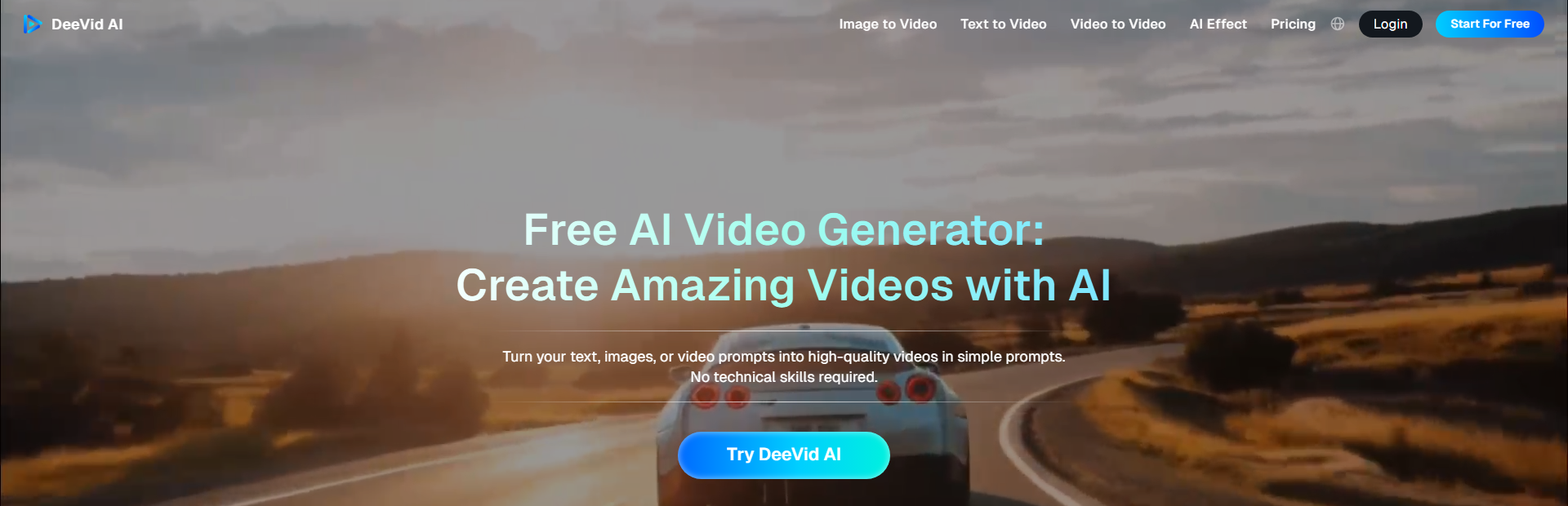
Why it’s listed: It’s the most practical “image → short video” workflow for everyday creators, with simple modes that fit social and marketing use.
Review after trying it: I started with one portrait and one product photo and got usable short clips quickly without digging through settings. What felt different is how easy it is to switch approaches—single-image motion when I just need movement, and frame-to-frame style when I want a transition that feels intentional. It’s built for iteration: generate a few versions, pick the best hook, post.
Where it shines: fast iterations, social-ready motion, easy transitions.
Best for: Reels/TikTok/Shorts, product promos, before/after, quick ad hooks.
Tip: If you want cleaner motion, use two images with similar lighting/angle so transitions don’t “warp” between frames.
How to free start: New users get 20 free credits on registration (about 4 videos).
2)Genra AI
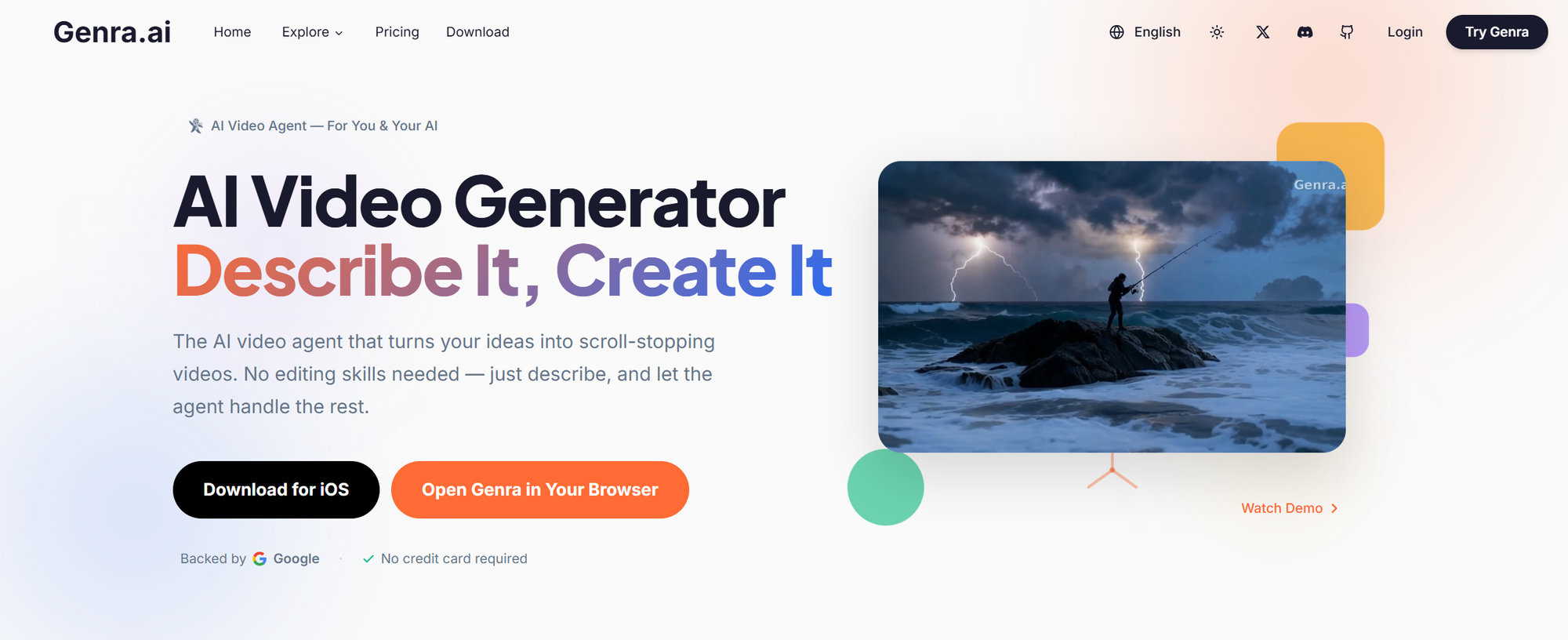
Why it’s listed: Genra represents the shift from "AI Generators" to AI Video Agents. It’s built for the "idea-first" creator—someone who has a vision but doesn't want to get bogged down by complex technical settings. It bridges the gap between a simple thought and a cinematic clip through intelligent, natural dialogue.
Review after trying it: What’s genuinely different here is how it lowers the barrier to entry. In my tests, I didn't need to be a "prompt engineer" to get professional results. I could just talk through my idea, and Genra’s agent-led approach handled the heavy lifting. The more I interacted with it, the more it seemed to "get" my specific style. It feels less like a tool and more like a technical co-director who helps you refine a rough concept into a consistent, high-quality character study.
Where it shines: Turning simple ideas into consistent narratives, high-touch character preservation, and a "chat-to-refine" workflow that makes creation feel like a conversation.
Best for: The "Idea-First" Creator. It’s perfect for anyone who wants to turn a spark of imagination into a video without a steep learning curve—effectively turning a single thought into a cinematic reality.
Tip: The secret is to talk to it more. Don't feel like you need the "perfect" first prompt. The power of an Agent lies in the follow-up; tell it what to keep and what to adjust. The more you "chat," the better the Agent understands the specific "vibe" you’re aiming for.
How to free start: Start a conversation with the video agent at https://genra.ai/.
3) Frameloop AI
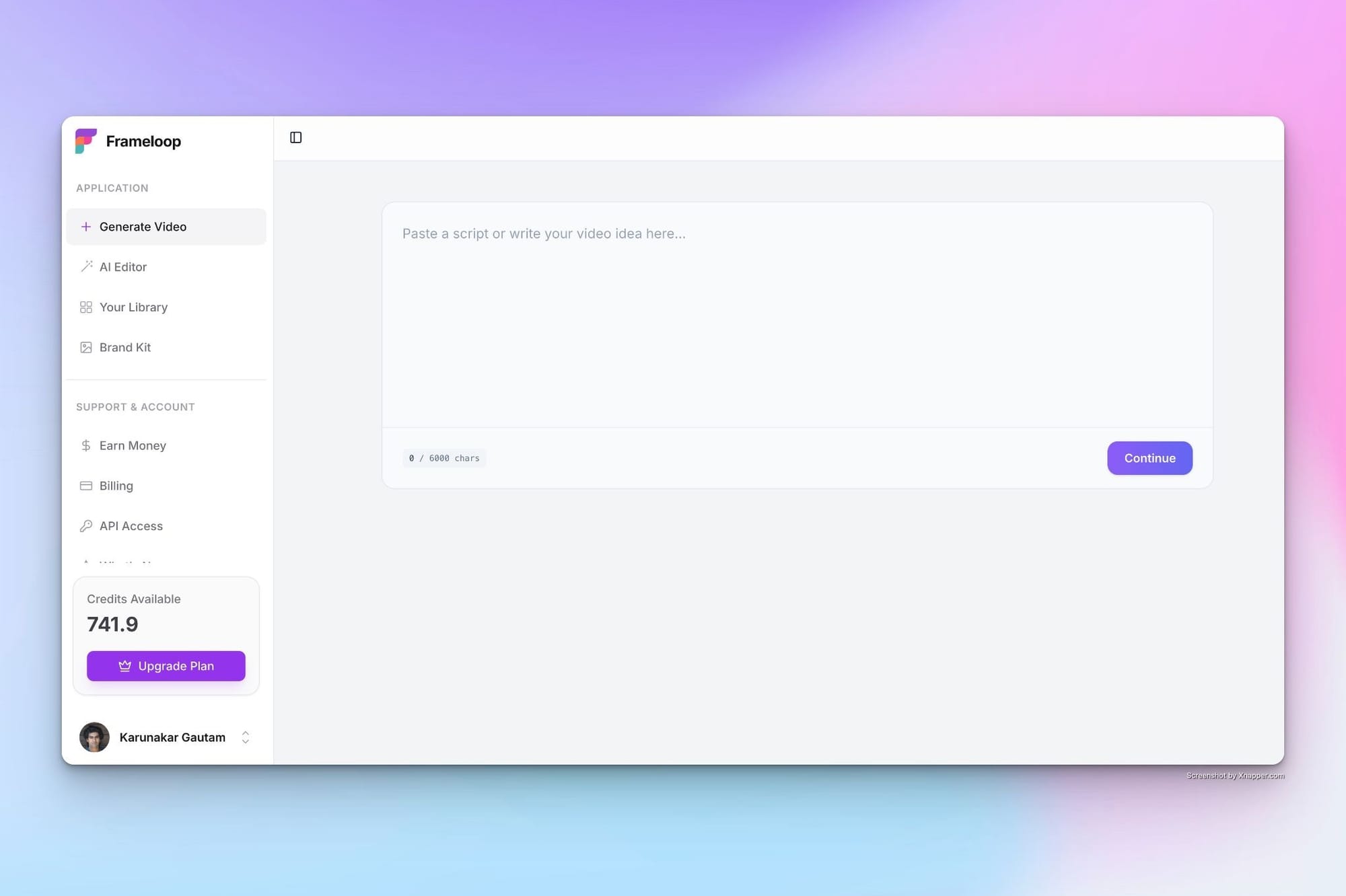
Why it’s listed: It’s built for creators who want more than just generation. Frameloop focuses on scene-level control, letting you guide every part of the video instead of accepting generic AI output.
Review after trying it: What stood out immediately is how different the workflow feels. Instead of generating one clip and hoping it works, I could break the video into scenes, tweak visuals, adjust pacing, and fix small issues without starting over. I tested it with a short faceless video, and even when a few scenes weren’t perfect, I didn’t need to regenerate everything. That alone saves a lot of time and credits. It feels less like a generator and more like a lightweight editor powered by AI.
Where it shines: scene-by-scene control, consistent visuals, in-built image editing, refined outputs instead of one-shot generation.
Best for: faceless creators, marketers, and anyone who wants cinematic videos with control, not just automation.
Tip: Don’t rely on first output. Use the scene editor to tweak pacing, replace visuals, and refine weak parts instead of regenerating the entire video.
How to free start: Frameloop offers a free plan with no credit card required, so you can test full workflows without friction.
Try Frameloop AI: https://frameloop.ai
4) WearView
Why it’s listed: Every other tool on this list animates any image you give it. WearView is the specialist: a professional AI fashion video generator built for one job, turning clothing photos into videos of models actually wearing the clothes. If you sell fashion, that focus changes everything about the output.
Review after trying it: I uploaded a flat product photo of a printed dress and got back a short clip of a model wearing it, walking toward the camera. The print stayed sharp, which is where general-purpose tools usually fall apart; they tend to smear graphics and text the moment fabric starts moving. The other thing I noticed is model consistency. You can reuse the same model across every garment, so twenty product videos look like one photoshoot instead of twenty random clips. Each generation took a bit over a minute.
Where it shines: garment detail (prints, textures, and text survive the motion), one consistent model across a full collection, clips sized for product pages, Reels, and ads.
Best for: clothing brands and e-commerce sellers who need on-model video for a whole catalog without booking a shoot. WearView built a dedicated AI video generator for clothing brands around exactly this workflow: product photos in, ad and product-page clips out.
Tip: Start from a clean, front-facing product shot with even lighting. The better the model can “read” the garment, the more faithful the print and fit look in motion.
How to free start: New accounts get free credits to test a few clips before paying. Paid plans start at $29/month and include commercial usage rights.
Try WearView: https://www.wearview.co/ai-video-generator
5) Runway
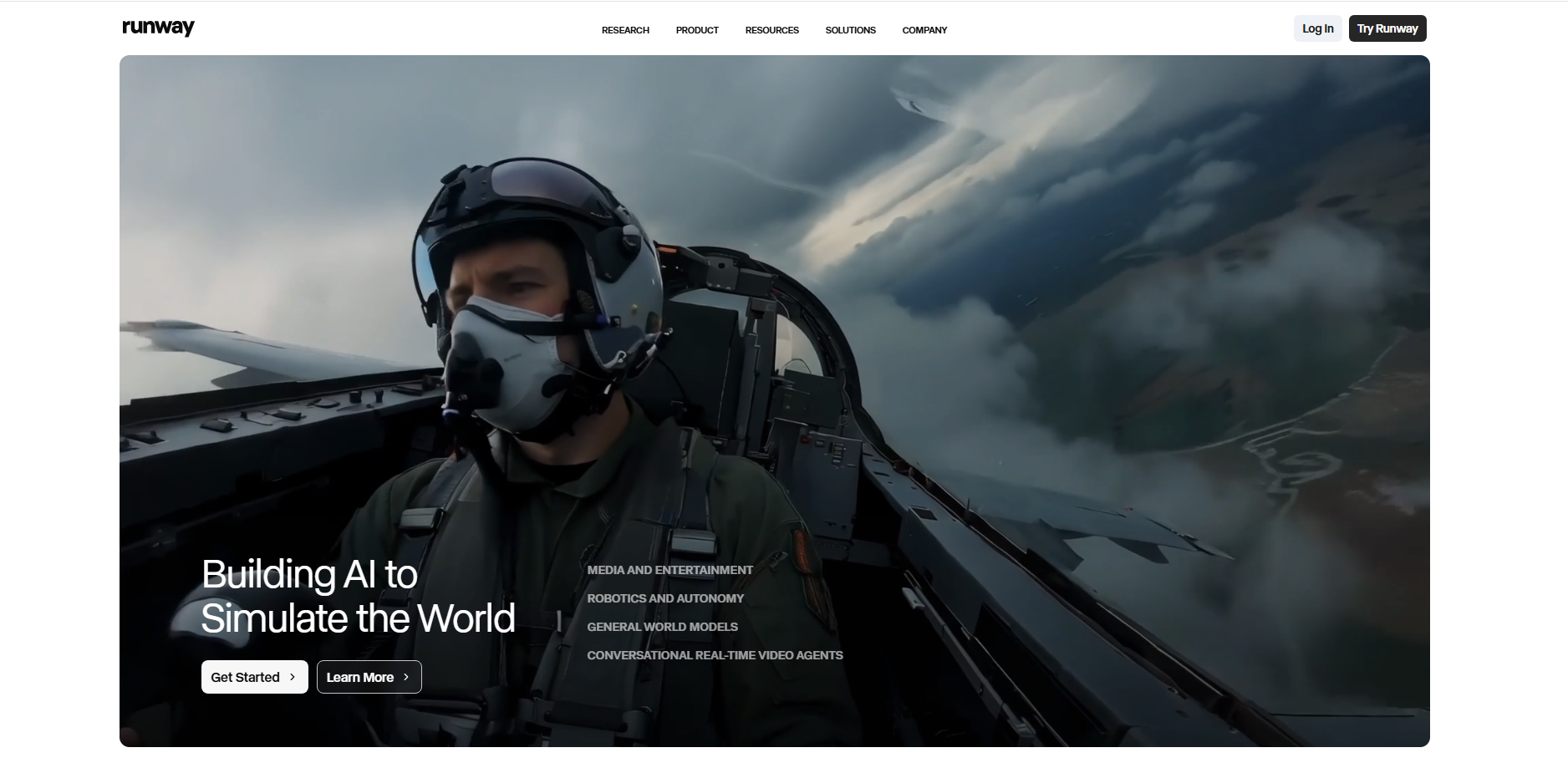
Why it’s listed: It’s great when you want image-to-video plus a broader creator workspace for experimenting across versions.
User review (after trying it): The first thing I noticed is that it feels like a real production playground, not just a single generator. I ran a few short image-to-video tests, compared styles, and kept everything organized. The biggest “gotcha” is credits—if I don’t keep tests short, I burn through the free allowance fast.
Where it shines: structured experimentation, project workflow, lots of creative tools in one place.
Best for: creators/teams doing lots of variations, agencies prototyping concepts.
Tip: Start with very short generations to lock motion and framing before spending credits on longer clips.
How to free start: The Free plan includes a one-time 125 credits (doesn’t expire).
Try Runway: https://runwayml.com/
6) Pika
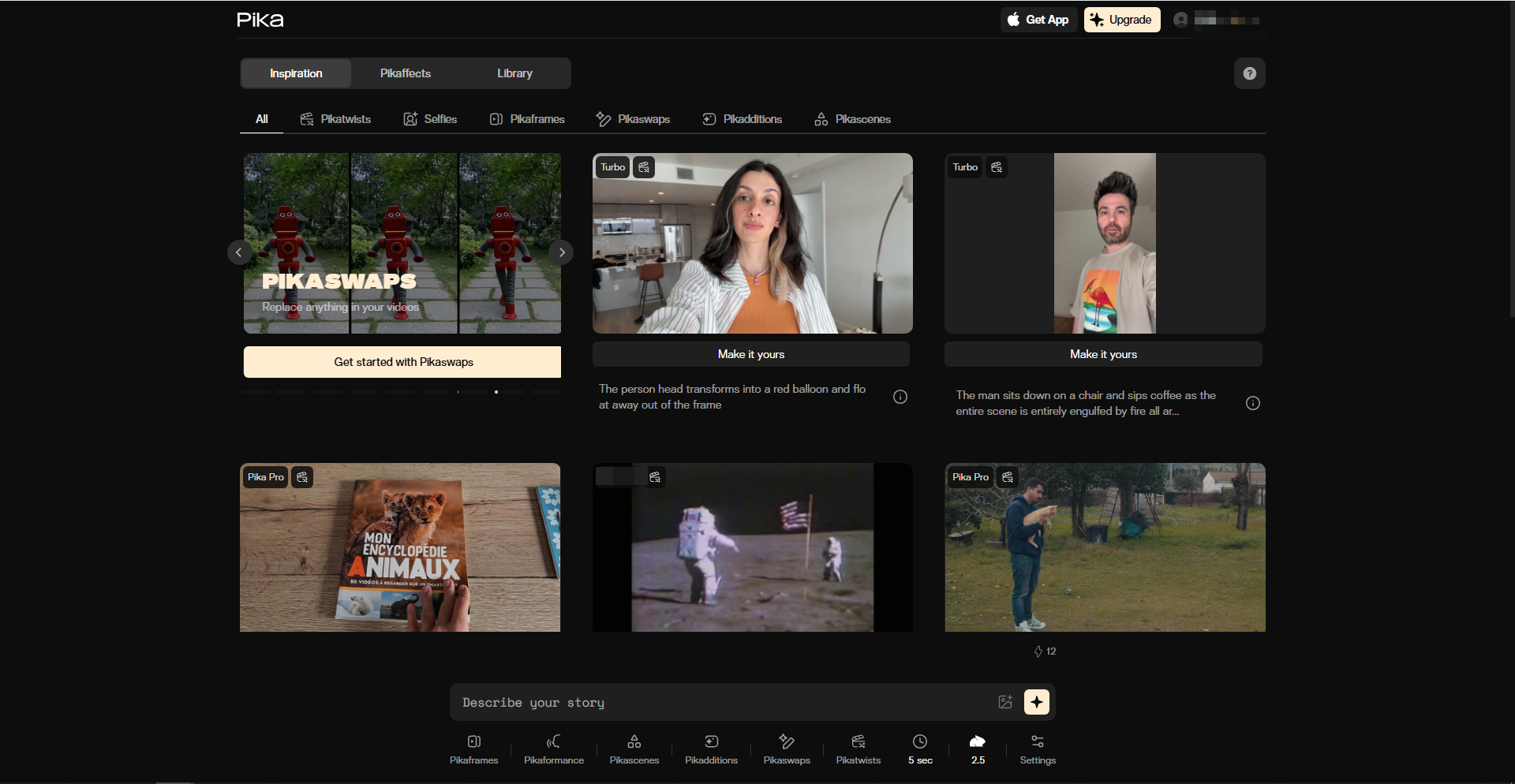
Why it’s listed: It’s strong for stylized, trend-friendly outputs—great when you want something that feels like a social effect.
Review after trying it: I can usually get a fun result fast, especially for dramatic or playful motion. It rewards quick iteration: generate several variations and pick the one that looks least “AI-wobbly.” The tradeoff is that deeper experimentation can consume credits quickly.
Where it shines: stylized motion, trend content, quick creative exploration.
Best for: meme/trend creators, brand socials that want punchy effects.
Tip: Keep prompts short and camera directions simple (“slow push-in,” “gentle parallax”)—it reduces chaotic motion.
How to free start: The Basic (free) plan includes 150 credits per month.
Try Pika: https://pika.art/
7) Luma Dream Machine
Why it’s listed: It’s a top choice for cinematic “feel”—mood, realism, and camera-like motion—especially for short clips.
Review after trying it: When it hits, the output feels cinematic: lighting and motion can look surprisingly natural. In quick trials, the best results came from images with clear depth (subject foreground + layered background). The free experience is clearly “draft”: watermarks, lower priority, and non-commercial limits.
Where it shines: cinematic vibe, realistic motion tests, atmospheric shots.
Best for: film-look experiments, concept clips, high-end style tests.
Tip: Feed it an image with strong depth separation; flat backgrounds often produce flatter motion.
How to free start: Free plan: 8 videos (draft mode) with watermarks and non-commercial use only.
Try Luma: https://lumalabs.ai/
8) Hailuo
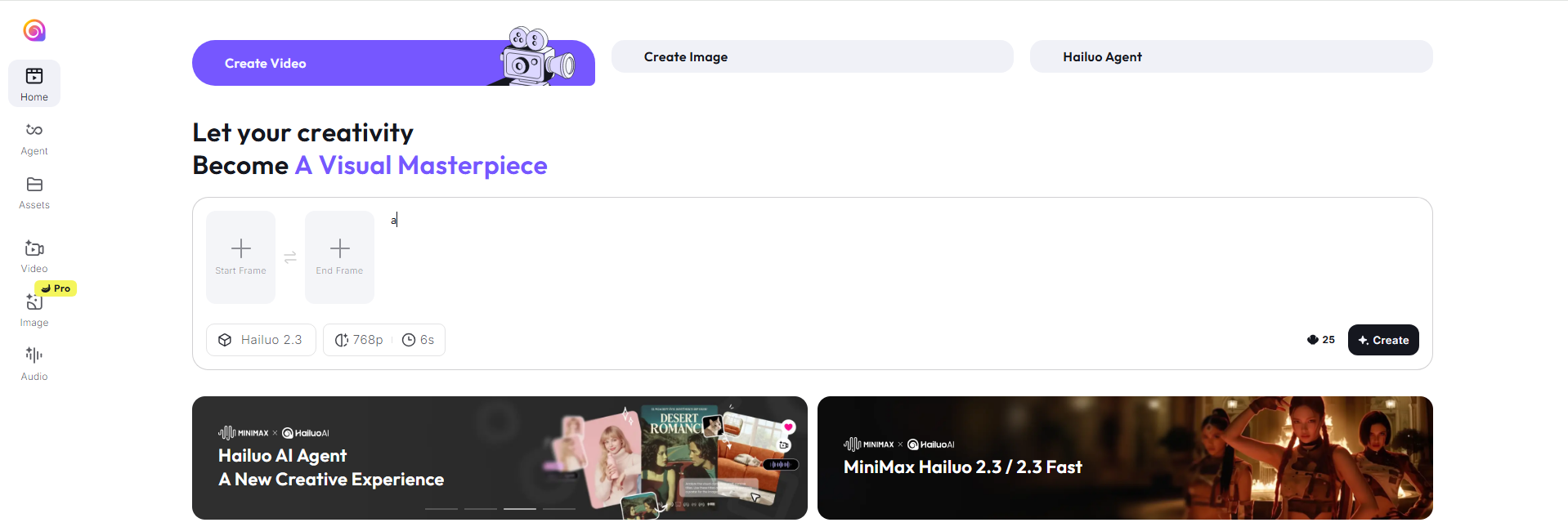
Why it’s listed: It’s budget-friendly to plan because pricing is transparent: credits per second by resolution for image-to-video.
Review after trying it: I like it most for controlled drafting: generate a few low-cost tests, then rerun the best one at higher settings. In practice, it feels like a “draft machine” that you can optimize. Knowing the cost per second up front also makes it easier to predict how many iterations I can afford.
Where it shines: predictable cost planning, fast drafts, iterative testing.
Best for: marketers and creators who want clear cost math per output.
Tip: Prototype at 540p first, then rerun only the winner at 720p to save credits.
How to free start: Start by generating short clips and budgeting via published rates (e.g., image-to-video 720p: 8 credits/sec; 540p: 5 credits/sec).
Try Hailuo: https://hailuoai.video/
9) PixVerse
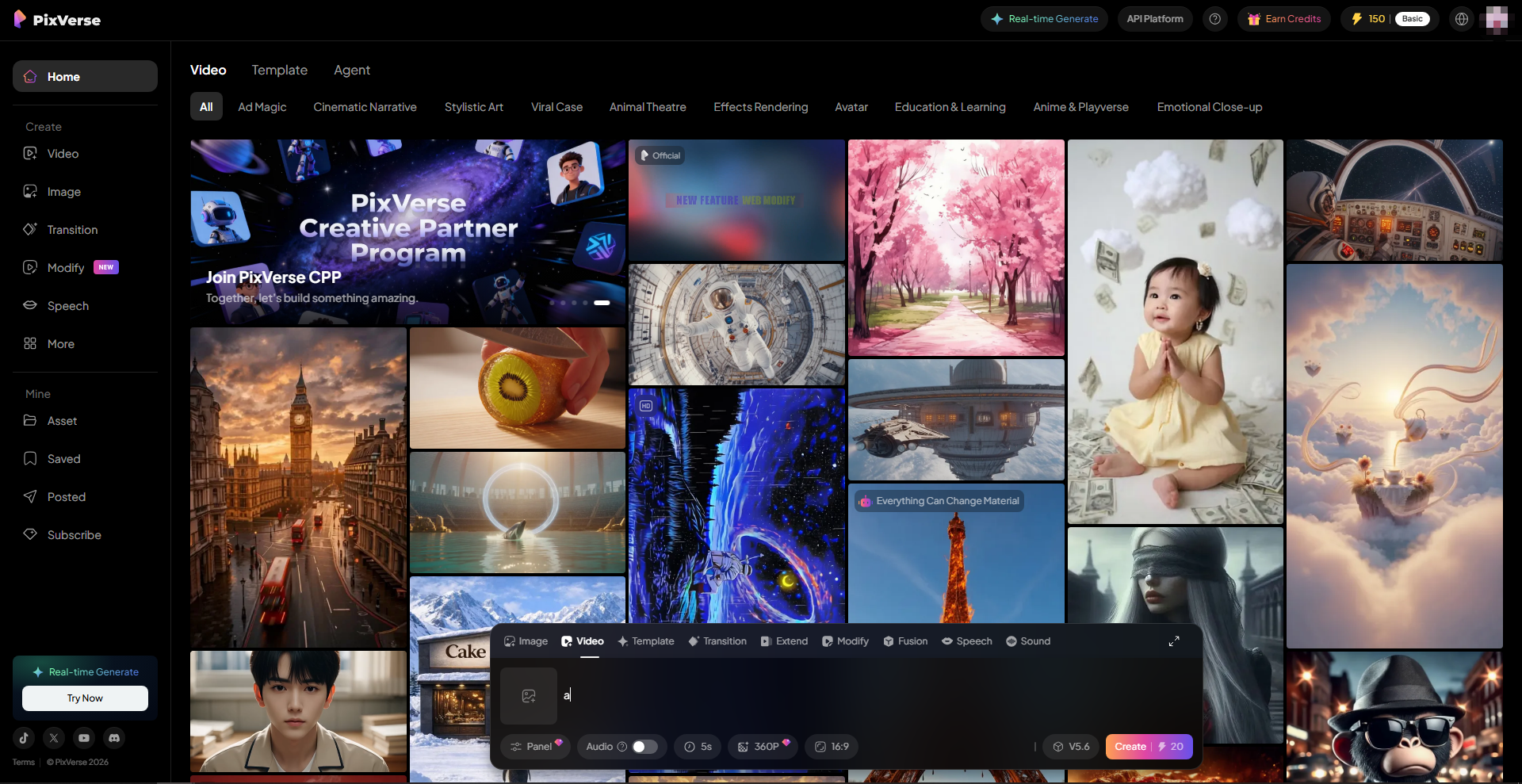
Why it’s listed: It’s a fast “photo → short video” tool that’s popular for creator-style clips, and it also offers a documented free tier on the API side for testing.
Review after trying it: For portraits and lifestyle shots, it’s quick to get something shareable. The quality depends heavily on the input photo—sharp faces and clean lighting give noticeably more stable motion. It’s easiest to treat it like a rapid idea generator: run a few variations and keep the one that looks most natural.
Where it shines: portrait/lifestyle animation, quick social drafts, rapid variations.
Best for: creators who want speed and lots of quick attempts.
Tip: Use high-res images with clean facial detail; low-light selfies tend to produce jittery facial motion.
How to free start: PixVerse’s API docs list a Free Plan ($0) for basic testing (e.g., limited effects, limited concurrency, up to 540p).
Try Pixverse: https://app.pixverse.ai/home
10) CapCut (Web)
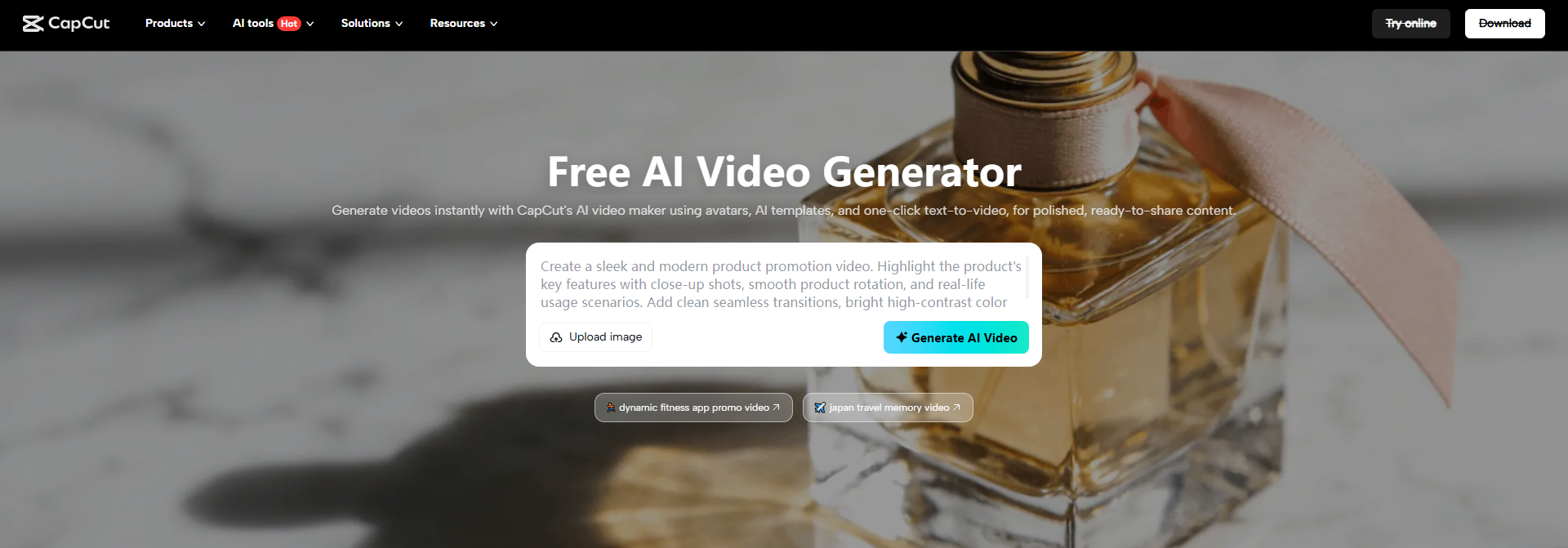
Why it’s listed: It’s the easiest “template-first” route to marketing-friendly videos from images—fast, automated, and accessible.
Review after trying it: This felt like the quickest way to turn a folder of images into a finished reel. The automation (transitions, timing, and even script/voiceover style features) makes it useful when I need output now, not perfection later. It’s less about cinematic realism and more about efficient, polished packaging.
Where it shines: slideshows → reels, marketing recaps, template polish at speed.
Best for: social managers, small businesses, educators, photo-heavy campaigns.
Tip: Upload images in the exact story order you want; the results look smarter when you feed a clear sequence.
How to free start: Use CapCut Web’s image-to-video AI tool, which is positioned as free online for turning photos into videos.
Try Capcut: https://www.capcut.com/tools/ai-video-generator
11) Viggle
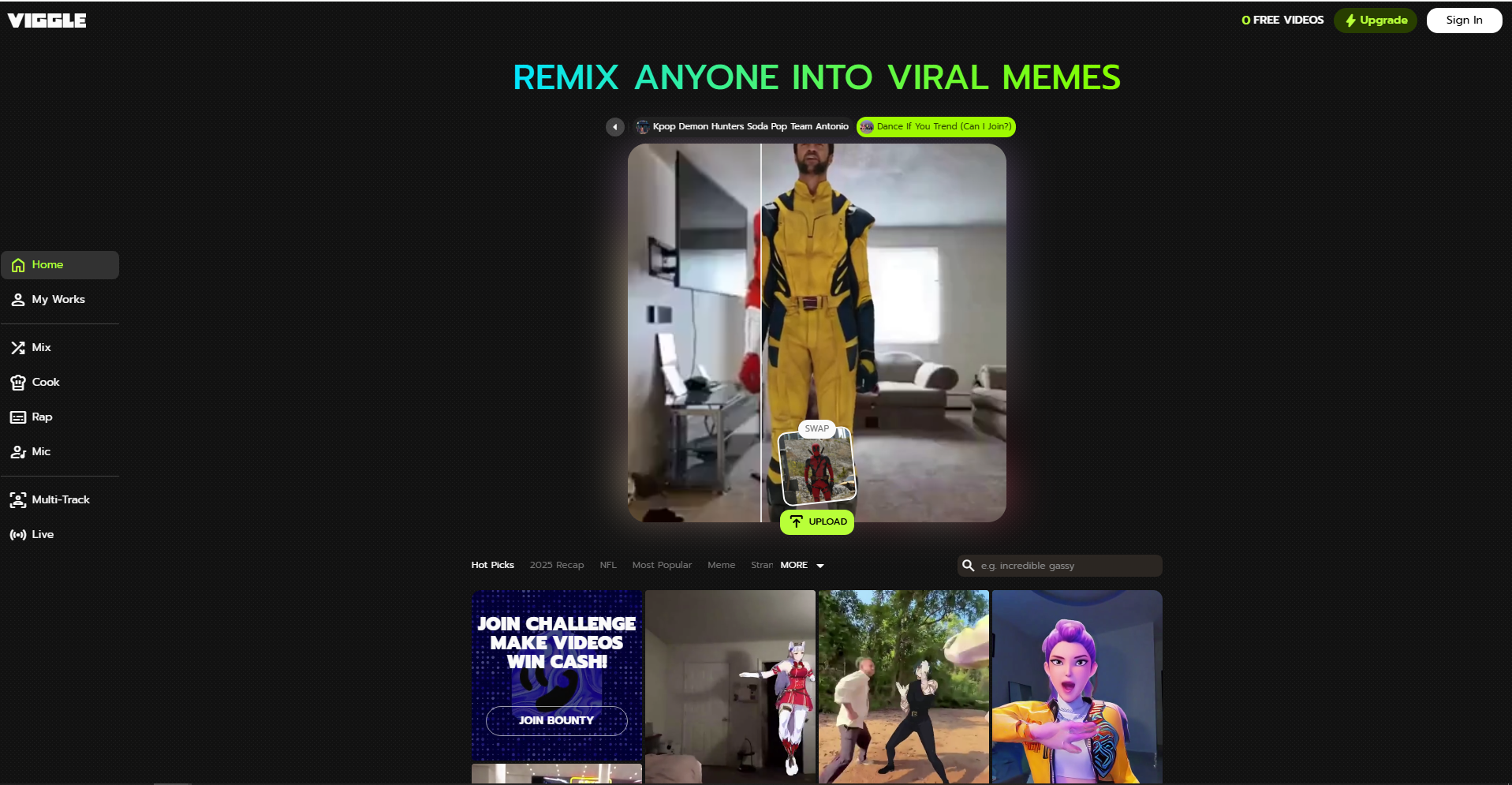
Why it’s listed: It’s one of the best for “make this character move” meme content—motion-first rather than cinematic storytelling.
Review after trying it: It’s extremely straightforward for character motion and meme formats. The best results came from full-body images with clean edges and clear limbs. If the input is messy or the pose is complex, artifacts show up faster—so I keep it simple for the first pass.
Where it shines: character dancing/motion memes, playful movement clips.
Best for: meme creators, character animation experiments, viral formats.
Tip: Use high-contrast, full-body images; cluttered backgrounds make motion edges noisier.
How to free start: Free plan includes 5 relaxed-mode videos per day and 2 generations at a time.
Try Viggle: https://viggle.ai/app/home
12) D-ID
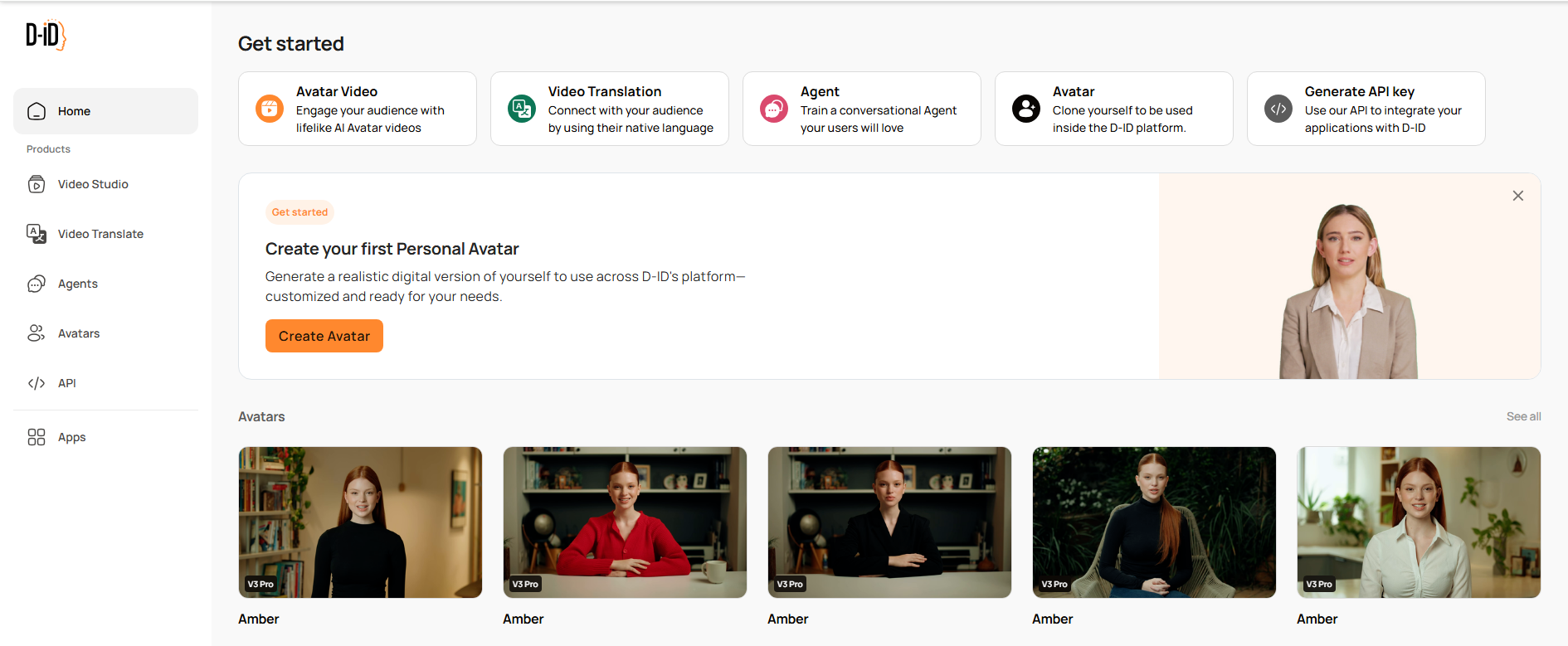
Why it’s listed: It’s the specialist pick for talking photo videos—presenters, explainers, training, and multilingual “spokesperson” content.
Review after trying it: The workflow is simple: pick a good headshot, add a script/voice, and you get a talking presenter fast. The difference maker is the source image—front-facing, well-lit photos look noticeably more natural. It’s not for cinematic motion, but for “present this message clearly,” it’s efficient.
Where it shines: talking photo explainers, training videos, spokesperson formats.
Best for: L&D, onboarding, product explainers, internal comms.
Tip: Use a neutral-expression, well-lit headshot; it reduces mouth/eye artifacts.
How to free start: D-ID offers a $0 Trial plan with a 14-day trial.
Try D-ID: https://www.d-id.com/
13) HeyGen
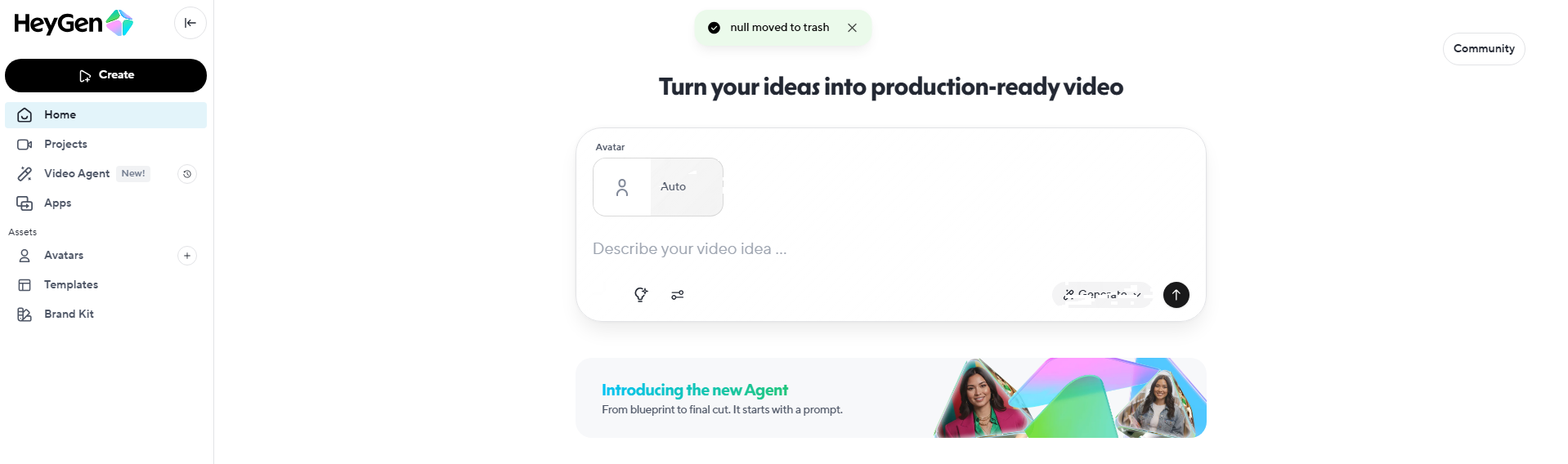
Why it’s listed: It’s a strong avatar-led option for explainers and UGC-style ads, especially when you want quick localization.
Review after trying it: It’s very structured: choose an avatar, paste a script, export. That predictability is the point—you can build repeatable ad formats and swap scripts for different markets. The free plan is enough to test a few hooks, but the monthly cap means it’s not a long-term free solution.
Where it shines: avatar explainers, UGC-style scripts, multilingual variants.
Best for: SaaS/ecom explainers, global marketing teams, consistent presenter videos.
Tip: Test 2–3 short hooks (20–45s) before writing longer scripts; pacing is better and iteration is cheaper.
How to free start: Free plan includes 3 videos/month, up to 3 minutes, 720p export.
Try Heygen: https://app.heygen.com/home
Which tool should you choose?
If you’re deciding fast:
- Best all-around + easiest starting workflow: DeeVid AI
- Best for idea-to-video: Genra AI
- Best for pros who want generation + editing: Runway
- Best for stylized social effects: Pika
- Best for cinematic realism: Luma Dream Machine
- Best for talking photo / presenter: D-ID
- Best for avatar ads / explainers: HeyGen
A simple “image-to-video” workflow that works in 2026
- Pick the goal first: hook for a Reel, product demo motion, cinematic shot, or presenter video.
- Prep the image: high-res, clean subject edges, minimal motion blur, good lighting.
- Generate 3–6 variants: tweak motion words (slow push-in / handheld / orbit / parallax / dolly).
- Select the winner: prioritize stability and clarity over “too much movement.”
- Polish & post: add captions, music, a strong CTA, and export in the platform’s native aspect ratio.
Final take
The “best” image-to-video AI tool depends on what you’re making — but if you want the most balanced mix of easy workflow + multiple creation modes + fast iteration, DeeVid AI is a strong #1 choice to start with in 2026, especially because you can try it with free signup credits and quickly evaluate output quality.