
Best AI Tools for Fashion Brands and Fashion Photography: 2026 Guideline
If you sell clothing online, you already know the math on a traditional photoshoot. A model, a photographer, a studio, a stylist, then a week of editing before anything goes live. For a brand pushing out new SKUs every month, that pace does not hold up.
AI fashion tools have closed a lot of that gap. You can now put a garment on a realistic model, clean up a flat-lay, or generate a lifestyle background in the time it used to take to book a studio. The quality is good enough for product pages and ads, and the cost is a fraction of a shoot.
The catch is that “AI fashion tool” covers a dozen different jobs, and most tools only do one or two of them well. This guide breaks down eight I keep coming back to, what each is actually good at, current pricing, and a short framework for picking the right one for your workflow.
Best AI tools for fashion brands and photography: a quick overview
● WearView: Best overall for fashion brands that want try-on, model generation, product-to-model, and video in one place.
● DeeVid: Best for brands that want AI video, product ads, image generation, avatars, voice, and music in one daily content workspace.
● Rewarx Studio AI: Best for ecommerce brands that need accurate AI product photography, SKU consistency, and marketplace-ready product visuals.
● Pixelcut: Best for affordable on-model shots and turning model photos into short runway-style clips for social.
● Photoroom: Best for fast product photo cleanup and marketplace listings, especially from your phone.
● Pebblely: Best for dropping products into lifestyle backgrounds without art-direction overhead.
● VModel.ai: Best for developers and anyone who wants pay-as-you-go virtual try-on with no monthly bill.
● Flair.ai: Best for art-directed, branded product shoots where you want control over the scene.
● Runway: Best for turning fashion photos into short video clips for social and ads.
A quick way to read the list: if you run a brand and want one platform that covers most of the work, start at the top. If you only need one narrow job done, a specialist further down may fit better and cost less.
| Tool | Key strength | Pricing | Platforms |
|---|---|---|---|
| WearView | Full fashion workflow (try-on, models, product-to-model, video) in one platform | From $24/month; no free tier | Web |
| DeeVid | AI video and image content for fashion ads, social clips, and campaign variations | From $14/month; 20 free credits | Web, iOS, Android |
| Rewarx Studio AI | Accurate AI product photography for ecommerce brands, with logo preservation, packaging text accuracy, color consistency, material fidelity, and SKU consistency | Free plan available; start from $ 9.9/month | Web, shopify |
| MagicShot.ai | Scene-based product photos and lifestyle shots with multi-model AI, plus video and editing in one studio | From $9/month ($5.25/mo yearly); no free tier | Web & iOS |
| Pixelcut | Affordable flat-lay-to-model shots plus runway-walk animation | From $10/month; free plan | Web, iOS, Android, API |
| Photoroom | Fast background removal and product cleanup on mobile and desktop | From $12.99/month; free plan; API from $0.02/image | Web, iOS, Android, API |
| Pebblely | Product-in-scene lifestyle backgrounds with minimal setup | From $19/month; free plan (40 images) | Web, API |
| VModel.ai | Pay-as-you-go virtual try-on and image generation | Credit-based; free starter credits | Web, API |
| Flair.ai | Art-directed product photoshoots with scene control | From ~$8/month; free plan | Web, API (higher tiers) |
| Runway | Image-to-video for fashion clips and social content | From $12/month; free trial credits | Web, API |
1. WearView, best overall for fashion brands
WearView is built to replace the traditional fashion photoshoot. Instead of casting a model, booking a studio and photographer, shipping samples, and waiting on retouching, you upload one garment photo, pick an AI model across different ethnicities, body types, and ages, and describe the setting. It returns a professional, studio-quality on-model shot in under 15 seconds. For a brand putting out new drops every month, that turns a week of production into an afternoon.
The platform goes past single product shots into full campaign production. You can convert a flat-lay or packshot into a polished model image, build a reusable model identity so the same face runs across a whole lookbook, generate ghost mannequin shots for clean catalog pages, and turn a still into AI fashion video that fashion brands and online stores can run on social and in ads. Having try-on, model creation, and product-to-model in one workspace is the real reason it lands at number one. You are not stitching three subscriptions together to ship one PDP.
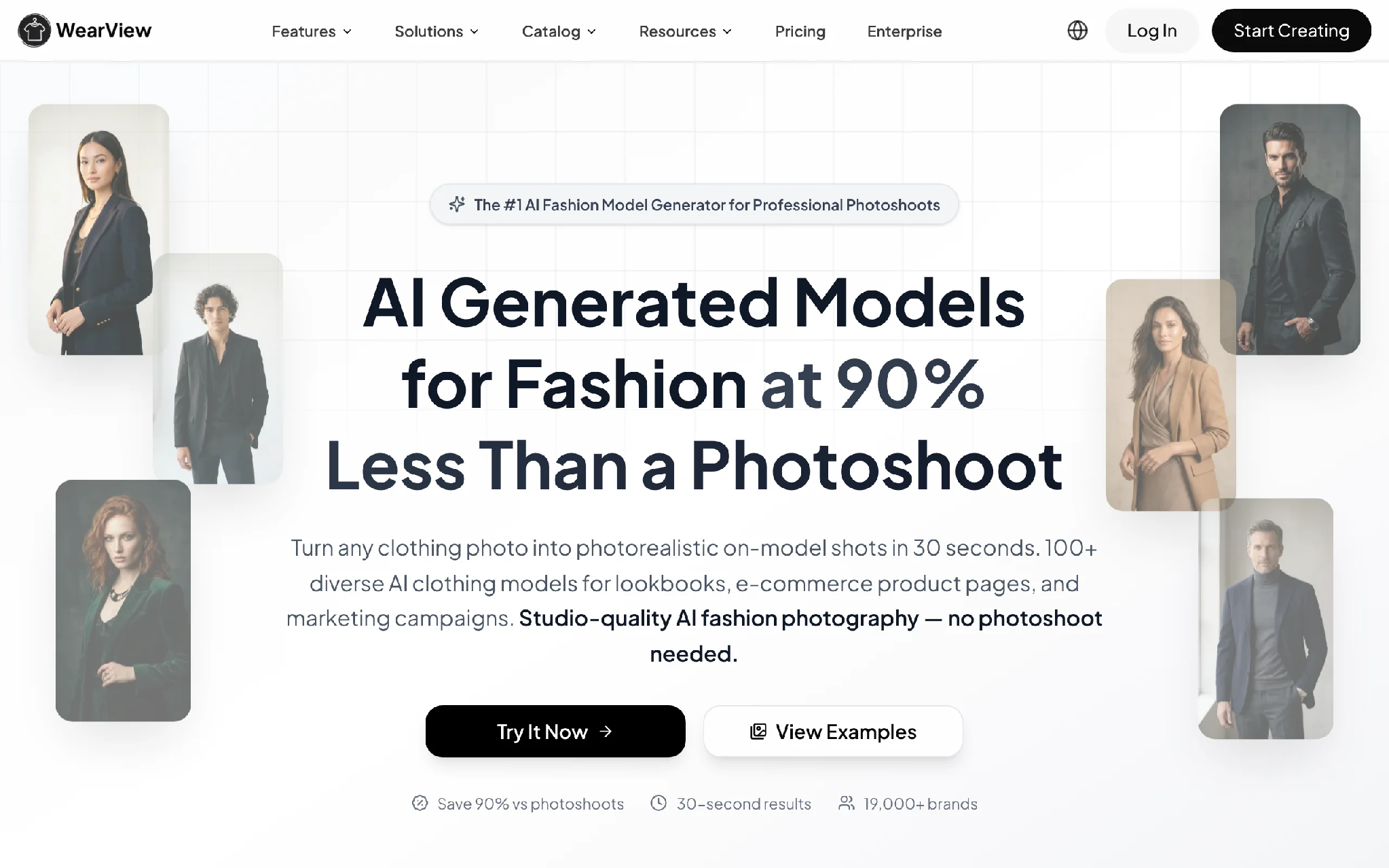
AI Fashion Tools with WearView
Key features
● Virtual try-on from one garment photo, so you can preview a piece on a model before a single sample ships
● Text-to-model creation with control over ethnicity, body type, and age, so the cast matches the customers you actually sell to
● Flat-lay and packshot to on-model in under 15 seconds, fast enough to shoot a full drop in a day
● One consistent model identity across an entire campaign, instead of a different face on every product page
● Ghost mannequin and reference-based pose control for clean, uniform catalog pages
● 720p and 1080p video plus HD to 4K stills, all with commercial rights included
Best for
● Brands launching frequent drops that cannot wait a week for studio turnaround
● Boutiques and online stores that need on-model PDP images without a photoshoot budget
● Agencies producing on-brand imagery for several fashion clients from one workspace
Pricing
● Paid plans start at $24/month for Lite (50 credits), Pro at $40/month (200 credits), and Advanced at $82/month (500 credits)
● Annual billing saves roughly two months
● No free tier or free credits
Pros
● Replaces a full studio photoshoot for most catalog and campaign imagery, with no model casting or sample shipping
● Covers most of the fashion content workflow in one place, so there is less tool-hopping
● Consistent model identity is genuinely useful for brand campaigns, not just one-off demos
● Output goes up to 4K with commercial usage rights on paid plans
Cons
● No free plan, so you cannot test it without paying first
● The breadth means a short learning curve if you only ever need one feature
2. DeeVid, best for AI video and image content
DeeVid is not a fashion-only try-on tool. Its value is broader: it gives fashion teams a place to make short videos, product ads, image variations, avatars, voiceovers, and music without moving between separate creative apps. For brands that need daily content for TikTok, Reels, paid social, and seasonal drops, that range matters more than one perfect catalog feature.
You can start from a product photo, a campaign still, or a text prompt, then turn it into a moving clip, an ad concept, or a set of visual variations. The outputs are not as fashion-specific as WearView for try-on and model consistency, but DeeVid is stronger when the brief goes beyond PDP images and into campaign content. It is the tool I would test when a small team needs a steady stream of video-first creative, not just another polished product photo.
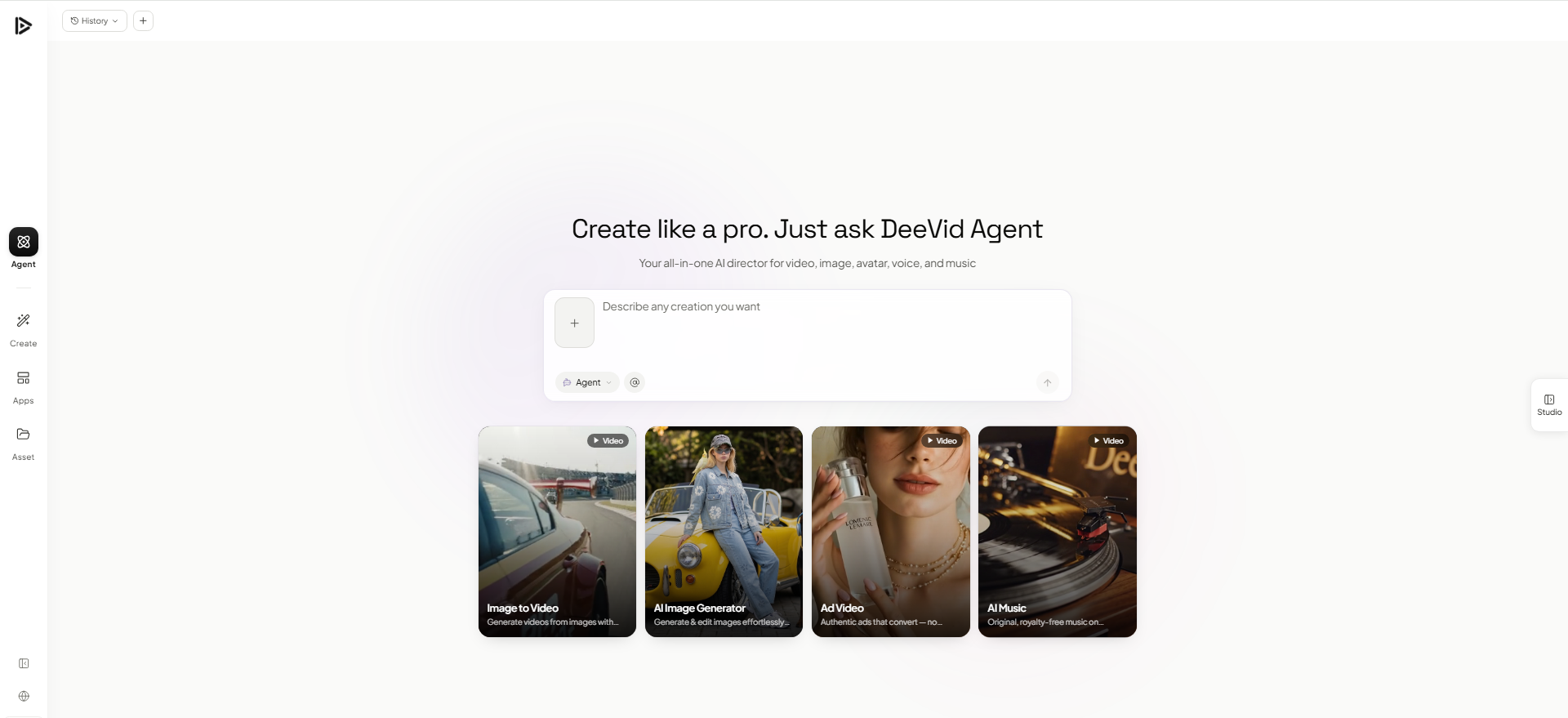
AI Fashion Tools with DeeVid
Key features
● Text-to-video and image-to-video for turning product photos, lookbook stills, and campaign ideas into short clips
● AI image generation and image editing for backgrounds, concept visuals, product variations, and social assets
● AI video ads, avatars, text-to-speech, and music in the same workspace
● 720p and 1080p output on paid plans, with no watermarks and commercial use included
Best for
● Fashion brands that need frequent short-form video, ads, and campaign variations
● Small teams that want video, image, voice, and music tools under one subscription
● Creators turning product photos and lookbook stills into social content
Pricing
● 20 free credits on signup, enough to test the core tools before paying
● Lite at $14/month (200 credits, 720p), Pro at $35/month (600 credits, 1080p), and Premium at $159/month (3,000 credits)
● Annual billing reduces the effective monthly price on paid plans
Pros
● Covers video, image, avatar, voice, and music creation in one place, which is useful for daily fashion content
● Stronger for social clips and ad variations than a still-image-only editor
● Free starter credits make it easy to test before subscribing
Cons
● Not built only for fashion, so try-on and model consistency are less specialized than WearView
● Free outputs may include watermarks, so serious commercial use usually means upgrading
3. Rewarx Studio AI, best for accurate AI product photography
Rewarx Studio AI is built for ecommerce brands that need product visuals to look polished without losing the real identity of the product. Instead of focusing only on generic AI-generated aesthetics, Rewarx is designed around product accuracy: keeping logos, packaging text, colors, materials, shapes, and SKU details consistent across marketing images.
For Shopify, Etsy, Amazon, and DTC sellers, that matters because small visual mistakes can make a product look cheap, fake, or inconsistent with the actual item. Rewarx helps brands create marketplace-ready product photography, lifestyle scenes, campaign visuals, and branded ecommerce assets while protecting the product details that customers rely on when making a purchase.
Key features
● AI product photography for ecommerce brands
● Logo and packaging preservation
● Product accuracy
● Color and material consistency
● SKU consistency across campaigns
● Marketplace-ready product visuals
● Shopify and Etsy optimized workflow
● Lifestyle scenes, product ads, and branded ecommerce creatives
Best for
● Shopify, Etsy, Amazon, and DTC sellers who need accurate product photography
● Ecommerce brands that care about product fidelity, not just pretty AI images
● Stores with multiple SKUs that need consistent visuals across campaigns
● Brands that want polished lifestyle and ad creatives without making the product look fake
Pricing
● Free plan available
● Paid plans start from $9.9/month
● Credit-based image generation for scalable ecommerce content production
Pros
● Strong focus on product accuracy, including logos, text, colors, materials, and SKU consistency
● Built specifically for ecommerce product photography and marketplace-ready visuals
● Useful for Shopify, Etsy, Amazon, and DTC workflows
● Helps brands avoid the “generic AI image” look while keeping product identity intact
Cons
● More focused on product photography and ecommerce visuals than general fashion model try-on
● Advanced visual workflows may require testing different product types to find the best setup
4. MagicShot, best for fashion product shots and lifestyle scenes
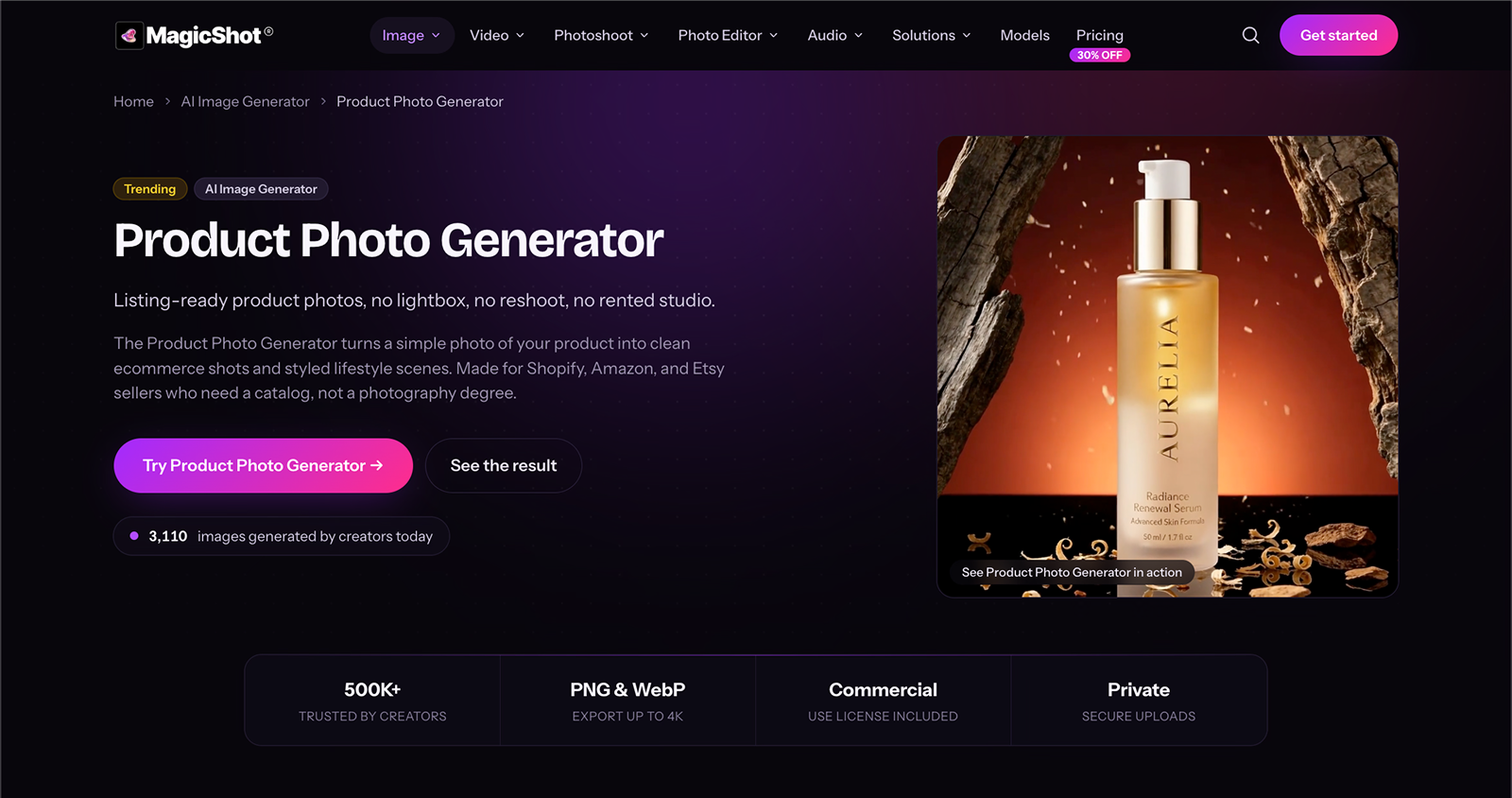
MagicShot's product photos tool is where I send flat lays, accessories, and packaged goods when I need a clean listing image without booking a shoot. You upload one photo, even a quick phone shot, and it either drops the product onto a crisp white background that passes Amazon and Etsy, or stages it in a lifestyle scene like a marble vanity, a linen backdrop, or a sunlit table. It runs on GPT Image 2, Seedream 5.0 Pro & Nano Banana 2 so the product's shape, stitching, label, and color stay intact while only the surroundings change, and it exports up to 4K with room to crop. Where WearView and DeeVid shine on model shots, MagicShot sits in the product lane, and it goes a step past a pure editor like Photoroom because it can build the scene, not just clean the cutout. It is also part of a wider studio, so the same login handles video ads, background removal, and voiceovers when a campaign needs more than stills.
Key features
● Turns one product photo into listing-ready shots
● White-background packshots that meet marketplace standards
● Custom lifestyle and editorial scenes from a text prompt
● Preserves product shape, label, texture, and color
● Exports up to 4K in PNG
● Part of an all-in-one studio (video, editing, audio) on one plan
Best for
● Fashion accessory, footwear, and packaged-product sellers
● Marketplace and DTC listings that need scenes, not just cutouts
● Small brands producing catalog and social visuals without a studio
Pricing
● Paid plans from $9/month (Essential), $19/month (Premium), $35/month (Premium+)
● All 85+ tools included on every plan; annual billing lowers the monthly cost
Pros
● Builds full lifestyle scenes, not just background removal
● Keeps product details accurate, so labels and textures do not warp
● One subscription covers stills, video, and image editing
Cons
● No free trial
● Lifestyle scenes need a clear prompt to land the exact styling
5.Pixelcut, best for affordable on-model shots
Pixelcut (recently rebranded as Pixa) started as a product photo editor and has grown into a fuller AI fashion tool. You can upload a flat-lay or mannequin shot and generate an on-model photo with adjustable poses, backgrounds, and styling. The price is low and the apps are good, so it is an easy entry point for a small brand that wants model shots without a big monthly commitment.
The feature that sets it apart is runway-walk animation. It takes a static model photo and turns it into a short clip of the model walking, which is built for TikTok and Reels. You also get the usual editing toolkit underneath: background removal, AI backgrounds, 4K upscaling, and batch exports. It is less specialized than a pure model generator, but for the money it covers a lot of ground.
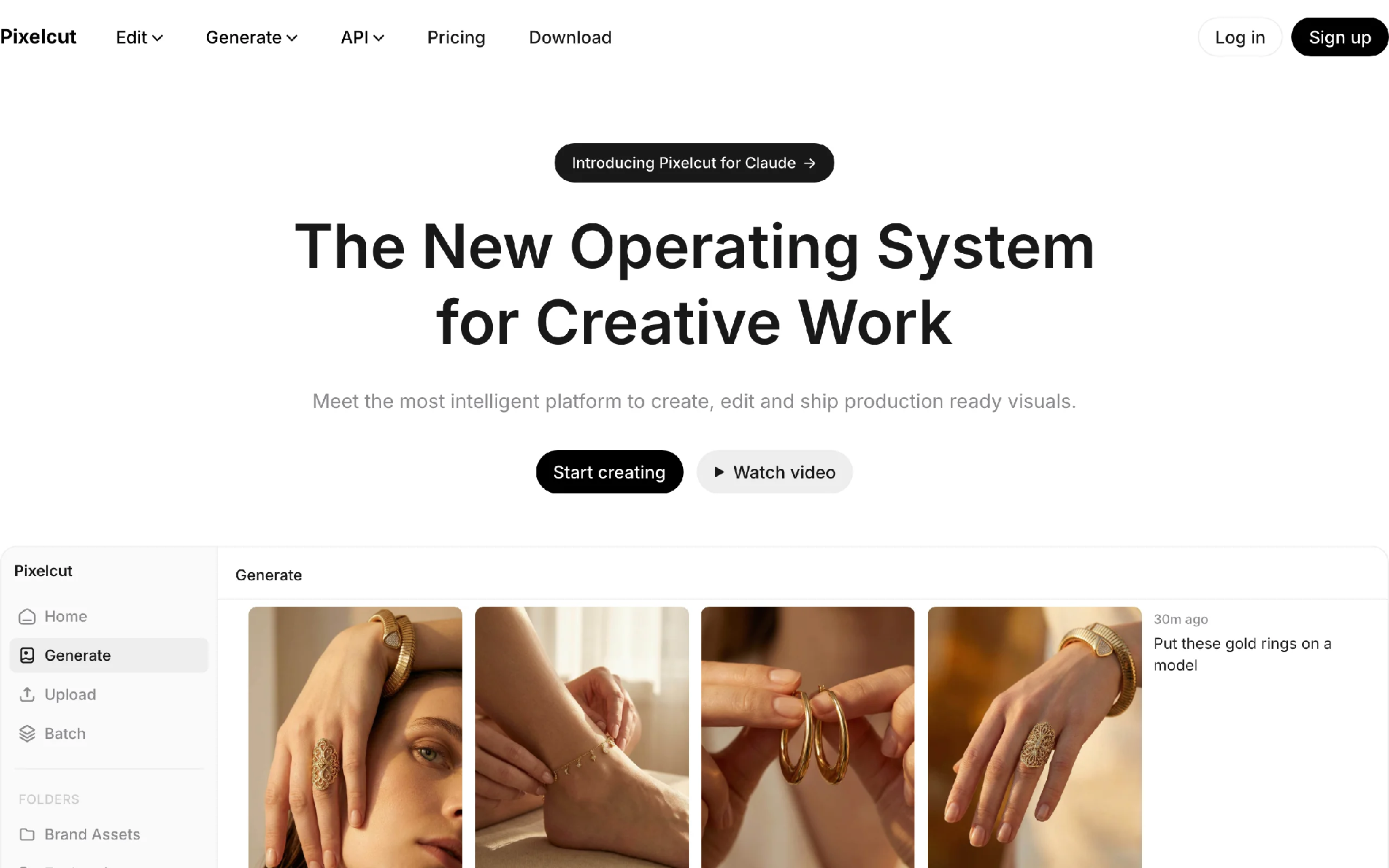
AI Fashion Tools with Pixelcut
Key features
● Flat-lay and mannequin to on-model generation
● Runway-walk animation from a static model photo
● Background removal, AI backgrounds, and 4K upscaling
● Batch exports for processing many images at once
● Mobile apps for iOS and Android, plus an API
Best for
● Small brands that want on-model shots on a tight budget
● Sellers who also want short social clips from the same photos
Pricing
● Free plan with limited background removal and upscaling
● Pro at $10/month (600 credits, 3 seats, commercial license)
● Business at $30/month (3,600 credits, 10 seats)
Pros
● Cheap entry point with a genuinely useful free plan
● Runway-walk animation is a rare extra at this price
Cons
● Less specialized than a dedicated model generator or try-on tool
● Credit limits on the Pro plan get tight if you generate at volume
6. Photoroom, best for product cleanup and marketplaces
Photoroom is the one I reach for when the job is fast and unglamorous. Background removal, shadows, resizing for a specific marketplace, batch-editing a folder of product shots. It runs on mobile and desktop, and the phone app is good enough that you can shoot, cut out, and list a product without touching a computer.
It is an editor first, not a model generator, so it sits in a different lane than WearView, DeeVid, or Pixelcut. For Amazon, eBay, Poshmark, and Etsy sellers who mostly need clean white-background packshots and quick variations, it does that job well and cheaply. The API also makes it easy to wire into a listing pipeline if you process a lot of SKUs.
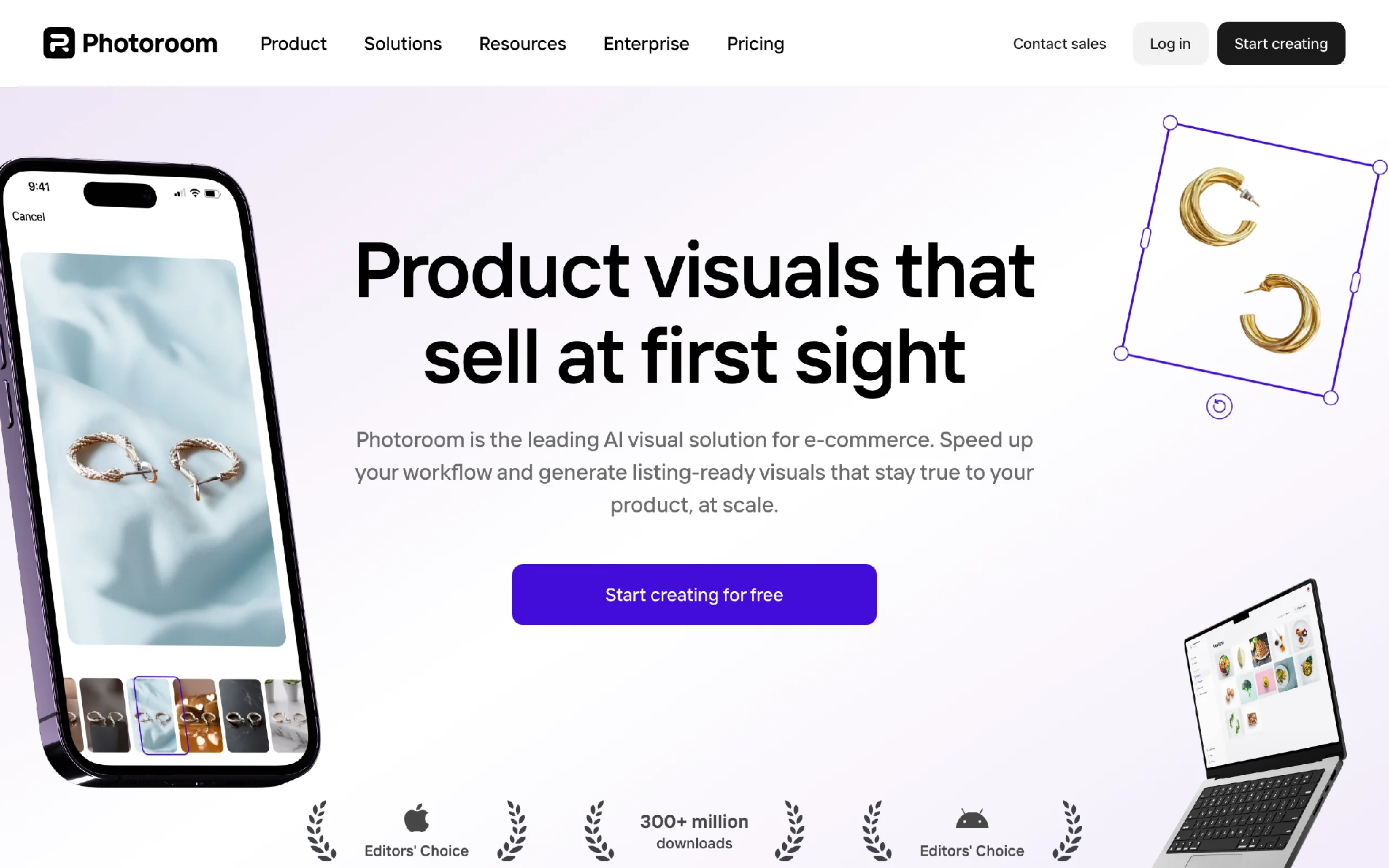
AI Fashion Tools with Photoroom
Key features
● AI background removal and replacement
● Batch editing for multiple images at once
● Marketplace-specific templates and resizing
● Mobile apps for iOS and Android
● API for automated, high-volume editing
Best for
● Marketplace sellers who need clean packshots fast
● Mobile-first sellers editing on the go
Pricing
● Free plan available
● Pro from $12.99/month (about $7.50/month billed annually)
● API billed separately, starting around $0.02 per image
Pros
● Quick, reliable cutouts with very little setup
● The mobile app genuinely replaces a desktop step for simple listings
Cons
● It edits photos, it does not generate models, so it solves only part of the workflow
● API usage is billed apart from the Pro subscription
7. Pebblely, best for lifestyle backgrounds
Pebblely takes a product photo and drops it into a styled scene. Upload a packshot, pick a theme or describe one, and it generates the product sitting in a believable setting with matching lighting and shadows. For accessories, footwear, and flat goods, it is a quick way to get lifestyle imagery without staging anything.
It is narrower than the platforms above, and it works best on objects rather than full on-body garments. But for a small store that just wants its products to look like they belong somewhere other than a white sweep, the setup is fast and the free tier is enough to see if it fits your catalog.
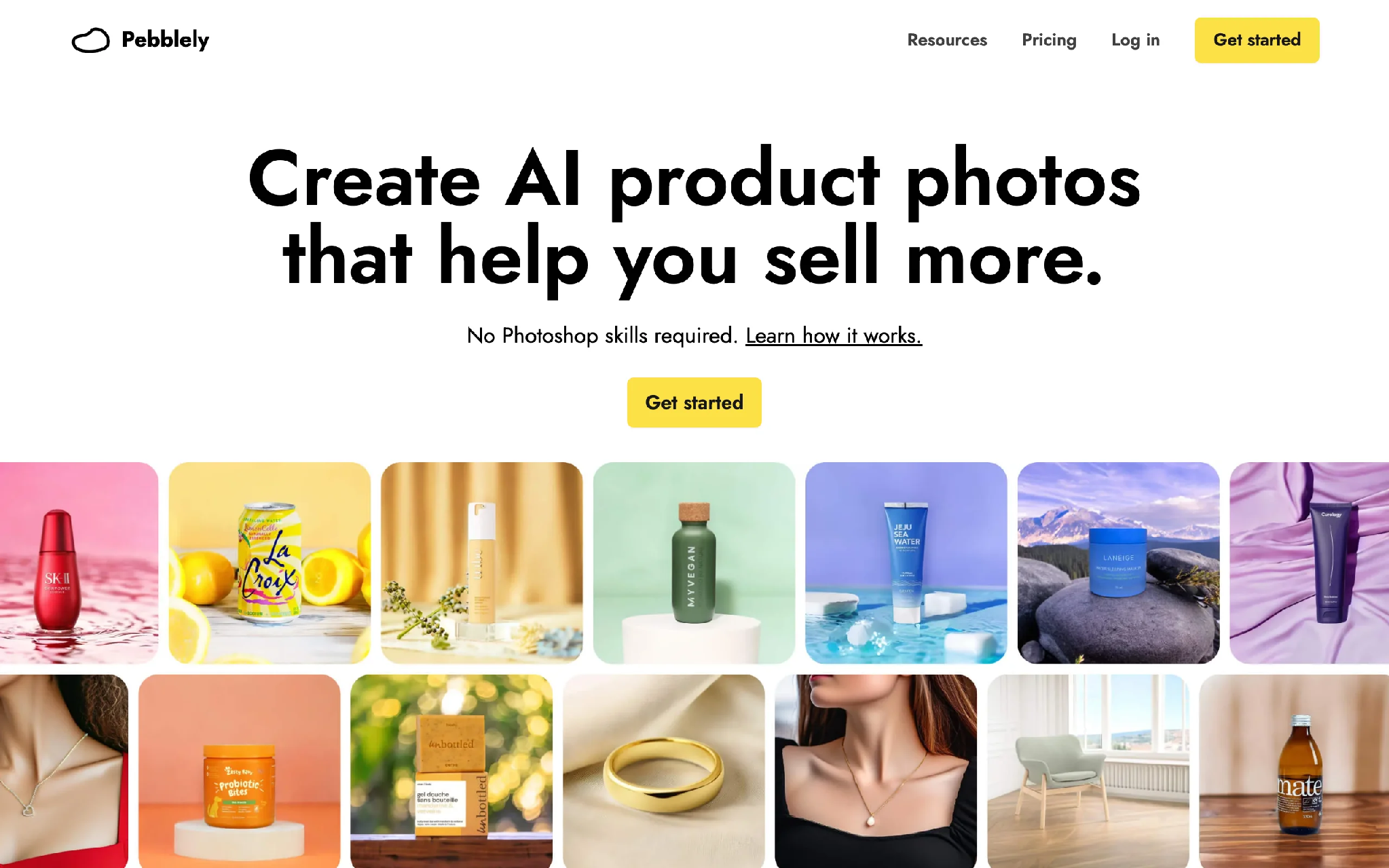
AI Fashion Tools with Pebblely
Key features
● Product-in-scene generation with realistic lighting
● Theme library plus custom prompt backgrounds
● Batch generation
● API access
Best for
● Stores that want lifestyle shots of products and accessories
● Sellers without the time or budget to stage scenes
Pricing
● Free plan with 40 images per month
● Paid plans from $19/month (200 images), up to $39/month (500 images)
Pros
● Very little learning curve to get a usable result
● Good lighting and shadow matching for product objects
Cons
● Built for products in scenes, not on-body garment try-on
● Themed backgrounds can start to look familiar across a large catalog
8. VModel.ai, best for pay-as-you-go try-on
VModel.ai is an API-first platform for virtual try-on and image generation. The thing that sets it apart is the billing: you buy credits, they do not expire, and you spend them when you need them. There is no monthly subscription pulling money out whether you generate anything that month or not.
That model suits two kinds of users. Developers building try-on into their own app, and brands with irregular volume who would rather not pay for a plan they only use occasionally. The trade-off is that it is less of a finished, point-and-click product than the brand-focused tools, and it does not carry the consistency and Shopify features a catalog operation eventually wants.
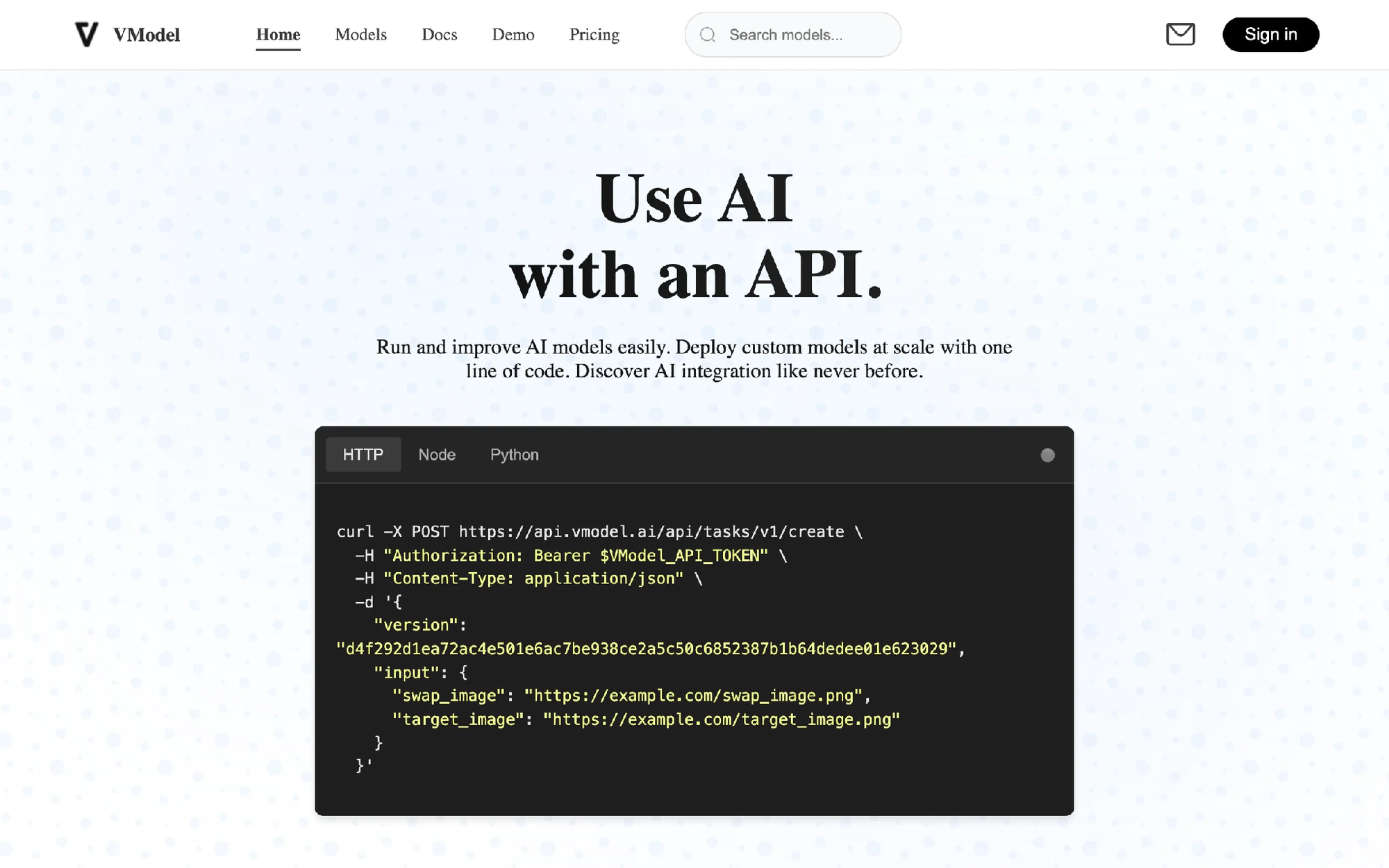
AI Fashion Tools with VModel.ai
Key features
● Virtual try-on and outfit swapping via API
● Pay-as-you-go credits that never expire
● Commercial usage rights on paid usage
● Developer-focused documentation and endpoints
Best for
● Developers integrating try-on into an app or store
● Variable-volume users who want to avoid a recurring bill
Pricing
● Credit-based, pay-as-you-go
● Free starter credits on signup
● Credits do not expire
Pros
● No monthly commitment, which is rare in this category
● Flexible for projects with unpredictable volume
Cons
● Less polished as an end-user product than the brand-side tools
● Missing catalog-scale features like consistent identity and native Shopify integration
9. Flair.ai, best for art-directed shoots
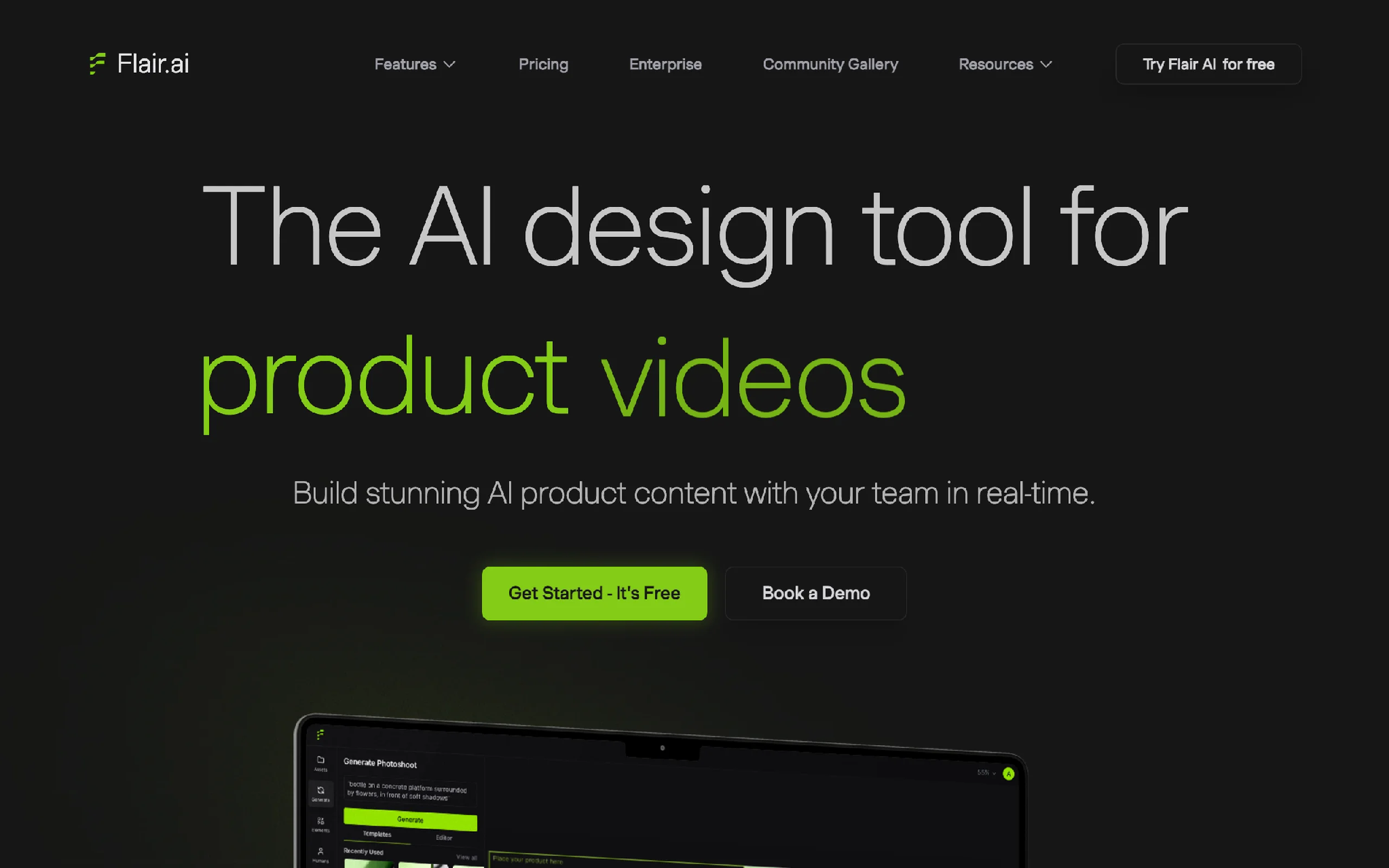
Flair.ai gives you a canvas to compose a product shot rather than just a button that spits one out. You arrange the product, props, and background, then let the AI render a cohesive scene. For brands that have a specific look in mind and want to direct it, that control is the appeal.
It rewards a bit of effort. A user who treats it like a virtual set, placing elements and iterating, gets more out of it than someone expecting one-click results. There is a free plan to learn the workflow, and the commercial license kicks in on the Pro+ tier, which matters if you are putting the output on a live storefront.
AI Fashion Tools with Flair.ai
Key features
● Drag-and-drop scene composition for product shots
● Custom AI models and product placement
● Image variations and upscaling
● Short video generation on paid tiers
● API access on higher plans
Best for
● Brands that want art direction and scene control, not just automation
● Teams with a defined visual style to reproduce
Pricing
● Free plan with limited models and images
● Paid from around $8/month, with Pro+ at $35/month adding a commercial license and more models
● Scale plan at $55/month for higher volume and API early access
Pros
● More creative control than most one-click generators
● Composition approach suits brands with a strong art direction
Cons
● Steeper than the average tool here; casual users may find it fiddly
● Commercial license is gated behind the Pro+ tier
10. Runway, best for AI fashion video
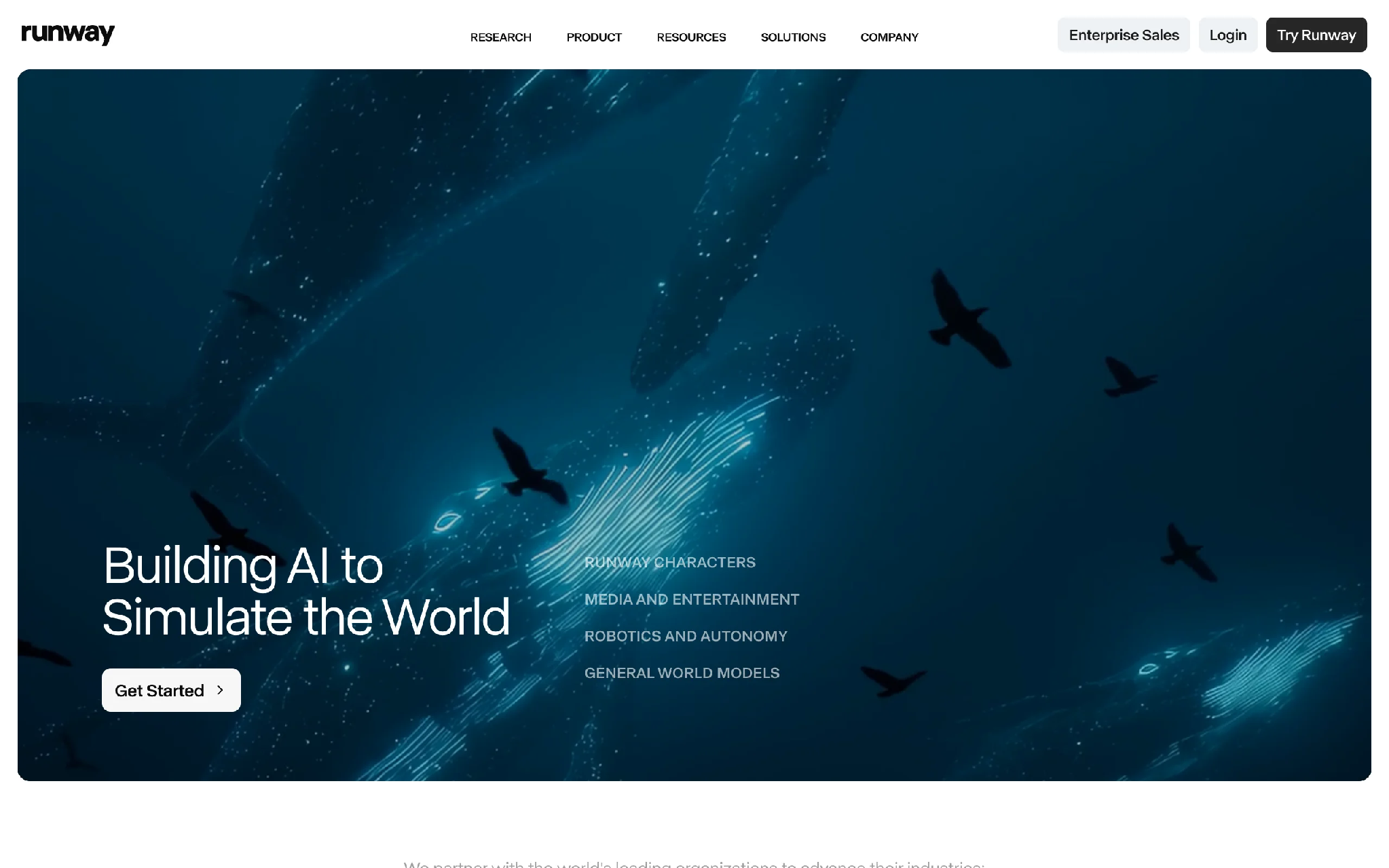
Runway is the most specialist video tool on this list. It earns a spot because short clips now do a lot of the heavy lifting on Instagram, TikTok, and paid social, and Runway turns a still product image into motion. Feed it a photo, prompt the movement you want, and it generates a few seconds of video.
It is not fashion-specific, so you will spend time prompting to get clean, on-brand results, and credits get used up fast on the newer models. But for a brand that wants motion content without a videographer, it is one of the more capable options. Pair it with a still-image tool above, or compare it with DeeVid if you want image, video, voice, and music creation in one workspace.
AI Fashion Tools with Runway
Key features
● Image-to-video generation from a single still
● Multiple model generations with different speed and quality trade-offs
● Text prompting for motion and camera movement
● API access
Best for
● Brands that want short video for social and ads
● Teams turning existing product photos into motion content
Pricing
● Free trial credits to start
● Standard from $12/month (625 credits)
● Pro from $28/month (2,250 credits)
Pros
● Capable image-to-video output for short fashion clips
● Flexible model options to balance speed against quality
Cons
● Not built specifically for fashion, so results need prompting effort
● Credits deplete quickly on the higher-quality video models
How to choose the right AI fashion tool
Eight tools, and they do not all do the same job. Here is how I would narrow it down based on what you actually need.
1) Do you need one platform or one feature?
If you run a brand and touch try-on, model shots, product-to-model, and video across a month, a single platform saves you from juggling logins and re-uploading the same assets. WearView covers most of the fashion-specific range, while DeeVid makes more sense if the monthly workload also includes social video, AI ads, avatars, voice, and music. If you only ever need one narrow job, a specialist is cheaper: Photoroom for cutouts, Pebblely for backgrounds, Pixelcut for budget on-model shots, Runway for advanced video.
2) How much do model realism and consistency matter?
For lookbooks and campaigns where the same model should appear across products, consistency is not optional. WearView’s consistent model identity is built for exactly that, holding one face across a whole product line. If you are only generating one-off lifestyle shots of objects, a tool like Pebblely that never touches a human model is fine and simpler.
3) Does your volume fit the pricing model?
Run the unit math before you subscribe. Subscription tools like WearView, DeeVid, Pixelcut, and Pebblely make sense at steady monthly volume. A pay-as-you-go option like VModel.ai is better if your output is lumpy and you would waste a monthly plan. Whatever you pick, test five of your hardest SKUs first: a busy print, a sheer fabric, a garment with text. That tells you more than any demo reel.
4) Do you need photos, video, or both?
Most of these tools generate stills. Runway, DeeVid, and the video features inside WearView and Flair produce motion. If short video is part of your social strategy, plan for it now rather than bolting on a separate tool later.
FAQ
What is the best AI tool for fashion brands in 2026? There is no single answer, because it depends on your workflow. For a brand that needs try-on, model generation, product-to-model, and fashion-specific video in one place, WearView is the most complete option. For a brand that needs daily social clips, AI ads, image generation, avatars, voice, and music, DeeVid is a strong second pick. For on-model shots on a tight budget, Pixelcut is a useful starting point. Match the tool to the job rather than chasing one “best” pick.
Can AI replace a fashion photoshoot entirely? For most ecommerce product imagery, close to it. On-model shots, flat-lay conversions, and lifestyle backgrounds are well within reach of current tools. Where a human shoot still wins is anything needing precise fabric movement, specific real locations, or brand-defining hero imagery. Many brands now use AI for the bulk of their catalog and reserve real shoots for campaigns.
Is AI-generated fashion imagery safe to use commercially? On paid plans, most tools here grant commercial usage rights, including WearView, DeeVid, Pixelcut, VModel.ai, and Flair.ai’s Pro+ tier. Always confirm the rights on your specific plan before publishing, since free tiers often restrict commercial use or add watermarks.
Which AI tool is best for Shopify and marketplace sellers? For marketplace listings that mainly need clean packshots, Photoroom is fast and cheap. For Shopify stores that want on-model imagery, a platform like WearView covers more of the work. Check for native integrations if you want to push images straight into your store.
How much do AI fashion tools cost? Most start between $10 and $40 per month for entry plans. Photoroom, Pebblely, Pixelcut, and DeeVid sit in that lower-to-mid range, WearView’s Lite plan is $24 per month, and the dedicated tools climb faster at higher volume. Pay-as-you-go tools like VModel.ai have no monthly fee at all. The real cost driver is volume, so estimate your monthly image and video count before comparing tiers.
What inputs give the best results? Clean, well-lit source images, every time. A sharp packshot on a plain background, a flat-lay shot straight down, or a garment photographed without heavy shadows will outperform a cluttered phone snap. For try-on and product-to-model especially, the quality of your input garment photo sets the ceiling on the output.
Do I need separate tools for photos and video? Not always. Runway handles video specifically, while DeeVid combines video, image, avatar, voice, and music generation in one workspace. WearView and Flair.ai also generate short clips alongside their image tools. If video is a small part of your output, an all-in-one platform avoids a second subscription. If video is central to your brand and you want more motion control, a dedicated tool like Runway gives you more room to experiment.