
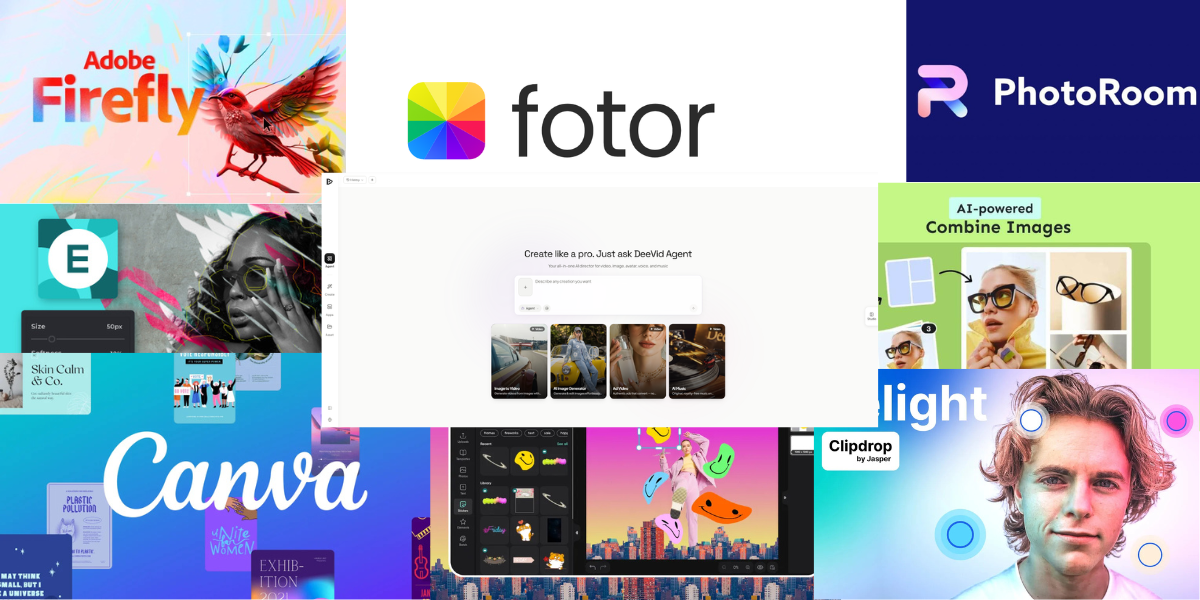
10 Best AI Photo Editors 2026: Edit Online with Canvas&without Download
If you want to edit photos online in 2026 without installing heavyweight software, the good news is that browser-based AI editors are finally good enough for real work. The best tools now go far beyond simple filters: they can remove objects, swap backgrounds, expand the canvas, retouch portraits, upscale low-quality images, and even follow natural-language prompts inside an online editor.
For this list, we focused on tools that are actually useful for modern online editing: prompt-based edits, canvas-style workflows, object cleanup, background work, quality enhancement, and no-download convenience. Some are better for marketing teams, some for ecommerce, and some for creators who want an all-in-one image workspace. Here are the 10 worth trying now.
How we picked these AI photo editors
We prioritized tools that let you edit in the browser, support practical AI edits such as erase/replace/expand/enhance, and feel fast enough for real content workflows instead of just one-off demos. We also gave extra weight to editors that combine multiple tasks in one place, because switching between separate tools for cleanup, background removal, retouching, and generation still slows teams down.
To make the shortlist easier to scan, here’s a side-by-side comparison of the best AI photo editors for online editing, canvas workflow, and no-download convenience in 2026.
Compare Table: Best AI Photo Editors 2026
| Tool | Best for | Key AI editing strengths | Pricing |
|---|---|---|---|
| DeeVid AI Image Editor | All-in-one prompt-based editing | Text-prompt editing in canvas, inpaint, reference-image workflow, quick image upload and creation | Free trial; paid from $14/mo monthly or $10/mo billed yearly for Lite. Pro and Premium tiers are also listed. |
| Adobe Firefly | Premium generative photo editing | Prompt-based edits, object removal, upscale, expand, style transfer | Free tier available; paid plans and credit add-ons available. |
| insMind | Practical commercial image cleanup | Remove background, AI background, enhancer, extender, magic eraser, replace, batch editor | Free option available; monthly and yearly paid subscriptions offered. |
| Canva | Photo editing inside a design workflow | Magic Edit, background generation, prompt-based edits | Free plan available; paid Pro, Teams, and Enterprise options. |
| Fotor | General-purpose AI photo editing | 30+ AI tools, enhancement, background removal, portrait retouching | Free Basic plan; paid Pro and Pro+ plans available. |
| Photoroom | Ecommerce and product images | Background remover, AI backgrounds, object removal, resize/expand, product staging | Start free; Pro from $7.50, Max from $20.99, Ultra from $82.50; Enterprise custom. |
| Picsart | Creators and social visuals | Background remover, AI replace, AI expand, object removal, enhance | Free plan available; paid subscription plans available, including Pro/Ultra tiers. |
| Pixlr | Fast everyday browser editing | Generative fill, remove background, remove object, image expand | Free plan available; Plus from $2.49/mo and Premium from $9.99/mo in the pricing page snippet. |
| Clipdrop | Focused one-task AI edits | Cleanup, uncrop, background removal, upscaling, relight | Free plan available; paid Pro plan available. |
| BeFunky | Easy editing for casual users and SMBs | Background remover, object eraser, enhancer, upscale, sky replacer, deblur | Free plan available; Plus from $6.99/mo billed annually at $83.88. |
1. DeeVid AI Image Editor
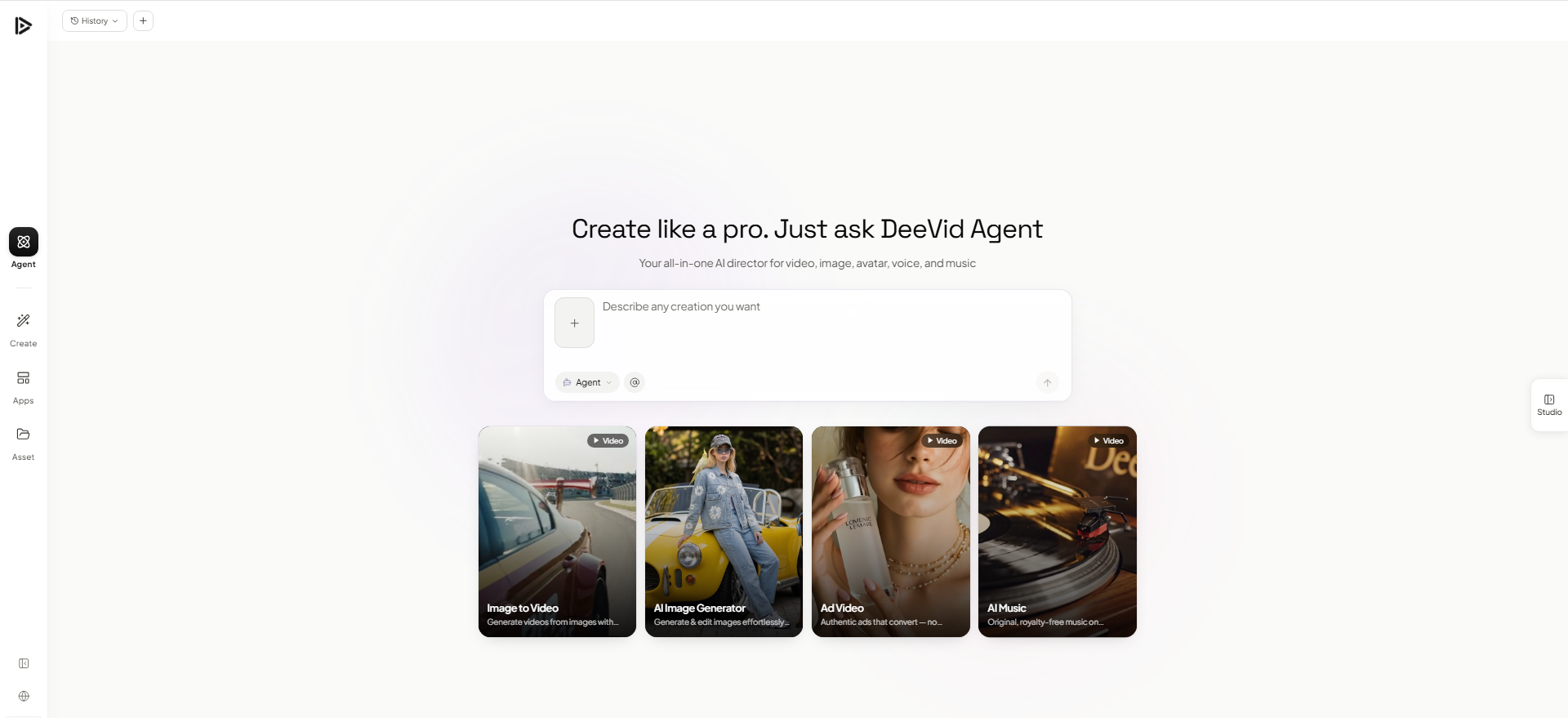
DeeVid AI Image Editor is the best choice for users who want an online AI photo editor that feels simple, fast, and actually practical for real work. Instead of splitting tasks across different tools, DeeVid brings common edits into one browser-based flow: you can upload an image, describe what you want changed, and let the editor handle background removal, object cleanup, object replacement, portrait retouching, upscaling, and color or lighting fixes. The platform also supports more advanced workflows like generative fill, expand, image-to-image, and text-to-image, which makes it more than just a basic touch-up tool.
What makes DeeVid stand out is the workflow. It is designed for people who want to move from raw photo to finished asset without downloading software or wrestling with a complex interface. That makes it especially strong for creators, marketers, ecommerce sellers, and small teams that need polished visuals quickly. Rather than feeling like a collection of isolated AI tricks, DeeVid feels like a modern editing canvas built around speed and usability.
Why we list it as Top 1: DeeVid offers the strongest balance of ease of use, all-in-one editing depth, and true browser-based canvas workflow, making it the most complete option for online AI photo editing in 2026.
Best for: users who want an all-in-one AI image editor with prompt-based editing and a clean browser workflow.
2. Adobe Firefly
Adobe Firefly is one of the strongest options for users who want premium AI editing quality in a web-based experience. It focuses on prompt-based edits such as removing or replacing elements, extending images, and generating new visual content from simple instructions. For users who already trust Adobe’s creative ecosystem, Firefly feels like a natural extension of that standard.
The biggest reason to choose Firefly is quality and brand confidence. If you want polished generative editing backed by a major creative platform, Firefly is an easy recommendation. It feels more premium than many lightweight browser tools, though some users may find it less streamlined than editors built purely for fast online workflows.
Why we list it as Top 2: Firefly delivers some of the best generative editing quality in the category, but it ranks just behind DeeVid because it feels more ecosystem-driven and less streamlined for quick all-in-one browser editing.
Best for: creatives and professionals who want high-quality generative editing inside a premium design ecosystem.
3. insMind
insMind is a practical AI photo editor built for users who need polished commercial visuals without a complicated workflow. It handles high-frequency tasks such as background removal, AI-generated backgrounds, object cleanup, image expansion, enhancement, and product-photo retouching. After polishing a still image, users can also bring it into insMind’s AI video generator to create product demos, promotional clips, or social media videos from images and text prompts.
What makes insMind appealing is its focus on usable output. The platform is especially well suited to ecommerce sellers, marketers, and small businesses that regularly produce product listings, ads, and branded content. Its combination of image editing and AI video creation also makes it easier to turn one visual asset into content for several channels without relying on complex editing software.
Why we list it as Top 3: insMind earns its place by offering efficient commercial image editing alongside useful AI video capabilities, although it has less brand recognition than the tools ranked above it.
Best for: ecommerce teams, marketers, and small businesses creating product images and promotional videos.
4. Canva
Canva is a great fit for users who want AI photo editing as part of a broader design workflow. Its AI editing tools sit directly inside Canva’s editor, making it easy to add, erase, or modify visual elements without leaving the browser. That makes it especially useful for teams creating social posts, ads, presentations, and brand assets alongside photo edits.
Canva’s main advantage is convenience. It may not feel as photo-specialized as some dedicated AI editors, but it shines when editing is just one part of the creative job. If you want to retouch an image, change a background, and immediately place that image into a post, banner, or slide, Canva is one of the easiest tools to recommend.
Why we list it as Top 3: Canva earns a high spot because it combines AI photo editing with one of the most practical browser-based design workflows available, even if its editing depth is not as focused as a dedicated image editor.
Best for: creators, marketers, and teams who want AI photo editing inside a flexible design platform.
5. Fotor
Fotor is a strong all-around AI photo editor for users who want plenty of utility features without jumping into a complicated professional workflow. It covers a wide range of common tasks, including enhancement, background editing, portrait retouching, object removal, object replacement, and prompt-based image changes. That makes it approachable for both beginners and more experienced users.
What makes Fotor appealing is range. It sits comfortably between lightweight quick-edit tools and more premium creative platforms, which gives it broad appeal for casual users, content creators, and small businesses. If you want an AI editor that can handle everyday cleanup and enhancement in one place, Fotor is a reliable pick.
Why we list it as Top 5: Fotor makes the top five because it offers a broad and practical AI editing toolkit, even if it does not feel as refined, specialized, or workflow-driven as the higher-ranked options.
Best for: users who want a flexible online AI photo editor with both quick fixes and broader editing tools.
6. Photoroom
Photoroom is one of the best AI photo editors for ecommerce and product-focused content. It is built to help users create cleaner, more professional-looking product images without needing a traditional studio workflow. Tasks like background removal, background replacement, shadow cleanup, resizing, and marketplace-ready polishing are fast and easy, which is exactly why Photoroom has become so popular with sellers and small brands.
Its biggest strength is specialization. While some tools on this list try to cover every kind of creative editing, Photoroom is especially strong when the goal is commercial output: product listings, online stores, ads, catalogs, and social creatives built around products. If your work depends on making items look sharper, cleaner, and more consistent, Photoroom is one of the most practical options available.
Why we list it as Top 6: Photoroom ranks this high because it is one of the most effective AI editors for product photography and ecommerce workflows, even though it is more specialized than the broader all-in-one tools above it.
Best for: ecommerce sellers, product marketers, and brands that need fast, polished commercial image editing.
7. Picsart
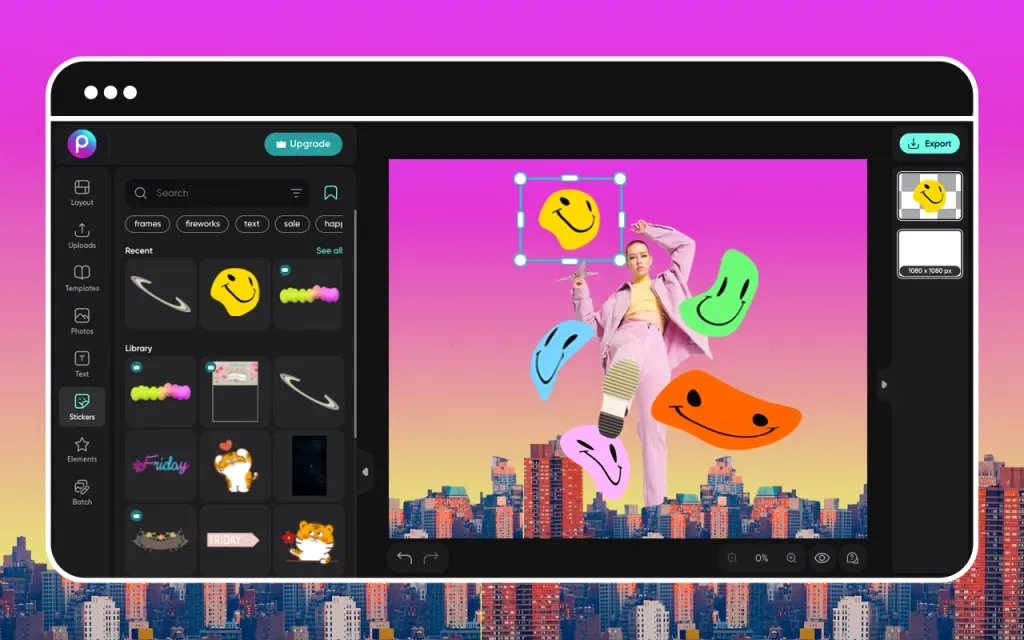
Picsart remains a strong choice for creators who want AI photo editing inside a more flexible creative platform. It goes beyond basic retouching by blending photo editing with design, collage, and social-content workflows, which makes it especially appealing for users creating visual content regularly. You can clean up images, remove or replace elements, enhance quality, and then quickly turn those edited visuals into content for social media or marketing.
What makes Picsart stand out is its creator-friendly feel. It is less rigid than some business-first editors and less narrowly task-based than product-only tools. That makes it a good middle ground for users who want AI editing, but also want room to experiment with visual style, layouts, and more casual creative work. It is especially useful for social-first creators, influencers, and small brands producing content at a fast pace.
Why we list it as Top 7: Picsart makes the top 10 because it offers a strong mix of AI editing and creative flexibility, though it is less focused and workflow-efficient than the higher-ranked tools for pure photo editing.
Best for: creators and social media users who want AI photo editing plus broader visual design flexibility.
8. Pixlr
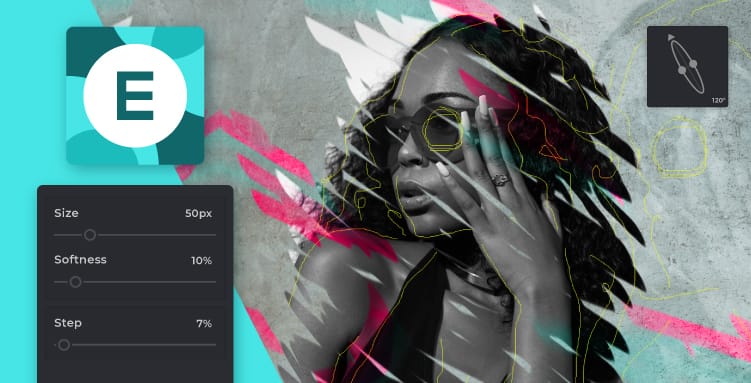
Pixlr continues to be one of the most accessible AI photo editors online. It appeals to users who want low-friction editing across browser, mobile, and desktop, without needing a complicated setup. Pixlr works well for quick fixes, visual cleanup, and lightweight creative work, which is exactly why it remains popular.
Pixlr’s strength is speed and accessibility. It does not try to feel overly enterprise or overly technical. Instead, it gives users a straightforward editing environment with AI tools close at hand, which is exactly what many people want from an online photo editor. If your priority is opening a browser, making quick edits, and moving on, Pixlr remains one of the most useful tools in the category.
Why we list it as Top 8: Pixlr ranks highly because it is one of the easiest and fastest AI photo editors to use online, though it is less premium and less workflow-complete than the top three options.
Best for: users who want fast, browser-based editing with AI features and minimal setup.
9. Clipdrop
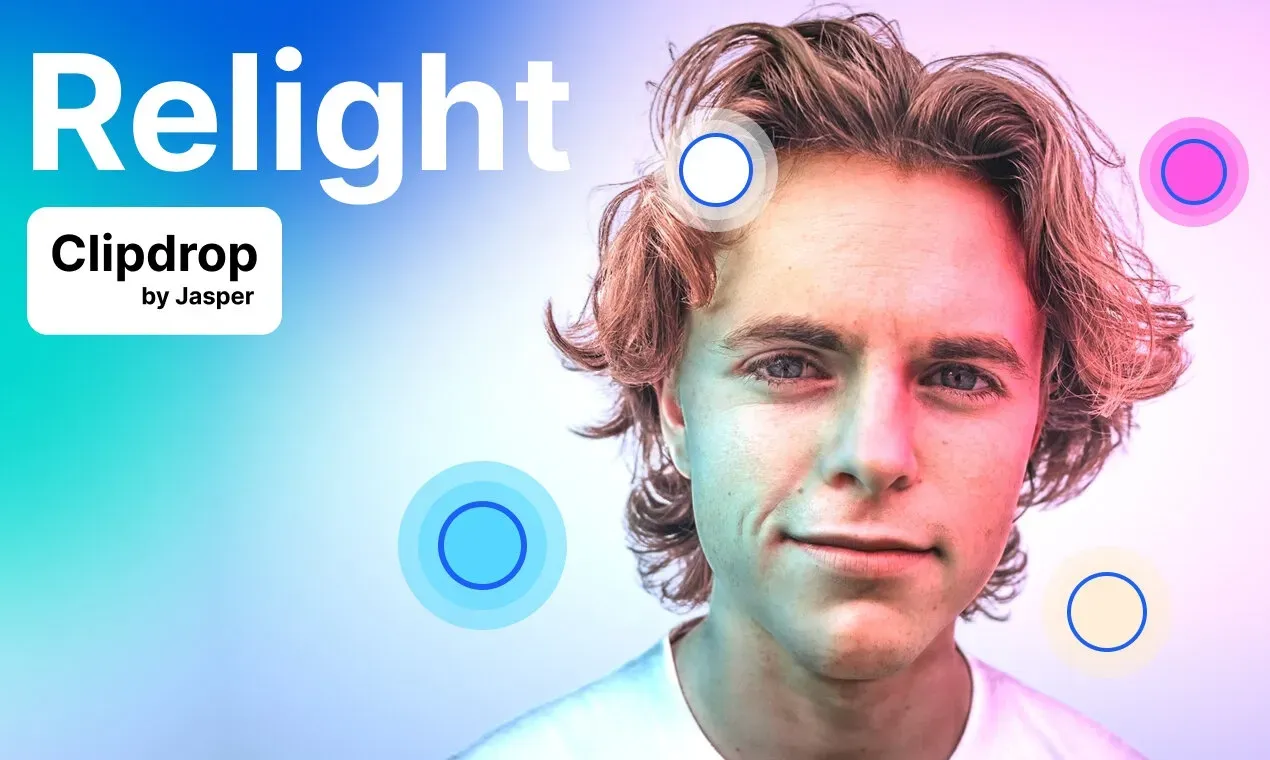
Clipdrop is a useful option for people who prefer focused AI tools over a full all-in-one editing suite. It is especially strong for tasks like object cleanup, background removal, image expansion, and upscaling. Rather than presenting itself as one big design canvas, Clipdrop works more like a collection of targeted AI utilities, which can actually be an advantage if you know exactly what kind of edit you need.
Its main appeal is speed. If you just want to remove something from a photo, extend the frame, or isolate a subject without opening a larger editing environment, Clipdrop is quick and convenient. The downside is that it feels less unified than some of the editors higher on this list, especially for users who want all editing steps to happen inside one continuous workflow.
Why we list it as Top 9: Clipdrop ranks here because its focused AI tools are fast and genuinely useful, but it feels more like a toolbox of separate utilities than a complete online photo editing workspace.
Best for: users who want fast, single-purpose AI edits like cleanup, background removal, and uncropping.
10. BeFunky
BeFunky is a good option for casual users and small businesses that want a simpler online photo editor with AI enhancements built in. It combines standard editing with useful AI-powered features like background removal, object erasing, portrait retouching, sharpening, and upscaling. That makes it approachable for users who want better-looking visuals without learning a more advanced platform.
The main reason to choose BeFunky is ease. It does not try to compete as the most cutting-edge or technically deep AI editor on the market, but it covers a wide range of common editing needs in a friendly and accessible way. For users who want something lighter than the top-ranked tools, it still offers plenty of practical value.
Why we list it as Top 10: BeFunky stays on the list because it is easy to use and covers many everyday editing needs well, even if it is not as advanced or feature-rich as the stronger AI editors above it.
Best for: casual creators, small businesses, and beginners who want easy online photo editing with helpful AI tools.
How to Choose the Right AI Photo Editor
Not every AI photo editor is built for the same kind of user. Some are better for quick background cleanup, some are designed for ecommerce, and others work best as full creative workspaces. The right choice depends on what you actually need to edit most often.
1. Decide what kind of edits you do most
If you mainly remove objects, change backgrounds, or retouch portraits, almost any AI editor can help. But if you also need image expansion, prompt-based editing, product staging, or enhancement, it makes sense to choose a tool with a broader editing toolkit. Users who want everything in one place will usually get more value from an all-in-one platform than from a single-purpose tool.
2. Choose between a full canvas workflow and quick utility tools
Some AI editors feel like a complete editing workspace, where you can upload an image, make multiple changes, and finish the asset in one session. Others are better thought of as fast utilities for one task at a time. If you edit often, a true canvas-style workflow will usually save more time.
3. Think about your actual use case
A creator making social visuals does not need the same tool as an ecommerce seller editing product photos. If you work on ads, content, or brand assets, you may want a flexible editor that supports multiple creative directions. If you mainly edit product listings, background cleanup and consistency matter more than experimental features.
4. Check how easy it is to use
The best AI features are not useful if the editor slows you down. A good online editor should feel simple: upload, describe what you want, adjust if needed, and export. If the workflow feels too technical or too fragmented, it may not be the best fit for fast production work.
5. Compare pricing with real usage
Many tools offer a free plan, but the real question is whether the paid tier matches how often you edit. If you only need occasional cleanup, a light plan may be enough. If you regularly create content, product visuals, or ad assets, it is worth paying for a tool that gives you a smoother workflow and more reliable output.
6. Prioritize speed and convenience
One of the biggest reasons to use an AI photo editor in 2026 is to avoid downloading heavy software and doing everything manually. The right platform should help you move from raw image to finished result quickly, especially if you work in a browser-based content workflow.
Final Conclusion
AI photo editing has become much more practical in 2026. What used to require multiple apps, manual masking, or advanced editing skills can now be done in a browser with a few prompts and a few clicks. That shift is why online AI editors are becoming a real part of everyday creative work, not just experimental tools.
For users who want the most complete online editing experience, DeeVid AI Image Editor stands out as the best overall option because it combines prompt-based editing, canvas workflow, and all-in-one convenience in a way that feels fast and accessible. If you want a more design-driven ecosystem, Adobe Firefly and Canva are strong alternatives. If you are focused on ecommerce, Photoroom and insMind are especially practical picks.
The best choice comes down to your workflow. But if your goal is simple — edit online, avoid downloads, and get polished results faster — there has never been a better time to use an AI photo editor.
FAQ
What is the best AI photo editor in 2026?
Our top pick is DeeVid AI Image Editor because it offers the strongest balance of prompt-based editing, browser convenience, and all-in-one workflow for everyday image editing.
Can I use an AI photo editor online without downloading software?
Yes. Most of the tools on this list are browser-based, which means you can upload, edit, and export images online without installing traditional editing software.
Which AI photo editor is best for product photos?
If you mainly edit product images for ecommerce, marketplaces, or ads, Photoroom and insMind are two of the best options because they focus heavily on background cleanup, product presentation, and commercial image polishing.
Which AI photo editor is best for creators and social media content?
For creators, DeeVid AI Image Editor, Canva, and Picsart are especially useful because they support quick editing workflows and flexible content creation for social posts, ads, and brand visuals.
Are free AI photo editors good enough?
For simple edits, yes. Free plans are often enough for testing or light use. But if you edit frequently or need better export quality, faster workflow, and more advanced AI features, a paid plan is usually worth it.
What features should I look for in an AI photo editor?
The most useful features are object removal, background editing, image enhancement, expansion, prompt-based edits, and an interface that lets you complete multiple edits in one place.
Is an AI photo editor better than traditional editing software?
It depends on your needs. Traditional software still offers deeper manual control, but AI photo editors are often much faster for common tasks like cleanup, replacement, retouching, and quick creative edits. For many users, that speed is the biggest advantage.