
ChatGPT Images 2.0 Review: OpenAI’s New Image Model for Better Text, Layouts, and Visual Reasoning
AI image generation is moving from simple prompt-based creation to real creative production. For marketers, designers, and creators, the question is no longer just “Can it make a beautiful image?” but “Can it create usable visuals for ads, blogs, products, and videos?”
In this review, we’ll look at how ChatGPT Images 2.0 performs in practical creative tasks, what makes it different from other image models, and how DeeVid AI helps users turn still images into complete visual content.
What Is ChatGPT Images 2.0? A One-Sentence Overview
ChatGPT Images 2.0 is OpenAI’s new image generation and editing model, designed to create sharper visuals, better text-heavy images, more accurate layouts, and more useful creative assets from natural-language prompts.
From a creator’s perspective, the biggest story is not simply “better images.” It is that ChatGPT Images 2.0 makes image generation feel closer to a real creative workflow: idea, visual direction, edit, layout, and final asset.
For DeeVid AI users, the workflow is even simpler. ChatGPT Images 2.0 is available directly in DeeVid’s AI Image Generator, so users can generate and refine images inside DeeVid, then continue into AI video creation without switching between different tools.
Quick Specs of ChatGPT Images 2.0
Here’s the practical spec sheet creators and marketers actually care about:
| Parameter | ChatGPT Images 2.0 |
|---|---|
| Model name | ChatGPT Images 2.0 / GPT Image 2 |
| Core capability | Image generation and image editing |
| Input | Text and image |
| Output | Image |
| Common output sizes | 1024×1024, 1536×1024, 1024×1536, auto |
| Quality options | Low, medium, high, auto |
| Output formats | PNG, JPEG, WEBP |
| Background options | Transparent, opaque, auto |
| Best for | Posters, social visuals, product concepts, infographics, text-heavy graphics, image edits |
| Available on DeeVid AI | Yes, inside DeeVid AI Image Generator |
Why ChatGPT Images 2.0 Matters
If we had to sum up the upgrade in one sentence:
ChatGPT Images 2.0 feels less like a simple picture generator and more like a visual thinking model for structured creative work.
That matters because most real-world image tasks are not only about beauty. A marketing image needs readable text. A product mockup needs clean composition. A social post needs the right aspect ratio. A poster needs hierarchy. A brand asset needs consistency.
For creators, marketers, and content teams, ChatGPT Images 2.0 is especially useful in five areas:
- text rendering inside images
- structured layout and design hierarchy
- prompt-following for detailed visual instructions
- image editing with stronger context understanding
- practical marketing and educational asset creation
In short, it helps users create images that are not only attractive, but also usable.
The Big 4 Upgrades That Matter
1. Better Text Rendering: Finally Useful for Real Design Drafts
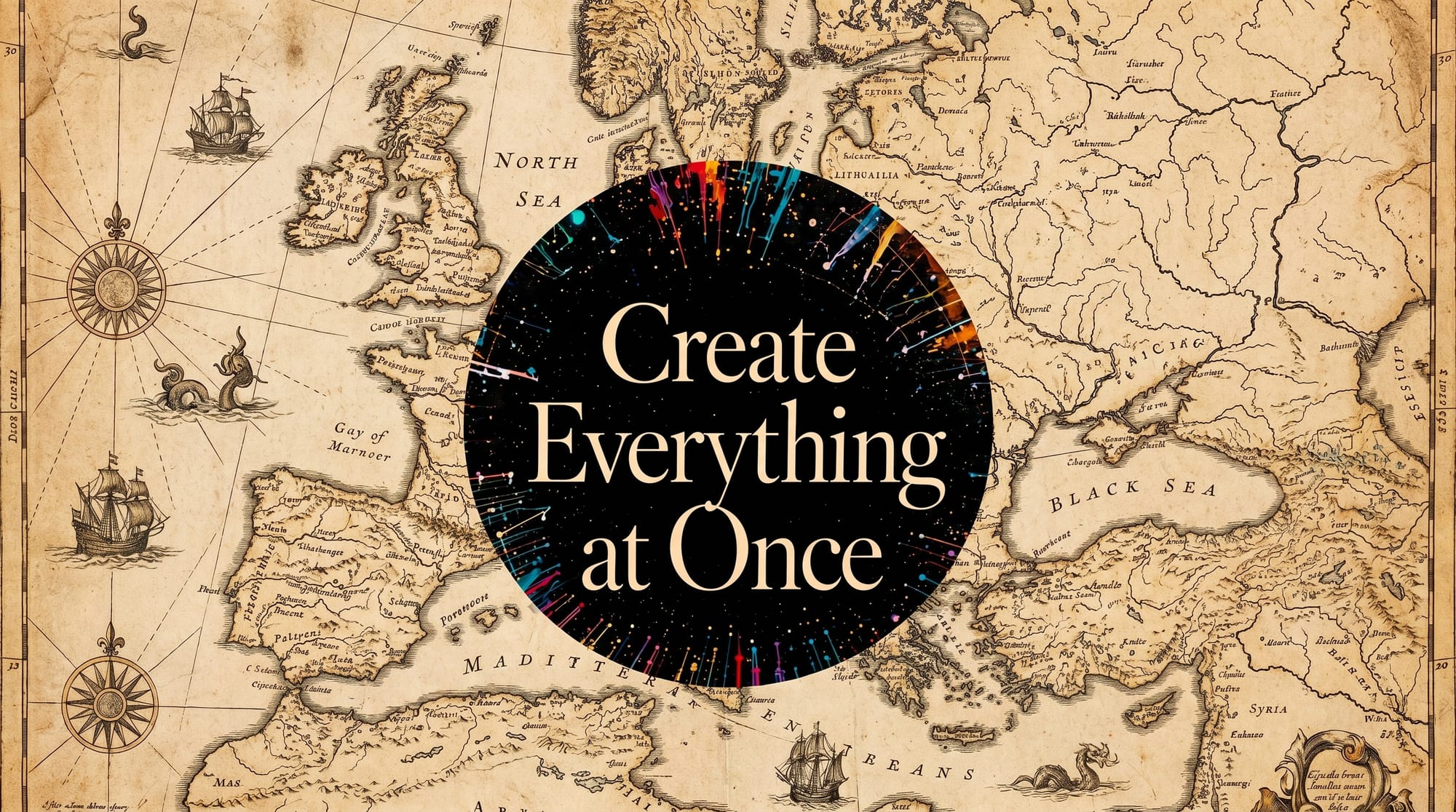
Text has always been one of the hardest parts of AI image generation. Older models could create a beautiful poster but misspell the headline, distort a logo-style phrase, or produce unreadable pseudo-letters.
ChatGPT Images 2.0 moves closer to practical design use. It is better suited for images that include headlines, labels, short CTAs, feature names, product text, and layout-based content.
This matters for:
| Use Case | Why Text Rendering Matters |
|---|---|
| Ad banners | Headlines and CTAs need to be readable |
| Posters | Typography controls the visual hierarchy |
| Product mockups | Labels, packaging, and UI elements need accuracy |
| Infographics | Data labels and section titles must make sense |
| Social media | Short text must stay clean at mobile size |
From a DeeVid perspective, this is one of the most creator-facing upgrades. If text becomes reliable enough, the model can be used not only for concept art, but also for first-draft campaign assets.
2. Stronger Layouts: Not Just Better Texture
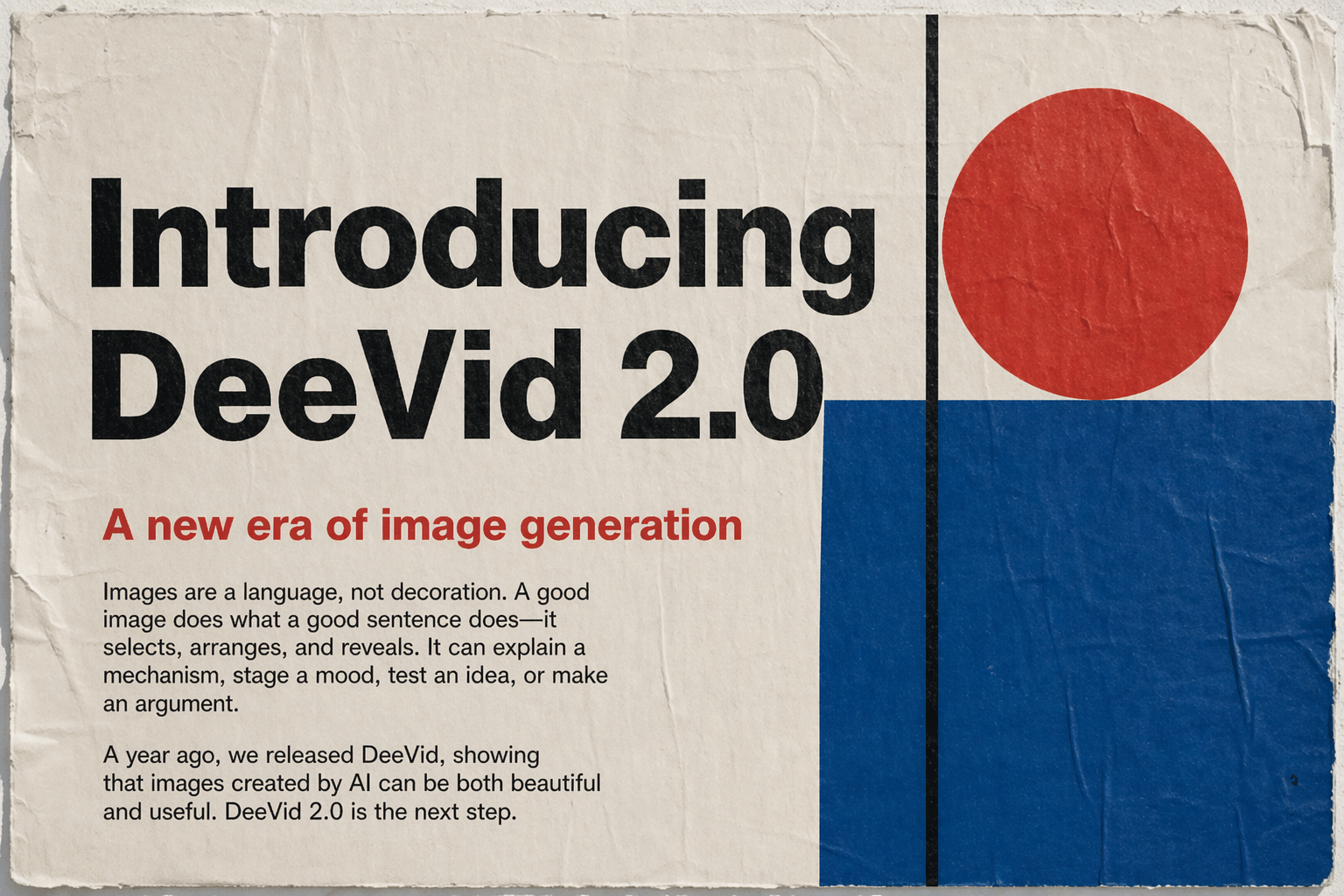
A strong AI image model should not only generate attractive details. It also needs to understand structure.
ChatGPT Images 2.0 is better at arranging multiple visual elements into one coherent output, instead of simply filling the frame with beautiful but messy content.
For marketers, this is a major difference. A campaign image usually needs:
- one clear focal point
- readable headline placement
- balanced negative space
- product visibility
- supporting visual details
- platform-native framing
That is where ChatGPT Images 2.0 becomes more useful than a purely aesthetic image model.
3. Better Image Editing: More Like a Creative Assistant
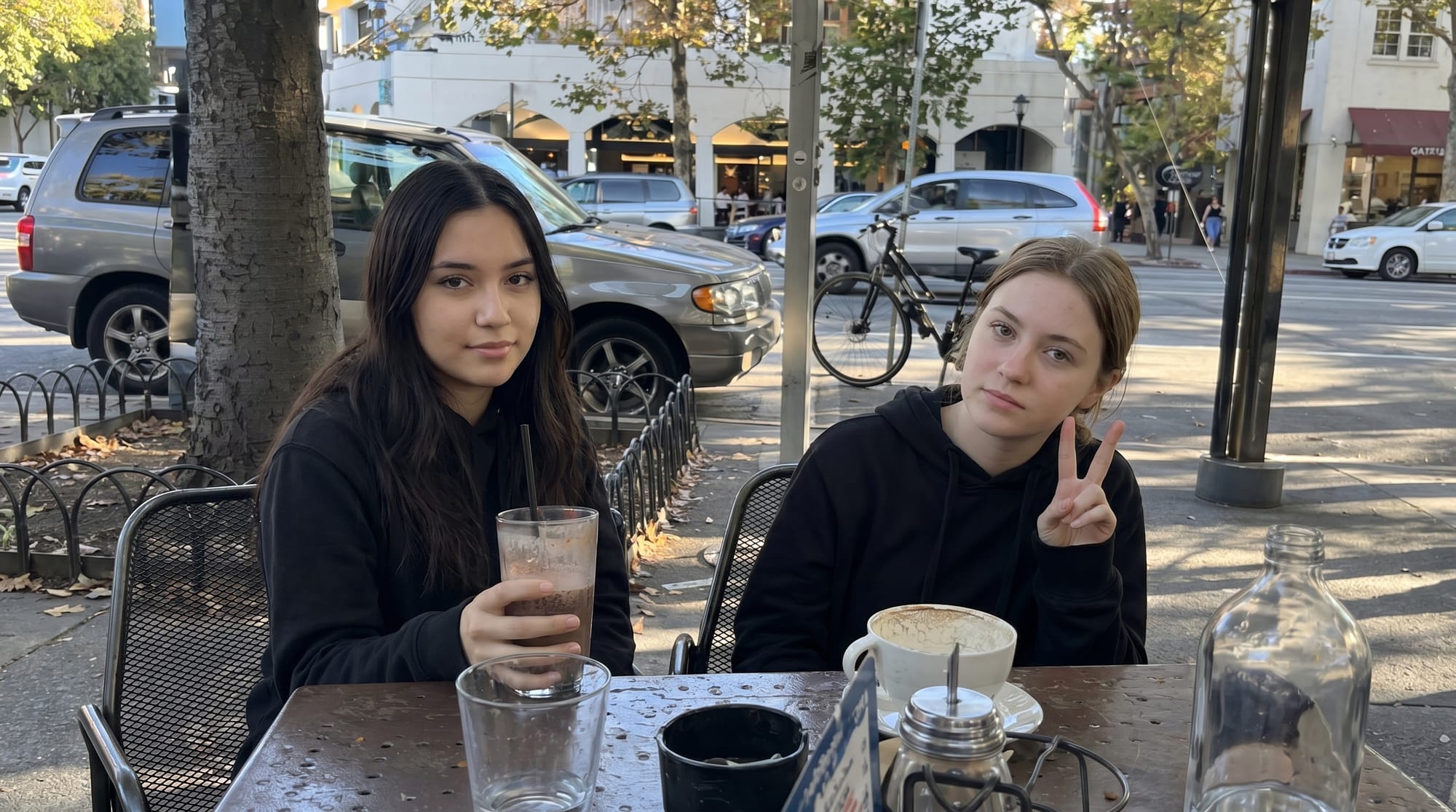
ChatGPT Images 2.0 supports both generation and editing, which makes it more useful for iterative workflows.
Instead of writing one perfect prompt from scratch, creators can work step by step:
- Generate a first concept.
- Ask for a more premium product-ad style.
- Change the background.
- Adjust the text.
- Create different aspect ratios.
- Turn the selected result into video using DeeVid AI.
This is where image models are becoming more production-friendly. In real content creation, the first image is rarely the final image. The useful model is the one that can keep improving the same direction without forcing the creator to start over every time.
4. More Useful for Visual Reasoning
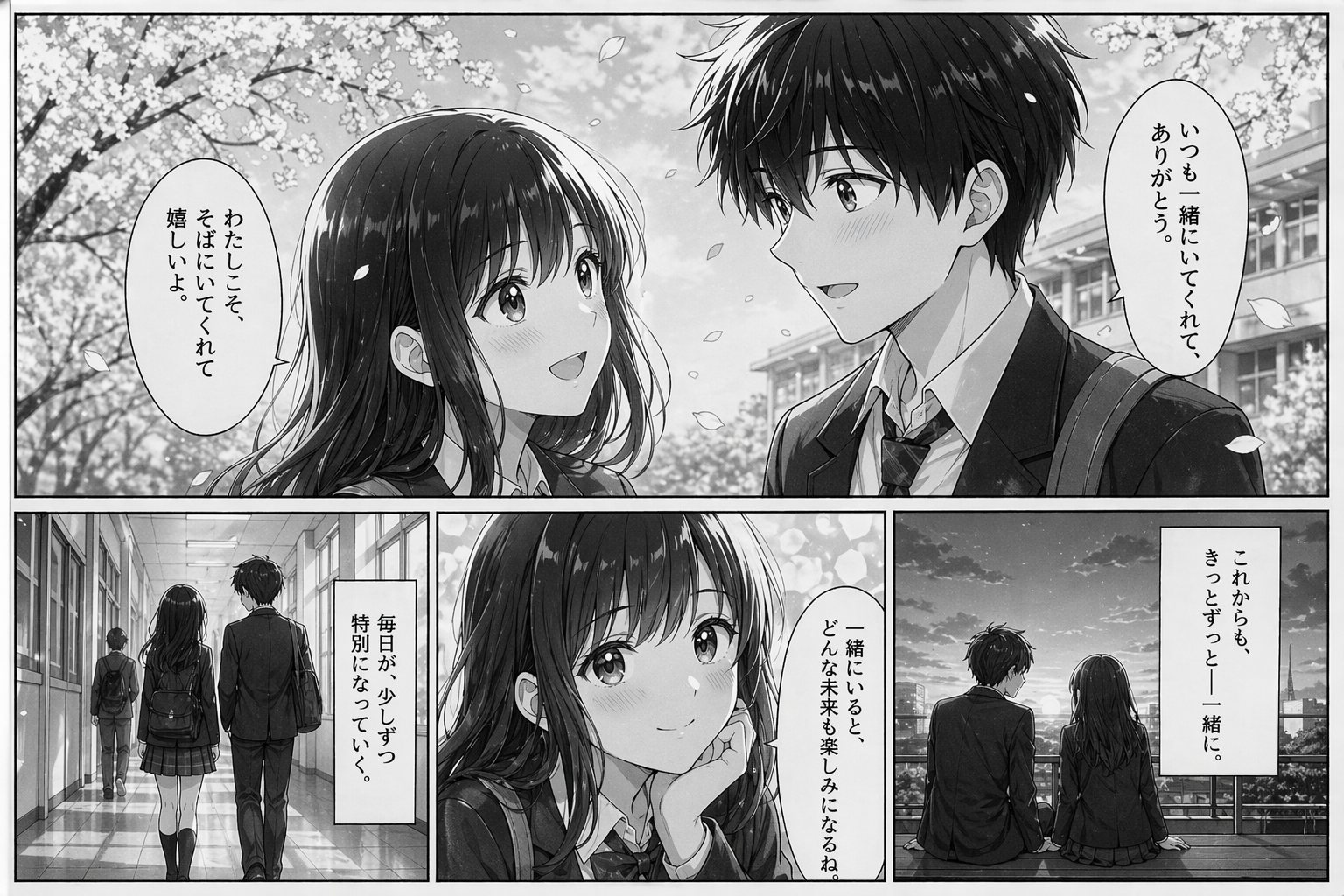
One of the most interesting directions is not just image quality, but “thinking through” the visual task.
ChatGPT Images 2.0 can be useful when an image needs to explain, compare, organize, or communicate information visually. That makes it suitable for:
- explainer graphics
- teaching materials
- campaign mood boards
- product comparison visuals
- presentation-style assets
- brand concept exploration
- visual summaries of complex ideas
In other words, ChatGPT Images 2.0 is useful when the image needs to communicate, not only decorate.
How ChatGPT Images 2.0 Works in Practice on DeeVid AI
ChatGPT Images 2.0 is available directly in DeeVid AI Image Generator, so users do not need to switch between different platforms to create, edit, and animate images.
Inside DeeVid, creators can use ChatGPT Images 2.0 to generate high-quality still images, refine visual details, and then continue the same asset into an image-to-video workflow.
This makes ChatGPT Images 2.0 more than a standalone image model. On DeeVid AI, it becomes part of a complete creative pipeline:
generate the image → edit the result → animate it into video → publish the final creative
1. Text-to-Image Creation in DeeVid AI Image Generator
The most direct way to use ChatGPT Images 2.0 on DeeVid is text-to-image generation. Users can describe the image they want, choose the model, and generate a polished visual from scratch.
This is useful for:
| Use Case | How ChatGPT Images 2.0 Helps |
|---|---|
| Marketing posters | Creates campaign visuals with product focus, lighting, and layout |
| Blog hero images | Generates original visuals for SEO articles and landing pages |
| Social media graphics | Produces platform-ready creative concepts |
| Product mockups | Turns product ideas into early visual drafts |
| Character concepts | Creates references for stories, games, ads, or videos |
| App and SaaS visuals | Builds clean interface-style images and tech-brand compositions |
For better results, the prompt should define the asset type, visual style, layout, and final use case.
Example prompt:
Create a 1536×1024 blog hero image for an article titled “ChatGPT Images 2.0 Review.” Show an elegant AI image creation workspace with a prompt box, generated images, typography samples, and editing tools. Use a clean editorial tech style, soft gradients, and readable title text.
This type of prompt works better than a vague request because it tells the model what the image is, where it will be used, what it should contain, and how it should feel.
2. Image Editing with ChatGPT Images 2.0
ChatGPT Images 2.0 also supports image editing inside DeeVid, which makes it more useful for real creative workflows.
Instead of starting from a blank prompt every time, users can upload or select an existing product image, character image, reference photo, or design draft, then ask the model to modify it.
This is useful for:
| Editing Task | Example Use |
|---|---|
| Background replacement | Turn a plain product photo into a premium ad scene |
| Style upgrade | Make an image look more cinematic, editorial, or commercial |
| Layout improvement | Add better spacing, hierarchy, and visual balance |
| Creative variation | Generate multiple campaign directions from one base image |
| Product scene design | Place a product into a studio, lifestyle, or futuristic environment |
| Social localization | Adapt one image for different countries, languages, or platforms |
When editing, the most important rule is to clearly state what should stay unchanged.
Example prompt:
Keep the product exactly the same. Replace the current background with a premium studio advertisement setup. Add soft reflections, elegant lighting, subtle shadows, and a luxury commercial composition. Do not change the product label, color, shape, or proportions.
This makes ChatGPT Images 2.0 especially helpful for marketers and creators who need many creative variations without rebuilding every image from zero.
3. Turn ChatGPT Images 2.0 Results into Videos on DeeVid AI
Because ChatGPT Images 2.0 is available inside DeeVid’s AI Image Generator, users can create a high-quality still image and then continue directly into DeeVid’s AI Video Generator or image-to-video workflow.
A practical DeeVid workflow looks like this:
| Step | DeeVid Workflow | What to Do |
|---|---|---|
| 1 | AI Image Generator | Choose ChatGPT Images 2.0 as the image model |
| 2 | AI Image Generator | Generate a poster, product scene, character, or campaign concept |
| 3 | AI Image Generator | Edit the image until the composition, text, and style are ready |
| 4 | AI Video Generator | Use the final image as a reference or first frame |
| 5 | AI Video Generator | Describe how the image should become a video |
| 6 | AI Video Generator | Add camera movement, product motion, transitions, or character action |
| 7 | Export | Download the final clip for ads, TikTok, YouTube Shorts, landing pages, or social media |
For example, a user can create a premium product poster with ChatGPT Images 2.0 in DeeVid AI Image Generator, then turn that same image into a 10-second product reveal video in DeeVid AI Video Generator.
Example DeeVid video prompt:
Use the uploaded image as the first frame. Create a 10-second cinematic product video. The camera slowly pushes in toward the product, soft studio lights sweep across the surface, background particles move subtly, and the product rotates slightly with premium reflections. Keep the product design unchanged. End with a clean hero shot and space for a CTA.
This combined workflow is useful for:
| Goal | Workflow |
|---|---|
| Product ad video | Generate product poster → animate with camera movement |
| Social media clip | Create vertical image → turn it into short-form video |
| App launch creative | Generate SaaS hero visual → animate UI panels and transitions |
| Fashion campaign | Create editorial look → add motion, wind, and cinematic camera |
| Blog promotion | Create article image → animate it into a social teaser |
| Character video | Generate character concept → animate expression, pose, or scene action |
In short, DeeVid AI lets users create images with ChatGPT Images 2.0 and then bring those images to life as videos in the same creative workspace.
ChatGPT Images 2.0 vs Nano Banana/Midjourney/Seedream
| Model | Best For | Strength | Limitation |
|---|---|---|---|
| ChatGPT Images 2.0 | Text-heavy visuals, layouts, editing, visual reasoning | Strong prompt understanding and structured outputs | May still need iteration for exact typography or brand precision |
| Nano Banana / Gemini Flash Image | Fast image generation and editing | Speed and practical creative workflows | Less premium than pro-level image models in some complex cases |
| Nano Banana Pro | High-end image quality and text rendering | Professional asset production and detailed visual control | May be heavier for quick daily creation |
| Midjourney | Aesthetic concept art and stylized visuals | Beautiful art direction and strong visual taste | Less practical for exact text, UI, or precise editing |
| Seedream | Image generation and editing for commercial visuals | Strong style control and product-friendly outputs | Output quality can vary by prompt and scene complexity |
From DeeVid’s multi-model perspective, the best model depends on the job. ChatGPT Images 2.0 is especially strong when the image needs to include structure, text, or reasoning.
For creators who want to move from image to motion, DeeVid AI makes the next step easier: generate the image with ChatGPT Images 2.0, then animate it with AI Video Generator.
Pros and Cons of ChatGPT Images 2.0
Pros
| Pros | Why It Matters |
|---|---|
| Better text rendering | More useful for posters, ads, infographics, and social content |
| Stronger layout understanding | Helps with structured campaign assets and visual communication |
| Generation + editing | Supports iterative creative workflows |
| Flexible output settings | Easier to create platform-ready assets |
| Good for visual reasoning | Useful for educational, marketing, and information-heavy images |
| Available in DeeVid AI | Users can generate images and continue into video creation in one workspace |
Cons
| Cons | What to Watch |
|---|---|
| Exact brand control still needs review | Logos, fonts, and product details should be checked manually |
| Text may still need iteration | Better does not mean perfect in every language or layout |
| Still image output only | You need DeeVid AI Video Generator to animate images into videos |
| Final production may need design polish | Best used as a creative accelerator, not always a final asset generator |
| Cost can vary by settings | Price may depend on model settings, quality, and usage |
Who Should Try ChatGPT Images 2.0?
ChatGPT Images 2.0 is worth trying if you are:
- a marketer creating ad concepts
- a blogger needing original visuals
- a designer exploring layout ideas
- a creator making social media content
- an educator creating visual explanations
- a product team drafting UI or campaign mockups
- a video creator who needs strong first frames for image-to-video
It is less ideal if you only need final production files with exact brand font control, legally precise logo usage, or complex multi-page design systems. In those cases, it is better as a concept and iteration tool before final design polish.
DeeVid AI Verdict: Is ChatGPT Images 2.0 Worth Trying?
Yes. ChatGPT Images 2.0 is one of the most practical image model upgrades for creators, marketers, and content teams.
Its biggest value is not only higher image quality. The real upgrade is that it understands more of the creative task: text, layout, structure, editing instructions, style, and purpose.
From DeeVid AI’s perspective, ChatGPT Images 2.0 is especially useful for:
- generating strong first-frame images for AI videos
- creating marketing visuals with readable text
- drafting blog and social media assets
- building product concepts and campaign directions
- turning rough ideas into polished visual drafts
The limitation is also clear: it is still an image model, not a video model. But because ChatGPT Images 2.0 is available directly inside DeeVid AI Image Generator, users can move from still image creation to video generation more easily.
Final take: ChatGPT Images 2.0 is not just a better AI image generator. On DeeVid AI, it becomes a stronger starting point for complete visual creation, from image to video.
FAQs About ChatGPT Images 2.0
What is ChatGPT Images 2.0?
ChatGPT Images 2.0 is OpenAI’s updated image generation and editing model. It can create images from text prompts, edit existing images, and produce more structured visual outputs such as posters, infographics, product mockups, and text-heavy graphics.
Is ChatGPT Images 2.0 available on DeeVid AI?
Yes. ChatGPT Images 2.0 is available directly in DeeVid AI Image Generator, allowing users to create and edit images inside DeeVid’s creative workspace. Open DeeVid AI Image Generator, choose ChatGPT Images 2.0 as the image model, enter your prompt, generate or edit your image, then use DeeVid AI Video Generator to turn that image into a video.
What is ChatGPT Images 2.0 best for?
It is best for marketing visuals, posters, blog images, product mockups, social media graphics, image editing, infographics, and visual concept exploration.
Can ChatGPT Images 2.0 edit images?
Yes. ChatGPT Images 2.0 supports image editing workflows, making it useful for background replacement, style changes, product scene upgrades, and visual refinement.
Can ChatGPT Images 2.0 generate images with text?
Yes. One of its most important improvements is stronger text rendering and layout handling. It is especially useful for posters, social graphics, infographics, and ad concepts, although final text should still be checked.
Does ChatGPT Images 2.0 generate videos?
No. ChatGPT Images 2.0 is an image model, not a video model. However, on DeeVid AI, users can generate an image with ChatGPT Images 2.0 and then use DeeVid AI Video Generator to turn it into a video.
What are the limitations of ChatGPT Images 2.0?
It may still require iteration for exact typography, complex brand rules, logo accuracy, and final production polish.
Is ChatGPT Images 2.0 worth trying?
Yes. It is worth trying for creators, marketers, bloggers, designers, and businesses that need faster image ideation, stronger layouts, better text rendering, and practical visual assets.