
WEBPAGE INPUT
Start with the page you want to explain.
Paste a website, landing page, or product page URL to make it the source for your next video.
- Turn a live page into a creative starting point.
- Use your site or any public product page.
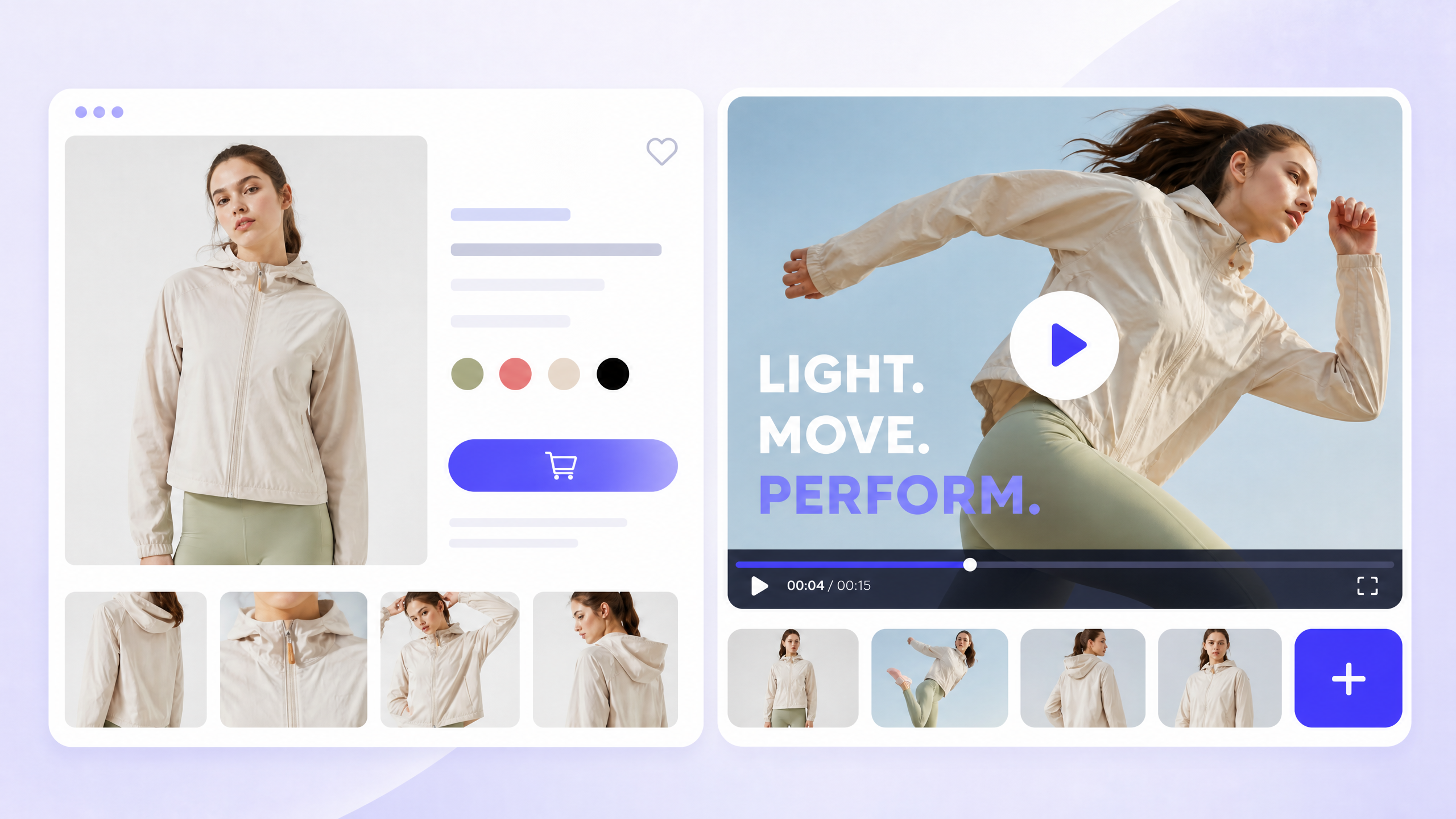
Turn any website or product page into an AI video for product introductions, explainers, and launches.
Paste a page. Turn its message into scenes. Create the video in DeeVid.
WEBPAGE INPUT
Paste a website, landing page, or product page URL to make it the source for your next video.
PAGE-TO-STORYBOARD
Use the page's core message, product details, and calls to action to guide scenes for a clear product story.

DEEVID WORKFLOW
Continue in DeeVid to create and refine a video that introduces your website, product, offer, or launch.