Opus 5.5 Video Generator
Refine your idea and create a video with Opus 5.5, now in DeeVid Agent.
Bring your ideas to life with Opus 5.5.
Start with a prompt, shape the direction, and move from concept to video in one workflow.
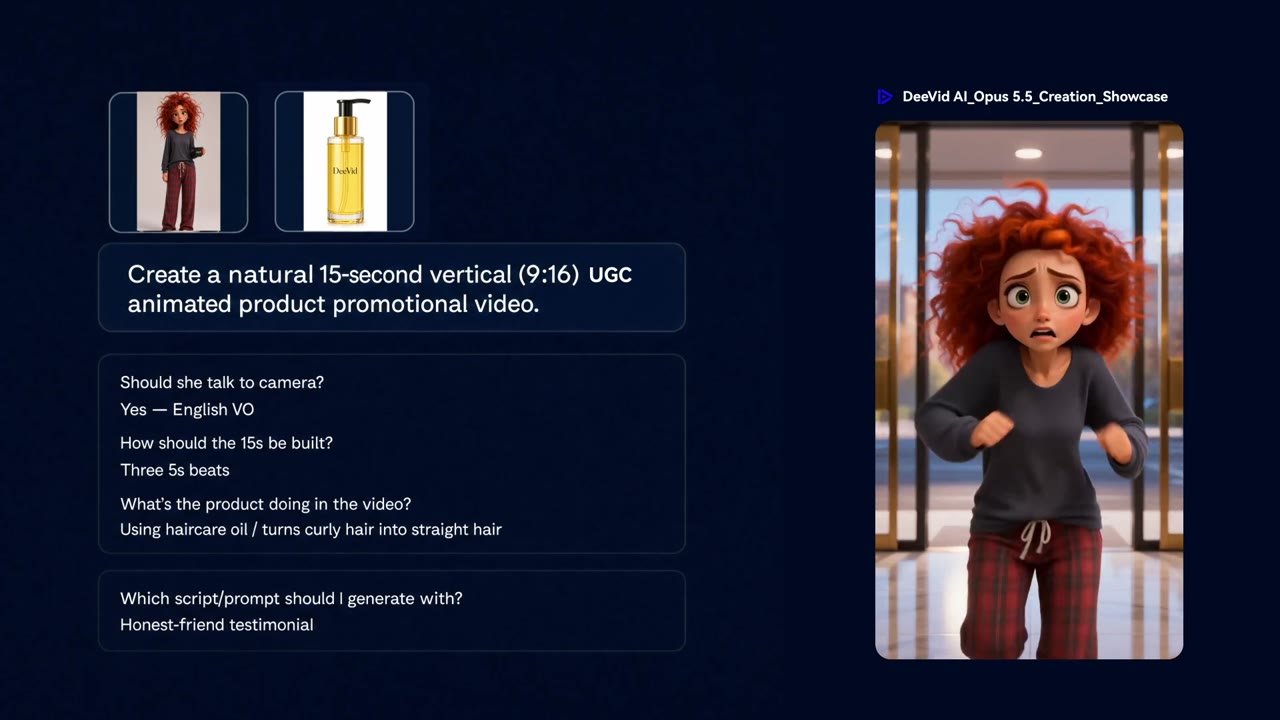
PROMPT TO VIDEO
Start with a simple idea.
Describe the scene, mood, or story you want to create and let Agent shape the direction.
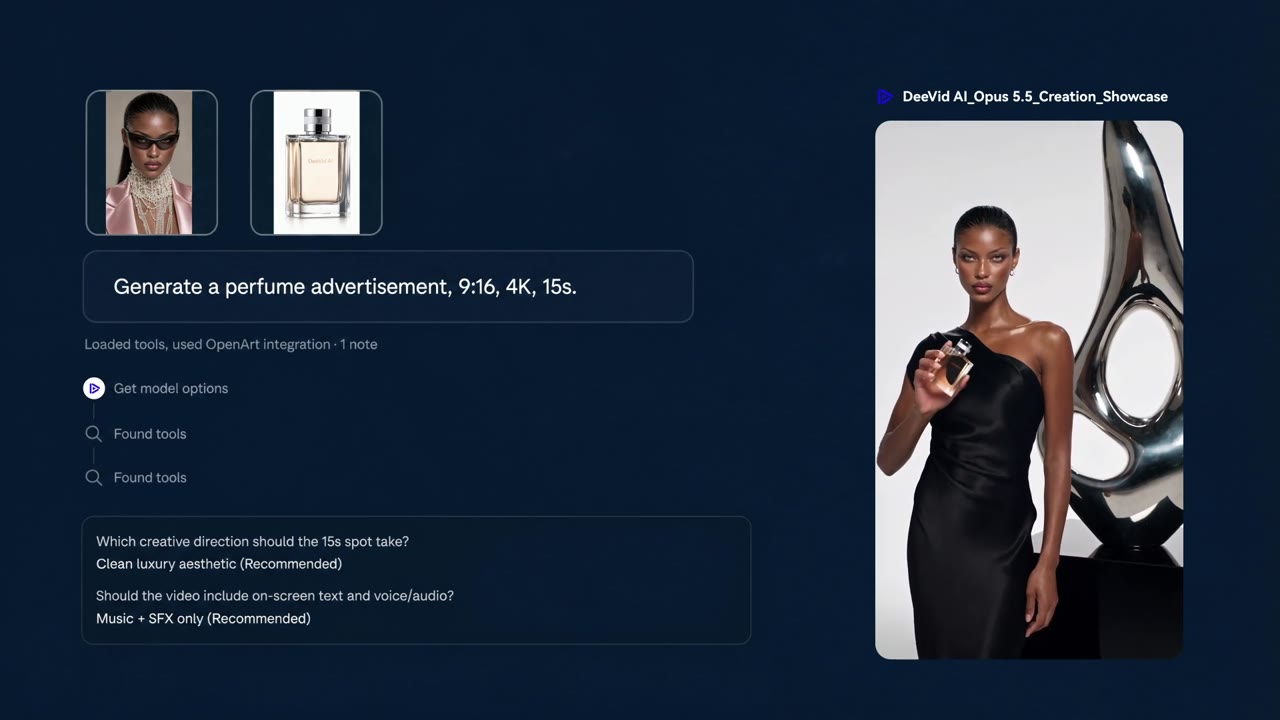
CONTROL THE LOOK
Guide the visual direction.
Refine the subject, composition, motion, and atmosphere before you generate.
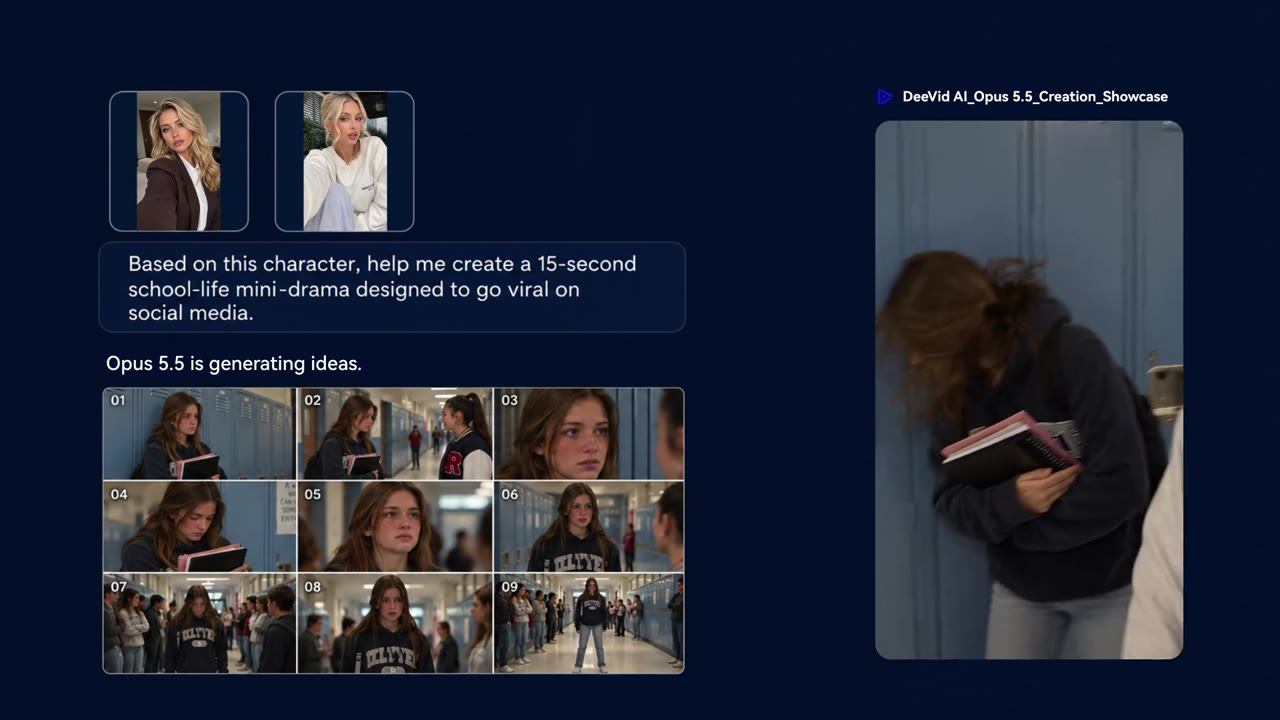
CREATE AND REFINE
Turn the first draft into your video.
Review the result, update your prompt, and keep refining until it feels right.
How Opus 5.5 works on DeeVid
One clear path from an idea to a finished creation.
Step 1
Describe your idea
Write a prompt or upload a source file to give Agent the starting point.
Step 2
Let Agent build the direction
Agent organizes your input into a focused creative plan.
Step 3
Generate and refine
Create your video, review the result, and continue refining in the workflow.
More Creative Tools on DeeVid
AI Video
Generate videos from your ideas and references.

AI Image
Create visuals from a prompt or image.

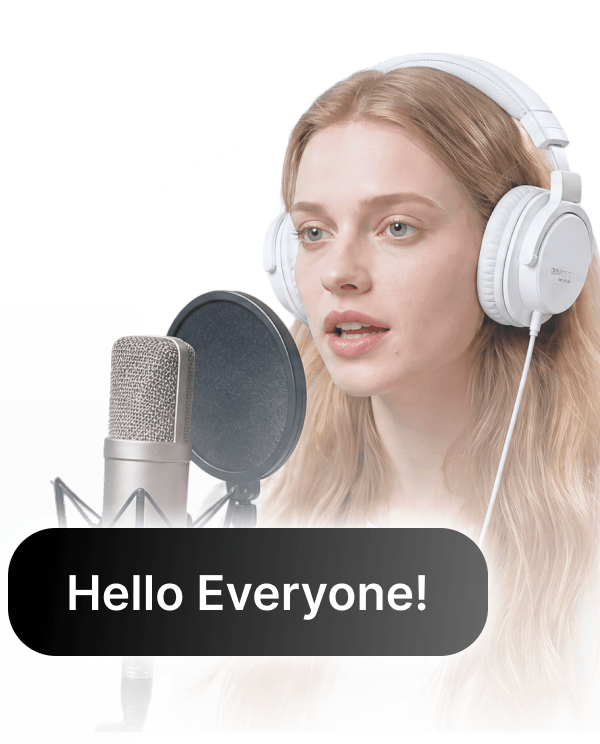
Text to Speech
Turn a script into natural voice.
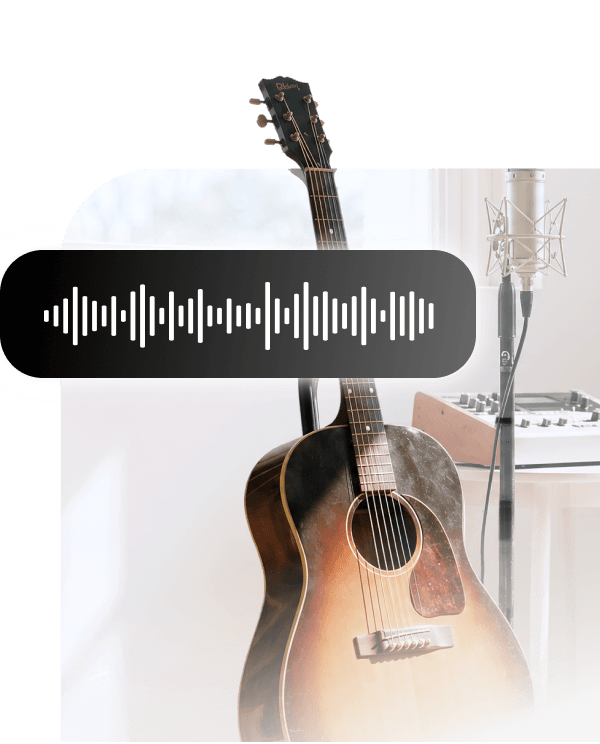
AI Music
Find a soundtrack for every scene.
FAQ
What is Opus 5.5 Video Generator?
It is a DeeVid creation page for starting an AI video workflow with the Opus 5.5 model.
How do I create a video with Opus 5.5?
Describe what you want in the input box, optionally add a source file, and select Create to continue to DeeVid Agent.
Can I refine my video after the first result?
Yes. The input is passed into the Agent workflow so you can review the direction and refine your creation.