Add a source video
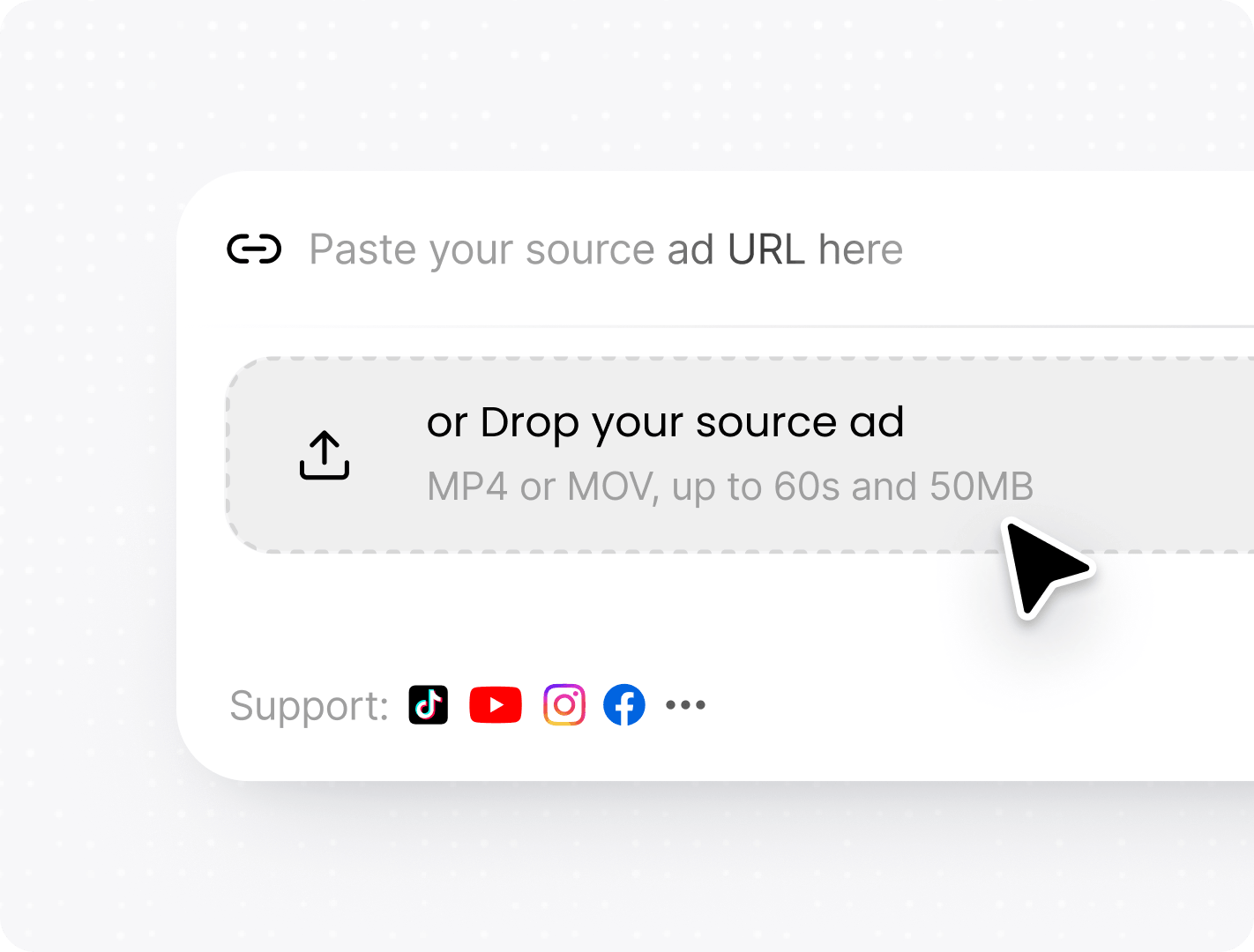
Paste a TikTok, YouTube, X, or Instagram URL, or upload an MP4/MOV file.
YOU GETA reference ready for DeeVid to analyze.
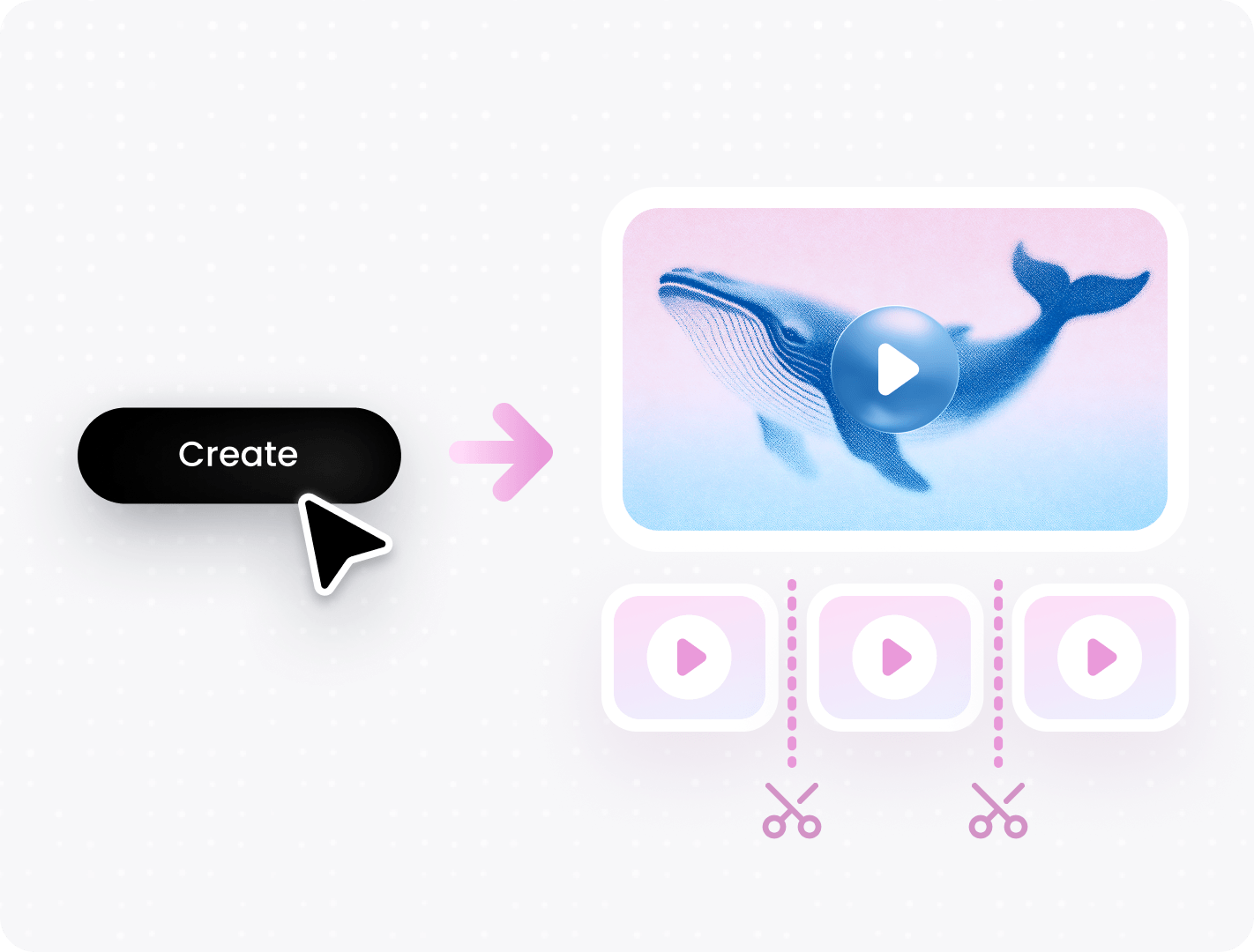
Turn a video you like into a clear creative plan, new clips, and a finished edit. This guide walks you through every step, even if you are new to AI video tools.
Four simple steps take you from a source video to an edit-ready result.
Paste a TikTok, YouTube, X, or Instagram URL, or upload an MP4/MOV file.
Start with what already works, then make it fully yours.
Use a reference as your starting point. You do not need to invent every scene.
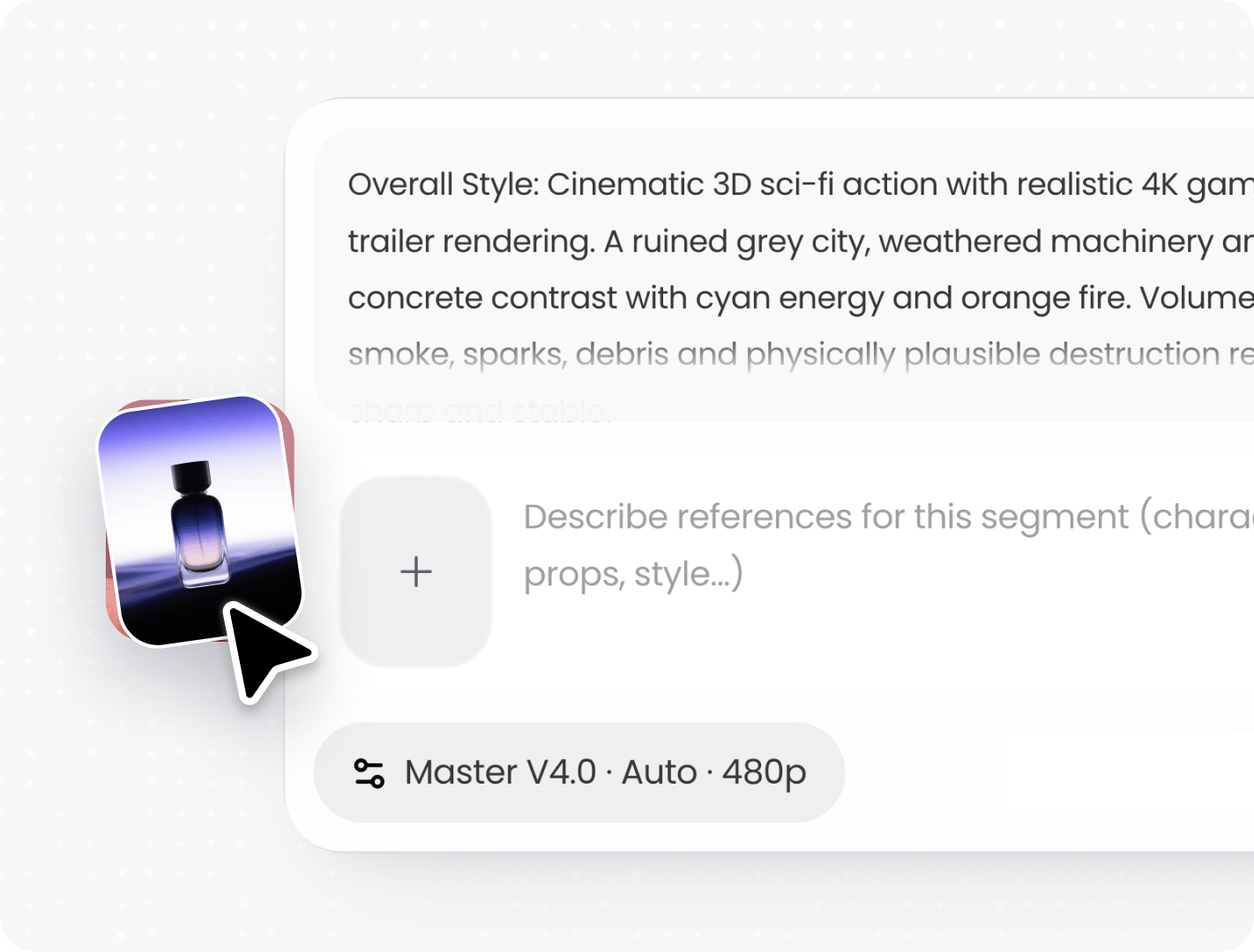
Use your product, people, setting, and style so the video feels unique to your brand.
Follow a proven hook and scene flow, even if this is your first video.
Use these simple habits to get clearer results, spend fewer credits, and reach a finished video sooner.
A short clip with one main action is easier for AI to understand.
Add your product, character, and brand look globally to keep every segment aligned.
Regenerate only the scenes that need changes.
Name the subject, action, setting, and style to reduce unnecessary retries.
Batch-test videos by changing just one asset. Compare the versions to see what works best.
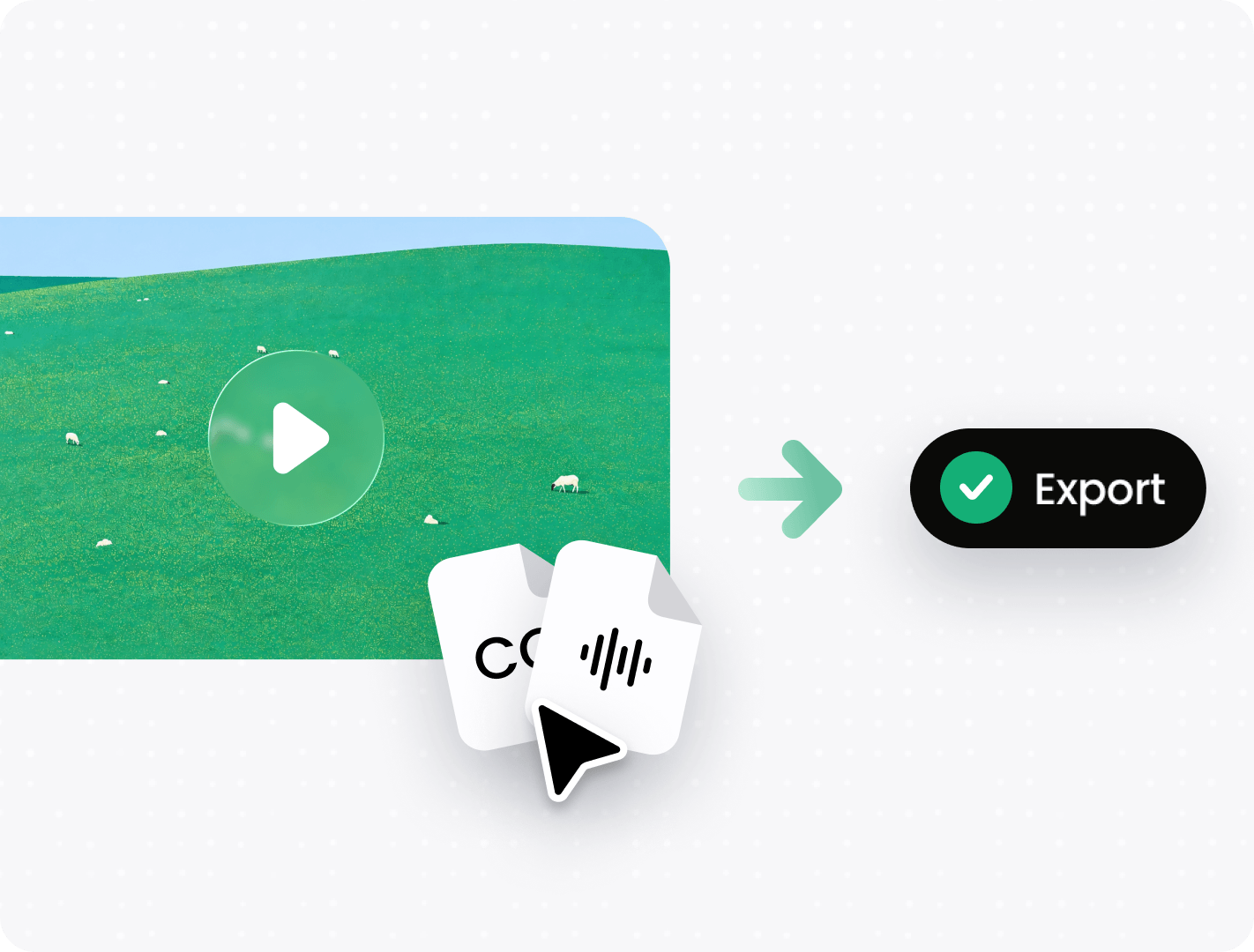
Reorder clips, add music, and add captions without another generation.
Start with one URL or video upload. Viral Studio will help you understand the source before you create the next version.


















Quick answers before you start your first Viral Studio project.