
IMAGE INPUT
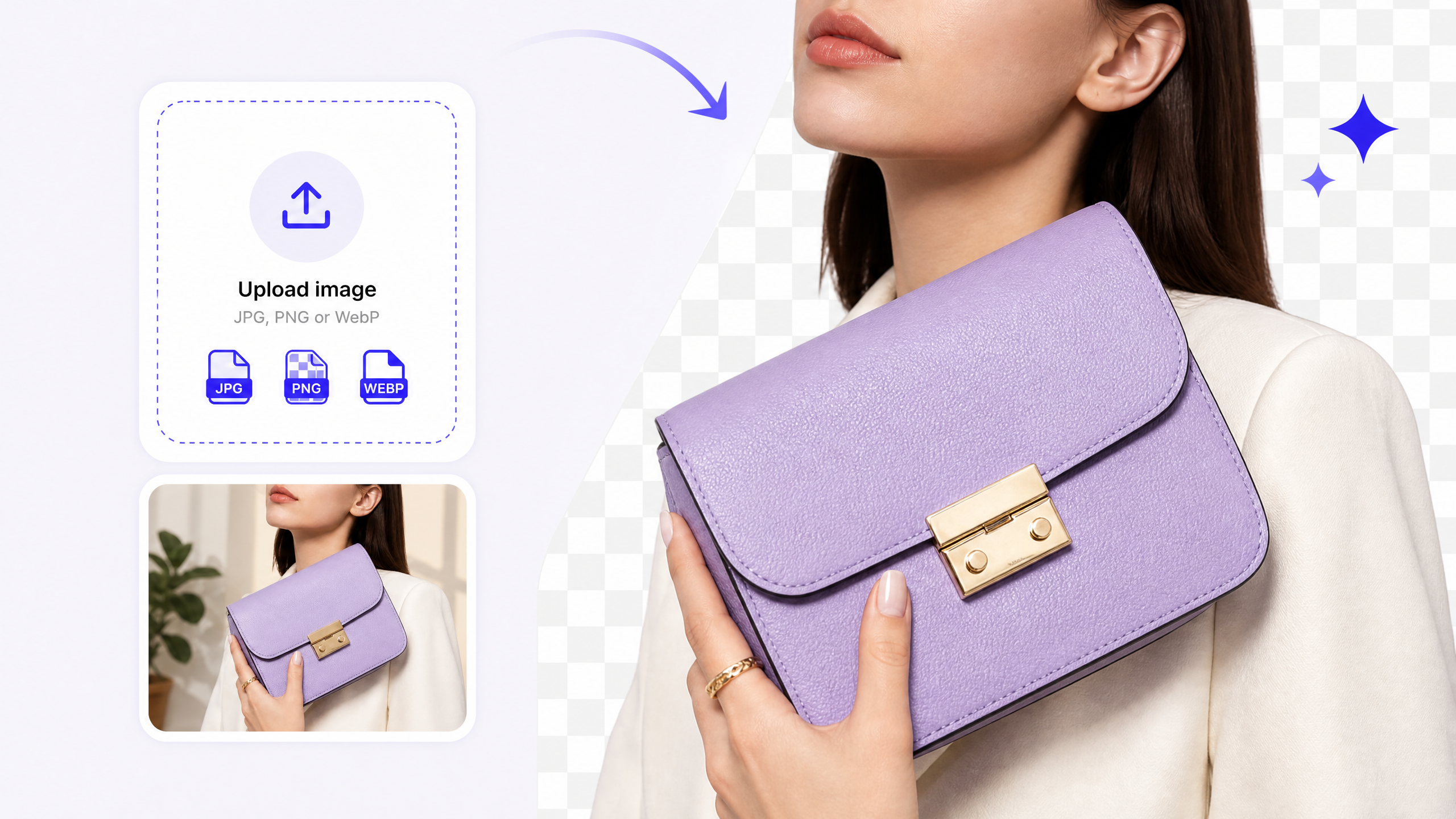
Upload the image you want to clean up.
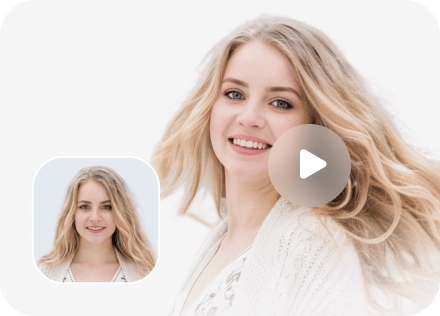
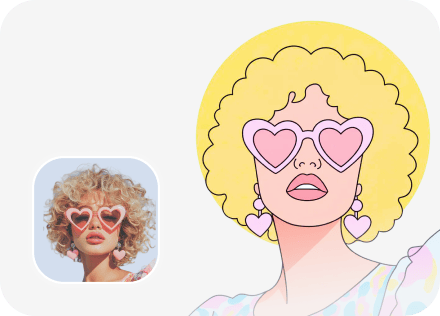
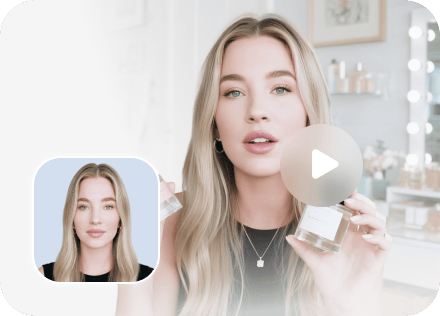
Start with a product photo, portrait, or design and remove the background without redrawing the subject.
- Upload JPG, PNG, or WebP images.
- Keep the subject ready for the next step.
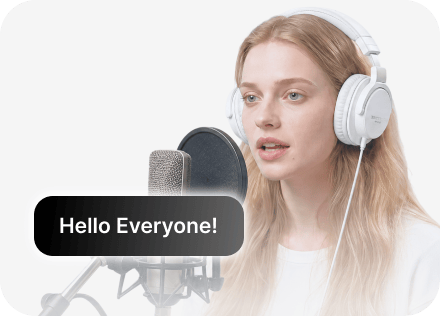
Remove any image background in seconds to create clean visuals from daily photos, travel memories, ceremony shots, and more.
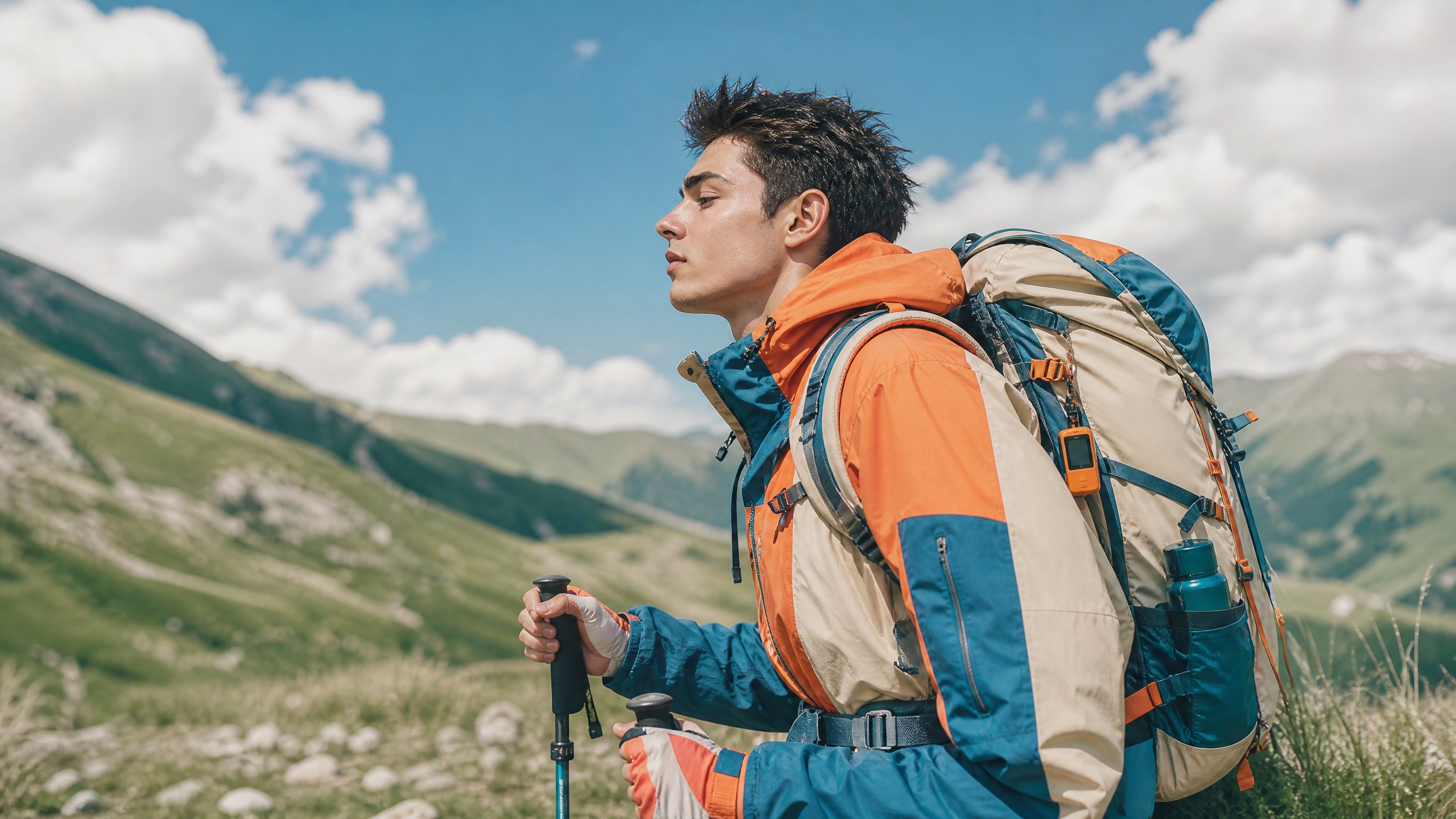
Upload an image, remove the background, and keep creating in DeeVid.
IMAGE INPUT
Start with a product photo, portrait, or design and remove the background without redrawing the subject.
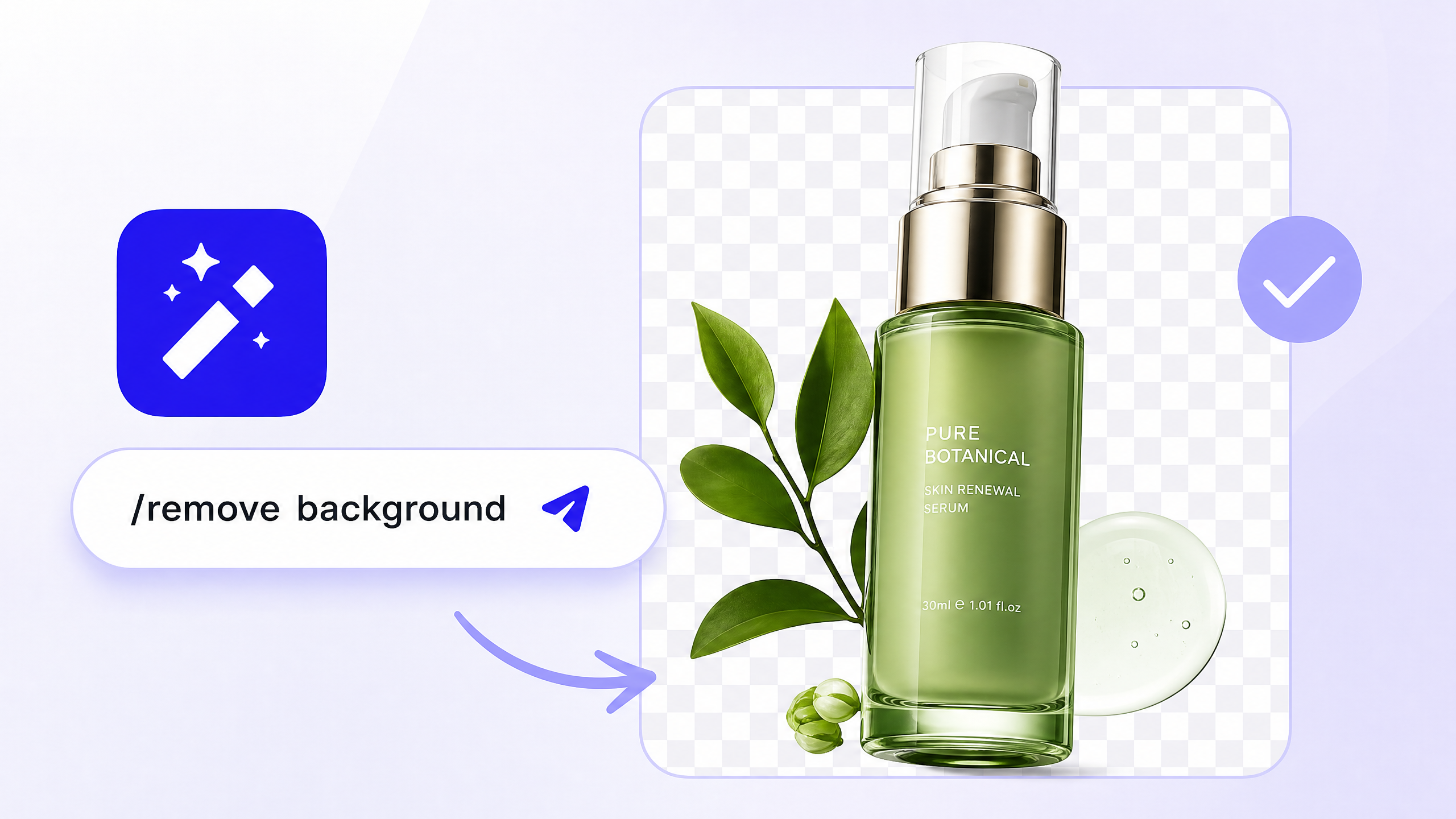
AI BACKGROUND REMOVAL
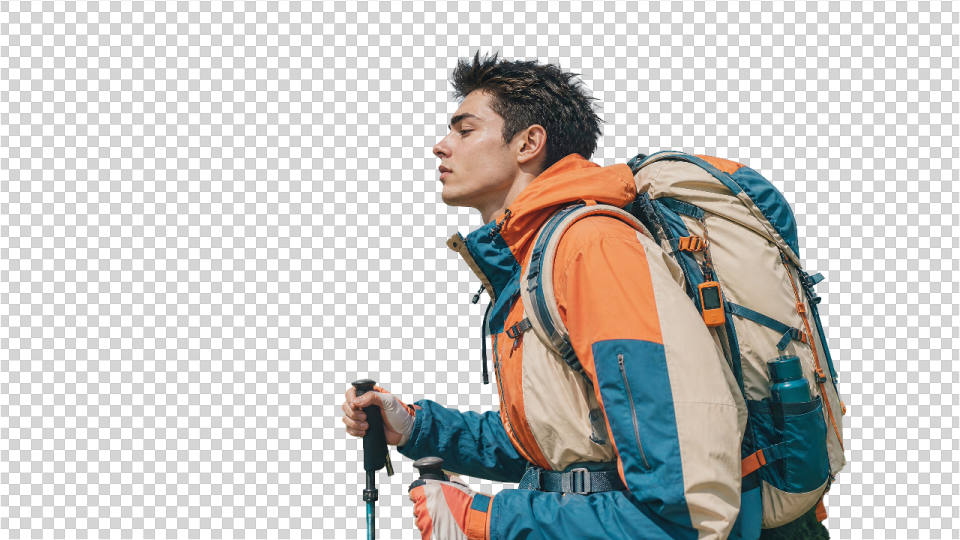
Use the preset prompt to isolate the main subject and create a clean transparent result in seconds.
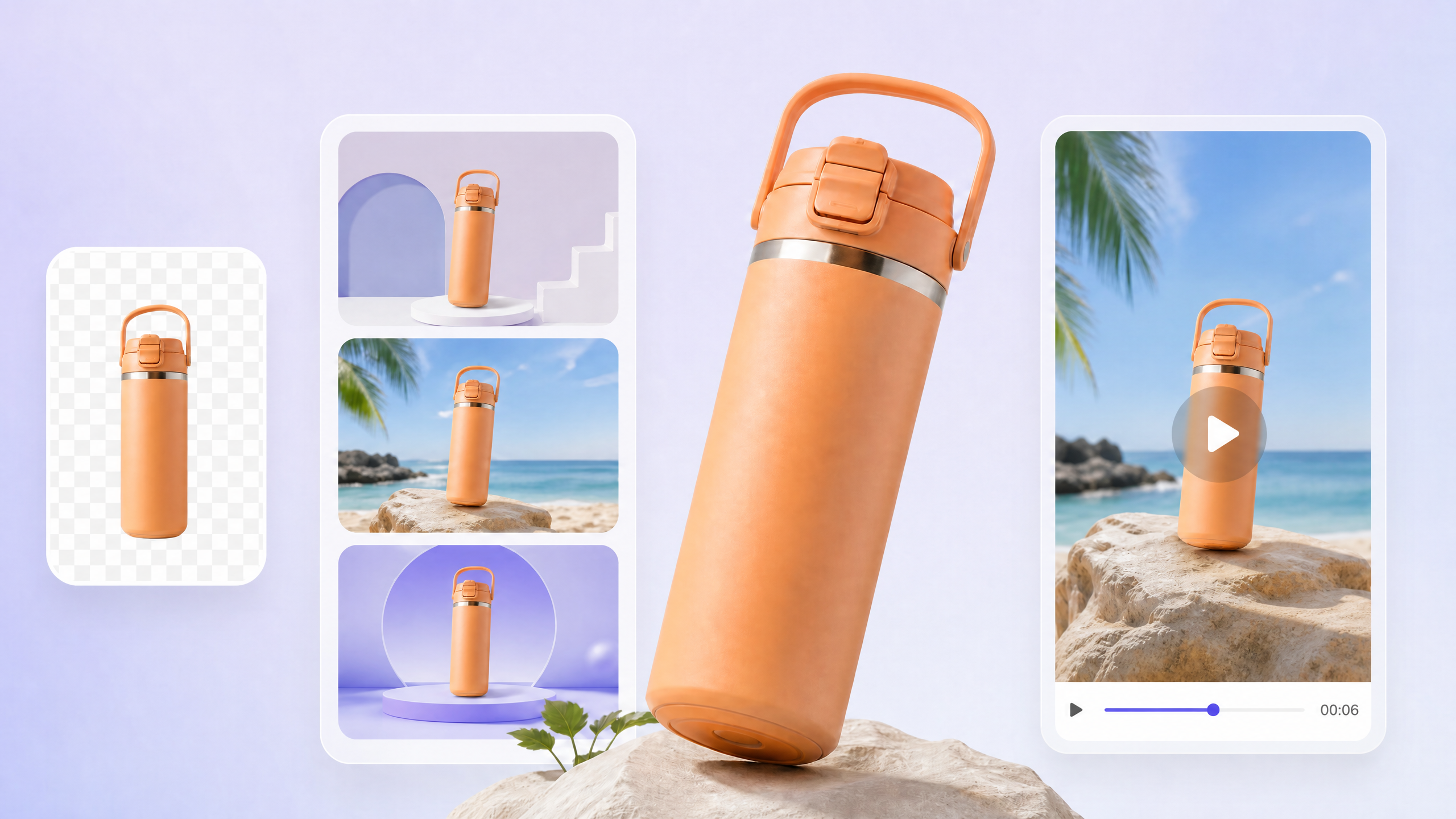
READY TO CREATE
Move the result into DeeVid to add a new background, create product visuals, or turn the image into a video.